
Controlling your home theater with voice commands can elevate your viewing experience by making it more convenient and enjoyable. With just a few simple setup steps, you can command your devices without lifting a finger. This article will guide you through setting up voice control for your home theater system, selecting compatible devices, and optimizing your voice command functionality for seamless entertainment.
![Outdoor-Projector-4K [VIDAA Live TV/40W Dolby/920 ISO] with WiFi6 and Bluetooth Compatible with Netflix, Smart Projector, AI Voice Control & Auto Focus, HDR10, Movie Proyector for Ceiling Home Theater](https://m.media-amazon.com/images/I/51R8227Xr5L._SL500_.jpg)


![Outdoor Projector 4K [VIDAA Live TV/60W Dolby/1450 ISO] with WiFi6 & Bluetooth, Smart Projector Compatible with Netflix, AI Voice Control & Auto Focus, HDR10, Home Theater & Outdoor Movie Proyector](https://m.media-amazon.com/images/I/41a4o2KbbaL._SL500_.jpg)
Understanding Voice Control Technology

Voice control technology has come a long way since its inception. Initially, it was limited to basic commands and struggled with understanding different accents and dialects. Today, with advancements in artificial intelligence and machine learning, voice recognition systems have become remarkably sophisticated. In home theater systems, voice control utilizes a combination of natural language processing (NLP) and machine learning algorithms to interpret spoken commands. This allows users to control not only their televisions but also sound systems, streaming devices, and other smart home gadgets with ease.
At its core, voice recognition works by capturing audio signals through a microphone, converting them into digital data, and then analyzing this data for command recognition. When you speak a command, the system compares your voice against pre-programmed phrases and uses contextual understanding to execute the correct action. This technology makes it easier than ever to enjoy your favorite shows and movies.
Choosing the Right Voice Assistant
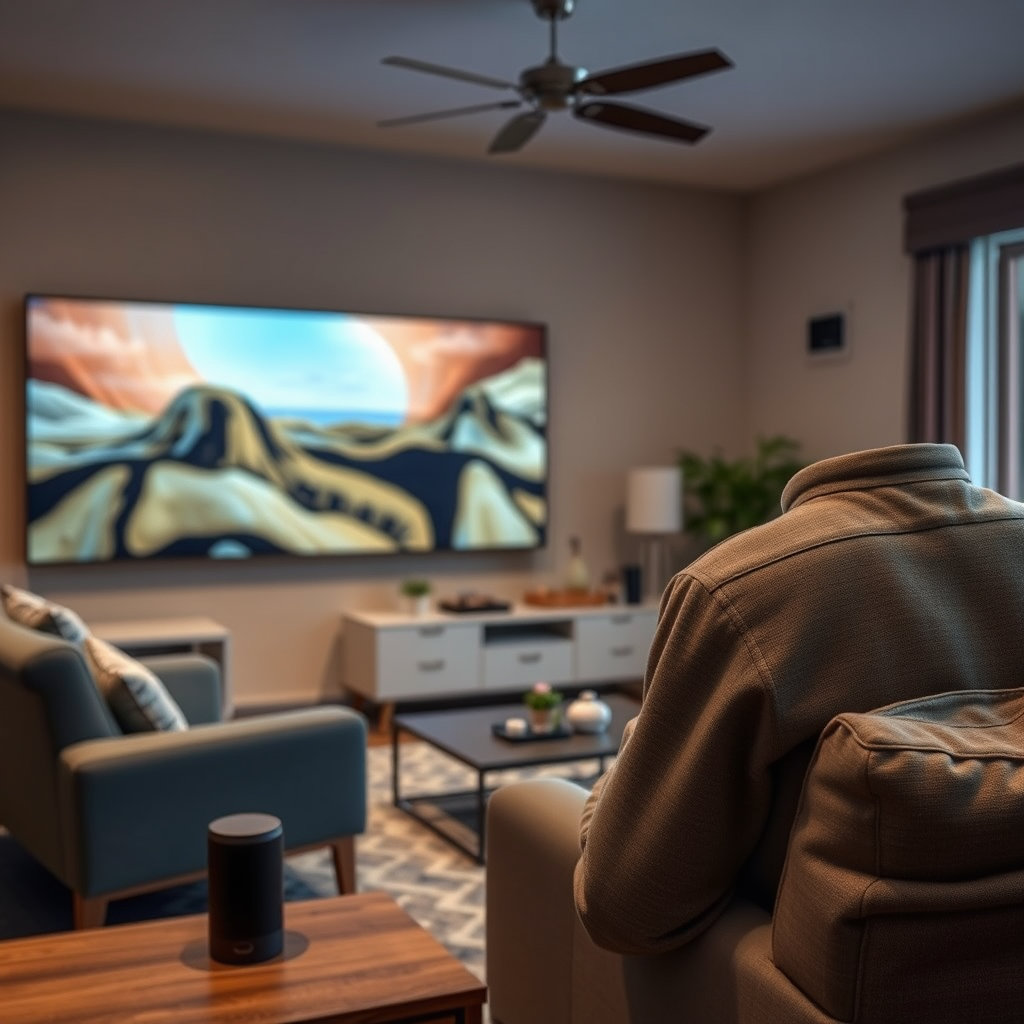
When it comes to selecting a voice assistant for your home theater, you have several popular options: Amazon Alexa, Google Assistant, and Apple Siri. Each of these assistants has its unique strengths and weaknesses, so it’s essential to choose one that fits your setup.
– Amazon Alexa: Known for its vast array of compatible smart home devices, Alexa is a robust choice if you have an extensive ecosystem of smart gadgets. Its voice recognition is reliable, and it offers a wide range of skills for entertainment control.
– Google Assistant: Best known for its integration with Google services, this assistant excels in providing personalized recommendations based on your viewing habits. Google Assistant is also highly capable of answering queries and managing schedules, making it a versatile choice for a home theater system.
– Apple Siri: If you’re an Apple enthusiast with devices like the Apple TV, Siri provides a seamless experience. Although its smart home compatibility is improving, Siri is still more limited than Alexa and Google Assistant in this regard.
Consider factors like the devices you already own, the ecosystem you prefer, and the specific features you value most when selecting the best voice assistant for your home theater setup.
Setting Up Your Home Theater for Voice Control
Getting started with voice control is easier than it may seem. Here’s a step-by-step guide to help you connect your devices to your chosen voice assistant:
1. Choose Your Voice Assistant: Decide on which assistant suits your needs best (as discussed earlier).
2. Connect Your Devices: Ensure your TV, soundbar, and streaming devices are compatible with your chosen assistant. Connect them to the same Wi-Fi network and download the respective app (Alexa, Google Home, or Apple HomeKit) on your smartphone.
3. Add Devices to the App: Open the app and follow the prompts to add your devices. Most modern devices will automatically be detected. If not, you may need to enter a pairing code or use the device manufacturer’s app.
4. Configure Settings: Once your devices are added, customize the settings for optimal performance. This may include adjusting volume levels, setting up routines, or linking additional smart home devices.
5. Test Voice Commands: Start testing basic voice commands to ensure everything is functioning correctly. Commands like “Turn on the TV” or “Play my favorite movie” should yield quick responses.
To enhance voice command performance, consider placing your assistant’s microphone in a central location to minimize background noise interference and improve command recognition.
Compatible Devices for Voice Control
A wide variety of home theater devices support voice commands, including:
– Smart TVs: Most modern smart TVs come equipped with built-in voice assistants or can be integrated with external ones. Brands like Samsung, LG, and Sony offer excellent compatibility.
– Soundbars: Many soundbars, such as those from Sonos or Bose, support voice control, allowing you to adjust volume or switch inputs with simple commands.
– Streaming Devices: Devices like Amazon Fire TV, Roku, or Google Chromecast can be controlled via voice, letting you search for content or launch apps effortlessly.
In addition to these, consider integrating other smart home devices like smart lights, thermostats, or smart speakers to create a more cohesive voice-controlled environment. This integration can amplify the convenience of your home entertainment experience.
Common Voice Commands for Home Theater Control
Mastering a few key voice commands can drastically improve your home theater experience. Here are some examples of useful commands:
– Playback Control: “Play [movie/series name],” “Pause,” “Rewind 30 seconds,” or “Skip to next episode.”
– Volume Management: “Increase the volume,” “Set volume to 50%,” or “Mute the TV.”
– Input Switching: “Switch to HDMI 1,” or “Change input to Apple TV.”
– General Commands: “Turn on the home theater,” “What’s on TV tonight?” or “Show me action movies.”
For personalized control, consider creating custom commands or routines in your voice assistant app. For example, you can set a routine called “Movie Night” that dims the lights, turns on the TV, and sets the soundbar to your preferred volume.
Troubleshooting Voice Control Issues
While voice control is largely intuitive, users may encounter some common issues. Here are a few troubleshooting tips to keep in mind:
1. Unresponsive Commands: If your voice assistant isn’t responding, ensure it’s connected to Wi-Fi and the devices are powered on. You may need to restart your voice assistant or the connected devices.
2. Misunderstood Commands: If the assistant misinterprets your commands, make sure you’re speaking clearly and directly into the microphone. Ambient noise can also interfere, so try to minimize distractions.
3. Device Compatibility Issues: Double-check that all devices are compatible with your chosen voice assistant. If a device isn’t responding, it may require a firmware update.
4. Voice Recognition Settings: Some voice assistants allow you to train them to better recognize your voice. If you frequently have issues, consider retraining the assistant to improve accuracy.
By following these best practices, you can maintain a smooth voice control experience and troubleshoot issues quickly.
Future Trends in Voice Control for Home Entertainment
As technology continues to evolve, the future of voice control in home theaters looks promising. We can expect advancements such as enhanced natural language processing, which will allow for more complex and conversational interactions. Voice assistants may soon integrate with augmented reality (AR) and virtual reality (VR), enabling immersive home entertainment experiences.
Moreover, the rise of AI-driven recommendation systems could lead to personalized viewing experiences based on your preferences and habits. Imagine saying, “Surprise me with a movie,” and your assistant selecting a film tailored to your tastes.
As smart home ecosystems continue to expand, the interoperability between devices will improve, making voice control even more seamless and intuitive. The future of home entertainment is bright, and voice control will play a significant role in shaping it.
Embracing voice control technology in your home theater can transform how you enjoy entertainment. By understanding the technology, choosing the right assistant, setting up your system correctly, and using common commands, you can create a truly enjoyable experience. Take the plunge, integrate this technology, and watch your movie nights become even more magical!
Frequently Asked Questions
What devices do I need to control my home theater with voice commands?
To control your home theater with voice commands, you’ll need a smart speaker or voice assistant device, such as Amazon Echo, Google Nest, or Apple HomePod. Additionally, ensure that your home theater components, like your TV, sound system, or streaming device, are compatible with voice control systems and can connect via Wi-Fi or Bluetooth. Many of these devices support integrations with smart home hubs like SmartThings or Hubitat, enhancing your voice command capabilities.
How can I set up voice control for my home theater system?
Setting up voice control for your home theater involves linking your smart speaker with your devices through their respective apps. For example, if using Alexa, enable the relevant skills for your TV or streaming service via the Alexa app. Once linked, you can use specific commands to control functions like powering on/off, adjusting volume, or changing inputs, making it easy to manage your entertainment experience hands-free.
Why is my voice control not working with my home theater system?
If voice control isn’t functioning with your home theater, check the compatibility of your devices and ensure they are properly connected to the same Wi-Fi network as your smart speaker. Additionally, verify that the necessary skills or integrations are enabled in your voice assistant app. If problems persist, try rebooting your devices or reviewing the voice commands you’re using to ensure they are supported.
What are the best voice commands to use for controlling my home theater?
The best voice commands for controlling your home theater often depend on the devices you have. Common commands include “Alexa, turn on the TV,” “Hey Google, play [movie title] on [streaming service],” or “Siri, increase the volume.” It’s helpful to familiarize yourself with the specific phrases supported by your voice assistant and the devices connected to ensure smooth operation.
Which smart home systems work best with home theater voice commands?
The best smart home systems for voice command control of your home theater include Amazon Alexa, Google Assistant, and Apple HomeKit. These platforms offer extensive compatibility with a wide range of devices, from TVs to sound systems, and allow for seamless integration when voice commands are issued. Choosing a system that aligns with your existing devices will ensure a more cohesive and satisfying smart home experience.
References
- Home automation
- https://www.cnet.com/tech/home-entertainment/how-to-set-up-your-home-theater-for-voice-control/
- https://www.techhive.com/article/3292822/how-to-set-up-voice-control-for-your-home-theater.html
- https://support.google.com/googlenest/answer/9548884?hl=en
- https://www.wired.com/story/home-theater-voice-control/
- https://www.consumerreport.org/home-theater/how-to-set-up-a-home-theater-system-a6560500693/
- https://www.nytimes.com/wirecutter/blog/smart-home-voice-control/
- https://www.techradar.com/how-to/how-to-use-google-assistant-to-control-your-home-theater