
Connecting your home theater system to a smart home hub is a straightforward process that can significantly enhance your entertainment experience. By doing so, you can easily control your devices from a single interface, streamline your automation routines, and enjoy seamless integration with other smart devices in your home. This guide will walk you through each step of the connection process, ensuring you can sit back, relax, and enjoy your favorite movies and shows with just a few taps or voice commands.



Understanding Your Home Theater System
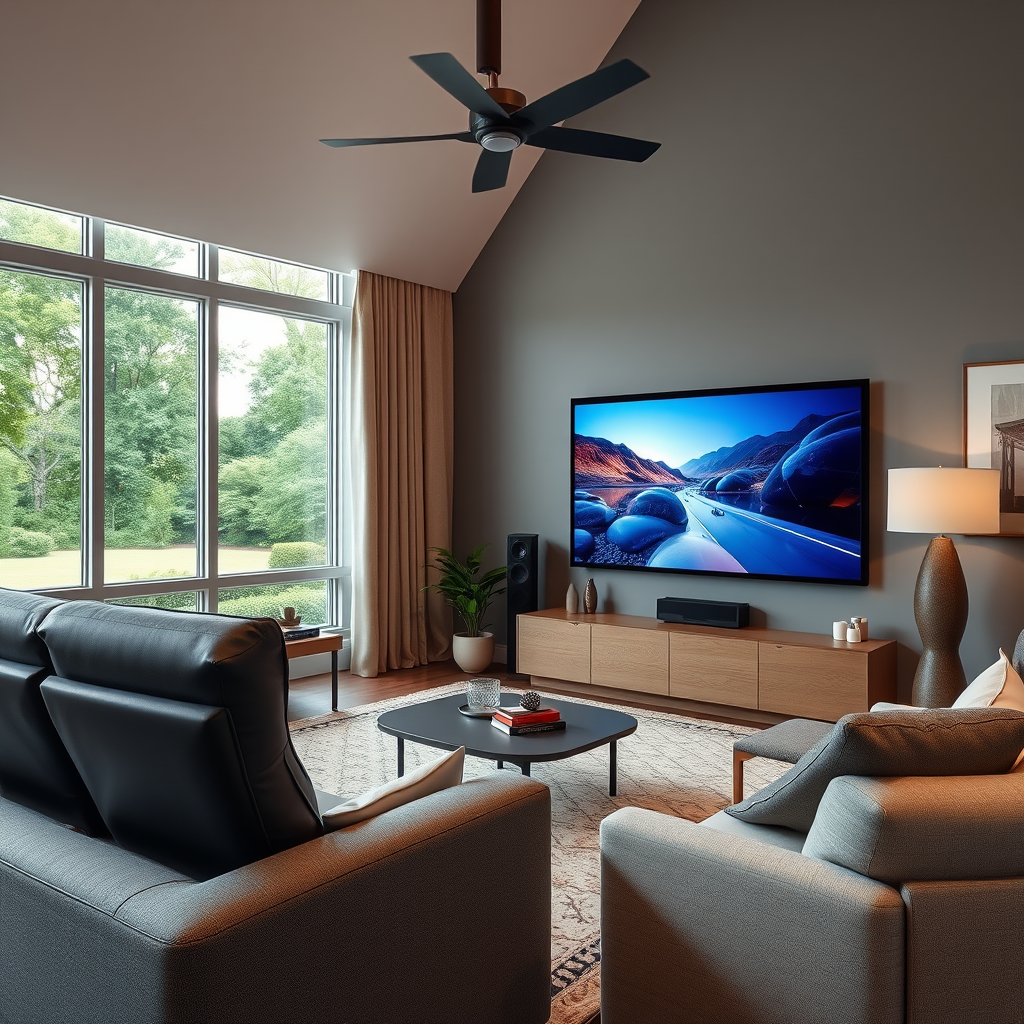
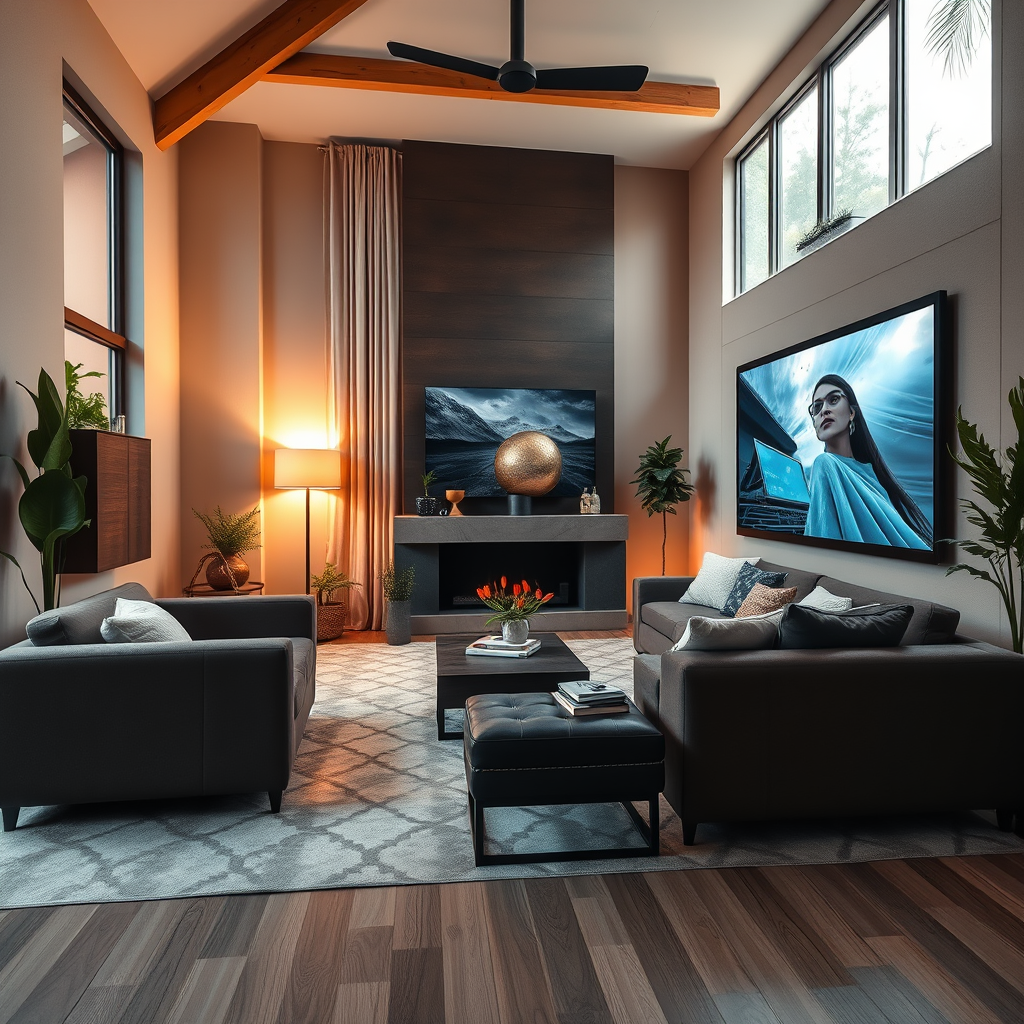
To effectively connect your home theater system to a smart home hub, the first step is understanding the key components involved. A typical home theater setup includes a television, a receiver (which acts as the central hub for audio), and speakers. High-definition televisions (HDTVs) often come with various input options, while receivers can support multiple audio formats and device connections.
Familiarity with connectivity options is equally important. HDMI (High-Definition Multimedia Interface) is the most common connection for modern devices, providing high-quality audio and video through a single cable. Optical cables offer an alternative for audio connections, particularly for older devices. Bluetooth is another option for wireless connectivity; however, it may not always provide the same audio quality as wired connections. Understanding these components and their connectivity options is crucial in ensuring a smooth integration with your smart home hub.
Choosing the Right Smart Home Hub
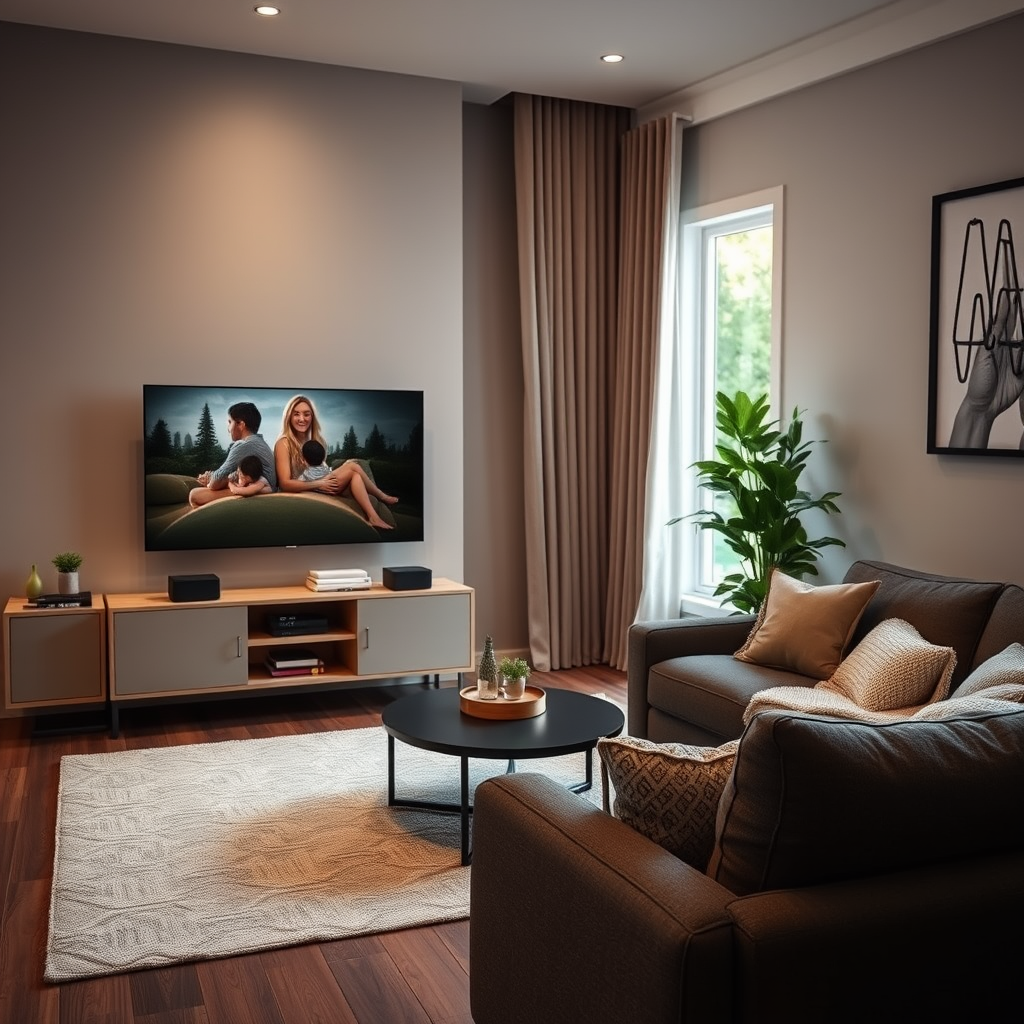
When it comes to selecting a smart home hub, several popular options stand out, each offering unique features and compatibility with various devices. Amazon Echo provides robust voice control through Alexa, while Google Nest works seamlessly with Google Assistant. Apple HomeKit is ideal for Apple users, offering an intuitive interface for iOS devices.
Before making a decision, it’s essential to ensure that the smart home hub you choose is compatible with your home theater equipment. Check for compatibility with your devices, including the receiver, smart TVs, and any streaming boxes you may have. Some hubs may require additional setup or special settings to work optimally with your specific home theater components. Reading customer reviews and consulting product specifications can help you make an informed choice.
Setting Up Your Smart Home Hub
Once you’ve chosen the right smart home hub, it’s time to set it up. Start by following the manufacturer’s instructions for installation and configuration. This usually involves plugging the hub into a power source, connecting it to your home Wi-Fi network, and downloading the corresponding app on your smartphone or tablet.
Make sure to connect the hub to your home Wi-Fi network for optimal performance. A stable internet connection is essential for executing commands and automating routines. If you’re using a hub that supports Ethernet, consider using a wired connection to enhance reliability. Once your hub is powered and connected, you’ll be ready to start integrating your home theater system.
Connecting Your Home Theater to the Hub
Now comes the exciting part: connecting your home theater system to the smart home hub! Begin by using the appropriate cables for your devices, ensuring that everything is securely plugged in. For example, if you’re using an HDMI connection, plug one end into your TV and the other into the receiver.
Next, pair your home theater components with the smart home hub via the app. Most hubs have a user-friendly interface that guides you through the pairing process. This step may involve selecting the device type, entering codes, or even following on-screen prompts to complete the connection. Once paired, you’ll be able to control your home theater from the hub’s app or through voice commands, making it easier to switch between inputs, adjust volume, and more.
Configuring Automation and Control
With your home theater system connected, it’s time to explore automation and control options. Most smart home hubs allow you to set up routines that can simplify your daily tasks. For instance, you could create a “Movie Night” routine that turns on your TV, dims the lights, and sets the volume to your preferred level—all with a single voice command or tap in the app.
Additionally, you can integrate your favorite streaming services, such as Netflix, Hulu, or Amazon Prime Video, directly into the hub’s control system. This means you can search for shows and movies without needing to switch between multiple remotes or apps. Smart lighting can also enhance your home theater experience; consider installing smart bulbs that adjust brightness and color based on the content you’re watching, offering an immersive experience.
Troubleshooting Common Issues
While connecting your home theater system to a smart home hub is generally straightforward, you may encounter issues along the way. Start by checking for connectivity problems between the hub and your devices. Ensure that all components are powered on and connected to the same Wi-Fi network.
If you’re experiencing lag or connection dropouts, updating the firmware and software for both the hub and your home theater components can often resolve these issues. Most devices will prompt you when updates are available, but you can also check the manufacturer’s website for guidance. If problems persist, consult the user manuals or online forums for troubleshooting tips specific to your setup.
Enhancing Your Smart Home Experience
Once your home theater system is connected and functioning smoothly, consider adding additional smart devices to further enhance your automation experience. Smart plugs can control non-smart devices, turning them into smart ones, while smart lighting can create the perfect ambiance for your movie nights.
Exploring voice control options is also a game-changer. With voice commands, you can easily adjust settings without needing to fumble for a remote. Imagine saying, “Hey Google, play my favorite movie,” and watching as your system springs to life. This kind of hands-free operation can make your home entertainment experience much more enjoyable and convenient.
Summarizing the steps to connect your home theater to a smart home hub can significantly enhance your entertainment experience. Begin by assessing your equipment and selecting the right hub, followed by proper setup and configuration. Don’t hesitate to explore additional smart devices for a more integrated system. Take the plunge into smart home integration and enjoy the convenience it brings!
Frequently Asked Questions
How do I determine if my home theater system is compatible with a smart home hub?
To determine compatibility, first check the specifications of your home theater system and smart home hub. Look for supported protocols such as Wi-Fi, Bluetooth, or Zigbee, as well as any specific apps or integrations that your devices may offer. You can also consult the manufacturer’s documentation for both your home theater and smart hub to confirm compatibility.
What steps should I take to connect my home theater system to a smart home hub?
Start by ensuring that both your home theater system and smart home hub are powered on and connected to the same Wi-Fi network. Next, use the app associated with your smart home hub to add a new device; follow the prompts to discover your home theater system. Finally, if required, enter any setup codes or complete the pairing process as instructed in the app.
Why should I connect my home theater to a smart home hub?
Connecting your home theater to a smart home hub enhances your entertainment experience by allowing for centralized control of devices, streamlined automation, and voice command capabilities. This integration can simplify tasks such as adjusting volume, switching inputs, or dimming lights, making your home theater system more user-friendly and versatile.
What is the best smart home hub for connecting a home theater system?
The best smart home hub for your home theater system often depends on the specific devices you own. Popular options include Samsung SmartThings for its wide compatibility, Amazon Echo Plus for its voice control features, and Google Nest Hub for seamless integration with Google services. Evaluate each option based on its compatibility with your existing devices and features that suit your needs.
Which common issues should I troubleshoot if my home theater won’t connect to my smart home hub?
If your home theater system won’t connect, first check that both devices are on the same Wi-Fi network and powered on. Ensure that any necessary firmware updates are installed. If the connection still fails, try restarting both devices and re-attempting the setup process. Additionally, refer to the user manuals for troubleshooting tips specific to your devices, as this can provide targeted solutions for common connectivity problems.
References
- Home automation
- https://www.wired.com/story/smart-home-hub-guide/
- https://www.techhive.com/article/3291231/how-to-build-a-smart-home.html
- https://www.consumerreports.org/smart-home-devices/how-to-choose-a-smart-home-hub-a3203237838/
- https://www.cnet.com/home/smart-home/how-to-set-up-a-smart-home-hub/
- https://www.energy.gov/articles/smart-home-technology-and-energy-efficiency
- https://www.digitaltrends.com/home-theater/how-to-connect-your-home-theater-to-smart-home-hub/

3 thoughts on “How to Connect Your Home Theater System to a Smart Home Hub”