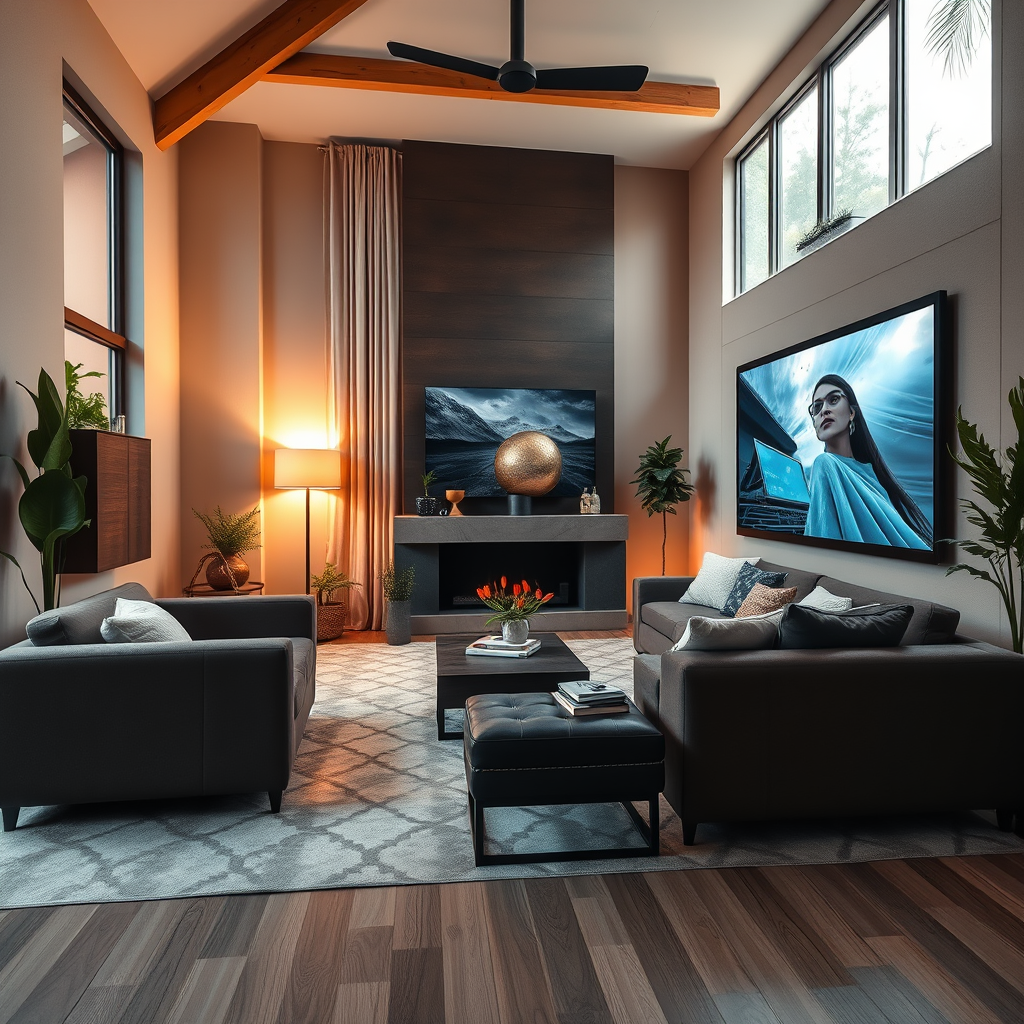
Automating your home theater can transform your entertainment space into a sophisticated, hands-free oasis. By integrating smart technology, you can control your devices with voice commands and enjoy a seamless experience while watching movies, listening to music, or diving into gaming adventures. This guide will walk you through essential steps to create an immersive home theater environment that caters to your every whim.



Choose the Right Smart Devices
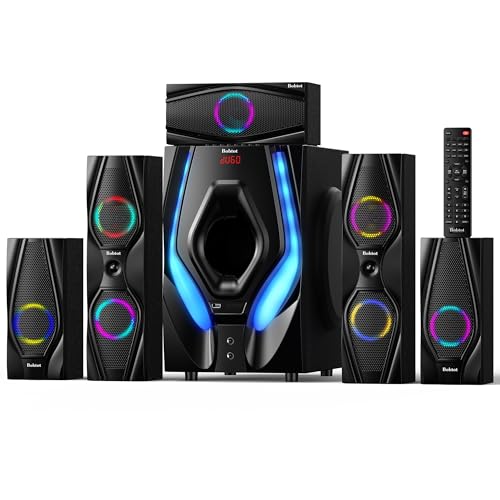
The first step in automating your home theater is to select the right smart devices that will work together seamlessly. Begin by researching options such as smart TVs, sound systems, streaming devices, and smart hubs. Look for devices that are compatible with each other as well as with your existing home network. Brands like Sonos for sound systems or Samsung for smart TVs are known for their compatibility with various smart home ecosystems.
Ensure that the devices you choose can connect to your Wi-Fi network and support protocols like Zigbee or Z-Wave. This connectivity allows for smoother integration and communication between devices. For instance, if you’re investing in smart lighting, make sure it can be controlled through your smart hub or voice assistant. Doing your homework upfront will save you time and frustration later on when you start setting up your system.
Set Up a Centralized Control System
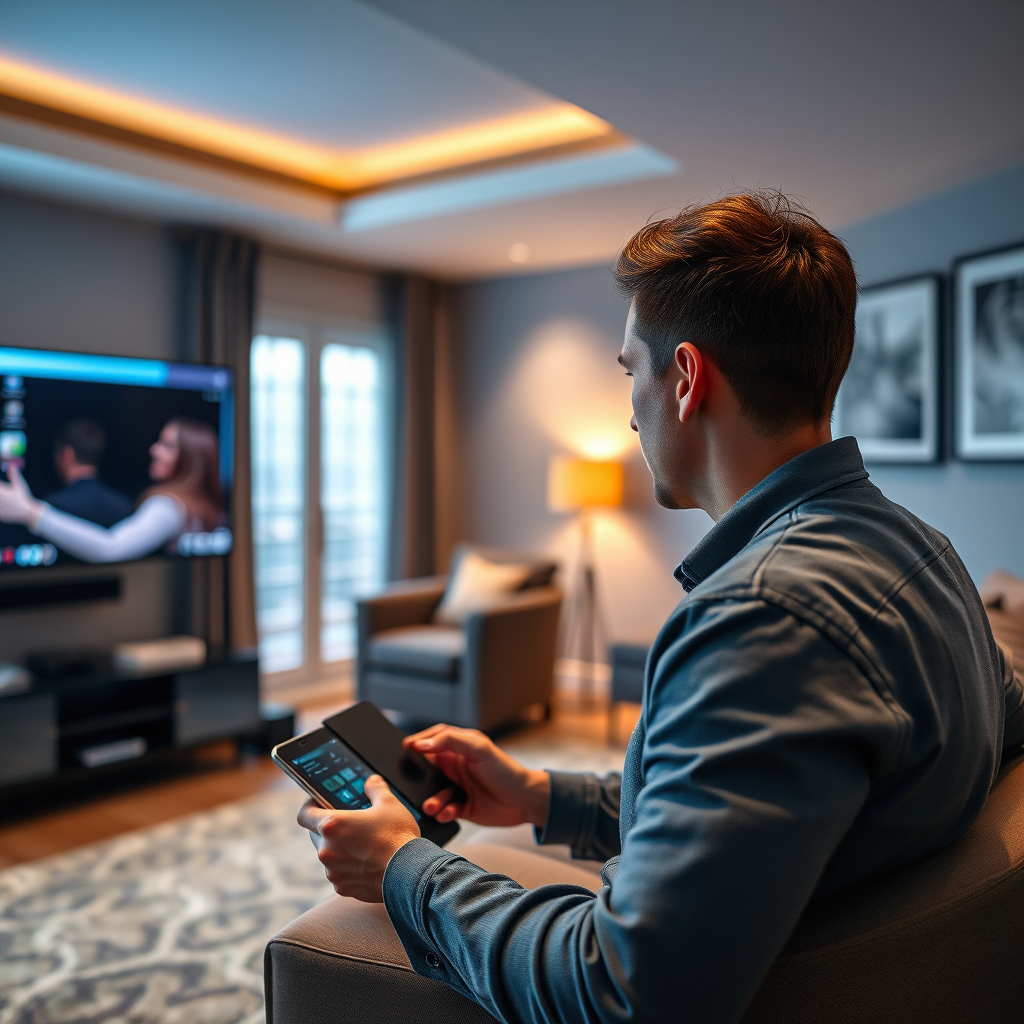
Once you have your smart devices selected, the next step is to establish a centralized control system. A smart hub can be a game changer here, allowing you to manage all your devices from one interface. Popular options like the Amazon Echo Plus or Samsung SmartThings Hub enable you to control everything from lights to sound systems through a single app or command.
Consider also using smartphone apps that correspond with your devices, as they often provide enhanced features and control options. If you prefer a more tactile experience, universal remotes from brands like Logitech can consolidate your remote control needs into one device. This setup not only declutters your space but also simplifies the process of switching between devices, making your entertainment experience much more enjoyable.
Implement Voice Control Features
Incorporating voice control into your home theater can take your automation to the next level. Choose a voice assistant that is compatible with your selected devices—Amazon Alexa and Google Assistant are two of the most popular options available. These assistants can control playback, adjust volume, and switch between devices, all without the need for physical remotes.
To set this up, start by linking your devices to your voice assistant through their respective apps. You’ll find that many devices have built-in support for these assistants, making the setup process relatively straightforward. Create voice commands that suit your lifestyle, such as “Movie time!” to dim the lights, close the curtains, and start your favorite film. This hands-free operation not only adds convenience but also enhances the overall atmosphere, making your home theater feel like a real cinematic experience.
Create Automated Scenes and Routines
One of the most exciting aspects of home theater automation is the ability to create customized scenes and routines. This feature allows you to program specific settings for various activities, such as movie nights, game days, or even a cozy evening of music.
For instance, you could set a “Movie Night” scene that dims the lights, adjusts the thermostat, and turns on your projector or smart TV, all with a single command. Most smart hubs and assistant apps allow you to create and save these scenes easily. You can also set time-based routines, like having your home theater automatically wake up and set itself for a Saturday morning cartoon session at 9 a.m. This level of personalization not only enhances your experience but also makes your home theater a welcoming space for family and friends.
Enhance Connectivity with Smart Home Integration
To fully realize the potential of your automated home theater, consider integrating it with other smart home features. Linking your home theater system to your smart lighting, security systems, and even smart thermostats can create a cohesive environment that enhances comfort and security.
For example, imagine a scenario where your smart security system detects motion and automatically switches on the lights in your home theater when you arrive home. Or, if you have smart blinds, they could close automatically when you start a movie to create the perfect viewing environment. Before diving into these integrations, ensure your home network can handle the increased demand for data transfer, especially if you are streaming high-definition content.
Troubleshoot Common Automation Issues
Even the most well-planned automation setups can encounter hiccups, so it’s essential to be prepared for common issues. Connectivity problems between devices can often arise due to Wi-Fi interference, outdated software, or compatibility issues. Regularly check your device connections and ensure that they are updated to the latest firmware.
If you experience issues, rebooting your smart hub or router can often resolve these glitches. Additionally, familiarize yourself with the troubleshooting guides provided by the manufacturers of your devices. Joining online forums or communities can also be beneficial, as they can provide insights and solutions from others who have faced similar challenges.
Maintain and Upgrade Your System
Finally, to keep your home theater automation running smoothly, it’s crucial to maintain and upgrade your system regularly. Technology is always advancing, and new devices or features can significantly enhance your entertainment experience. Keep an eye out for new smart home products that could integrate well with your current setup.
Consider conducting a yearly assessment of your devices to identify any new technology that could improve performance or usability. Staying informed about the latest advancements in home theater technology, such as 8K streaming or advanced sound systems, will help you keep your system cutting-edge and aligned with your entertainment needs.
By following these steps, you’ll be well on your way to enjoying a fully automated home theater that enhances your entertainment experience. Embrace technology to create a space that caters to your preferences, and don’t hesitate to explore new devices and integrations to keep evolving your setup. With a little planning and creativity, your home theater can become a sanctuary of relaxation and enjoyment for you and your loved ones.
Frequently Asked Questions
What are the essential components needed to automate my home theater for a hands-free experience?
To automate your home theater effectively, you’ll need a few essential components: a smart hub (like SmartThings or Hubitat), smart lighting (such as Philips Hue), a universal remote or smart remote (like Logitech Harmony), and smart speakers or sound systems that support voice control (like Sonos or Amazon Echo). Additionally, consider smart TVs or streaming devices (like Roku or Apple TV) that can integrate with these systems, allowing you to control everything seamlessly with voice commands or your smartphone.
How can I set up voice control for my home theater system?
To set up voice control for your home theater system, start by ensuring that your devices are compatible with smart home assistants like Amazon Alexa, Google Assistant, or Apple HomeKit. Connect your smart hub to these devices and configure them through the respective apps. Once connected, you can create custom voice commands to control various functions, such as turning on the TV, adjusting the volume, or dimming the lights, enabling a truly hands-free experience.
Why should I automate my home theater instead of using traditional remote controls?
Automating your home theater offers several benefits over traditional remote controls, including convenience, efficiency, and enhanced user experience. With automation, you can control multiple devices simultaneously with a single command or through voice activation, eliminating the clutter and confusion of multiple remotes. Additionally, automation allows for personalized settings, such as predefined movie modes that adjust lighting and sound based on your preferences, making movie nights more enjoyable.
What’s the best way to integrate smart lighting into my home theater system?
The best way to integrate smart lighting into your home theater system is to choose LED smart bulbs or smart light strips that can be easily controlled via a smart hub or app. Place these lights strategically to enhance the viewing experience, such as behind the TV, along the walls, or in recessed lighting fixtures. Make sure they are compatible with your smart home ecosystem, and set them to adjust automatically based on the content you’re watching, creating a more immersive atmosphere.
Which smart home platforms are most effective for home theater automation?
The most effective smart home platforms for home theater automation include Amazon Alexa, Google Home, and Apple HomeKit. Each platform offers a range of compatible devices and easy integration options. For instance, Amazon Alexa provides robust voice control capabilities and a vast ecosystem of compatible devices, while Google Home excels in user-friendly automation and multi-room audio management. Apple HomeKit offers strong security features and seamless integration with iOS devices, making it a preferred choice for Apple users.
References
- Home cinema
- https://www.wired.com/story/home-automation-guide/
- https://www.consumerreports.org/home-automation/how-to-automate-your-home-theater/
- https://www.techrepublic.com/article/how-to-build-a-smart-home-theater-system/
- https://www.npr.org/sections/alltechconsidered/2016/08/03/488591601/a-guide-to-home-automation-for-beginners
- https://www.sciencedirect.com/science/article/pii/S2351978919300730
- https://www.cnet.com/home/smart-home/what-is-home-automation/
4 thoughts on “How to Automate Your Home Theater for a Seamless Experience”