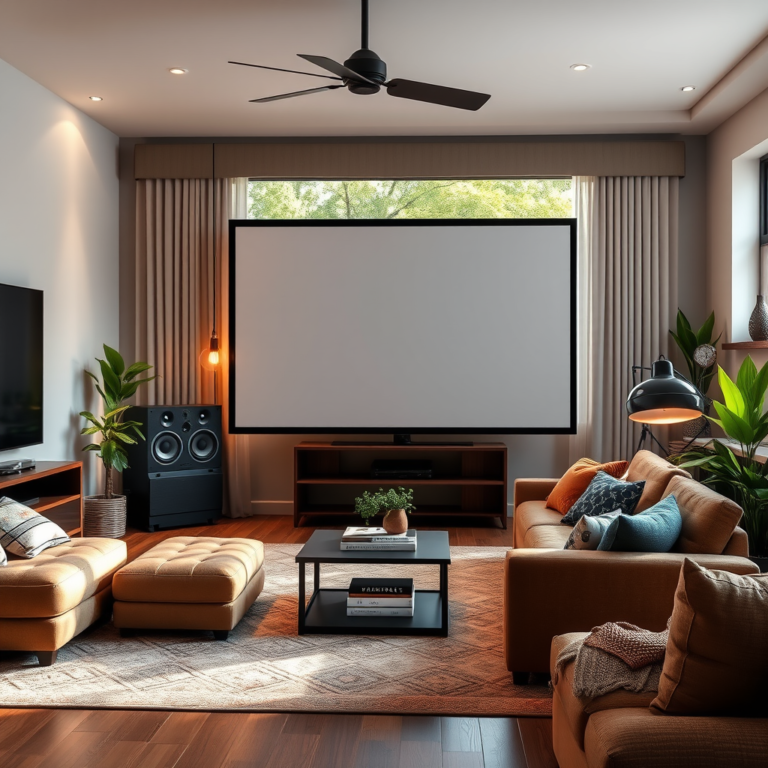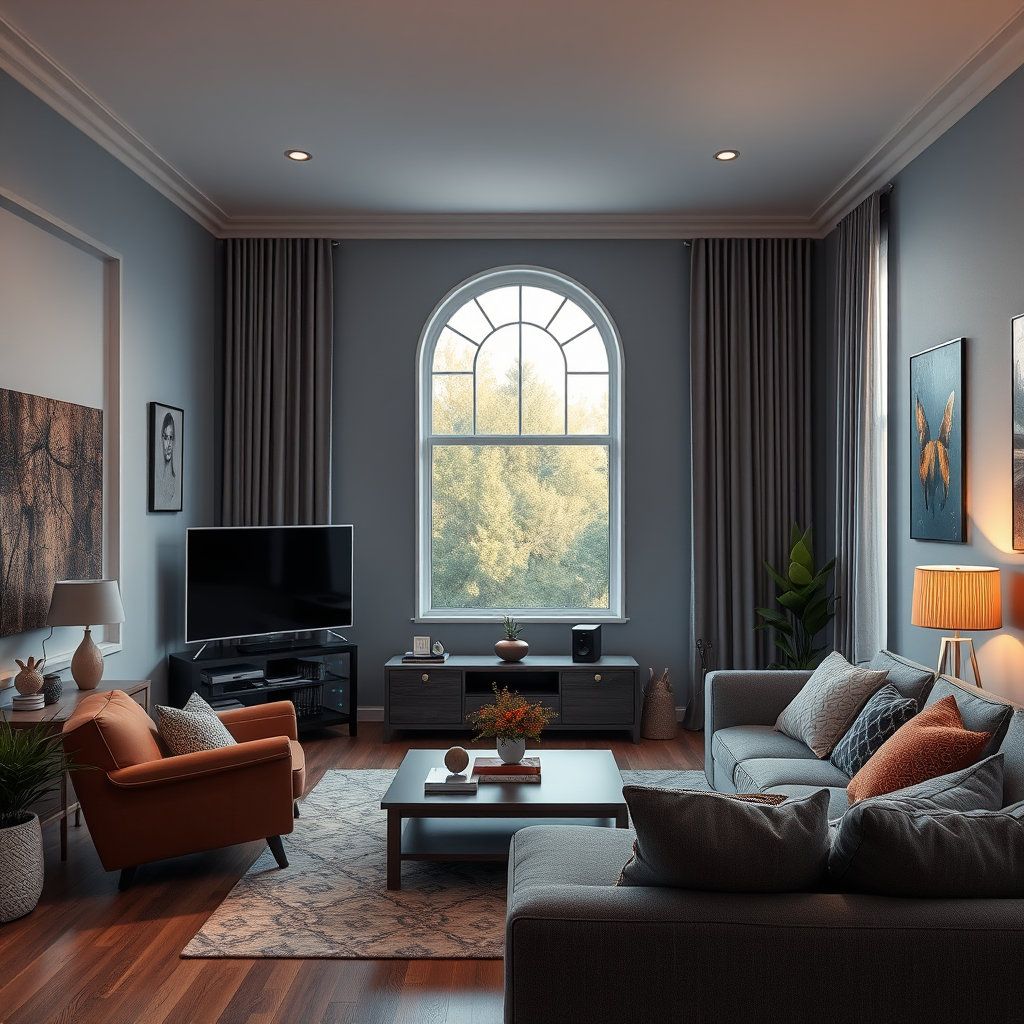

If you’re facing audio issues in your home theater, the solution often lies in simple troubleshooting steps. This guide will help you identify and resolve common audio problems, ensuring you enjoy the best sound experience possible. You’ll learn about checking connections, adjusting settings, and addressing specific sound issues to create an immersive audio environment.
Check Your Connections

The first step in troubleshooting any audio issue is to check your connections. Ensure all cables are securely plugged in and undamaged. Loose or frayed cables can lead to significant audio problems, so take a moment to inspect each one. Pay special attention to HDMI and optical audio cables, as these are critical for transmitting high-quality sound. If you notice any signs of wear or damage, replacing the cables may be necessary.
Additionally, check speaker wires to ensure they’re connected correctly to both the receiver and the speakers. It’s also wise to ensure that the wires are not pinched or bent at awkward angles, which can affect sound quality. If you have multiple devices connected to your home theater system, ensure that each connection is properly configured and that the correct input source is selected on your receiver or TV.
Adjust Audio Settings
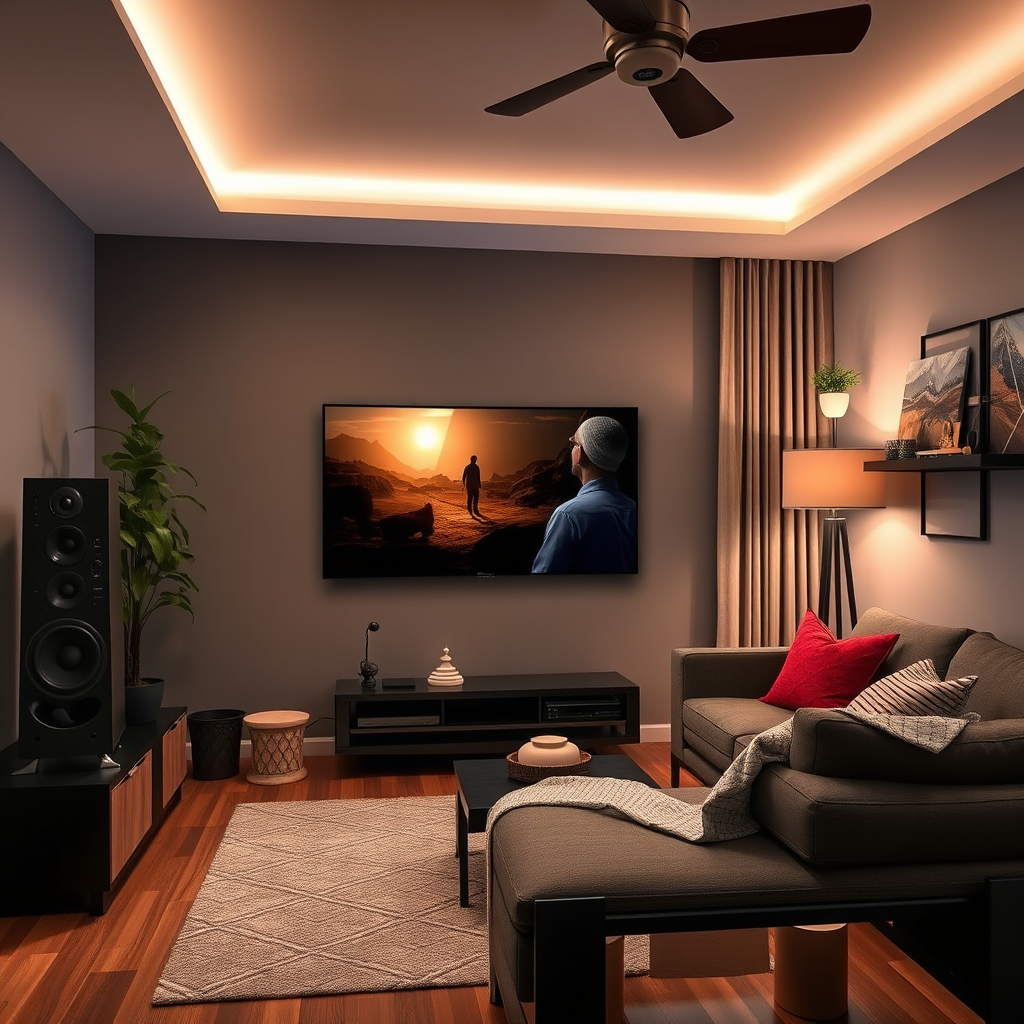
Once your connections are confirmed, it’s time to dive into the audio settings of your receiver or TV. Access the audio output settings to ensure they are correctly configured for your setup. For example, if you’re using an external receiver, make sure the audio output is set to the receiver rather than the TV’s built-in speakers.
Experimenting with different sound modes can also enhance your listening experience. Most receivers offer various sound profiles, such as surround sound, stereo, or even specific modes for movies or music. Take the time to switch between these settings to find the one that best suits your preferences and the content you’re enjoying. Sometimes, a simple adjustment can make a world of difference in audio clarity and immersion.
Test Speaker Placement
Proper speaker placement is crucial for achieving optimal sound quality. Verify that your speakers are positioned correctly according to your room layout. Ideally, front speakers should be at ear level, with the center speaker directly above or below your TV. Surround speakers should be placed slightly behind your seating area for an immersive experience.
To check if all speakers are functioning properly, use a simple test tone or a built-in speaker test function available in many receivers. This feature will send a signal to each speaker in sequence, allowing you to hear if any are muted or malfunctioning. If you notice one speaker sounds off, double-check its connection or placement. Sometimes, even a slight repositioning can greatly enhance sound distribution.
Update Firmware and Software
Keeping your devices updated is essential for maintaining optimal performance. Check for updates on your audio receiver and TV, as manufacturers often release updates to fix bugs or enhance compatibility with newer devices. Most modern receivers have a straightforward update process, often accessible through the settings menu.
Regular updates can also improve sound quality, as manufacturers may refine audio processing algorithms. If your receiver has a mobile app for remote control, it can also provide notifications for available updates, making it easy to stay on top of the latest features and improvements.
Troubleshoot Specific Issues
When dealing with audio problems, it’s helpful to identify the specific issue you’re experiencing. Common problems include no sound, distorted audio, or low volume. If you encounter no sound, double-check that your receiver is set to the correct input and that the volume is turned up.
For distorted audio, inspect your speaker connections and ensure they are securely attached. Distortion can also occur if you’re pushing your system beyond its limits, so check if you’re overdriving your speakers. If the volume is consistently low, consider adjusting the audio output level in your receiver’s settings or checking for sound enhancements that may be applied.
If you’re still unable to isolate the problem, try using isolation techniques. Disconnect each device one at a time to see if the issue persists. This process can help pinpoint whether the problem lies with a specific device or speaker.
Use Calibration Tools
Many modern receivers come equipped with built-in calibration tools that can assist in optimizing sound settings based on your room’s acoustics. These tools often use a microphone to assess your room and automatically adjust speaker levels, delay settings, and equalization.
Using these calibration tools can take the guesswork out of setting up your audio system and can greatly enhance your listening experience. If your receiver lacks such features, consider investing in a dedicated calibration microphone or software that can provide similar benefits.
Seek Professional Help
If all else fails, don’t hesitate to consult a professional for in-depth diagnostics. Sometimes, audio issues can stem from complex problems that require expert knowledge. Professionals can provide tailored solutions based on the specifics of your setup and room acoustics, ensuring your system is configured correctly.
Additionally, they can help you identify any hardware issues that may not be immediately apparent. Investing in professional help can save you time and frustration while ensuring that you get the most out of your home theater system.
In summary, troubleshooting common audio problems in home theaters involves a systematic approach to checking connections, adjusting settings, testing speaker placement, updating firmware, and isolating specific issues. By following these steps, you can enhance your audio experience and enjoy the full potential of your home theater system. Remember, if you ever feel overwhelmed, seeking professional help is always a viable option to ensure your system is performing at its best. Happy listening!
Frequently Asked Questions
What are the most common home theater audio problems and how can I identify them?
Common home theater audio problems include no sound, distorted audio, and unequal sound levels from different speakers. To identify these issues, check if your audio source is properly connected and powered on, ensure that all cables are secure, and use audio calibration tools that come with many receivers to balance sound levels. If you hear distortion, it may be caused by improper speaker placement or settings within your receiver.
How do I fix a home theater system that has no sound?
To troubleshoot a home theater system with no sound, start by checking the input settings on your receiver to ensure it matches your audio source. Next, verify that all cables, including HDMI and speaker wires, are securely connected and not damaged. Additionally, check your TV’s audio settings to ensure sound is not muted and that the correct output is selected.
Why does my home theater audio sound distorted, and what can I do to improve it?
Distorted audio in a home theater setup can result from several factors, including overdriving the speakers, improper speaker placement, or incorrect audio settings. To improve sound quality, reduce the volume level on your receiver, reposition speakers to avoid obstructions and reflections, and ensure your audio settings are configured correctly for your specific setup, such as enabling the correct surround sound format.
What is the best way to set up my home theater speakers for optimal sound quality?
The best way to set up your home theater speakers involves positioning them according to the specific layout of your room. A general guideline is to place front speakers at ear level and angle them towards the listening area, while surround speakers should be positioned slightly above ear level and to the sides or rear of the seating area. Use a sound calibration feature, if available, to fine-tune speaker levels and distances for an immersive audio experience.
Which audio cables are best for my home theater system to prevent interference?
To prevent interference and ensure high-quality audio, use high-quality HDMI cables for video and audio connections, as they can transmit digital audio without loss. For analog connections, consider using shielded RCA or speaker wires to minimize noise and interference from other electronic devices. Additionally, ensure that all cables are properly routed and managed to avoid tangling and electromagnetic interference, which can degrade sound quality.
References
- Home cinema
- https://www.cnet.com/home-theater/how-to-fix-your-home-theater-audio-problems/
- https://www.hometheaterforum.com/home-theater-troubleshooting-guide/
- https://www.dummies.com/article/home-auto/hobbies/home-theater-troubleshooting-211846/
- https://www.rtings.com/tv/learn/audio-settings
- https://www.tomsguide.com/how-to/how-to-fix-audio-problems-on-your-tv
- https://www.npr.org/2019/05/23/725517098/how-to-use-sound-to-enhance-your-home-theater-experience