To convert old speakers into wireless speakers, you can use Bluetooth adapters or other wireless technology solutions. This process allows you to enjoy your favorite audio from devices without the hassle of wires. Upgrading your audio experience not only brings your old equipment back to life but also saves you money compared to purchasing brand-new wireless speakers. In this article, you’ll learn the methods, tools needed, and tips to successfully transform your audio setup.




Understanding Wireless Speaker Technology
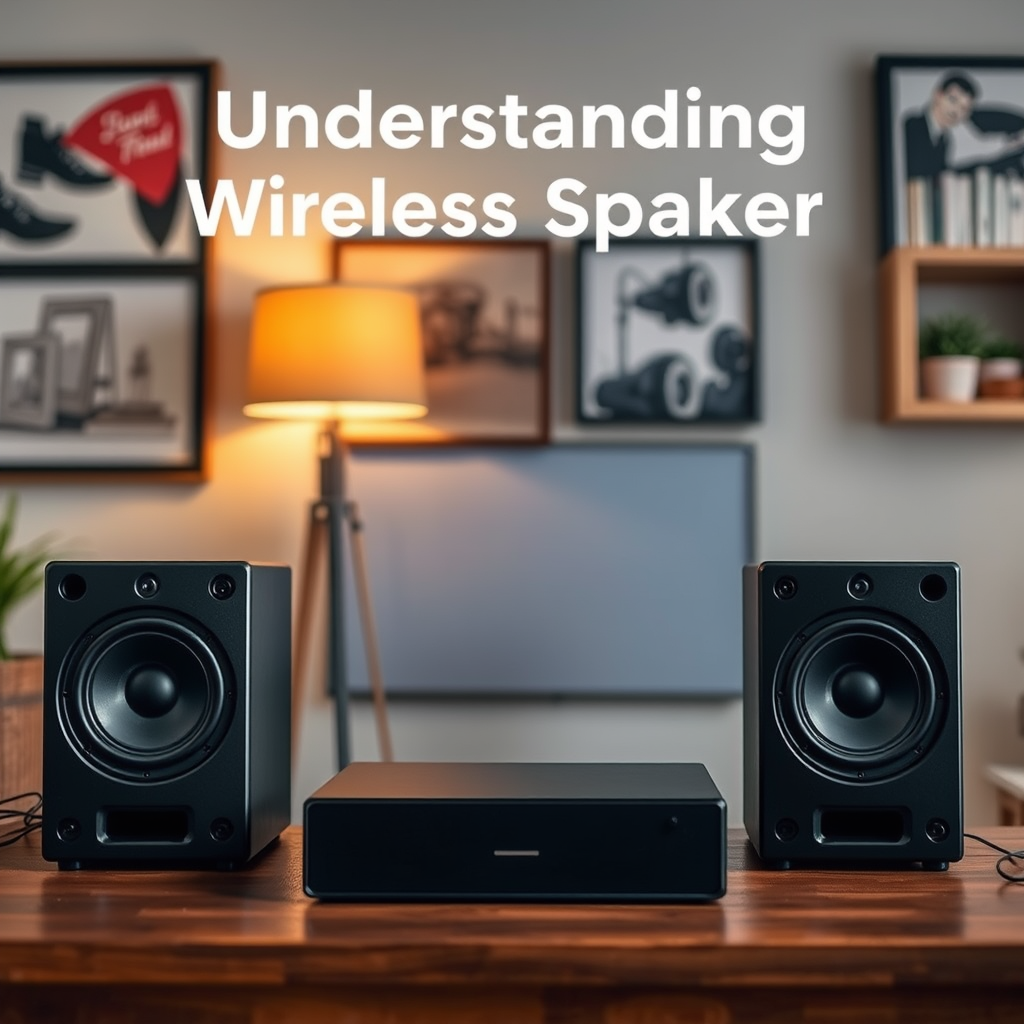
Wireless speakers primarily use Bluetooth and Wi-Fi technologies to transmit audio signals. Bluetooth is a short-range wireless technology that allows for easy connectivity with smartphones, tablets, and computers. It’s perfect for personal listening experiences and offers a straightforward setup. On the other hand, Wi-Fi-enabled speakers typically provide better sound quality and range, making them ideal for whole-home audio systems.
Converting your old speakers into wireless models offers several benefits over buying new ones. First, it’s cost-effective; you can breathe new life into your existing speakers without spending a fortune. Second, you are already familiar with the sound quality of your old speakers, which can often surpass entry-level new wireless models. Lastly, this conversion allows you to customize your audio setup according to your preferences, giving you more control over your listening experience.
Choosing the Right Adapter
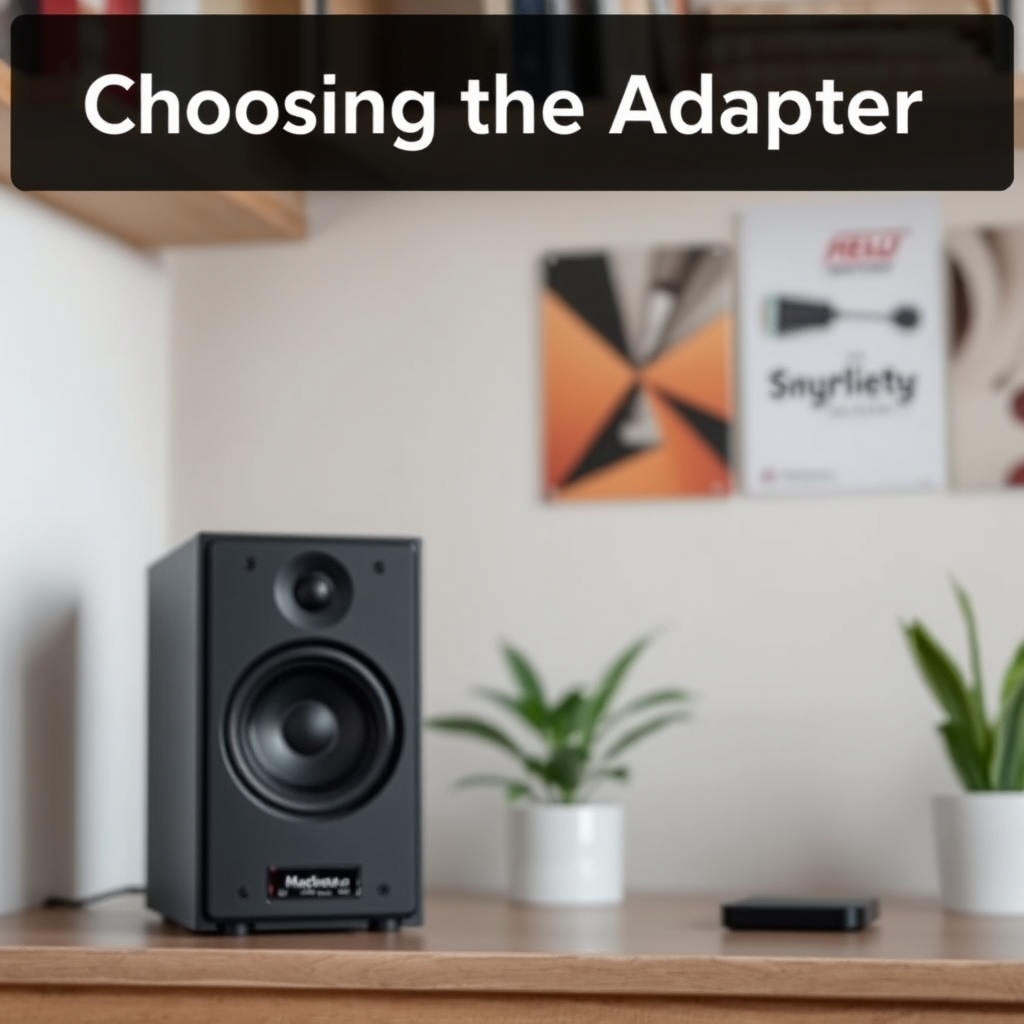
When selecting a Bluetooth adapter, there are two main types to consider: receivers and transmitters. A Bluetooth receiver is used for passive speakers, allowing you to connect your phone or tablet wirelessly to the speaker system. Conversely, if your old speaker setup includes a turntable or other wired audio sources that you want to make wireless, a Bluetooth transmitter will be necessary.
When choosing an adapter, consider several factors. Compatibility is crucial; ensure that the adapter works with your speaker’s input options, such as RCA or 3.5mm jacks. Sound quality is another important aspect; look for adapters that support high-resolution audio codecs like aptX for clearer sound. Lastly, consider the range of the Bluetooth technology; most adapters offer a range of about 30 feet, but some high-end models can extend this distance, allowing for more flexibility in your setup.
Preparing Your Old Speakers
Before diving into the conversion process, it’s essential to ensure your old speakers are in good working condition. Start by visually inspecting the speakers for any physical damage, such as torn cones or loose connections. If you have separate components, check the wiring and connections to ensure everything is secure.
You’ll need a few tools and materials for the conversion process. A basic toolkit with a screwdriver, wire strippers, and pliers will be helpful. Additionally, you might need an RCA or 3.5mm audio cable, depending on the input your adapter requires. Having a clean workspace will also make the process smoother and more enjoyable.
Step-by-Step Conversion Process
1. Connect the Bluetooth Adapter: Start by plugging the Bluetooth receiver into your audio input on the speakers. If you’re using an RCA connection, simply connect the red and white cables to the corresponding ports on the adapter. For a 3.5mm connection, plug the audio cable directly into the adapter and the speaker’s input.
2. Power the Adapter: Most Bluetooth adapters require power, either through USB or a wall outlet. Make sure to connect the adapter to the appropriate power source to get it up and running.
3. Pair with Your Device: Once everything is connected, turn on the Bluetooth adapter and put it in pairing mode. On your smartphone or tablet, navigate to the Bluetooth settings and select the adapter from the list of available devices. Follow the prompts to connect.
4. Test the Sound: Play some audio from your device to ensure everything is working properly. Adjust the volume on both your device and the speakers to find the optimal level.
For optimal performance, consider positioning the adapter away from obstructions and other electronic devices that may cause interference. Keep it elevated and in an open space for the best connectivity.
Troubleshooting Common Issues
As with any DIY project, you may encounter a few hiccups along the way. One common issue is connectivity problems. If your device has trouble finding the adapter, make sure it is in pairing mode and close enough to your audio source. Restarting both the adapter and your device can often resolve this issue.
Another problem could be sound quality. If you notice a drop in audio fidelity, it may be due to the Bluetooth codec being used. Check your adapter’s specifications and ensure it supports higher-quality codecs. Additionally, make sure the adapter is fully charged or connected to power, as low battery can impact performance.
If you experience intermittent audio dropouts, try moving the adapter closer to the audio source or reducing the number of obstacles between them. Sometimes, eliminating interference from other wireless devices can significantly improve sound quality.
Enhancing Your Wireless Audio Experience
Once your old speakers are successfully converted to wireless, you might want to consider additional accessories to enhance your audio experience. A powered amplifier can help boost the sound output, especially if you are using passive speakers. An equalizer can also be beneficial, allowing you to customize the sound profile to better suit your taste and the acoustics of your space.
Placement matters too! Experiment with different positions for your speakers to discover where they sound best. Ideally, they should be placed at ear level, and a few feet away from walls to avoid distorted sound. You might also want to consider speaker stands or wall-mounting options for a more polished look.
Maintaining Your Converted Wireless Speakers
To keep your newly converted wireless speakers in top shape, regular maintenance is key. Dust the speakers periodically to prevent any buildup that could affect sound quality. If your speakers have a protective grille, ensure it’s clean as well.
Keep your Bluetooth adapter updated. Manufacturers often release firmware updates that can improve performance and fix bugs. Check the manufacturer’s website or the adapter’s app for any available updates regularly.
Lastly, if you find yourself not using the setup for a while, consider disconnecting the adapter from power to prolong its lifespan. This small step can help avoid potential issues down the road.
Summarizing the steps to convert old speakers into wireless ones can transform your listening experience without breaking the bank. By choosing the right adapter and following the outlined process, you can give new life to your audio setup. Dive into your project today and enjoy the freedom of wireless sound!
Frequently Asked Questions
How can I convert my old wired speakers into wireless speakers?
To convert your old wired speakers into wireless speakers, you can use a Bluetooth transmitter and receiver kit. Connect the transmitter to the audio output of your device (like a phone or computer) and the receiver to your speakers. This setup allows you to stream audio wirelessly from your device to your speakers, giving them a new lease on life without the hassle of wires.
What equipment do I need to make my existing speakers wireless?
To make your existing speakers wireless, you will need a Bluetooth audio receiver, which connects to your speakers via standard audio cables. Additionally, a power source for the receiver is necessary, which can be a USB port or an outlet, depending on the model. You may also consider a Bluetooth transmitter if your source device lacks Bluetooth capabilities.
Why should I convert my old speakers to wireless instead of buying new ones?
Converting your old speakers to wireless is often more cost-effective than purchasing new wireless speakers, which can be expensive. It also allows you to continue using high-quality audio equipment you already own, which may outperform many budget wireless options. Furthermore, this conversion reduces electronic waste, making it an environmentally friendly choice.
What are the best Bluetooth receivers for converting wired speakers to wireless?
Some of the best Bluetooth receivers include the Audioengine B1, the TaoTronics TT-SK03, and the FiiO BTA30. These receivers are known for their excellent sound quality, ease of use, and compatibility with various speaker systems. When choosing a receiver, consider factors like range, audio quality, and connectivity options to ensure it fits your needs.
Which wireless technology is better for converting speakers: Bluetooth or Wi-Fi?
The choice between Bluetooth and Wi-Fi for converting speakers largely depends on your needs. Bluetooth is ideal for short-range use, is easy to set up, and works well with portable devices. On the other hand, Wi-Fi offers better sound quality, longer range, and the ability to connect multiple speakers in a multi-room setup, making it a superior choice for home audio systems.
References
- Wireless
- https://www.techhive.com/article/3034017/how-to-turn-your-old-speakers-into-wireless-speakers.html
- https://www.wired.com/story/how-to-turn-old-speakers-into-wireless/
- https://www.lifewire.com/how-to-convert-old-speakers-to-wireless-3134458
- https://www.digitaltrends.com/home-theater/how-to-make-your-old-speakers-wireless/
- https://www.makeuseof.com/tag/convert-old-speakers-wireless/
- https://www.techradar.com/how-to/how-to-turn-your-old-speakers-into-wireless-speakers
- https://www.soundguys.com/wireless-speakers-21129/