
To significantly improve your music experience, using an equalizer can help tailor the sound to your personal preferences and the acoustics of your environment. Equalizers allow you to adjust various frequency ranges to create a sound profile that resonates with you, whether you’re listening through headphones, speakers, or your car’s audio system. This guide will walk you through the steps to effectively utilize equalizers, whether you’re a novice or a seasoned audiophile, and help you unlock the full potential of your music.
Understanding Equalizers
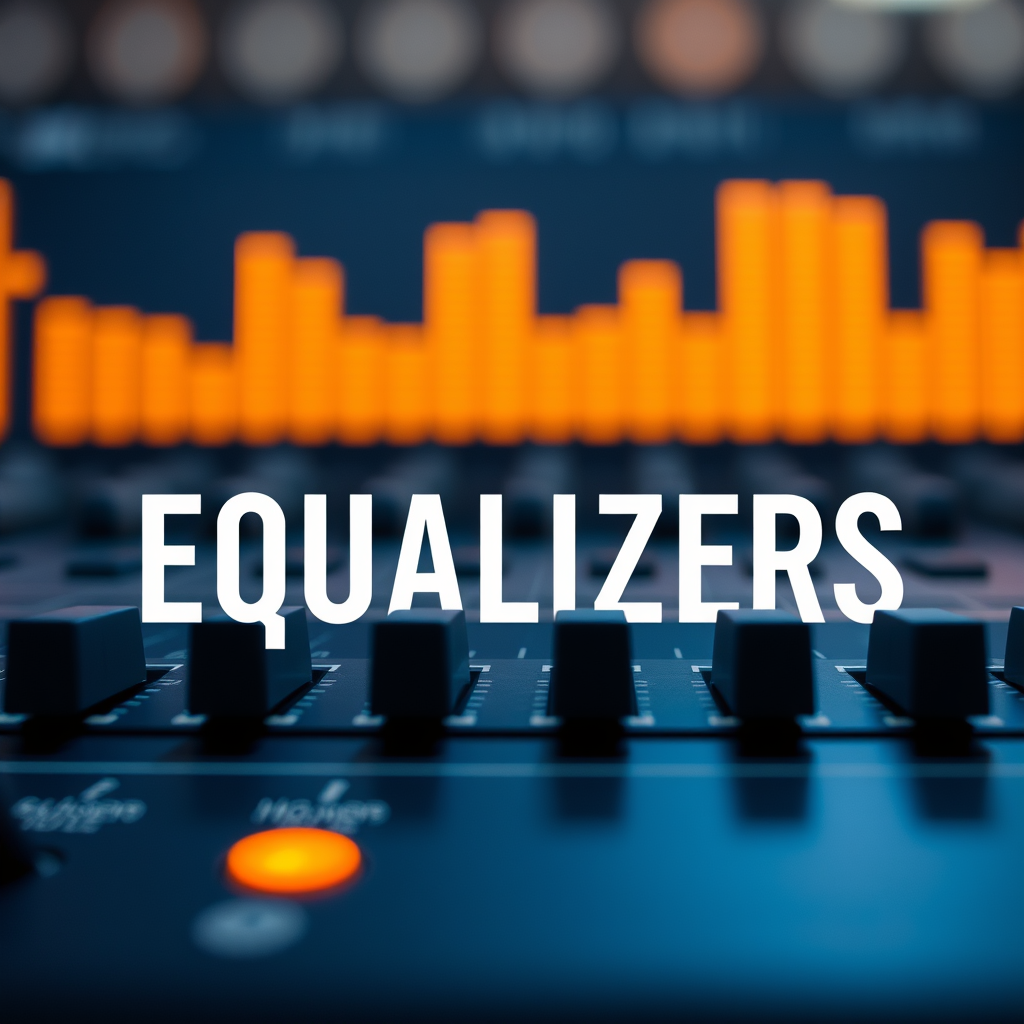
At its core, an equalizer is a tool that adjusts the balance between frequency components of an audio signal. It allows you to amplify or attenuate specific frequencies to suit your listening preferences. Equalizers can be classified into two main types: graphic and parametric.
Graphic equalizers provide a visual representation of the frequency spectrum, often using sliders to adjust specific bands of frequencies. For instance, a 10-band graphic equalizer allows you to manipulate 10 different frequency ranges, giving you a straightforward way to tweak the sound. On the other hand, parametric equalizers offer more flexibility and control. They allow you to adjust the frequency, gain, and bandwidth of each band, making them ideal for precise sound shaping. Understanding these differences is crucial as it influences how you will interact with the equalizer and ultimately impacts your listening experience.
Choosing the Right Equalizer
When it comes to choosing the right equalizer, consider the platform you are using. For computers, software equalizers such as Equalizer APO or the built-in equalizers in music streaming services like Spotify can be great options. If you’re using a smartphone, apps like Poweramp or Wavelet can provide a user-friendly interface for customizing your sound.
For those who prefer a more dedicated setup, hardware equalizers come into play. These devices can offer superior audio quality and more extensive control over your sound. Brands like DBX and Behringer produce hardware equalizers that can be integrated into your audio system, allowing you to achieve a professional-grade sound profile. Assessing your needs and the level of control you desire will guide you toward the right choice.
Basic Equalizer Settings
When you first start using an equalizer, it’s best to begin with a flat setting. This means that all frequency bands are at the same level, allowing you to assess the original sound of your music. From this neutral starting point, you can gradually make adjustments.
Familiarizing yourself with frequency ranges is essential for effective equalization. The bass frequencies (20-250 Hz) are responsible for the thump and warmth in music, while the midrange frequencies (250 Hz-2 kHz) capture the clarity of vocals and instruments. Lastly, treble frequencies (2 kHz-20 kHz) add brightness and detail. By understanding these ranges, you can make informed decisions on which frequencies to boost or cut. For example, if you find that a track sounds muddy, you might cut some of the midrange frequencies to clear up the sound.
Tips for Customizing Your Sound
Customizing your sound profile can be a fun and rewarding experience. One of the best tips for achieving your ideal sound is to experiment with boosts and cuts systematically. You might want to start by slightly boosting the bass for a richer sound, followed by gentle adjustments to the treble to enhance clarity.
Taking notes on your settings can also be beneficial. Different genres often benefit from specific tweaks—for instance, you may want to increase the bass for hip-hop tracks while dialing down the midrange for acoustic music. Keep track of what works best for you, as this will save you time and enhance your listening experience in the long run.
Common Mistakes to Avoid
When using an equalizer, it’s easy to fall into common pitfalls that can hinder your sound quality. One major mistake is making extreme adjustments to the equalizer settings. Over-boosting or cutting frequencies can lead to distortion and an unbalanced sound. A good rule of thumb is to make small adjustments, usually no more than 3 dB, to avoid overwhelming changes.
Another common mistake is forgetting to reset to flat settings when trying new music. Every track is different, and what works for one song may not work for another. By starting from a neutral point, you can fine-tune your settings based on the specific qualities of the new music you’re listening to.
Using Equalizers in Different Scenarios
The beauty of equalizers is their versatility; you can tailor your settings for various devices and environments. For instance, if you’re listening to music through headphones, you might want to boost the midrange to enhance vocal clarity, while with speakers, you could focus on the bass for a fuller sound.
Additionally, consider the acoustics of the room where you are listening. A small, carpeted room may absorb sound differently than a large, open space, affecting how you perceive bass and treble. Adjusting your equalizer settings based on these factors can lead to a much more enjoyable listening experience.
Monitoring and Fine-Tuning Your Settings
Your music preferences and library can evolve over time, so it’s important to regularly revisit your equalizer settings. As you discover new artists or genres, you may find that your previously ideal settings no longer suit your tastes.
Using reference tracks can be a helpful way to compare and adjust your equalizer settings effectively. Choose a few songs that you know well and that represent different aspects of sound quality. Play these tracks and adjust your equalizer settings to find the balance that feels right for you. This process will not only sharpen your listening skills but also enhance your overall music experience.
Using an equalizer can dramatically enhance your listening experience by allowing you to tailor the sound to your liking. By understanding the basics, choosing the right tool, and avoiding common pitfalls, you can enjoy music like never before. Experiment with your settings and discover the unique sound profile that resonates with you. Don’t hesitate to share your findings and tips with fellow music lovers! Whether you’re at home or on the go, the right equalizer settings can transform your music enjoyment into something truly special.
Frequently Asked Questions
What is an equalizer and how does it work to improve my music experience?
An equalizer (EQ) is an audio processing tool that adjusts the balance between frequency components of sound. By boosting or cutting specific frequency ranges—like bass, mids, and treble—you can tailor the audio output to suit your preferences or the acoustics of your environment. This can enhance clarity, reduce muddiness, and create a more enjoyable listening experience tailored to your specific tastes.
How do I set up an equalizer on my music player or streaming service?
Setting up an equalizer varies by platform, but most music players and streaming services have built-in EQ settings accessible through their audio settings menu. Once there, you can often choose from preset equalizer profiles or manually adjust sliders for different frequency bands. Start by experimenting with these settings while listening to your favorite tracks to find the perfect balance that enhances your music experience.
Why should I use an equalizer when listening to music?
Using an equalizer can significantly improve your music experience by allowing you to optimize sound quality based on your listening environment and personal preferences. It can help correct issues like overly dominant bass or harsh treble, making your music feel more balanced and immersive. Additionally, different genres of music may benefit from specific EQ adjustments, enabling you to enjoy each style to its fullest potential.
What are the best equalizer settings for different music genres?
The best equalizer settings can vary depending on the genre. For instance, electronic music often benefits from enhanced bass frequencies (around 60-100 Hz), while classical music may require a flatter response for clarity in mid-range frequencies (around 500 Hz to 2 kHz). Rock music can use a boost in the mid frequencies for guitar presence, while hip-hop often features boosted low-end frequencies for a fuller sound. Experimenting with these ranges can help you discover what sounds best for each genre.
Which devices support equalizer features, and how can I access them?
Equalizer features are supported by a variety of devices, including smartphones, laptops, desktop computers, and dedicated music players. Most major music streaming apps, like Spotify, Apple Music, and Tidal, also include built-in equalizers. To access these features, check the settings or preferences menu in the app or device you’re using; you’ll typically find an EQ section where you can adjust the settings to enhance your listening experience.
References
- https://en.wikipedia.org/wiki/Equalization_(audio
- https://www.hifisoundconnection.com/blogs/news/how-to-use-equalizers-to-improve-your-music-experience
- https://www.earpads.com/blogs/blog/how-to-use-an-equalizer-to-improve-your-music-listening-experience
- https://www.grammy.com/news/how-to-use-equalization-in-music-production
- https://www.soundonsound.com/techniques/beginners-guide-equalization
- https://www.musictech.net/guides/essential-guide/equalisation/
- https://www.izotope.com/en/learn/beginners-guide-to-equalization.html
- https://www.audioholics.com/education/audio-101/understanding-equalization
- electronicmusicschool.com – electronicmusicschool Resources and Information.