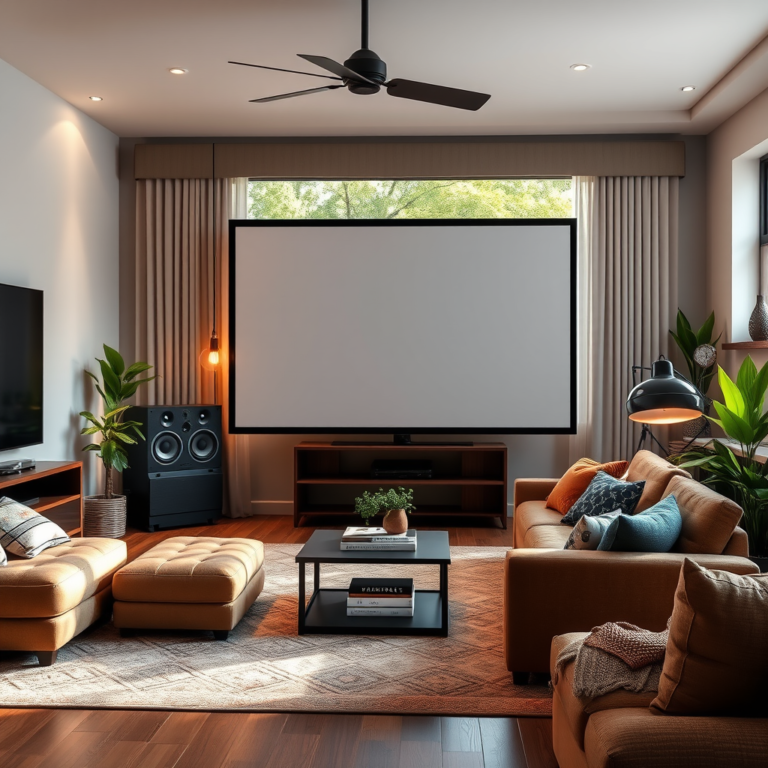

Creating an immersive 3D audio experience at home is all about selecting the right equipment, optimizing your setup, and utilizing software tools to bring sound depth and spatial awareness to life. With the right combination of technology and techniques, you can transform your ordinary listening environment into an extraordinary auditory journey that feels as though the sound is swirling around you. In this guide, we’ll walk you through everything you need to know to elevate your home audio experience.
Understanding 3D Audio Technology
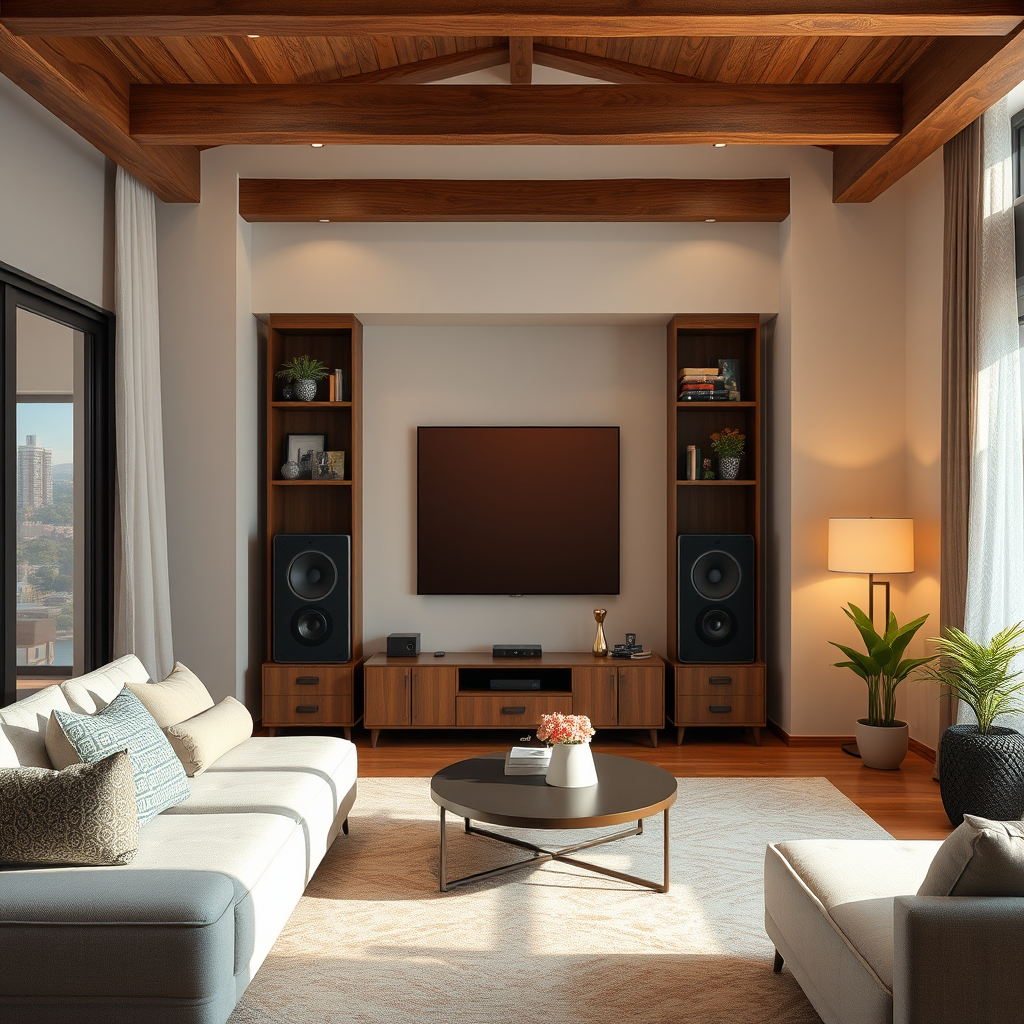
3D audio technology fundamentally changes the way we perceive sound, differing significantly from traditional stereo sound. In a standard stereo setup, sounds are delivered through two channels, creating a flat soundstage that lacks depth. In contrast, 3D audio uses advanced processing techniques to simulate a three-dimensional sound environment, allowing listeners to experience sounds coming from multiple directions—above, below, and all around them.
Spatial audio formats like Dolby Atmos and DTS:X are at the forefront of this technology. Dolby Atmos, for instance, allows sound designers to place audio elements in a three-dimensional space, allowing for a more dynamic listening experience. It’s as if the sound is coming from specific points in the room rather than just from your speakers. The benefits? A more engaging experience for everything from movies to music to video games, providing a sense of immersion that traditional audio setups simply cannot match.
Essential Equipment for 3D Audio
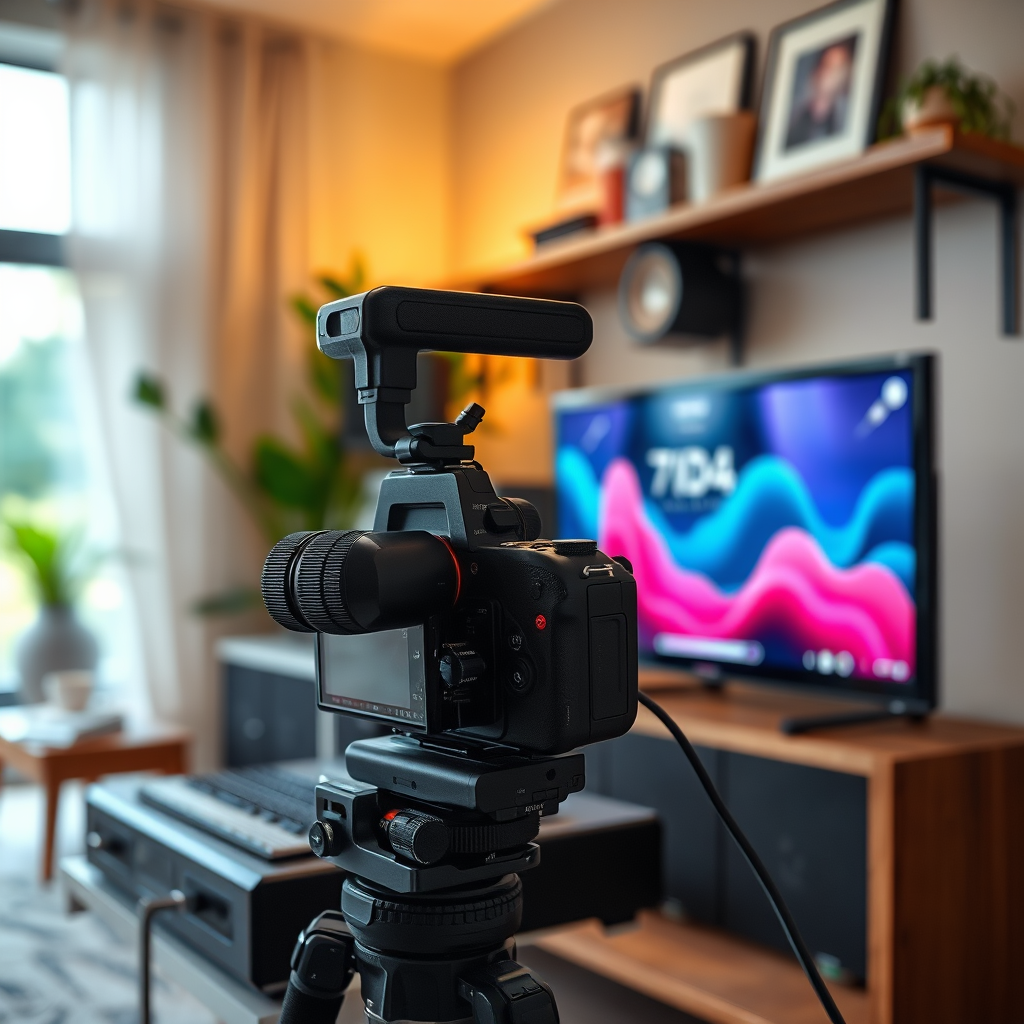
To create an immersive 3D audio experience, you need the right audio gear. Here are some recommended devices that can help achieve optimal 3D sound:
1. Speakers: Look for speakers capable of producing full-range sound, such as those designed for home theater systems. Brands like Klipsch and Sonos offer excellent options that work well in a 3D audio setup. If space is limited, consider adding upward-firing speakers that bounce sound off the ceiling to create height in your audio experience.
2. Headphones: If you prefer personal listening, high-quality headphones can also deliver a fantastic 3D audio experience. Brands like Sennheiser and Sony offer models with spatial audio capabilities that make you feel like you’re in the center of the action.
3. Soundbars: For those who want a compact solution, soundbars like the Sonos Arc or the Bose Smart Soundbar 900 come equipped with Dolby Atmos capability, offering a rich sound experience without needing multiple speakers.
4. Audio Interface or Receiver: It’s crucial to have a compatible audio interface or receiver that supports advanced formats like Dolby Atmos or DTS:X. Look for receivers from brands such as Denon or Yamaha, which provide the necessary processing power for immersive audio formats.
Setting Up Your Listening Environment
Setting up your listening environment is critical for achieving the best soundstage. Here are some tips:
– Speaker Arrangement: For a multi-speaker setup, arrange your speakers in a way that mimics a theater layout. Ideally, the front speakers should be placed at ear level, while surround speakers can be slightly above ear level and positioned to the sides or behind your seating area for optimal immersion.
– Seating Position: Your seating position is equally important. Ideally, you should sit in the “sweet spot,” which is typically an equidistant triangle from the front speakers and surround speakers. This position allows you to experience the full effect of the soundstage.
– Acoustic Treatment: To enhance clarity and minimize unwanted sound reflections, consider adding acoustic treatment to your room. This can include sound-absorbing panels, bass traps, and diffusers placed strategically around your space to improve sound quality.
Software and Tools for 3D Audio
To fully harness the potential of 3D audio, you’ll need the right software tools. Here are some options:
– Audio Software: Programs like Ableton Live, Pro Tools, and Logic Pro X offer plugins and features that allow you to create and manipulate 3D audio. Look for specific plugins designed to handle spatial audio formats, such as Dolby Atmos Production Suite.
– Configuration Settings: Once you have your software set up, be sure to configure the audio settings according to your hardware. This often involves selecting the correct audio output format and adjusting any spatial audio settings to match your listening environment.
Testing and Fine-Tuning Your Setup
Once your setup is complete, it’s time to test and fine-tune your audio experience. Here are some methods to ensure everything sounds just right:
– Demo Tracks: Use high-quality demo tracks specifically designed for testing audio setups. These tracks often include a variety of sounds that move around the soundstage, helping you identify any imbalances or areas that need improvement.
– Calibration Tools: Many receivers come with built-in calibration tools that automatically adjust speaker levels and distances for optimal sound. Use these tools to get the best possible setup based on your specific room acoustics.
– Personal Preferences: Don’t forget to adjust settings based on your personal preferences. Everyone’s ears are different, so feel free to tweak the equalizer settings or speaker levels until the sound feels just right for you.
Creating 3D Audio Content
For those interested in producing or mixing audio with a 3D perspective, here are some basics to get you started:
– Recording Techniques: When recording, use techniques that capture sound in a three-dimensional space, such as binaural recording. This approach uses two microphones placed in a way that mimics human hearing, providing an incredibly immersive experience.
– Mixing in 3D: Use audio mixing software to position sounds within a 3D space. Experiment with panning, volume, and spatial effects to create a dynamic sound environment.
– Resources: There are plenty of online resources and tutorials available to learn more about creating 3D audio content. Websites like YouTube and platforms like Coursera offer valuable courses on audio production and mixing.
Enhancing Your 3D Audio Experience
To truly enjoy your new 3D audio setup, explore immersive media content that takes advantage of this technology:
– Movies and TV Shows: Look for films and series specifically designed for Dolby Atmos or DTS:X. Titles like “A Quiet Place” and “Dunkirk” utilize spatial audio to create a more engaging viewing experience.
– Video Games: Many modern games offer 3D audio support, enhancing gameplay immersion. Titles like “The Last of Us Part II” and “Call of Duty: Modern Warfare” are excellent examples.
– Music: Explore music recorded with spatial audio techniques. Services like Apple Music and Tidal offer tracks specifically mixed for 3D audio experiences.
– Community Resources: Join forums and online communities that focus on audio technology and immersive experiences. Sharing tips and tricks with other enthusiasts can greatly enhance your knowledge and enjoyment.
As you embark on creating your own immersive 3D audio experience at home, remember to choose the right equipment, set up your environment thoughtfully, and explore software options that elevate your auditory pleasure. With these steps, you can transform your living space into a captivating soundscape that immerses you in every note, sound effect, and moment. Enjoy the journey into the world of spatial audio!
Frequently Asked Questions
What equipment do I need to create an immersive 3D audio experience at home?
To create an immersive 3D audio experience at home, you’ll need a few essential pieces of equipment. A high-quality audio interface is crucial for connecting your speakers to your computer. Additionally, invest in surround sound speakers or a soundbar that supports Dolby Atmos technology. Finally, a compatible media player or streaming service that offers 3D audio content will enhance your experience.
How do I set up a 3D audio system in my home?
Setting up a 3D audio system involves strategic placement of speakers and proper calibration. Start by positioning your speakers in a way that surrounds the listening area, ideally forming a circle or semicircle. Use software calibration tools or a sound meter app to adjust the audio levels and ensure the sound is balanced across all speakers. This setup will provide an immersive soundscape that makes you feel part of the action.
Why is room acoustics important for 3D audio experiences?
Room acoustics play a vital role in the quality of your 3D audio experience because sound waves interact with surfaces, affecting how they are perceived. Hard surfaces can create echoes, while soft furnishings can absorb sound, leading to a more natural auditory experience. To optimize acoustics, consider adding rugs, curtains, or acoustic panels to minimize reflections and enhance sound clarity.
What are the best software options for mixing 3D audio?
Some of the best software options for mixing 3D audio include Dolby Atmos Production Suite, Avid Pro Tools, and Steinberg Cubase. These programs offer advanced features specifically designed for spatial audio mixing, allowing you to create intricate soundscapes. Each software has its strengths, so consider your specific needs and level of expertise when choosing the right one for your projects.
Which types of media support 3D audio formats?
Various types of media support 3D audio formats, enhancing your immersive experience. Streaming services like Netflix and Disney+ offer movies and shows that feature Dolby Atmos audio. Additionally, video games are increasingly incorporating spatial audio technologies, while music platforms like Tidal and Apple Music provide tracks mixed in 3D audio formats. Make sure to check your media’s specifications to enjoy the full benefits of immersive sound.
References
- 3D audio effect
- https://www.sciencedirect.com/science/article/pii/S2212017317300807
- https://www.acoustics.org/press/176th/3D_Audio.pdf
- https://www.npr.org/sections/music/2019/07/19/743167498/the-sound-of-3d-audio
- https://www.researchgate.net/publication/326257002_3D_audio_and_virtual_reality
- https://www.audioholics.com/how-to/immersive-audio-basics
- https://www.hdmi.org/manufacturer/hdmi_2_1/3d_audio.asp
- https://www.wired.com/story/3d-audio-experience/