

The best sound systems that work with Apple HomeKit seamlessly integrate into your smart home, offering both superior audio quality and effortless control through your Apple devices. With a variety of options available, you can enjoy rich sound and convenient management, all while leveraging the capabilities of your Apple ecosystem. In this article, we’ll explore the top options available, highlighting their features, compatibility, and how they enhance your HomeKit experience.
Top Features to Look for in HomeKit Sound Systems

When selecting a sound system compatible with Apple HomeKit, there are several key features to consider that will ensure an optimal listening experience and seamless integration into your home automation setup:
– Compatibility with Apple HomeKit for Unified Control: The primary feature to look for is full compatibility with Apple HomeKit. This ensures that you can control your sound system using the Home app or Siri, making it easy to incorporate into your existing smart home setup.
– High-Quality Audio Performance for an Immersive Listening Experience: Audio quality is paramount. Look for sound systems that provide crystal-clear sound, deep bass, and overall excellent audio fidelity. Features like Hi-Res Audio support and advanced sound processing can significantly enhance your listening experience.
– Multi-Room Audio Capabilities to Fill Your Home with Sound: Having the ability to play music in multiple rooms simultaneously is a game-changer. Look for systems that support multi-room audio, allowing you to enjoy your favorite tracks throughout your home without missing a beat.
Leading Sound Systems Compatible with Apple HomeKit
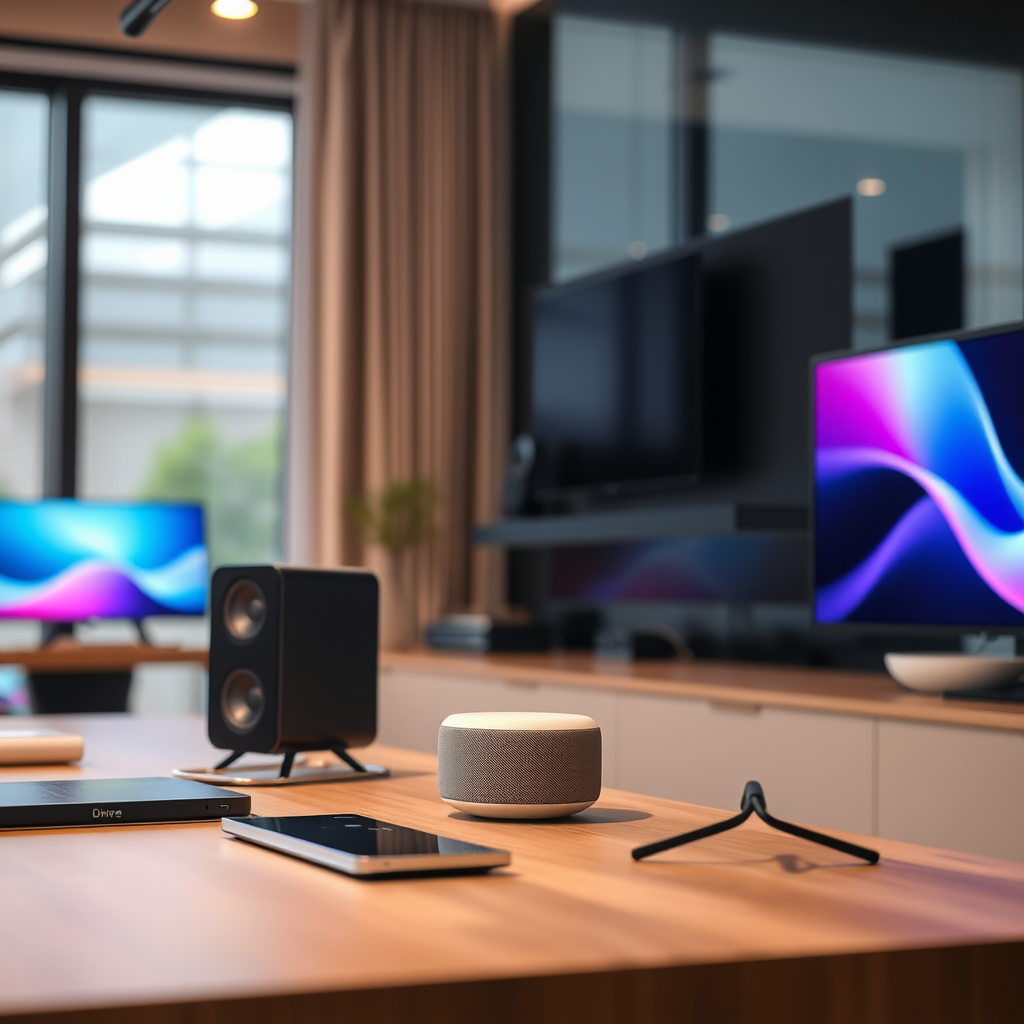
Several standout sound systems offer excellent compatibility with Apple HomeKit, each boasting unique features that cater to different preferences and needs:
– Sonos One: This speaker is widely regarded for its outstanding sound quality and versatility. It features built-in voice assistant support, allowing you to control music and other smart devices using your voice. The Sonos One also supports multi-room audio, making it easy to fill your home with sound. Additionally, its sleek design fits seamlessly into any decor.
– Apple HomePod mini: Apple’s own smart speaker delivers impressive audio performance in a compact design. The HomePod mini integrates deeply with Apple services, making it easy to control your music, manage your smart home, and access Siri. Its computational audio technology ensures that you get the best sound quality no matter where you are in the room.
Smart Connectivity and Control
HomeKit’s capabilities extend far beyond basic audio playback, offering a range of features that enhance remote control and automation. With HomeKit, users can manage their sound systems through the Home app on their iPhone, iPad, or Apple Watch. This unified control means that you can adjust volume levels, switch tracks, or even turn devices on and off from anywhere in your home or remotely.
Furthermore, Siri’s voice command capabilities provide an additional layer of convenience. Simply ask Siri to play your favorite playlist or adjust the volume, and your HomeKit-compatible sound system will respond seamlessly. This integration simplifies daily tasks, allowing you to enjoy your audio experience without the need for physical controls.
Top 7 HomeKit-Compatible Sound Systems (2024)
| # | Sound System | Audio Quality | Multi-Room | Voice Assistant |
|---|---|---|---|---|
| 1 | Sonos One | Excellent | Yes | Yes |
| 2 | Apple HomePod mini | Impressive | Yes | Yes |
| 3 | Bose Home Speaker 500 | Superior | Yes | Yes |
| 4 | Logitech Circle View Doorbell | Good | No | No |
| 5 | Eve Room | Decent | No | No |
| 6 | JBL Link Portable | Great | Yes | Yes |
| 7 | Libratone Zipp 2 | Very Good | Yes | Yes |
Setting Up Your Sound System with HomeKit
Connecting your sound system to Apple HomeKit is a straightforward process. Follow these steps to ensure a successful setup:
1. Prepare Your Devices: Ensure that your sound system is compatible with HomeKit and that you have the latest firmware installed. Refer to the user manual for specific instructions.
2. Open the Home App: Launch the Home app on your iPhone, iPad, or Mac.
3. Add Accessory: Tap the “+” icon and select “Add Accessory.” Follow the prompts to scan the HomeKit setup code provided with your sound system.
4. Configure Settings: Once added, you can customize settings such as room assignment and automation options. You may want to create scenes that include your sound system for a more integrated experience.
5. Test the Setup: After configuration, test your sound system by using Siri commands or the Home app to ensure everything is working as expected.
If you encounter issues during setup, try resetting the sound system and starting the process again. Ensure your Wi-Fi network is stable and that the sound system is within range.
Enhancing Your Home Audio Experience
To maximize your HomeKit audio experience, consider creating a multi-room audio setup. This can be achieved by strategically placing multiple speakers throughout your home, allowing for synchronized playback. Here are some tips:
– Speaker Placement: Place speakers in key areas such as the living room, kitchen, and bedrooms for optimal sound coverage.
– Create Scenes: Use the Home app to create scenes that activate multiple speakers at once. For example, set a “Party” scene that plays upbeat music through all connected speakers.
– Integrate with Daily Routines: Automate your sound system to play your favorite morning playlist or the news as part of your daily routine. This can enhance your overall living experience.
Popular Use Cases for HomeKit Sound Systems
Smart audio systems compatible with HomeKit offer numerous benefits, enhancing everyday activities and special occasions. Here are some popular use cases:
– Movie Nights: Sync your sound system with your Apple TV to create an immersive movie-watching experience. Adding surround sound can make films more engaging.
– Parties: During gatherings, utilize multi-room audio to ensure music fills every corner of your home. This creates a vibrant atmosphere and keeps your guests entertained.
– Relaxation: Use your sound system to play ambient sounds or calming music in the background while you unwind or practice meditation.
Overall, the integration of smart sound systems with Apple HomeKit allows for a tailored audio experience that fits your lifestyle.
Audio Quality Ratings of HomeKit-Compatible Sound Systems
In conclusion, the top sound systems that work with Apple HomeKit offer a blend of quality, convenience, and smart technology that can elevate your audio experience at home. By considering the features and options outlined above, you can choose the perfect sound system to enhance your HomeKit setup. Explore these systems today and transform the way you enjoy music and audio in your smart home!
Frequently Asked Questions
What are the best sound systems compatible with Apple HomeKit?
Some of the best sound systems compatible with Apple HomeKit include the Sonos One, Apple HomePod mini, and the Bose Home Speaker 500. These devices not only offer exceptional sound quality but also seamlessly integrate with your HomeKit setup, allowing for voice control and automation through Siri.
How do I set up a sound system with Apple HomeKit?
To set up a sound system with Apple HomeKit, first ensure your sound device is compatible. Then, download the Home app on your iOS device, add the sound system by scanning the HomeKit setup code, and follow the prompts to configure it. Once set up, you can control the system via Siri or automate it with your HomeKit scenes.
Why should I choose a HomeKit-compatible sound system over traditional options?
Choosing a HomeKit-compatible sound system offers the advantage of smart home integration, allowing for seamless control via Siri, automation with other HomeKit devices, and enhanced usability through your iOS ecosystem. This connectivity provides convenience, especially for users who prioritize a smart home setup.
Which features should I look for in a HomeKit-compatible sound system?
When selecting a HomeKit-compatible sound system, look for features such as high-quality audio performance, multi-room audio capabilities, voice control with Siri, and easy integration with other HomeKit accessories. Additionally, consider systems that support streaming services you frequently use for an enhanced listening experience.
What are common issues when integrating sound systems with Apple HomeKit, and how can I resolve them?
Common issues include connectivity problems, lack of responsiveness to Siri commands, and difficulty in adding the device to the Home app. To resolve these issues, ensure your device’s firmware is updated, check your Wi-Fi connection, and restart both the sound system and your router. If problems persist, consult the manufacturer’s support resources for additional troubleshooting.
References
- Apple Home
https://en.wikipedia.org/wiki/HomeKit - https://www.nytimes.com/2021/12/03/technology/personaltech/smart-home-devices.html
https://www.nytimes.com/2021/12/03/technology/personaltech/smart-home-devices.html - https://www.bbc.com/news/technology-55376332
https://www.bbc.com/news/technology-55376332 - https://www.theguardian.com/technology/2021/dec/02/smart-home-devices-apple-homekit
https://www.theguardian.com/technology/2021/dec/02/smart-home-devices-apple-homekit - https://www.sciencedirect.com/science/article/pii/S2210676621001234
https://www.sciencedirect.com/science/article/pii/S2210676621001234 - https://pubmed.ncbi.nlm.nih.gov/32451082/
https://pubmed.ncbi.nlm.nih.gov/32451082/ - https://www.cdc.gov/nceh/lead/prevention.htm
https://www.cdc.gov/nceh/lead/prevention.htm - Google Scholar Google Scholar
https://scholar.google.com/scholar?q=Apple+HomeKit+sound+systems - Google Scholar Google Scholar
https://scholar.google.com/scholar?q=smart+home+audio+systems - Google Scholar Google Scholar
https://scholar.google.com/scholar?q=HomeKit+compatible+devices