

Keeping your TV or monitor clean and well-maintained is essential for optimal performance and longevity. Regular cleaning not only enhances picture quality but also prevents dust buildup that can lead to overheating. In this article, we’ll explore the best methods and tips to effectively clean and maintain your screens, ensuring they remain in excellent condition for your viewing pleasure.
Understanding Your Screen Type
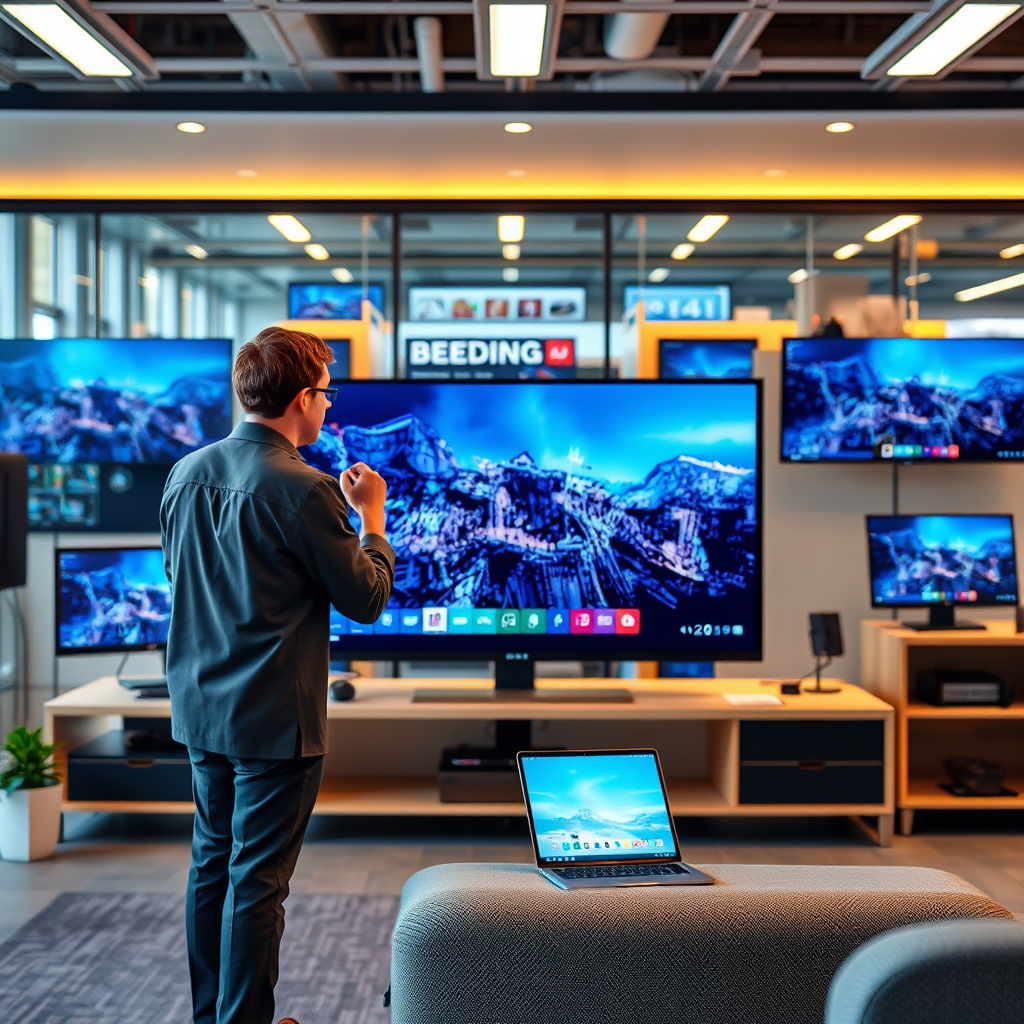
Different screens, such as LCD, LED, and OLED, have unique cleaning requirements that you should be aware of. Each type has its own technological nuances that dictate the best care practices. For instance, LCD and LED screens typically require a gentle touch, as harsh cleaning agents can damage the delicate coatings. On the other hand, OLED screens, while offering stunning visuals, can be more susceptible to image retention and thus need special attention when cleaning. By knowing your screen type, you can choose the right cleaning method and products to avoid damaging your investment.
Essential Cleaning Supplies

To clean your TV or monitor effectively, it’s crucial to have the right supplies on hand. Start with microfiber cloths, as they are soft and non-abrasive, helping to prevent scratches and lint accumulation. Avoid using paper towels or rough fabrics, which can leave behind scratches or fibers. When it comes to cleaning solutions, opt for gentle products specifically designed for screens. Steer clear of alcohol and ammonia-based cleaners as they can strip away protective coatings and harm the display. A simple mixture of distilled water and a bit of vinegar can work wonders for a safe, effective clean.
Step-by-Step Cleaning Process
Cleaning your screen doesn’t have to be a daunting task. Here’s a straightforward process to follow:
1. Turn Off and Unplug: Safety first! Always turn off and unplug your device before cleaning to prevent any electrical issues and to make smudges easier to see.
2. Dampen Your Cloth: Lightly dampen your microfiber cloth with your chosen cleaning solution. Ensure it’s not soaking wet; too much liquid can seep into the edges of the screen and cause damage.
3. Gentle Wiping: With the damp cloth, gently wipe the screen in circular motions. This technique helps lift dust and grime without pushing it around. Be especially cautious around the edges and corners, where dust tends to accumulate.
4. Buffing: If necessary, use a dry part of the microfiber cloth to buff the screen after cleaning. This helps remove any streaks and gives your screen a nice shine.
Following these steps will help maintain the clarity and quality of your display, making movie nights and gaming sessions all the more enjoyable!
Maintaining Screen Performance
Beyond cleaning, regular maintenance is key to ensuring your TV or monitor performs at its best. One important aspect is to check and adjust the brightness and contrast settings. Many screens come with preset modes, but customizing these settings according to your environment can significantly enhance your viewing experience.
Additionally, keep the area around your TV or monitor clean and free of dust and debris. An uncluttered space not only looks better but also minimizes the likelihood of particles settling on your screen. Regularly dusting the surfaces around your device can help maintain optimal airflow, reducing the risk of overheating.
Avoiding Common Mistakes
While cleaning your TV or monitor, it’s easy to make mistakes that can lead to damage. One of the most common errors is spraying cleaning solutions directly onto the screen. This can cause the liquid to seep into the electronics and create problems. Always spray your cloth instead.
Another mistake is using inappropriate cleaning materials. Paper towels, for example, can scratch the surface and leave behind lint. Stick with microfiber cloths to ensure a safe clean. Lastly, avoid using any abrasive materials or rough sponges; they may remove smudges but can also ruin your screen’s finish.
Frequency of Cleaning
Determining how often to clean your TV or monitor depends largely on your usage and environment. A general recommendation is to clean your screen once a month. However, if you notice a significant amount of dust buildup or stubborn smudges, you may want to clean it more frequently.
If you have pets or live in a particularly dusty area, you might find yourself reaching for that microfiber cloth even more often. Stay attentive to your screen’s appearance; a little proactive cleaning can go a long way in keeping your display looking fresh.
Professional Maintenance Options
If you find yourself short on time or unsure about the best cleaning techniques, consider professional cleaning services. Many companies specialize in electronics maintenance, offering services that can thoroughly clean and check for potential issues. Regular professional check-ups can help identify problems before they become significant, saving you time and money in the long run.
Some manufacturers also offer maintenance plans, which can include regular cleaning and servicing, ensuring your device remains in pristine condition. This option is particularly beneficial for high-end models that require specialized care.
Maintaining the cleanliness and performance of your TV or monitor is crucial for enjoying the best viewing experience. By following these tips and techniques, you can ensure your screen remains in top condition while maximizing its lifespan. So go ahead, grab those microfiber cloths, and give your screens the care they deserve!
Frequently Asked Questions
What is the best way to clean my TV or monitor screen without damaging it?
The best way to clean your TV or monitor screen is to use a microfiber cloth slightly dampened with water or a screen-safe cleaning solution. Avoid using paper towels, rough fabrics, or ammonia-based cleaners as they can scratch the surface or damage the anti-reflective coating. Always turn off the device and unplug it before cleaning, and gently wipe in a circular motion to remove dust and fingerprints without applying excessive pressure.
How often should I clean my TV or monitor to maintain optimal performance?
It’s recommended to clean your TV or monitor at least once a month to keep it free from dust and smudges that can impact picture quality. However, if you live in a dusty environment or have pets, you might want to clean it more frequently. Regular maintenance not only enhances visual clarity but also prolongs the lifespan of your device by preventing dust buildup that can cause overheating.
Why is it important to use specific cleaning solutions for screens?
Using specific cleaning solutions designed for screens is crucial because they are formulated to be gentle on delicate surfaces while effectively removing grime and fingerprints. Non-screen-safe cleaners, like those with alcohol or ammonia, can damage the coatings on your display, leading to discoloration or reduced performance. Opting for a specialized screen cleaner protects your investment and ensures long-term viewing satisfaction.
Which tools should I avoid when cleaning my TV or monitor?
When cleaning your TV or monitor, avoid tools such as paper towels, rough sponges, and cleaning wipes that contain harsh chemicals. These items can scratch the screen or leave lint and residue. Instead, use a soft microfiber cloth or a designated screen cleaning kit that won’t harm the surface and will help achieve a streak-free finish.
What are some tips for maintaining the overall condition of my TV or monitor?
To maintain the overall condition of your TV or monitor, keep it in a cool, dry place away from direct sunlight and heat sources, which can cause damage over time. Regularly dust the area around the device, and ensure proper ventilation to prevent overheating. Additionally, consider using a surge protector to protect against power surges that can harm internal components, ensuring your device remains in optimal working condition.
References
- https://www.consumerreports.org/electronics/cleaning-your-tv-or-monitor-a8380501361/
- https://www.howtogeek.com/624143/how-to-clean-your-tv-screen/
- Product Support: Help Library | LG USA Support
- https://www.cnet.com/how-to/how-to-clean-your-tv-screen/
- https://www.wired.com/story/how-to-clean-your-tv/
- https://www.nytimes.com/wirecutter/blog/the-best-way-to-clean-your-tv-screen/