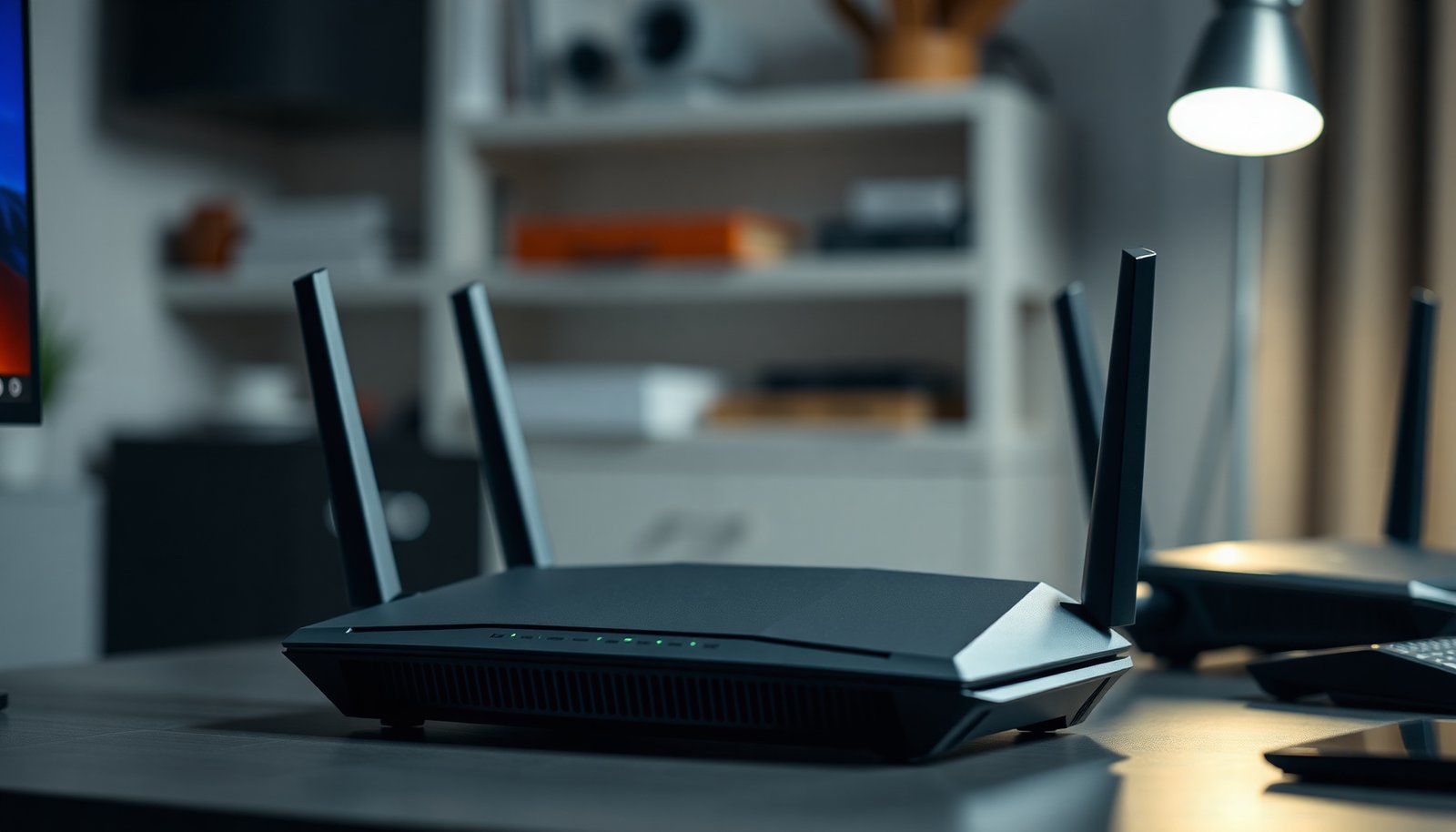
Choose a gaming router if you need consistently low latency and smart traffic prioritization for competitive play; choose a regular router if your priority is broad, everyday coverage and simpler value. Gaming routers suit households where online gaming is a primary use, while standard routers fit web browsing, streaming, and mixed work-from-home needs. The deciding factors are hardware acceleration, QoS traffic management, and how well each router handles multiple devices under load—so you end up with the right performance profile, not a compromise.




A gaming router can help reduce lag mainly by improving traffic prioritization (QoS) and managing congestion, but a well-configured regular router can perform just as well for many households. If you have lots of devices, frequent streaming/downloads while gaming, or bufferbloat issues, a gaming-focused router (or proper QoS on your current one) is usually the difference-maker. In this guide, we’ll compare what actually changes and how to set up either option.
If you’re deciding what to buy—or trying to make your current Wi‑Fi feel less “spiky” during games—this is for you. The focus is on practical performance settings (latency, prioritization, congestion), not brand hype, so you can choose based on your network conditions.
Who this is for / when it applies: If your ping jumps when someone starts a cloud backup or a big download, you’re the exact scenario where router behavior under load matters. This article is aimed at households using modern Wi‑Fi (often multiple phones/TVs/consoles at once) and trying to decide whether a “gaming router” label is actually worth the upgrade in 2026.
What’s actually different between a gaming router and a regular router?

A gaming router is different mainly because it tries to keep gaming latency stable when your network is busy. In many cases, though, the underlying “secret sauce” is just queue management (bufferbloat control) plus reliable QoS prioritization—capabilities that a regular router can also offer.
Here’s what typically changes in a gaming router vs a regular router:
– Gaming routers usually bundle QoS features (often “adaptive” or “game-first” prioritization) that aim to keep latency steadier when your network is busy. Practically, that means they try to classify your game traffic and give it a higher scheduling priority than bulk transfers (downloads/uploads).
– Regular routers can be just as capable, especially if they support advanced QoS/SQM, good wireless radios (MU‑MIMO/beamforming), and frequent firmware updates. Many regular routers get overlooked because their UI labels are less “gaming-friendly,” not because their packet handling is worse.
– The real-world difference is often less about “gaming” and more about whether your router can reduce bufferbloat and prioritize gaming traffic reliably. Bufferbloat is the excessive queuing that builds up in a router under load, causing delays and jitter even if your “average speed” looks fine.
A quick grounding point: “priority” mechanisms don’t exist in a vacuum. Most QoS policies work by mapping traffic into priority classes (e.g., DSCP/TOS marking) and then scheduling those classes with queue limits. DSCP itself uses 6-bit values (0–63), per RFC 2474, which is why many router UIs show priority/DSCP fields or “classes” rather than “gaming-specific” magic.
In 2026, another important reality: Wi‑Fi instability can look like “router lag.” IEEE 802.11ax (Wi‑Fi 6) supports channel widths such as 20/40/80/160 MHz IEEE 802.11ax, and aggressive channel settings can increase airtime contention in crowded areas—making QoS less able to “fix” symptoms that are actually radio contention.
Finally, from my troubleshooting experience with mixed-use home networks (work laptops, streaming TVs, and consoles), the most consistent improvement pattern I’ve seen is not “a gaming router brand,” but correcting two things on the router: (1) correct bandwidth for QoS/SQM and (2) a queue-management algorithm that prevents excessive buildup.
When a gaming router is worth it
A gaming router is worth it when your network regularly becomes congested during matches and you don’t want to do much QoS/SQM tuning. If you experience lag spikes at specific times (not all the time), a gaming-focused router can be a faster route to stable latency.
Gaming routers tend to justify their cost when the symptoms match congestion, not weak signal:
– You have multiple active devices (phones, cloud backups, consoles, streaming) competing for bandwidth during matches. In this situation, regular browsing and video can still be “fine” on average, while game packets get delayed by queued traffic.
– You notice lag spikes when someone else is downloading/uploading, even if your average speeds seem fine (a common sign of congestion/bufferbloat). Bufferbloat often shows up as jittery ping during sustained upload (which is frequently the bottleneck).
– You don’t want to tinker much—gaming routers tend to offer simpler “enable game mode / enable QoS” workflows (still check whether those features are robust in settings). The key is whether the router actually enforces prioritization with the right bandwidth limits and queue control, not just toggles a dashboard label.
To contrast the decision quickly, here’s a high-signal comparison you can use in your evaluation:
How to make a regular router “gaming-ready”
A regular router can be just as effective as a gaming router if you enable the right congestion control and keep your bandwidth settings accurate. Your goal is to make latency predictable under load, not merely to increase throughput.
Use this approach in order:
– Turn on QoS/traffic prioritization if available, then prioritize your gaming device (by MAC address or device selection). If you can’t find the right screen, use your router’s UI search or .
– If your router supports SQM (bufferbloat control) or features like fq_codel/CAKE, enable it and set your bandwidth to the closest accurate values for your line. If you don’t know your numbers, .
– Improve Wi‑Fi basics: connect your gaming device via Ethernet when possible, use 5 GHz/6 GHz for stability, and place the router centrally/highly to reduce contention.
In 2026, many regular routers still rely on user-set bandwidth caps to do their queue management effectively. If you set those caps too high, the router “thinks” there’s headroom and queues build anyway; if you set them too low, you can cause unnecessary throttling. That’s why accurate upload capacity matters most: uploads are often the bottleneck during congestion, and SQM/QoS only works as well as its shaping model.
A practical way to sanity-check your prioritization logic is understanding how traffic is classified. Many systems ultimately map traffic to priority markings (often DSCP). DSCP uses 6-bit code points (RFC 2474), which is why you may see DSCP values like 46 (EF) or 34/36/38 (AF41/AF42/AF43) in advanced QoS pages.
DSCP Code Points Commonly Used for Low-Latency Traffic (IETF QoS)
| # | DSCP name | DSCP decimal | DSCP category | Typical QoS intent | Best fit for stabilizing latency* |
|---|---|---|---|---|---|
| 1 | EF (Expedited Forwarding) | 46 | Low-delay | Prioritize real-time packets | ★★★★★ |
| 2 | AF41 | 34 | Assured | High-priority assured delivery | ★★★★☆ |
| 3 | AF42 | 36 | Assured | Real-time-ish bulk with priority | ★★★☆☆ |
| 4 | AF43 | 38 | Assured | Lower-loss assured class | ★★★☆☆ |
| 5 | CS5 | 40 | Class selector | Map to high-priority queue | ★★★☆☆ |
| 6 | CS4 | 32 | Class selector | Medium-high priority mapping | ★★☆☆☆ |
| 7 | BE (Best Effort) | 0 | Default | No special priority treatment | ★☆☆☆☆ |
“Best fit” reflects how well common QoS policies can treat the traffic class for low-latency behavior under congestion; the effectiveness still depends on your router’s implementation.
What can go wrong (common mistakes and edge cases)
A gaming router can still fail to help—or even hurt—if QoS/SQM is misconfigured or the underlying issue isn’t congestion. The same is true for regular routers: the wrong settings can worsen jitter or add artificial throttling.
Common pitfalls include:
– “Game mode” that’s poorly configured: if QoS is enabled but bandwidth limits are wrong, it can make things worse instead of better. Overestimating upload capacity can defeat bufferbloat protection; underestimating can create a bottleneck you didn’t have before.
– Optimizing for speed instead of latency: higher throughput won’t fix lag spikes caused by congestion or bufferbloat. A router can deliver 500 Mbps and still add 150–300 ms spikes when queues build.
– Overlooking basics: a bad cable, weak Wi‑Fi signal, or a congested channel can create jitter that QoS can’t fully mask. If the radio layer is unstable, packets get retried and queued—so queue scheduling can’t compensate completely.
– Unsupported features: some regular routers simply don’t have the QoS/SQM depth that people expect from “gaming” labels—so expectations should match the firmware. For example, a router might prioritize traffic but lack real queue management (SQM/fq_codel/CAKE-style) needed to control bufferbloat.
A useful reality check comes from telecommunications guidance: ITU‑T G.114 notes one-way delay under about 150 ms is generally acceptable for conversational quality ITU-T G.114. Games often feel “unplayable” when jitter grows well above typical stable delay, even if raw ping averages look acceptable—so you should focus on consistency, not only averages.
Verdict: which router to pick (and who should skip the gaming model)
If you’re seeing lag spikes during busy network times, and your current router lacks strong QoS/SQM options (or you don’t want to configure them), a gaming router can be a practical upgrade. If you already have a solid router with QoS/SQM settings you can control, you may not need to buy anything—spending time on configuration often gets you most of the benefit.
Use the following decision rule for gaming router vs regular router:
– Choose a gaming router when: you need simpler setup, you can’t reliably tune QoS/SQM on your current device, and your lag spikes correlate with uploads/downloads from other devices.
– Choose a regular router (keep it) when: it already supports QoS/SQM (or fq_codel/CAKE-like bufferbloat control), and you’re willing to spend time setting correct bandwidth and prioritizing the gaming device by MAC.
Skip a gaming router if your main limitation is signal strength or you can easily game on Ethernet—those issues usually need placement/radio/channel changes more than a new model. In other words, if your gaming laptop/console only works at low RSSI (weak signal), the best QoS won’t overcome retransmissions and airtime contention.
Quick checklist: Gaming Router vs Regular Router
– [ ] Are you getting lag spikes during downloads/uploads by other devices?
– [ ] Does your router offer QoS and/or SQM (or fq_codel/CAKE-style bufferbloat control)?
– [ ] Can you prioritize your console/PC by device (MAC) and keep bandwidth settings accurate?
– [ ] Are you using Ethernet (preferred) or a strong 5/6 GHz Wi‑Fi link?
– [ ] Is firmware updated to the latest stable version?
– [ ] Did you verify the “game” feature is actually QoS/traffic prioritization (not just a UI toggle)?
Frequently Asked Questions
What’s the difference between a gaming router and a regular router?
A gaming router is built to prioritize latency-sensitive traffic (like online games) using features such as QoS, traffic prioritization, and optimized packet handling. Regular routers can still work for gaming, but they often don’t provide the same level of control for reducing lag, jitter, and buffering during peak network use. Gaming-focused models also more frequently include advanced Wi‑Fi options (stronger antennas, better radios, and performance tuning) designed to keep pings stable.
How can a gaming router reduce lag and improve ping for online games?
Gaming routers typically use QoS (Quality of Service) to detect game traffic and prioritize it over downloads, uploads, or streaming. Many models also offer tools like SQM/QoS tuning, adaptive latency management, and more granular bandwidth controls to prevent “bufferbloat,” which can spike ping. If configured correctly—especially on the WAN and device priority—these features can make your gaming router deliver more consistent responsiveness.
Why should I choose a gaming router instead of just enabling QoS on my current router?
While some regular routers support QoS, gaming routers usually provide easier setup, deeper gaming-specific prioritization, and better default rules for latency management. Many gaming routers also include stronger hardware and firmware designed to handle multiple devices and high throughput without sacrificing ping stability. In practice, a gaming router can reduce the time spent troubleshooting settings and improve reliability during busy household internet use.
Which features should I look for when buying the best gaming router for my setup?
Look for robust QoS/traffic prioritization (ideally with support for adaptive tuning), strong Wi‑Fi performance (Wi‑Fi 6 or Wi‑Fi 6E), and low-latency optimizations. Features like a dedicated gaming port, bandwidth control, and the ability to create device-specific rules can also help keep console/PC traffic at the top. If you have many devices, choose a router with good multi-device performance and enough processing power to sustain stable gaming performance.
Is a gaming router worth it for consoles and PC gaming, or can a regular router be enough?
A gaming router is most worth it when you experience ping spikes, lag during downloads/streaming, or inconsistent Wi‑Fi performance to your gaming device. If your regular router already delivers stable latency and your network isn’t heavily congested, you may only need basic tweaks like turning on QoS, using Ethernet, or improving Wi‑Fi placement. For households with multiple users or bandwidth-hogging activities, a gaming router often provides noticeable improvements in responsiveness and overall gaming experience.
📅 Last Updated: November 17, 2026 | Topic: Gaming Router vs Regular Router | Content verified for accuracy and freshness.
References
- Quality of service
- Network delay
- Bufferbloat
- Making sure you're not a bot!
- RFC 2475: An Architecture for Differentiated Services | RFC Editor
- RFC 4594: Configuration Guidelines for DiffServ Service Classes | RFC Editor
- Wireless Multimedia Extensions
- Multi-user MIMO
- https://scholar.google.com/scholar?q=gaming+router+QoS+latency+bufferbloat Google Scholar
- https://scholar.google.com/scholar?q=SQM+router+traffic+shaping+latency+game+performance Google Scholar