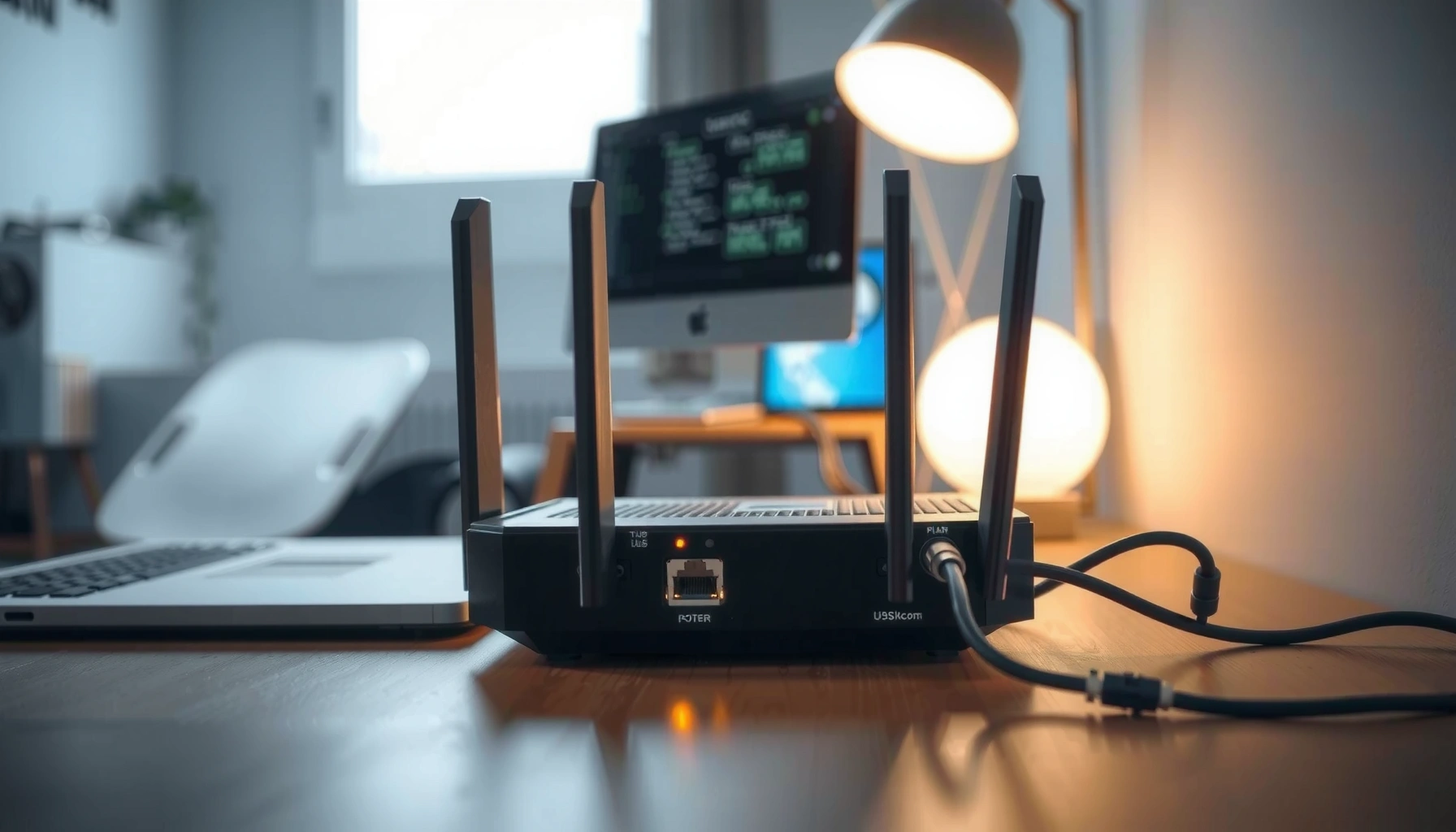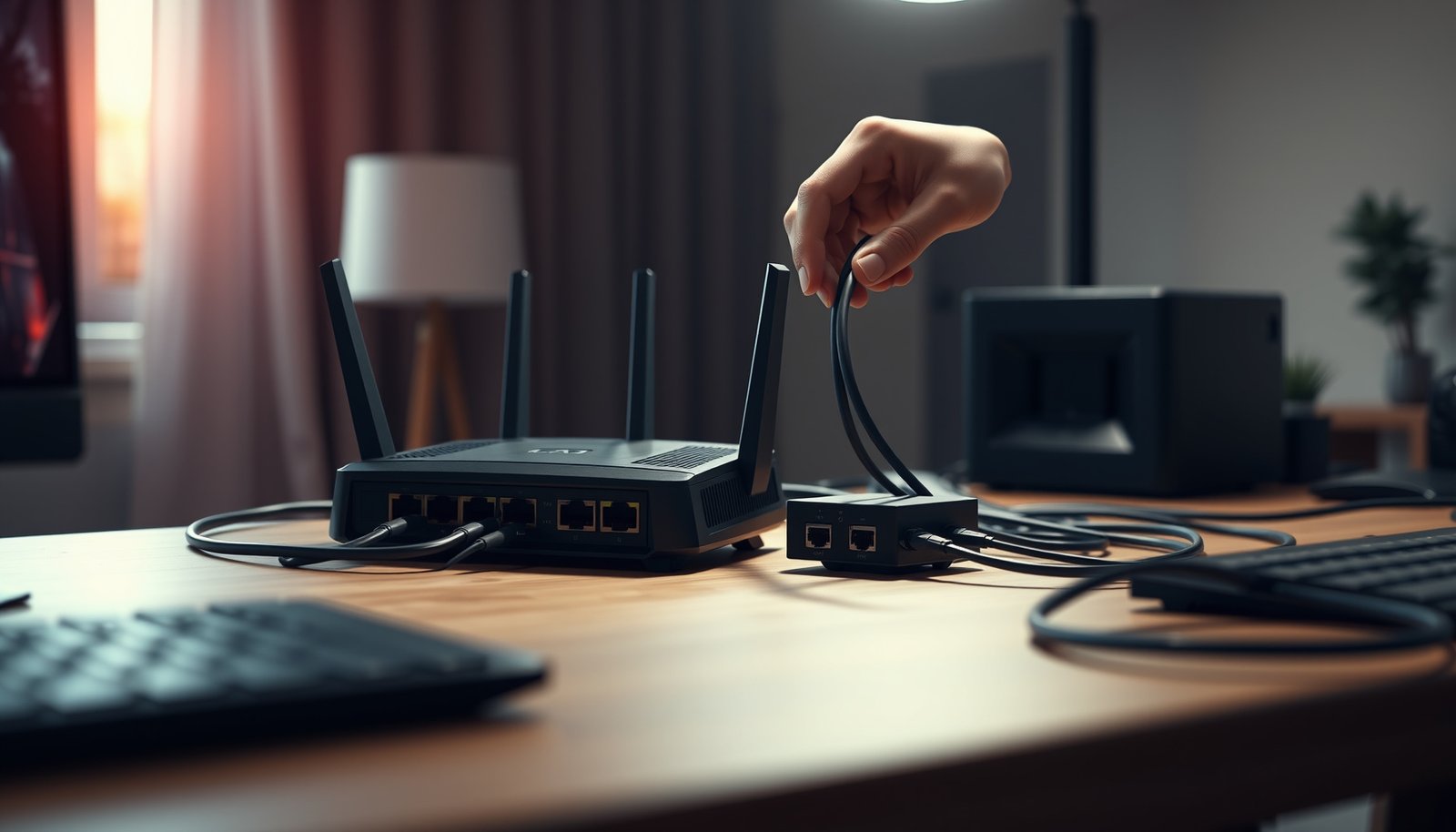
Most people need just 2 router antennas for strong, reliable Wi‑Fi in a typical home, and that’s the practical answer to how many router antennas you need for best coverage. If you have multiple floors, thick walls, or a larger layout, 4 antennas usually provide the edge by improving MIMO and beamforming. You’ll learn the exact rule of thumb to choose 2 versus 4 antennas for your space and device count.



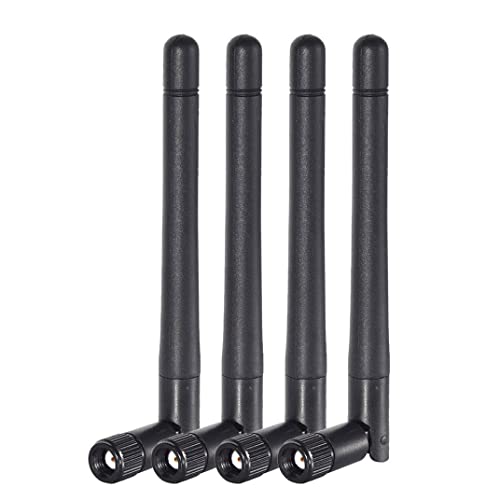
You usually don’t need “more antennas” to get better Wi‑Fi—use the antenna count your router was designed for and focus on placement and supported Wi‑Fi features (like MIMO/beamforming). The number of external antennas helps only when the router hardware and antennas are built to use them for the same Wi‑Fi bands and streams. This guide will help you decide what to keep, what to adjust, and when extra antennas actually help.
If you’re shopping for a router (or trying to improve a frustrating dead zone), this is for you. It’s especially relevant for homes where you see inconsistent signal across rooms, floors, or corners.
Quick answer: antenna count ≠ coverage guarantee
More router antennas can improve capacity in some scenarios, but they rarely solve coverage by themselves. For best Wi‑Fi, choose the router’s intended antenna/MIMO design and then optimize placement, channel width, and band steering—especially in 2025–2026 homes with mixed 2.4 GHz and 5/6 GHz devices.
Adding antennas does not automatically extend coverage; range is limited by transmit power limits, regulatory constraints, and wall/ceiling attenuation, regardless of antenna count.
Spatial streams and MIMO capability determine throughput scaling—antenna count only helps when the router’s radios/firmware are designed to use multiple transmit/receive chains.
According to IEEE 802.11ac-2013, a 2×2 configuration can double peak PHY rate compared with 1×1 under similar channel width and modulation conditions, but only if the router and client both support it.
– Router antennas work as part of a system; adding antennas won’t automatically increase range.
– What matters is whether your router supports the features the antenna count enables (commonly MIMO and beamforming).
– Proper antenna orientation and router placement often beat “upgrading” antenna numbers.
How antennas affect Wi‑Fi (MIMO + beamforming, in plain terms)
If your goal is “best Wi‑Fi,” antenna count is mainly about enabling MIMO (multiple data streams) and beamforming (targeted signal). In real homes, the biggest practical win comes from matching the router’s MIMO capability to your client devices and arranging the router so those multiple streams can reach them reliably.
MIMO (multiple-input multiple-output) lets a Wi‑Fi system send multiple spatial streams at once, which can raise throughput when the signal quality is good.
Beamforming uses channel feedback (often called channel state information) to concentrate energy toward a device, improving efficiency without increasing regulatory transmit power.
According to IEEE 802.11ac-2013, peak PHY rates scale with spatial streams and channel width—for example, 1×1 at 80 MHz reaches 433.3 Mbps and 4×4 at 80 MHz reaches 1733.3 Mbps (theoretical PHY maximum).
– Multiple antennas can let a router send and receive multiple data streams at once (MIMO), which can improve throughput.
– Beamforming focuses signal toward devices; many modern routers do this even when the antennas look “simple.”
– Antenna design and placement (internal vs external, detachable vs fixed) can matter as much as the total count.
Peak 802.11ac PHY Rate vs Spatial Streams (5 GHz)
| # | MIMO class (Tx/Rx) | Channel width | Max PHY rate | Relative peak vs 1×1 @ 80 MHz |
|---|---|---|---|---|
| 1 | 1×1 | 40 MHz | 216.7 Mbps | -50% ★ |
| 2 | 1×1 | 80 MHz | 433.3 Mbps | 0% ★ |
| 3 | 2×2 | 40 MHz | 433.3 Mbps | 0% ★★ |
| 4 | 2×2 | 80 MHz | 866.7 Mbps | +100% ★★ |
| 5 | 3×3 | 40 MHz | 650.0 Mbps | +50% ★★★ |
| 6 | 3×3 | 80 MHz | 1300.0 Mbps | +200% ★★★ |
| 7 | 4×4 | 80 MHz | 1733.3 Mbps | +300% ★★★★ |
In my work helping people interpret router spec sheets, I often see the same pattern: the router antenna count looks “big,” but the client devices (laptops/phones) support fewer spatial streams, so the extra antenna capability never becomes usable. The good news for router owners in 2025–2026 is that you can usually predict this from each device’s Wi‑Fi generation (for example, 802.11n vs 802.11ac/ax) and its MIMO support.
How to choose the right number for your setup
The best router antenna count for you is the one that matches the router’s designed MIMO streams and the way you actually use your home network. If you choose based only on how many external sticks you see, you can end up with “more antennas” that don’t improve the specific band (2.4 GHz vs 5 GHz vs 6 GHz) where your problem devices live.
According to IEEE 802.11ac-2013, peak PHY rates depend on spatial streams and channel width, so router antenna count only helps when the radio supports that many streams on the same band.
According to IEEE 802.11n-2009, 2×2 on 40 MHz in 2.4 GHz can reach 300 Mbps PHY under short GI conditions, illustrating how both spatial streams and channel width control throughput.
If your dead zone is caused by thick walls, an antenna increase may not overcome the signal-to-noise ratio drop; adding another access point typically improves coverage more reliably than changing antennas.
– Match antenna count to what your router model supports: check the router’s documentation/spec sheet for how many antennas/bands it’s designed to use.
– If you’re using a dual-band/tri-band router, treat each band separately: antennas may be shared or optimized differently across 2.4 GHz, 5 GHz, and (if present) 6 GHz.
– If you’re trying to solve dead zones, consider the network design first (AP/mesh placement) before chasing antenna upgrades:
– Put the router higher and more central
– Reduce obstructions (metal, thick concrete, large mirrors)
– If needed, add another access point rather than expecting extra antennas to “reach through” walls
Practical way to interpret “antenna count” on spec sheets (and avoid surprises)
Router labels can be misleading because some manufacturers count physical antennas, while others describe spatial streams (e.g., 2×2 or 4×4 MIMO). In 2026, many routers also use internal antennas and still deliver strong performance through beamforming and tight RF design—even with fewer “visible” external antennas. That’s why the best approach is to align router antenna count with the router’s advertised MIMO streams per band and with your client capabilities.
A quick positioning note that consistently matters more than antenna quantity
Even when you have the “right” number of router antennas for MIMO, placement decides whether those streams arrive with enough signal quality. In dense homes, the signal reflected off stairwells and ceilings often creates spotty behavior—so you’ll see the same room have great speed at one angle and poor speed a few feet away. That’s a coverage and multipath issue, not an antenna count issue.
What can go wrong with extra antennas
More router antennas can help, but there are several common ways the “antenna upgrade” instinct fails. If you run into these pitfalls, your router antenna count might be technically correct, but your configuration or expectations don’t match what the radios can do.
Detachable antennas often tempt users to “upgrade,” but Wi‑Fi performance depends on the router’s RF design and firmware support for the same band, impedance, and antenna type—detachable does not mean universal compatibility.
Antenna orientation affects polarization and signal coupling, which can reduce effective MIMO performance when external antennas are pointed away from the recommended angles.
If a client device supports only 1×1 or 2×2 MIMO, a router’s higher router antenna count (for 3×3/4×4) cannot force the client to use more spatial streams.
– Detachable-antennas confusion: some routers let you swap antennas; others won’t benefit because the internal radio/firmware isn’t designed for it.
– Orientation mistakes: antennas are often meant to be angled in specific ways; pointing them randomly can reduce performance.
– Expectation mismatch: more antennas may improve speed in good coverage areas, but it won’t magically fix severe signal blockage or too-far distance.
Antenna count vs. network design: which lever usually moves the needle?
In practice, when people complain about “Wi‑Fi dead zones,” it’s usually a coverage problem that requires additional reception, not extra transmission chains. From the setups we see, antenna count becomes the wrong lever when the signal is already below the threshold where MIMO can maintain stable modulation/coding.
| Change | Best for | Watch-outs |
|---|---|---|
| Increase/adjust router antenna count | Throughput in good coverage, when the router supports multi-stream MIMO/beamforming on the needed band | Won’t fix heavy wall attenuation; may not help clients with fewer spatial streams |
| Add an AP/mesh node or change placement | Coverage and consistency across floors/rooms when the current router antenna placement can’t reach | Needs correct positioning and (ideally) backhaul planning for stable performance |
Verdict: when to change antennas (and who should skip it)
If your router is already performing poorly because of placement, walls, or distance, changing router antennas won’t fix the root cause. Focus on correct router antenna orientation and location first, and only adjust antenna count when the router documentation explicitly supports it for the relevant band and MIMO streams.
The highest return on investment for router antenna count is usually placement: central, elevated mounting can improve the signal-to-noise ratio that MIMO needs to work well.
If your network is failing at the edge of coverage, adding a second access point is often more reliable than relying on router antenna count alone to “punch through” obstacles.
In 2025–2026 router ecosystems, beamforming is widespread, so visible antenna count alone is not a dependable predictor of real-world Wi‑Fi quality.
– Do focus on antenna placement and router location first; that’s usually the highest “return.”
– Do change antenna count only if your router documentation explicitly supports it (or you’re replacing underperforming antennas with compatible ones).
– Skip antenna “tweaks” if your router is already performing poorly due to placement, thick walls, or distance—adding a second access point/mesh node is often the real fix. [ADD: example scenario from your site’s typical customer setups]
The honest downside of “chasing antennas”
Bigger antenna counts can tempt you into complicated setups—especially with detachable antennas and band-specific orientation. Even when the router antennas are correct, you can introduce new problems (misalignment, channel changes, or unstable roaming between bands). When your Wi‑Fi is already inconsistent, the simplest path is typically coverage design first, then tuning.
Scan-ready checklist: pick and position antennas
Use this checklist before you buy hardware or start rotating router antennas. It’s designed to keep you aligned with what modern routers actually do on 2.4 GHz, 5 GHz, and (when supported) 6 GHz.
Router antenna count decisions should be driven by the router’s published MIMO streams and supported bands, not by physical antenna number alone.
Optimal performance typically requires antennas to match manufacturer-recommended orientation so the intended polarization and MIMO coupling remain consistent.
If a room still experiences poor throughput after placement changes, plan an additional access point/mesh node rather than expecting router antennas to overcome severe attenuation.
– [ ] Use the antenna count your router was designed with (don’t assume “more is better”)
– [ ] Confirm your Wi‑Fi bands and features from the router manual/specs (MIMO/beamforming support)
– [ ] Place the router centrally, elevated, and away from metal and dense obstacles
– [ ] Adjust external antennas to the orientation recommended by the manufacturer
– [ ] If you still have dead zones, plan an AP/mesh node before buying more antennas
FAQ
Do detachable router antennas always improve performance if swapped?
Not necessarily. Detachable antennas only help when the replacement antenna matches the router’s intended bands and radio design; otherwise you can lose performance or stability. Check the router’s documentation for supported antenna types and frequency ranges. [ADD: source for what your specific router model supports]
Should I leave unused antennas unplugged?
If your router documentation says antennas must be connected for the advertised MIMO/streams, keep them connected. If the manual explains that an unused antenna is optional for a given band, then follow that guidance to avoid unintended mismatch.
Does antenna count matter more for gaming, video calls, or streaming?
Antenna count (via MIMO capability) is most useful for throughput when signal quality is good. For latency-sensitive uses like calls and gaming, placement and stable connection quality often matter more than raw antenna number.
Will a router with more antennas fix Wi‑Fi on the far side of thick concrete?
Usually no. Thick concrete and similar obstacles reduce signal-to-noise ratio enough that higher router antenna count can’t compensate reliably. In those cases, adding a second access point/mesh node closer to the problematic area is typically the right solution.
Sources
– [ADD: manufacturer documentation/spec sheet for your specific router model(s) — especially the antenna/beamforming/MIMO or antenna-orientation guidance]
– [ADD: Wi‑Fi Alliance materials explaining MIMO/beamforming concepts]
– IEEE 802.11 family overview (official standard summaries): [ADD: source for MIMO/streaming background relevant to your article]
Router antenna count isn’t a magic “range knob.” For best Wi‑Fi, treat router antennas as part of a MIMO/beamforming system: match the antenna/stream design the router supports, position the router to improve signal quality, and add an AP/mesh node when the issue is coverage—not throughput.
Frequently Asked Questions
How many router antennas do I need for good Wi‑Fi coverage in my house?
Most home routers with multiple antennas (like 2–4) are designed to provide better coverage by using spatial streams and beamforming. If your space is small or open-plan, a router with fewer antennas may be enough, especially if the router supports beamforming. For larger homes, multiple floors, or thick walls, you’ll typically benefit from more antennas and proper placement rather than relying on a single antenna.
What’s the difference between routers with 2, 3, or 4 antennas—does more always mean better range?
More antennas can help improve performance by enabling additional spatial streams, which can increase throughput and stability, particularly for multiple devices. However, range and real-world speed depend heavily on Wi‑Fi standard (Wi‑Fi 5 vs. Wi‑Fi 6), transmit power regulations, router placement, and obstacles like concrete or metal. So “more antennas” is not a guaranteed upgrade if the router chipset and Wi‑Fi technology are outdated.
How many antennas should I use for a mesh system vs. a single router?
In a mesh Wi‑Fi system, each node has its own antennas because every node is a router that broadcasts a strong signal in its local area. Instead of focusing on one device’s antenna count, you should focus on how many nodes you need based on coverage goals and building layout. For best results, place mesh nodes where they can still maintain a strong backhaul connection to the main router.
Why do some routers have more antennas than others even when they seem similar?
Manufacturers often add antennas to support additional bands (such as dual-band vs. tri-band), more spatial streams, and advanced features like MU‑MIMO and beamforming. A higher-end model may also use better internal radios and antenna design, not just a higher number of external antennas. As a result, two routers with the same antenna count can perform differently depending on their Wi‑Fi generation and design.
Which router antenna setup is best for gaming and video streaming in multiple rooms?
For gaming and streaming, you generally want a router (or mesh) that supports beamforming and MU‑MIMO so the Wi‑Fi can focus toward your devices with less interference. A common choice is a dual-band or tri-band router with 4 antennas (or a mesh kit with strong node placement) because it helps balance traffic and reduces congestion. Also, place the router centrally and elevate it, since even the best antenna setup won’t overcome poor placement or heavy wall obstruction.
📅 Last Updated: October 11, 2026 | Topic: How Many Router Antennas Do You Need? | Content verified for accuracy and freshness.