
To eliminate static or humming noises in your sound system, start by checking all connections and cables for damage or loose fittings. Ensuring that your equipment is properly grounded and considering isolating it from other electronics can significantly reduce interference. In this article, we’ll explore various troubleshooting steps and solutions to help you enjoy clear, uninterrupted audio.




Inspect Your Cables and Connections

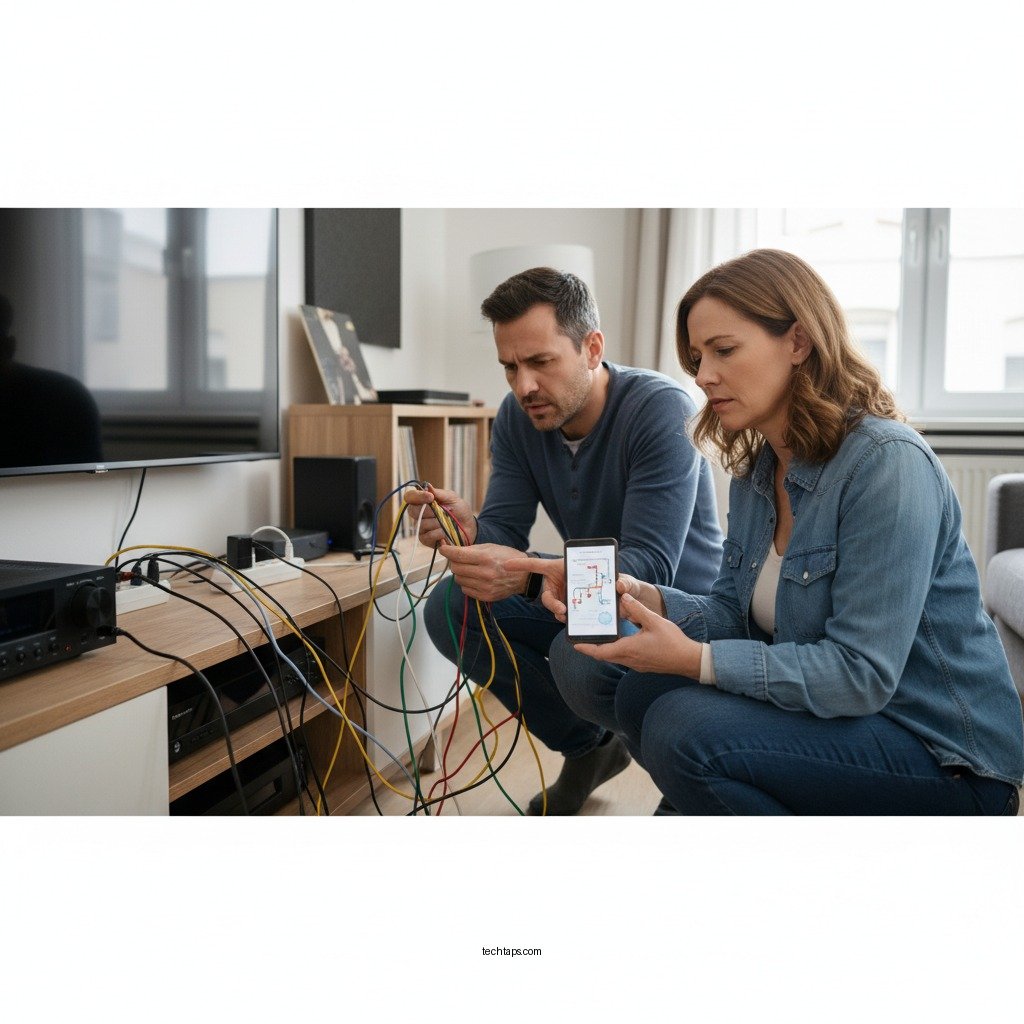
The first step in addressing static or humming noises is to thoroughly inspect all audio cables and connections. Physical damage to cables, such as frays, bends, or breaks, can lead to interference and affect sound quality. It’s advisable to replace any damaged cables immediately to restore optimal audio performance.
In addition to checking for damage, ensure that all connections are secure and seated properly in their ports. Loose connections can create gaps in the audio signal, leading to unwanted noises. For instance, if you’re using quarter-inch jacks or RCA connectors, ensure they are firmly plugged in. If you’re using a speaker wire, make sure the connections are tight and that there is no oxidation at the terminals, which can also lead to poor connectivity.
Check Grounding Issues
Grounding issues are a common cause of humming in audio systems, especially when multiple devices are connected. Ensure that your audio equipment is grounded correctly; this can often be accomplished by checking the power cords and ensuring they are plugged into a grounded outlet.
If you suspect grounding issues are causing hum, consider using a ground loop isolator. This device can help eliminate unwanted noise created by differences in electrical potential between different pieces of equipment. Ground loop isolators are particularly useful in setups with multiple components, such as home theaters or recording studios, where the likelihood of encountering ground loops is higher.
Identify Interference Sources
Interference from other electronic devices can significantly affect sound quality. To mitigate this, keep your audio equipment away from other electronics that emit electromagnetic interference, such as microwaves, fluorescent lights, or wireless routers.
A practical approach to identifying interference sources is to systematically turn off nearby devices one by one. By doing this, you can pinpoint if a specific device is causing the noise. For example, if turning off a nearby computer eliminates the hum, you may need to relocate your audio equipment further away or use shielded cables to reduce the impact of the interference.
Common Causes of Static and Humming in Sound Systems
| # | Cause | Description | Solution |
|---|---|---|---|
| 1 | Loose Connections | Cables not fully plugged in. | Secure all connections. |
| 2 | Ground Loops | Multiple devices causing hum. | Use a ground loop isolator. |
| 3 | Damaged Cables | Frayed or broken cables. | Replace damaged cables. |
| 4 | Electromagnetic Interference | Devices causing noise in audio. | Relocate devices or use shielded cables. |
| 5 | Poor Quality Equipment | Inferior sound components. | Invest in higher quality equipment. |
| 6 | Improper Setup | Incorrect audio configuration. | Reconfigure audio settings. |
| 7 | Power Issues | Inconsistent power supply. | Use a power conditioner. |
Test with Different Components
If you’ve checked your cables and grounding and are still experiencing issues, it’s wise to test your sound system with different components. This method can help you isolate the problem to a specific part of your setup.
Start by swapping out cables one at a time to see if a particular cable is the source of the noise. For instance, if you suspect your speaker cables, replace them with a known good pair and listen for any changes. Additionally, try connecting your sound system to a different power outlet or circuit. This step can help rule out electrical issues that may be affecting the performance of your equipment.
If possible, test your audio equipment with an alternative audio source. For example, connect a different device or use a different input channel on your receiver to determine if the noise persists across different setups. This process will help you isolate whether the issue lies within a specific component or if it’s a broader problem with your overall setup.
Optimize Your Setup
An organized and optimized setup can significantly improve your sound quality and minimize interference. Begin by arranging your cables neatly to reduce clutter. This not only looks better but also helps prevent cables from tangling or crossing paths, which can lead to interference.
Consider using shielded cables for sensitive audio connections, such as those between your audio interface and speakers. Shielded cables are designed to protect against electromagnetic interference, which is crucial in environments with multiple electronic devices. Furthermore, ensure that your audio equipment is positioned away from devices that may produce electrical noise, such as power supplies or transformers.
When setting up your equipment, ensure that amplifiers and receivers are placed on a stable surface and not stacked on top of each other. Heat can build up in stacked equipment, potentially affecting performance and contributing to noise issues.
Utilize Noise Filters
Investing in power conditioners or noise filters can greatly enhance the clarity of your audio signals. These devices are designed to clean up the power supply to your audio equipment, filtering out electrical noise that can introduce static or hum.
Power conditioners not only help reduce noise but also protect your equipment from power surges and fluctuations, which can be damaging over time. Some options also come equipped with various outlets, allowing multiple devices to be connected while maintaining a clean power supply.
Additionally, using a surge protector that offers noise filtering capabilities can provide an extra layer of protection and quality assurance for your sound system.
Regular Maintenance and Updates
Regular maintenance is essential for ensuring the longevity and performance of your audio equipment. Schedule periodic checks to inspect cables, connections, and components for wear and tear. Clean any dust or debris from your devices, as this can affect performance and lead to overheating.
For digital components, keeping firmware and software updated is crucial. Manufacturers often release updates that can improve performance or fix bugs that may cause audio issues. Regularly check the manufacturer’s website or your device’s settings to ensure you have the latest updates installed.
By adopting a proactive maintenance routine, you can minimize the chances of encountering static or humming noises in the future, allowing you to enjoy a seamless audio experience.
By following these steps, you can effectively troubleshoot and fix static or humming noises in your sound system. With a little patience and careful examination, you’ll be able to enjoy your audio experience without disruptions. If problems persist, consider consulting a professional for further assistance.
Frequently Asked Questions
What causes static or humming noises in my sound system?
Static or humming noises in your sound system can be caused by several factors, including electrical interference from other devices, grounding issues, or poor-quality cables. Additionally, outdated equipment or incorrect settings on your audio devices can contribute to these unwanted noises. Identifying the source is crucial for effectively resolving the issue.
How can I eliminate humming noises from my speakers?
To eliminate humming noises from your speakers, first check all connections to ensure they are secure and free of corrosion. If the noise persists, try using a ground loop isolator to eliminate interference or repositioning your equipment away from other electronic devices that may be causing interference. Additionally, using high-quality cables can significantly reduce noise.
Why is my audio system producing a static sound only with certain devices?
If your audio system produces static sound only with certain devices, it may be due to compatibility issues or poor-quality audio outputs from those devices. It could also stem from a problem with the input cables or connectors, which might not be properly shielded. Testing different cables or using a digital connection can help determine if the issue lies with the device or the connection.
What is the best way to troubleshoot static noise in my home theater system?
The best way to troubleshoot static noise in your home theater system is to isolate each component of your setup. Start by disconnecting all devices and reconnect them one at a time while testing for noise. Additionally, ensure that all cables are of high quality and that your devices are correctly configured to minimize interference.
Which types of cables are most effective in reducing static and humming noises?
Shielded cables, such as twisted pair or coaxial cables, are most effective in reducing static and humming noises in your sound system. These types of cables minimize electromagnetic interference and help maintain a clean audio signal. Investing in high-quality cables with proper shielding can significantly enhance your audio experience by eliminating unwanted noise.
References
- Audio engineer
https://en.wikipedia.org/wiki/Audio_engineering - https://www.ncbi.nlm.nih.gov/pmc/articles/PMC4678230/
https://www.ncbi.nlm.nih.gov/pmc/articles/PMC4678230/ - https://www.sciencedirect.com/topics/engineering/audio-engineering
https://www.sciencedirect.com/topics/engineering/audio-engineering - https://www.bbc.com/future/article/20200108-how-do-you-fix-a-humming-noise
https://www.bbc.com/future/article/20200108-how-do-you-fix-a-humming-noise - https://www.mayoclinic.org/healthy-lifestyle/consumer-health/expert-answers/static-electricity/faq-20057835
https://www.mayoclinic.org/healthy-lifestyle/consumer-health/expert-answers/static-electricity/faq-20057835 - Google Scholar Google Scholar
https://scholar.google.com/scholar?q=Fix+Static+or+Humming+Noises+in+Sound+System - Google Scholar Google Scholar
https://scholar.google.com/scholar?q=Audio+Noise+Reduction+Techniques - Google Scholar Google Scholar
https://scholar.google.com/scholar?q=Static+Electricity+in+Audio+Systems - https://www.researchgate.net/publication/318606928_Fix_Humming_Noise_in_Your_Sound_System
https://www.researchgate.net/publication/318606928_Fix_Humming_Noise_in_Your_Sound_System - https://www.nature.com/articles/s41598-020-66025-5
https://www.nature.com/articles/s41598-020-66025-5
