
Improving the sound quality on your Samsung home theater can significantly enhance your viewing experience. By adjusting settings, optimizing speaker placement, and utilizing the right accessories, you can enjoy crisp and immersive audio. This guide will walk you through essential steps to elevate your home theater sound.



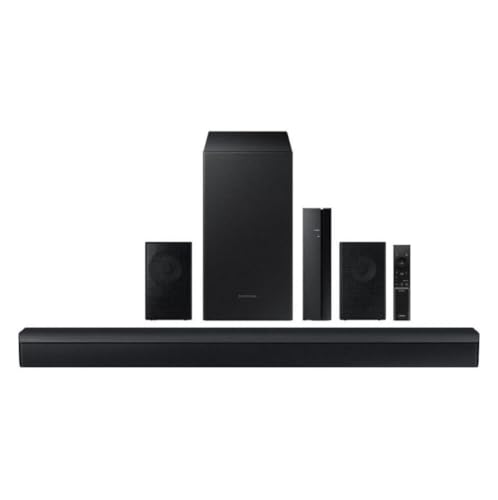
Optimize Audio Settings
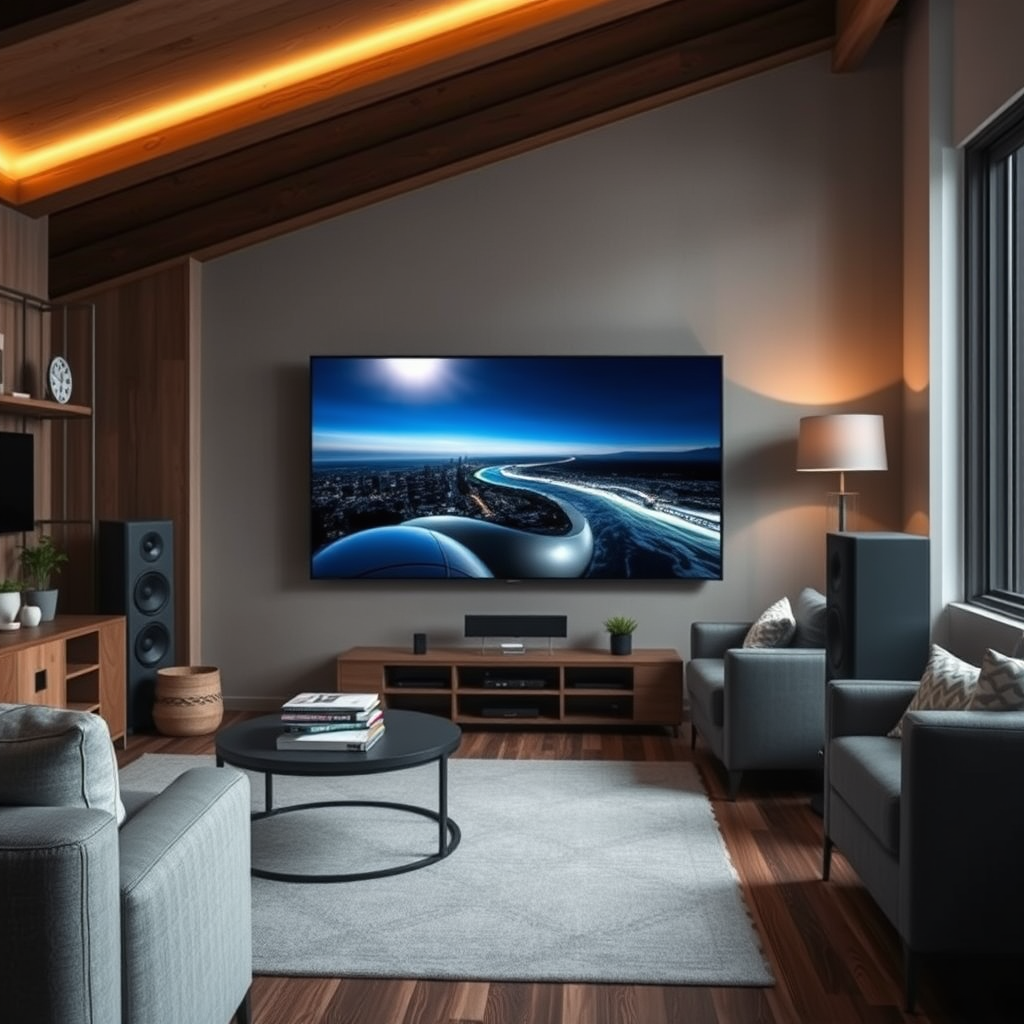
The first step in enhancing sound quality is to access the audio settings menu on your Samsung home theater system. Here, you can find various options that tailor the audio output to match your preferences and the content type you are enjoying. Most Samsung home theaters come with several sound modes, such as surround sound, stereo, and even specific modes for movies, music, and gaming.
To optimize your experience, consider the following:
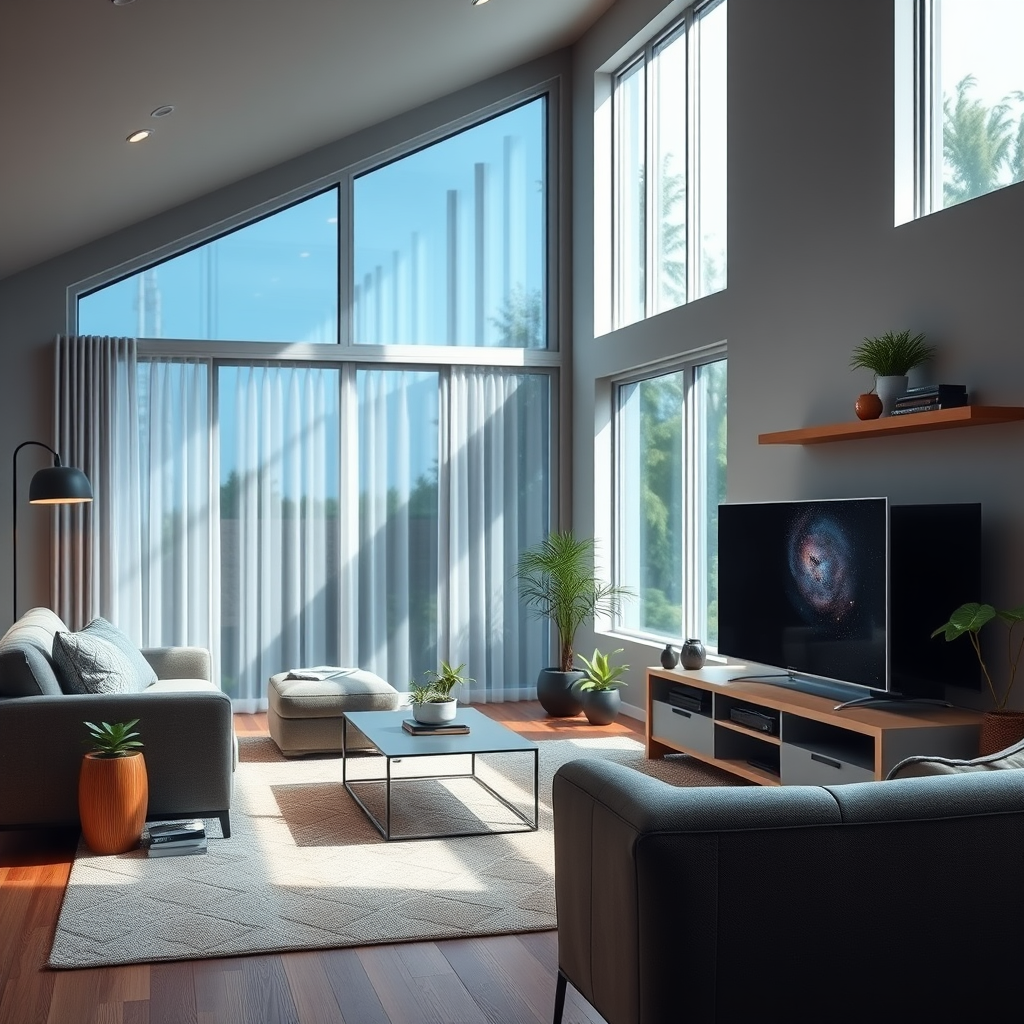
– Surround Sound: For movies and gaming, activating the surround sound mode can create an immersive atmosphere, placing you in the center of the action.
– Stereo Mode: For music, switching to stereo mode may provide a clearer, more balanced sound, allowing you to appreciate the nuances of your favorite tracks.
– Equalizer Settings: Utilize the equalizer to adjust the bass, midrange, and treble frequencies according to your personal taste or room acoustics.
These adjustments can dramatically affect how audio is perceived, enhancing clarity and depth across various media types.
Speaker Placement and Arrangement
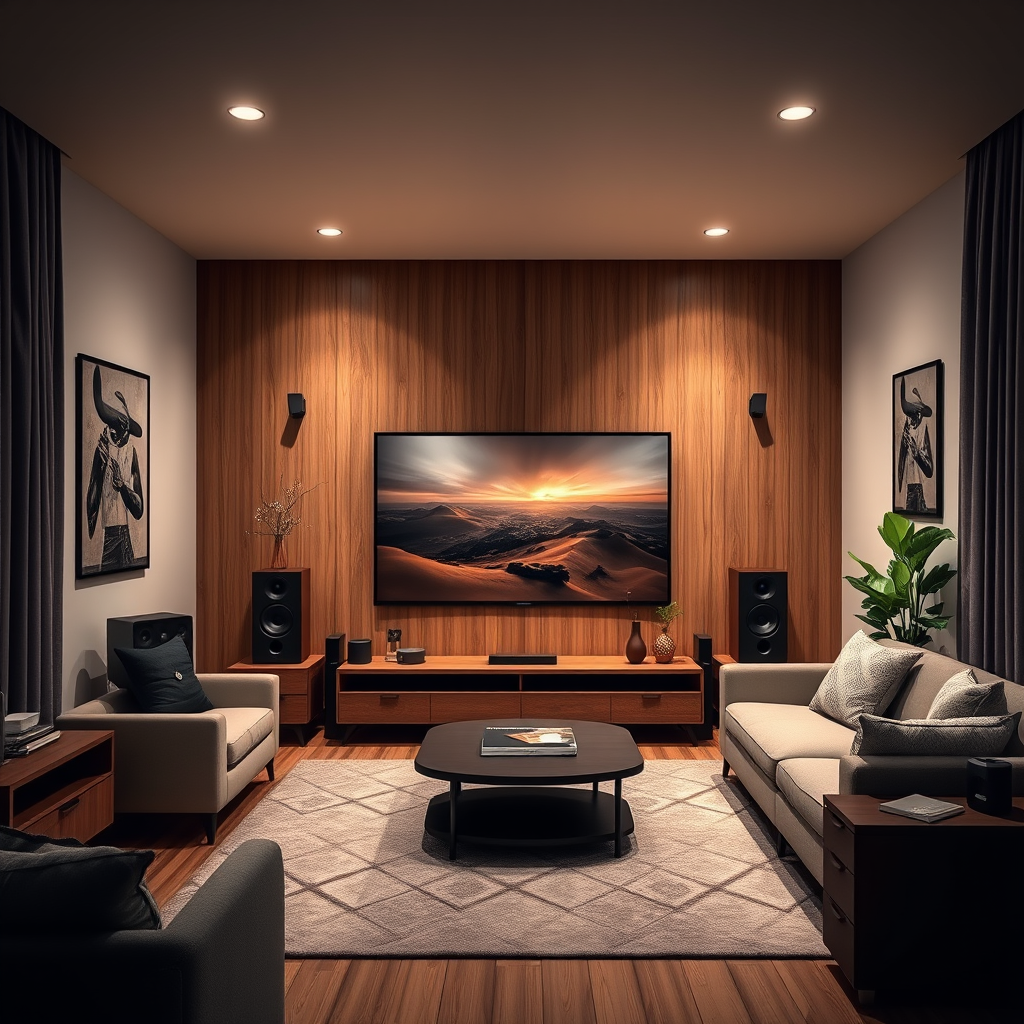
The placement and arrangement of speakers in your home theater setup are crucial for achieving optimal sound distribution. Here are essential tips for speaker placement:
– Ear Level Positioning: Ideally, your front speakers should be at ear level when seated. This positioning allows for a more direct sound and clearer dialogue.
– Surround Speakers: For 5.1 or 7.1 surround sound systems, ensure that surround speakers are positioned correctly. Typically, surround speakers should be placed slightly above ear level and positioned to the sides or slightly behind the seating area to create an enveloping sound experience.
– Subwoofer Placement: The location of your subwoofer can also affect sound quality. Experiment with placement in different corners of the room, as low frequencies can bounce off walls, creating variations in sound quality.
By strategically placing your speakers, you can create a more immersive audio experience that complements the visuals in your home theater.
Use High-Quality Cables
Using high-quality cables in your home theater setup is essential for minimizing signal loss and ensuring the best possible sound quality. Here are some considerations:
– Premium HDMI Cables: Invest in high-speed HDMI cables that support the latest audio formats, such as Dolby Atmos or DTS:X. These cables ensure that you are receiving the highest quality audio signal from your source devices.
– Speaker Wires: Use thicker speaker wires for longer runs to prevent degradation of sound quality. Generally, 14-gauge wire is a good standard for most home theater setups.
– Check Connections: Regularly inspect all connections to ensure they are secure and free from corrosion or damage. Loose cables can lead to audio dropouts and a compromised sound experience.
Investing in quality cables may seem like a small detail, but it can significantly impact the overall performance of your home theater system.
Types of Speaker Cables and Their Benefits
| # | Cable Type | Gauge | Length | Benefits |
|---|---|---|---|---|
| 1 | Copper Wire | 14 | 100 ft | Excellent conductivity |
| 2 | OFC Wire | 12 | 50 ft | High flexibility |
| 3 | Silver-Plated | 14 | 25 ft | Enhanced audio fidelity |
| 4 | Bi-Wire Cable | 14 | 16 ft | Improves separation |
| 5 | Flat Speaker Wire | 16 | 40 ft | Space-saving |
| 6 | In-Wall Cable | 12 | 100 ft | Safe for in-wall installations |
| 7 | Gold-Plated | 14 | 10 ft | Corrosion resistant |
Calibrate Your System
Calibration is a crucial step in optimizing sound quality in your Samsung home theater system. Most modern systems come equipped with built-in calibration tools that analyze your room’s acoustics and automatically adjust settings for optimal audio performance.
– Automatic Calibration: Utilize the auto-calibration feature, which uses a microphone to measure speaker distances, levels, and delays, ensuring that all speakers are in sync.
– Manual Adjustments: After automatic calibration, consider making manual adjustments based on your personal preferences and room characteristics. Factors such as room size, furniture placement, and wall materials can affect audio quality.
Regularly recalibrating your system can help maintain optimal sound quality, especially if you rearrange your room or make other changes to your setup.
Upgrade Components
If you’re looking to take your sound quality to the next level, consider upgrading specific components of your home theater system. Here are a few options worth exploring:
– Subwoofer: Adding a dedicated subwoofer can significantly enhance bass response, providing a richer and more dynamic sound. Look for a subwoofer that complements your existing speaker setup for seamless integration.
– Soundbars: If you’re limited on space, a high-quality soundbar can provide excellent sound quality and support for surround sound formats without the need for multiple speakers.
– External Amplifiers: Upgrading to an external amplifier can boost power to your speakers, resulting in improved clarity and volume. This can especially benefit larger rooms or high-end speaker systems.
Investing in these components can transform your home theater experience, making it more enjoyable for movies, music, and gaming.
Maintain Your Equipment
Regular maintenance of your home theater equipment is vital for preserving sound quality over time. Here are some tips:
– Cleaning: Dust can accumulate on speakers and connections, leading to degraded sound quality. Regularly wipe down your speakers and check all connections to ensure they are clean and secure.
– Firmware Updates: Manufacturers often release firmware updates to improve performance and add new features. Check regularly for updates to your Samsung home theater system to ensure optimal functionality.
– Check for Damage: Periodically inspect all cables and components for any signs of wear or damage. Replacing worn-out cables or speakers can prevent further degradation of sound quality.
By maintaining your system, you ensure that your home theater continues to deliver an exceptional audio experience.
Comparison of Sound Quality Enhancements
Improving the sound quality of your Samsung home theater can transform your entertainment experience into something truly extraordinary. By following these steps—optimizing settings, arranging speakers correctly, using quality cables, calibrating your system, upgrading components, and maintaining your equipment—you’ll create an immersive audio environment that brings movies, music, and games to life. Take action now and enjoy a richer sound experience!
Frequently Asked Questions
How can I optimize the speaker placement for my Samsung home theater system?
To optimize speaker placement for your Samsung home theater, ensure that the front speakers are at ear level when seated and positioned at equal distances from the main seating area. The subwoofer can be placed in a corner to enhance bass response, while the surround speakers should be slightly above ear level and to the sides or behind the seating area for the best immersive experience.
What settings should I adjust on my Samsung home theater to improve sound quality?
To improve sound quality on your Samsung home theater, access the audio settings and adjust the equalizer to enhance frequencies that suit your listening preferences. Additionally, enabling features like Dolby Atmos or DTS:X can significantly improve surround sound quality, providing a more immersive experience.
Why is my Samsung home theater system not producing clear sound?
If your Samsung home theater system is not producing clear sound, the issue could be due to incorrect audio settings, speaker placement, or interference from other electronic devices. Check your audio source for any issues, ensure all connections are secure, and experiment with different audio modes to find the best clarity.
What is the best audio format for my Samsung home theater system?
The best audio format for your Samsung home theater system typically includes Dolby Digital or DTS, as they provide high-quality surround sound. If your system supports it, using Dolby Atmos will further enhance your audio experience by adding height channels, creating a more three-dimensional sound environment.
Which accessories can enhance the sound quality of my Samsung home theater?
Accessories such as high-quality HDMI cables, speaker stands, and soundproofing materials can significantly enhance the sound quality of your Samsung home theater. Additionally, investing in a quality AV receiver can improve audio processing and provide more control over your sound settings, leading to a better overall experience.
References
- Home cinema
https://en.wikipedia.org/wiki/Home_theater - Google Scholar Google Scholar
https://scholar.google.com/scholar?q=Improve+Sound+Quality+Samsung+Home+Theater - Google Scholar Google Scholar
https://scholar.google.com/scholar?q=Home+Theater+Sound+Quality - https://www.lifewire.com/how-to-improve-sound-quality-home-theater-1846885
https://www.lifewire.com/how-to-improve-sound-quality-home-theater-1846885 - Google Scholar Google Scholar
https://scholar.google.com/scholar?q=How+to+Improve+Sound+Quality+on+a+Samsung+Home+Theater - How to Improve Sound Quality on a Samsung Home Theater – Search results
https://en.wikipedia.org/wiki/Special:Search?search=How+to+Improve+Sound+Quality+on+a+Samsung+Home+Theater - https://www.ncbi.nlm.nih.gov/search/research-articles/?term=How+to+Improve+Sound+Quality+on+a+Samsung+Home+Theater
https://www.ncbi.nlm.nih.gov/search/research-articles/?term=How+to+Improve+Sound+Quality+on+a+Samsung+Home+Theater
