
Integrating a home theater system with a smart TV can elevate your viewing experience to new heights by providing superior sound and picture quality. This process involves connecting various devices, fine-tuning settings, and harnessing smart features to create a unified entertainment environment. With a few essential steps, you can enjoy an immersive movie night or gaming session that rivals any theater experience.




Understanding Your Devices
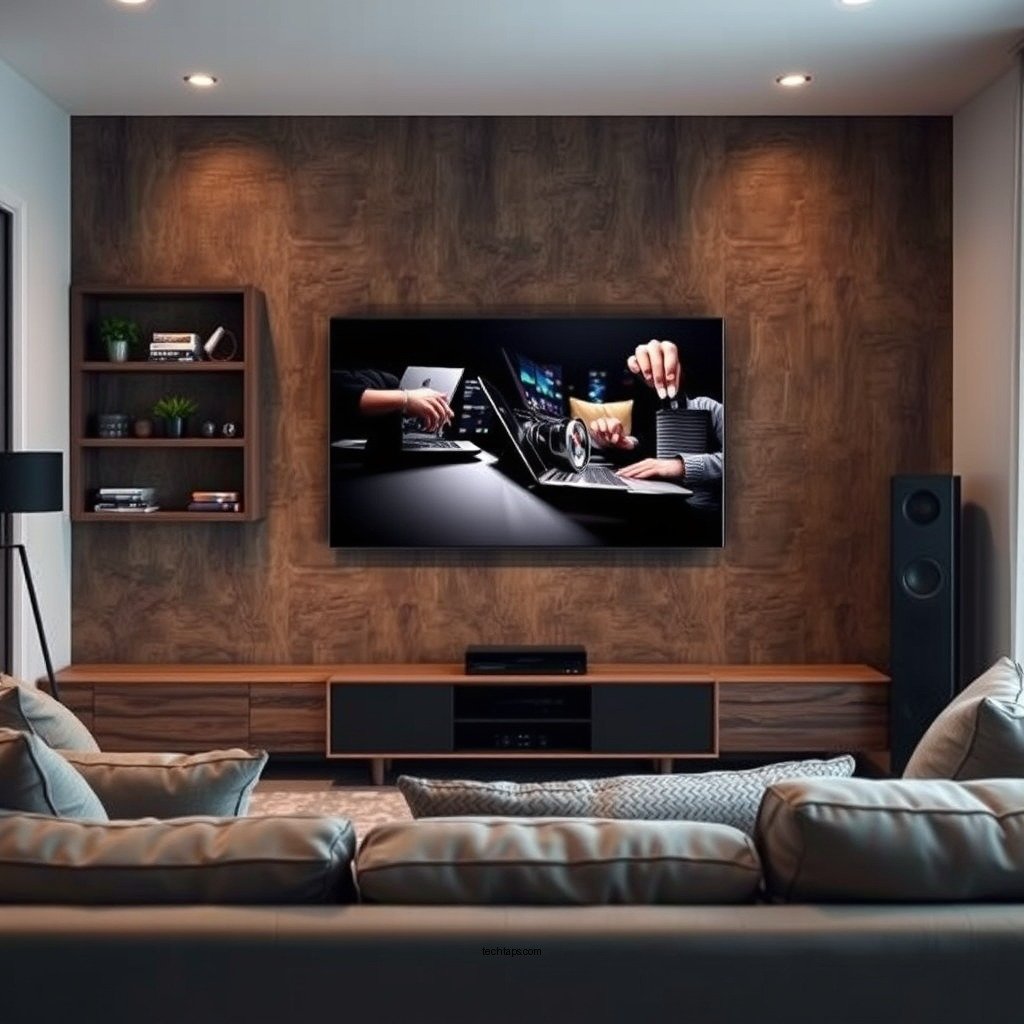
Before diving into the integration process, it’s crucial to familiarize yourself with the specific capabilities of your smart TV and home theater system. Most modern smart TVs come equipped with a variety of features, including 4K resolution, HDR support, and built-in streaming apps. Understanding these capabilities will help you make the most of your setup.
Additionally, check for compatible connection types between your devices. Common options include HDMI, optical audio, and wireless connections. HDMI is often the best choice due to its ability to transmit both high-definition video and audio signals, while optical audio is ideal for connecting older devices that may not support HDMI.
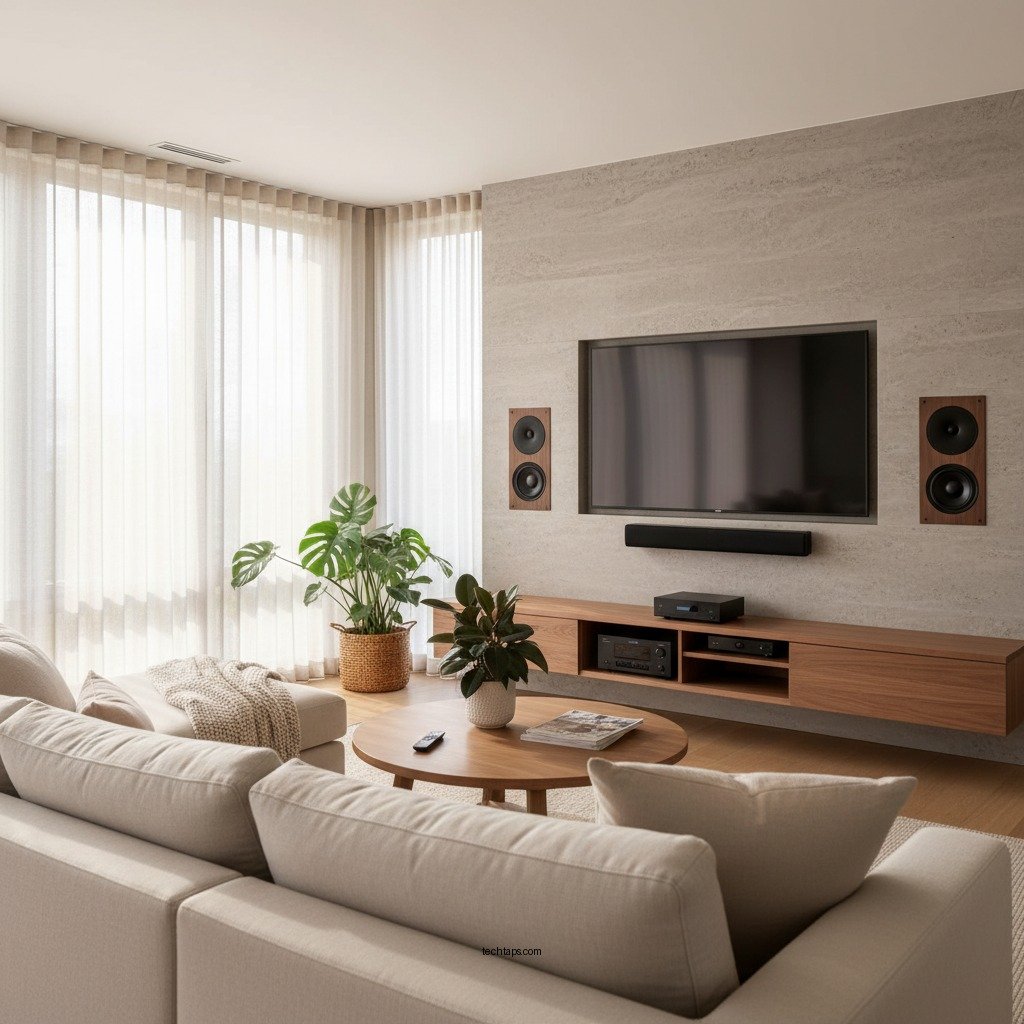
Setting Up Connections
Once you understand your devices, the next step is to set up the connections. The optimal way to connect your smart TV to your home theater system is by using HDMI ARC (Audio Return Channel). This connection allows audio to travel both ways, enabling your TV to send audio signals back to your home theater system, while also allowing for easy control with a single remote.
Ensure that any additional devices, such as gaming consoles or streaming devices, are connected to your home theater system as well. Using the right inputs and outputs on your home theater receiver can streamline the setup, allowing you to switch between devices easily.
Configuring Audio Settings
After establishing the physical connections, it’s time to configure the audio settings. Access the audio settings on your smart TV and select your home theater system as the primary audio output. This may sometimes be labeled as “external speakers” or “home theater.”
Next, adjust the surround sound settings on your home theater system. Depending on your system’s capabilities, you might have options for Dolby Atmos, DTS:X, or other surround sound formats that can enhance the immersive experience. Experiment with various settings to find the best configuration for your room layout and personal preferences.
Top 7 Home Theater Systems (2024)
| # | Model | Channels | Power (W) | Rating |
|---|---|---|---|---|
| 1 | Sony HT-A9 | 7.1.4 | 800 | ★★★★☆ |
| 2 | Bose Lifestyle 650 | 5.1 | 1000 | ★★★★★ |
| 3 | Yamaha YAS-209 | 2.1 | 200 | ★★★★☆ |
| 4 | Samsung HW-Q950A | 11.1.4 | 600 | ★★★★☆ |
| 5 | Onkyo HT-S3910 | 5.1 | 1200 | ★★★☆☆ |
| 6 | LG SN11RG | 7.1.4 | 770 | ★★★★☆ |
| 7 | Vizio SB36512-F6 | 5.1.2 | 500 | ★★★★☆ |
Utilizing Smart Features
One of the key advantages of smart TVs is their ability to integrate with various streaming services and other smart home devices. Explore the built-in apps on your smart TV, such as Netflix, Hulu, and YouTube, and ensure they are properly set up with your account information.
Additionally, leverage voice control features if your smart TV supports them. Many modern systems are compatible with virtual assistants like Amazon Alexa or Google Assistant, allowing you to control your home theater system and smart TV using simple voice commands. This convenience enhances the user experience, particularly during movie nights when you want to switch content without fumbling for the remote.
Troubleshooting Common Issues
Even with a well-planned setup, issues can arise. Audio lag is a common problem that can detract from the viewing experience. If you notice a delay between the video and audio, check your audio settings, and ensure that your devices support low latency modes.
Connectivity problems can also occur, especially if you are using wireless connections. Make sure your devices are within range of your Wi-Fi router, and consider switching to a wired connection if you experience persistent issues. Regularly check for firmware updates for both your smart TV and home theater system, as these updates can resolve bugs and improve overall performance.
Enhancing the User Experience
To simplify the management of your home theater setup, consider organizing your remote controls. Using a universal remote can consolidate multiple devices into a single control, reducing clutter and confusion. Alternatively, many home theater systems now offer mobile apps that provide additional control options and customization features.
For an even richer experience, think about integrating your home theater system with other smart home devices. Adjusting lighting and temperature through smart home automation systems can further enhance your viewing environment, creating the perfect atmosphere for movie nights or gaming sessions.
Best Practices for Maintenance
Maintaining your home theater system is essential for ensuring longevity and optimal performance. Regular cleaning of equipment and cables can prevent dust buildup, which can affect connectivity. Use a microfiber cloth to wipe down surfaces and ensure that cables are neatly organized to avoid tangling.
Additionally, schedule periodic checks on software updates for both your smart TV and home theater system. Keeping your devices up to date ensures that you have access to the latest features and improvements, enhancing your overall experience.
Summarizing the integration of a home theater system with a smart TV involves understanding device capabilities, setting up proper connections, configuring audio, and leveraging smart features. By following these steps, you can create an immersive viewing experience that maximizes your entertainment setup. For more tips and personalized advice, explore additional resources or consult with a home theater professional.
Frequently Asked Questions
What are the essential components needed to integrate a home theater system with a smart TV?
To successfully integrate a home theater system with a smart TV, you will need a high-definition TV, an AV receiver, surround sound speakers, and HDMI cables. Additionally, ensuring your smart TV has the necessary ports and compatibility with the audio system is crucial for seamless performance.
How do I connect my smart TV to my home theater system for optimal audio and video quality?
Connect your smart TV to your home theater system using an HDMI cable, preferably through the HDMI ARC (Audio Return Channel) port. This setup allows for high-quality audio and video transmission, ensuring that sound from your TV can be routed through your home theater speakers for an immersive experience.
Why is it important to use an AV receiver when integrating a home theater system with a smart TV?
An AV receiver acts as the hub of your home theater system, managing audio and video signals from multiple sources. By using an AV receiver, you can enhance sound quality, control multiple devices, and easily switch between various media sources, providing a seamless entertainment experience.
Which settings should I adjust on my smart TV to ensure compatibility with my home theater system?
To optimize compatibility between your smart TV and home theater system, adjust the audio output settings to “bitstream” or “passthrough” mode. Additionally, ensure that any HDMI CEC (Consumer Electronics Control) features are enabled, allowing for synchronized control of devices and better integration.
What are the best practices for troubleshooting audio and video issues when connecting a home theater system to a smart TV?
If you encounter audio or video issues, start by checking all cable connections and ensuring they are securely plugged in. Next, confirm that your smart TV is set to the correct input and that the home theater system is powered on. If problems persist, reset both devices and consult their manuals for specific troubleshooting steps.
References
- Home cinema
https://en.wikipedia.org/wiki/Home_theater - https://www.sciencedirect.com/topics/engineering/home-theater
https://www.sciencedirect.com/topics/engineering/home-theater - https://www.bbc.com/news/technology-51121519
https://www.bbc.com/news/technology-51121519 - https://www.nytimes.com/2020/01/06/technology/personaltech/smart-tv-home-theater.html
https://www.nytimes.com/2020/01/06/technology/personaltech/smart-tv-home-theater.html - https://www.theguardian.com/technology/2021/jul/29/how-to-set-up-a-home-theater-system
https://www.theguardian.com/technology/2021/jul/29/how-to-set-up-a-home-theater-system - Google Scholar Google Scholar
https://scholar.google.com/scholar?q=Integrate+Home+Theater+System+with+Smart+TV - Google Scholar Google Scholar
https://scholar.google.com/scholar?q=Home+Theater+Smart+TV+integration - Google Scholar Google Scholar
https://scholar.google.com/scholar?q=Home+Theater+System+setup+guidelines - https://www.mayoclinic.org/healthy-lifestyle/adult-health/in-depth/home-theater-systems/art-20411615
https://www.mayoclinic.org/healthy-lifestyle/adult-health/in-depth/home-theater-systems/art-20411615 - Google Scholar Google Scholar
https://scholar.google.com/scholar?q=How+to+Integrate+a+Home+Theater+System+with+a+Smart+TV+for+Seamless+Performance
