
Setting up a sound system for your home office can significantly boost your productivity while creating a more enjoyable and engaging work environment. By carefully selecting the right equipment and strategically arranging your space, you can achieve exceptional sound quality and comfort that will make your workdays more pleasant. In this guide, you’ll learn essential steps to tailor a sound system specifically to your needs, ensuring that every call, meeting, or moment of concentration is enhanced by great audio.
Choose the Right Speakers
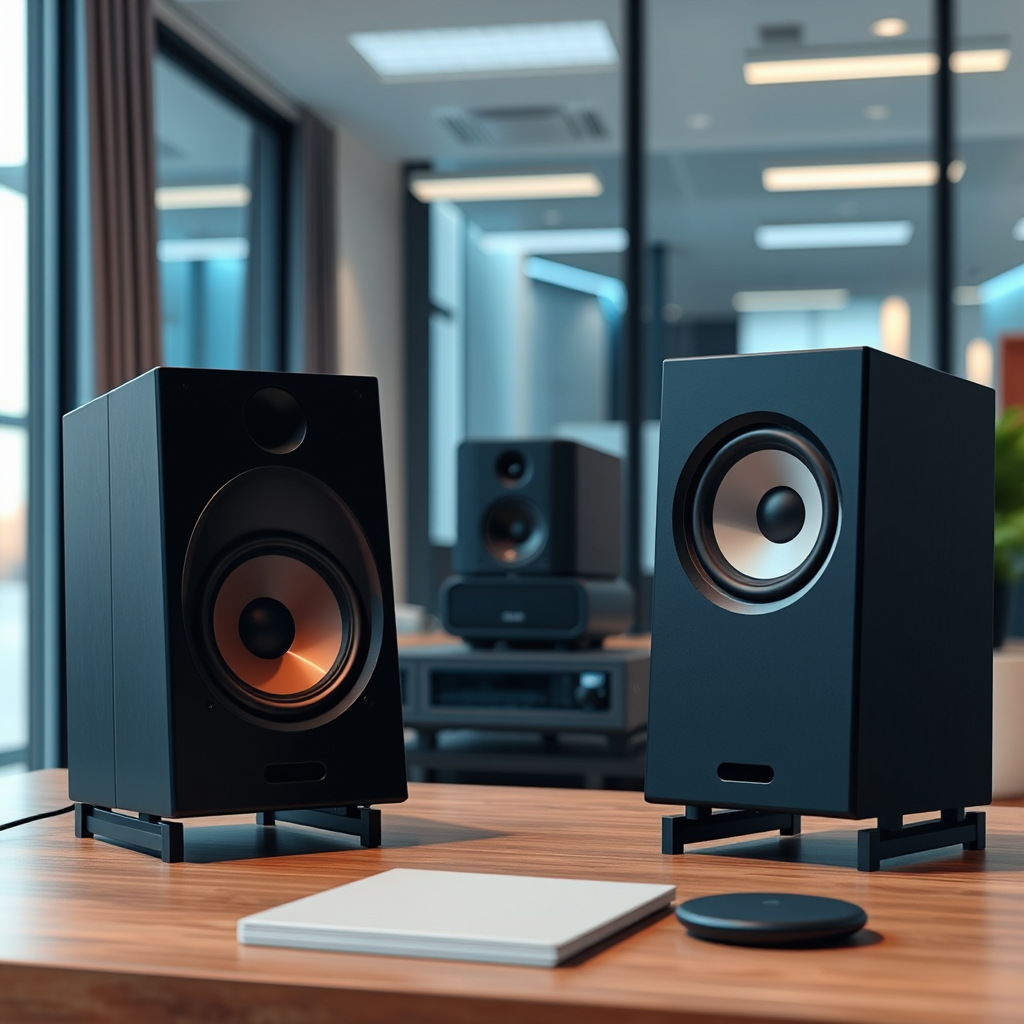
The first step in creating a fantastic sound system for your home office is to choose the right speakers. Start by assessing your space; the size and acoustics of your office play a crucial role in determining the type of speakers you should invest in. For smaller spaces, compact bookshelf speakers may suffice, while larger offices might benefit from floor-standing speakers that can fill the room with sound.
Next, consider whether you prefer wired or wireless speakers. Wired speakers often provide a more stable connection and higher sound quality, while wireless speakers offer greater flexibility and ease of use. If you often move around your office or want to connect multiple devices without hassle, wireless speakers might be the way to go. Brands like Sonos and Bose offer excellent wireless options that deliver impressive audio quality.
Consider Your Audio Source
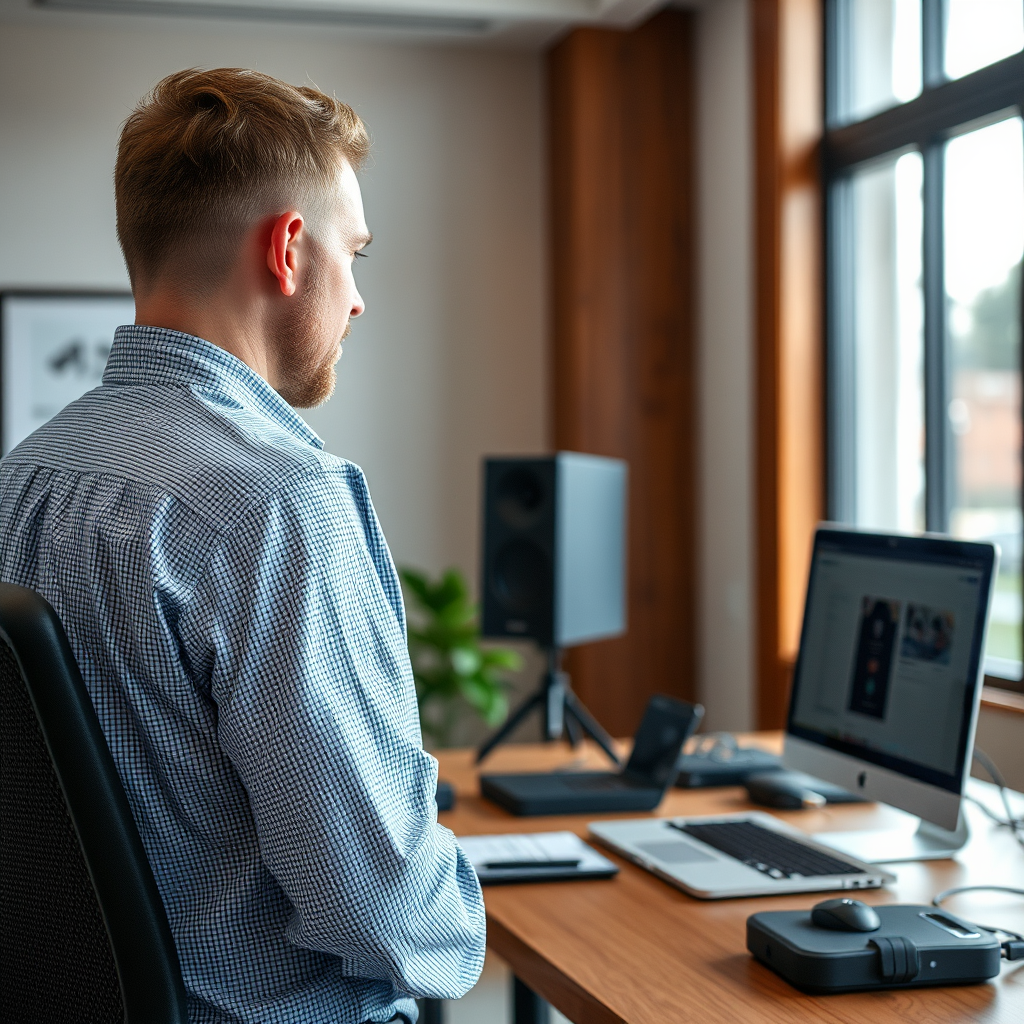
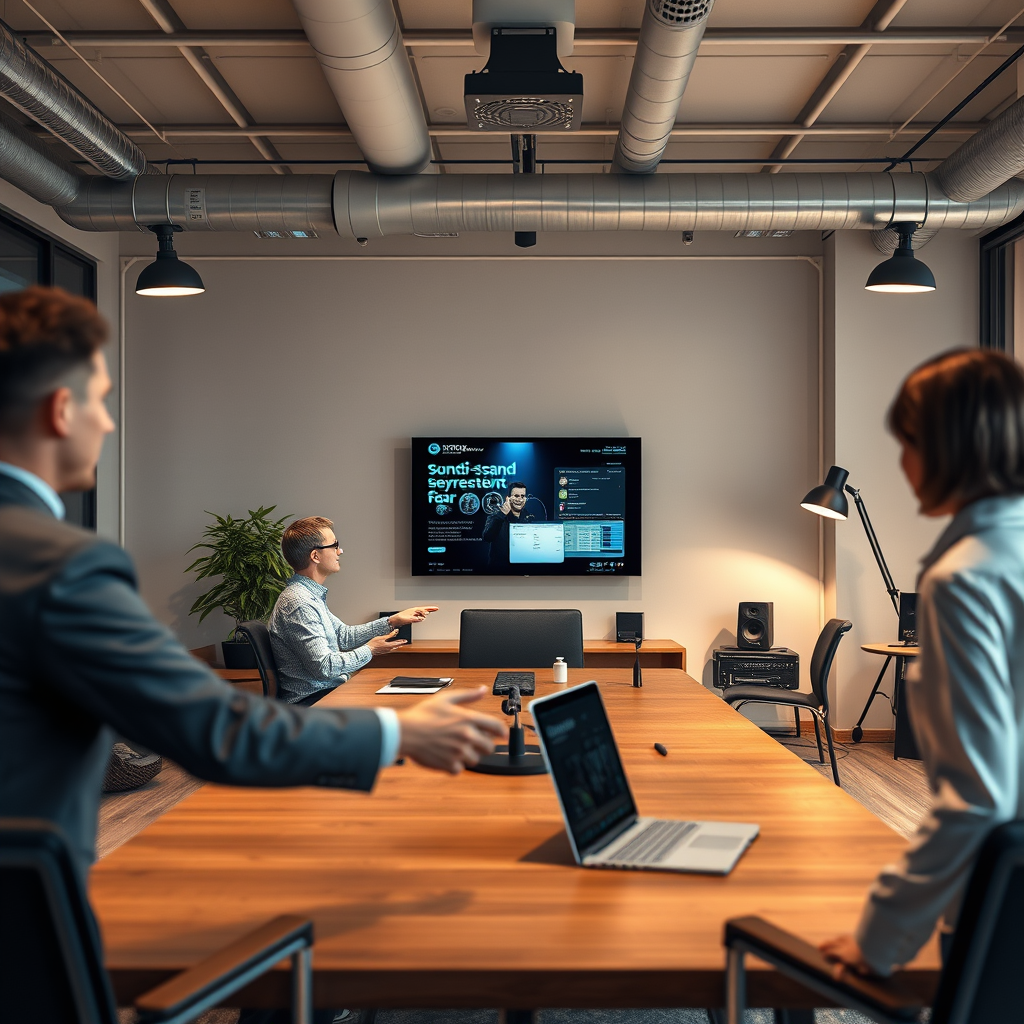
Your audio source is another key element in your home office sound system. Start by identifying which devices you’ll be using—this could be your laptop, smartphone, or even a dedicated audio system. If you rely heavily on video conferencing tools like Zoom or Microsoft Teams, ensure your audio source can easily connect to these platforms.
Next, explore your streaming options. Services like Spotify, Apple Music, or even YouTube can provide endless audio entertainment, whether it’s music to keep you focused or podcasts to inspire new ideas. Make sure your sound system is compatible with your preferred streaming platforms, allowing for seamless integration and a more enjoyable listening experience.
Optimize Speaker Placement
Once you have your speakers selected, it’s time to optimize their placement for the best sound experience. Position your speakers at ear level, ideally forming an equilateral triangle with your listening position. This configuration allows for balanced sound distribution and clearer audio. If you’re using a computer, placing the speakers on either side of your monitor can create an immersive experience.
Also, pay attention to the distance from walls. Keeping your speakers a few feet away from walls will help reduce unwanted reflections that can muddy the sound. If you can, experiment with different placements to discover where your speakers sound best, as every room has unique acoustics.
Add a Quality Audio Interface
To elevate your sound system further, consider adding a quality audio interface. An audio interface acts as a bridge between your devices and your speakers, enhancing sound quality and providing better connectivity options. This is especially beneficial if you plan on recording audio or using multiple inputs.
When choosing an audio interface, look for features that cater to your needs. Options like multiple inputs can allow for connecting various devices, while low latency ensures that there’s minimal delay in the audio signal—crucial for video conferencing. Brands like Focusrite and PreSonus offer reliable interfaces that are user-friendly and deliver excellent sound quality.
Implement Soundproofing Techniques
Sound quality isn’t just about the equipment; it also involves the environment in which you’re working. Implementing soundproofing techniques can dramatically improve your audio experience. Start by incorporating soft furnishings into your office, such as rugs, curtains, and cushions. These materials absorb sound and reduce echo, creating a warmer audio environment.
Additionally, check for any gaps in windows and doors where noise might seep in or escape. Sealing these gaps can help minimize distractions from outside noise, allowing you to focus better. If you’re serious about soundproofing, consider investing in acoustic panels; they can be visually appealing and effective in enhancing your home office’s acoustics.
Enhance Your System with Accessories
To truly optimize your sound system, don’t overlook the importance of accessories. If you frequently participate in calls or record audio, investing in a good-quality microphone can make a significant difference. A dedicated microphone can capture clearer sound and reduce background noise, ensuring you come across professionally during virtual meetings.
For those moments when you want to listen privately, consider using a headphone amplifier. This accessory enhances sound quality and provides a richer listening experience for your headphones. Brands like FiiO and Schiit offer excellent headphone amplifiers that can take your audio enjoyment to the next level, whether you’re diving into a podcast or enjoying your favorite playlist.
Test and Adjust Your Setup
Once everything is set up, it’s essential to conduct sound tests to evaluate how well your setup performs. Play a variety of audio—music, podcasts, and even voice recordings—to determine how well your speakers and microphone function together. This will help you identify any areas that need adjustment.
Don’t hesitate to make adjustments based on your listening preferences. Fine-tune speaker angles and levels, and experiment with the balance between bass and treble until you find the sweet spot. Your sound system should cater to your personal tastes, so take the time to listen and adjust as needed.
Creating an effective sound system for your home office involves more than just selecting the right equipment. By carefully choosing your speakers, optimizing your audio source, and considering soundproofing techniques, you can significantly enhance your work environment. With a little investment in quality accessories and some thoughtful adjustments, you’ll create an audio experience that not only boosts your productivity but also makes working from home a more enjoyable experience. So, roll up your sleeves and start crafting the perfect sound environment for your home office today!
Frequently Asked Questions
What equipment do I need to set up a sound system for my home office?
To set up an effective sound system for your home office, you’ll need a few key components: a good quality pair of speakers or studio monitors, an audio interface for better sound quality, and a reliable computer or laptop with audio editing software. Additionally, consider using a subwoofer for enhanced bass and a microphone if you’ll be conducting calls or recordings frequently. Investing in acoustic panels can also improve sound quality by reducing echo and background noise in your workspace.
How do I connect my sound system to my computer?
Connecting your sound system to your computer typically involves using either USB or audio cables. For most modern speakers, simply plug them into a USB port or the headphone jack of your computer. If you’re using an audio interface, connect it via USB, and then plug your speakers into the interface. Ensure your computer’s audio settings are configured to select the correct output device, so you can enjoy high-quality audio seamlessly in your home office.
Why is sound quality important in a home office setup?
Sound quality is crucial in a home office because it directly affects your productivity and concentration levels. Poor audio can lead to distractions, making it hard to focus during calls or while listening to important audio content. High-quality sound enhances your listening experience, ensuring clear communication during meetings and an enjoyable environment for background music, which can improve your overall mood and efficiency while working.
What are the best speakers for a home office sound system?
The best speakers for a home office sound system vary based on your needs, but popular options include studio monitors such as the KRK Rokit series or the Yamaha HS series, which offer excellent sound fidelity. For budget-friendly choices, consider compact desktop speakers like the Audioengine A2+ or the Bose Companion series. Ultimately, the best speakers will depend on your available space, desired sound quality, and how you plan to use them (e.g., for music, calls, or video conferencing).
Which soundproofing techniques can I use to improve sound quality in my home office?
To improve sound quality in your home office, consider implementing soundproofing techniques such as adding acoustic panels to walls, using rugs or carpets to absorb sound, and sealing gaps in windows and doors to minimize outside noise. Additionally, placing bookshelves filled with books or using heavy curtains can help reduce echoes and create a quieter workspace. These measures not only enhance audio clarity but also contribute to a more peaceful working environment.
References
- Sound system
- https://www.npr.org/sections/technology/2020/10/09/920207680/how-to-set-up-a-home-office-on-a-budget
- https://www.techradar.com/news/how-to-set-up-a-home-office
- https://www.verywellmind.com/how-to-set-up-a-home-office-5192339
- Prevent Construction Falls from Roofs, Ladders & Scaffolds | NIOSH | CDC
- https://www.wired.com/story/home-office-setup-guide/
