
Setting up a conference room audio system effectively is crucial for ensuring clear communication during meetings. To achieve this, start by evaluating your space and understanding your team’s specific audio needs. With the right planning and equipment, you can create a seamless audio experience that enhances collaboration and productivity in your meetings. In this article, you will learn the essential components and steps needed to create an effective audio setup for your conference room.




Assess Your Conference Room Space

The first step in setting up an audio system is to thoroughly assess your conference room space. This involves evaluating the room’s dimensions and layout to determine optimal speaker placement. For example, in a rectangular room, speakers should ideally be positioned in a way that allows sound to disperse evenly throughout the space. This might mean placing them in the corners or along the longer walls for better coverage.
Additionally, it’s essential to identify any potential acoustic challenges that may affect sound quality. Hard surfaces—like glass windows, tile floors, and concrete walls—can reflect sound and create echoes, making it difficult for attendees to hear clearly. If your room has these features, consider using acoustic panels or sound-absorbing materials to minimize reflections and enhance audio clarity. By understanding your space, you set a solid foundation for your audio setup.
Choose the Right Audio Equipment
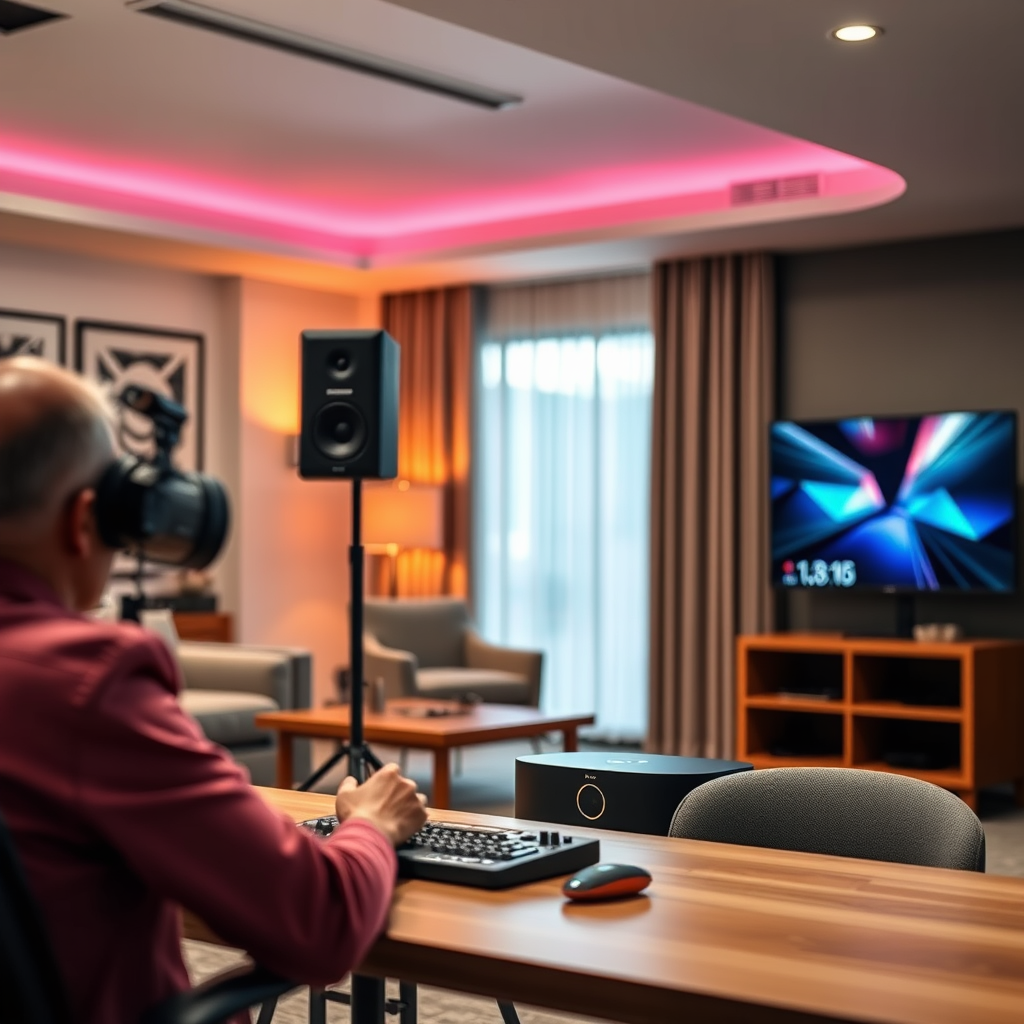
Choosing the right audio equipment is pivotal to your conference room’s success. Start by selecting microphones that suit the size of your room and the nature of your meetings. For smaller rooms, handheld microphones might suffice, allowing for flexibility. However, in larger spaces, consider ceiling-mounted or tabletop microphones that can pick up sound from various directions without needing to be passed around.
When choosing speakers, ensure they match the audio requirements and room acoustics. For instance, ceiling speakers can provide a clean, unobtrusive look while delivering sound evenly, which is especially beneficial in larger rooms. On the other hand, wall-mounted speakers may be better for smaller or mid-sized rooms where you want to ensure powerful sound without overwhelming the space. Always prioritize quality over cost; investing in high-quality equipment will pay off in terms of clarity and durability.
Install the Audio System
Once you have selected your equipment, it’s time to get everything installed. Follow the manufacturer guidelines closely for mounting and wiring equipment safely. For instance, when installing ceiling speakers, you’ll want to ensure they are securely attached to prevent any risk of falling. Proper cable management is also crucial; use cable ties or conduits to keep everything tidy and avoid tripping hazards.
Ensure all components are properly connected. This includes linking microphones to mixers and speakers to amplifiers. A common mistake is neglecting to check connections, which can lead to frustrating audio issues during meetings. Take the time to double-check every cable and connection, and don’t hesitate to seek professional help if you’re unsure about the installation process. A well-installed system is the backbone of effective sound in your conference room.
Optimize Audio Settings
After installation, you’ll want to optimize your audio settings to ensure the best performance. Start by adjusting microphone sensitivity to avoid distortion or feedback. If the microphones are too sensitive, they may pick up unwanted background noise, while low sensitivity can lead to muffled sound. Testing different settings during a dry run can help you find the perfect balance.
Next, test the speaker levels to provide balanced sound throughout the room. Walk around the conference room while someone speaks to ensure that sound is consistent in all areas. You may need to tweak the volume levels for different speakers or adjust bass and treble settings to suit the room’s acoustics. Investing time in this step can greatly enhance the overall audio experience for everyone involved.
Consider Integration with Other Technology
In today’s hybrid work environment, integrating your audio system with other technology is essential. Explore options for connecting your audio setup with video conferencing tools, such as Zoom or Microsoft Teams. This often involves using a USB audio interface or a dedicated conferencing system that can link your microphones and speakers directly to your computer.
Make sure your system is compatible with laptops, smartphones, and other devices frequently used in meetings. Consider including Bluetooth capabilities so that users can connect their devices wirelessly. This flexibility not only enhances convenience but also encourages more participation from team members, regardless of their location.
Routine Maintenance and Troubleshooting
Even the best audio systems can encounter issues over time, which is why routine maintenance is important. Schedule regular checks to ensure everything is functioning optimally. This might include cleaning microphones, checking cables for wear and tear, and updating software for integrated systems.
Additionally, familiarize your team with basic troubleshooting techniques for common audio problems. For instance, if sound cuts out or becomes distorted, knowing how to quickly check connections or adjust settings can save time and frustration during meetings. Providing a simple user guide or a quick reference sheet can empower your team to handle minor issues independently.
In conclusion, setting up a conference room audio system effectively involves careful assessment of the space, selecting the right equipment, and ensuring proper installation and optimization. By following these steps, you can create an audio environment that enhances communication and collaboration in your meetings. Start planning your setup today for an improved conference experience!
Frequently Asked Questions
What are the essential components of a conference room audio system?
The essential components of a conference room audio system typically include microphones, speakers, a mixer, and an amplifier. Microphones capture sound from speakers, while speakers deliver clear audio to all participants. A mixer allows for the management of multiple audio inputs, and an amplifier boosts the audio signal for better clarity and volume. Depending on your needs, additional components like video conferencing hardware or soundbars may also enhance the overall experience.
How do I choose the right microphones for my conference room?
Choosing the right microphones for your conference room involves considering the room size, layout, and the number of participants. For larger rooms, omnidirectional microphones can capture sound from all directions, while unidirectional microphones are ideal for focused audio capture in smaller settings. Additionally, wireless microphones provide flexibility for speakers who move around. It’s essential to test different options to find the best fit for your specific audio needs and room dynamics.
Why is sound quality important in a conference room audio system?
Sound quality is crucial in a conference room audio system because it directly impacts communication effectiveness and participant engagement. Poor audio can lead to misunderstandings, frustration, and decreased productivity during meetings. High-quality sound ensures that all participants, whether in-person or remote, can hear clearly, contributing to a more collaborative and efficient meeting environment. Investing in quality audio equipment can significantly enhance the overall experience for all attendees.
What is the best way to set up speakers in a conference room?
The best way to set up speakers in a conference room is to position them strategically to ensure even sound distribution. Ideally, speakers should be placed at ear level and directed towards the seating area to minimize sound reflections and echoes. For larger rooms, consider using multiple speakers spaced evenly across the space, or utilizing a sound reinforcement system to achieve optimal audio clarity. Testing the setup before meetings can help identify any adjustments needed for peak performance.
Which audio system features should I prioritize for video conferencing?
When setting up an audio system for video conferencing, prioritize features such as echo cancellation, noise reduction, and compatibility with various conferencing platforms. Echo cancellation helps eliminate feedback and improves audio clarity, while noise reduction minimizes background sounds that could distract participants. Additionally, ensure your audio system can integrate easily with common video conferencing software like Zoom or Microsoft Teams, allowing for a smoother overall experience during virtual meetings.
References
- https://en.wikipedia.org/wiki/Audio_visual_equipment
- https://www.avixa.org/resources/articles/how-to-design-a-conference-room
- https://www.researchgate.net/publication/330134156_Conference_room_audio_configurations_and_their_impact_on_meeting_effectiveness
- Sorry! That Page Cannot Be Found
- https://www.itu.int/en/ITU-T/informationtechnology/Pages/default.aspx
- https://www.ni.com/en-us/innovations/white-papers/06/understanding-audio-systems.html
- https://www.aaas.org/news/audio-visual-technology-enhances-education-and-engagement



One thought on “How to Set Up a Conference Room Audio System Effectively”