
To set up a wireless subwoofer in your car, you need to ensure you have the right equipment, properly connect your subwoofer to the amplifier, and configure your audio settings for optimal sound. Achieving powerful bass while driving can transform your listening experience, and with the right steps, setting up a wireless subwoofer is easier than you might think. In this guide, we’ll walk you through everything you need to know to bring those deep, rumbling bass notes into your vehicle without the hassle of wires.



Understanding Wireless Subwoofers

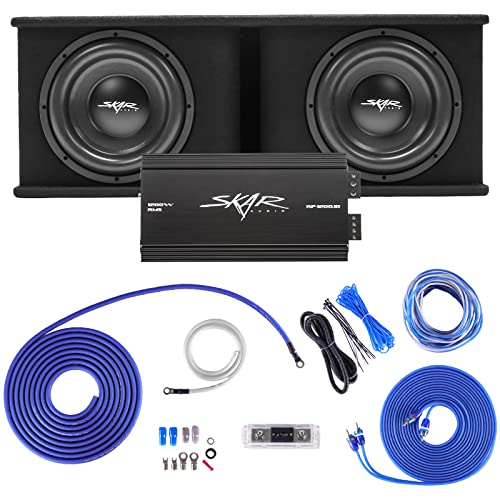
Wireless subwoofers are a fantastic innovation in car audio technology, utilizing Bluetooth or RF (radio frequency) technology to connect without the clutter of cables. This means you can enjoy the powerful sound of bass without sacrificing space or aesthetics. Typically, these systems come with a transmitter that connects to your car’s audio system, sending the audio signals wirelessly to the subwoofer. This setup not only enhances convenience but also allows for flexible placement of the subwoofer, enabling you to find the best location for sound quality without worrying about cable management.
Choosing the Right Equipment
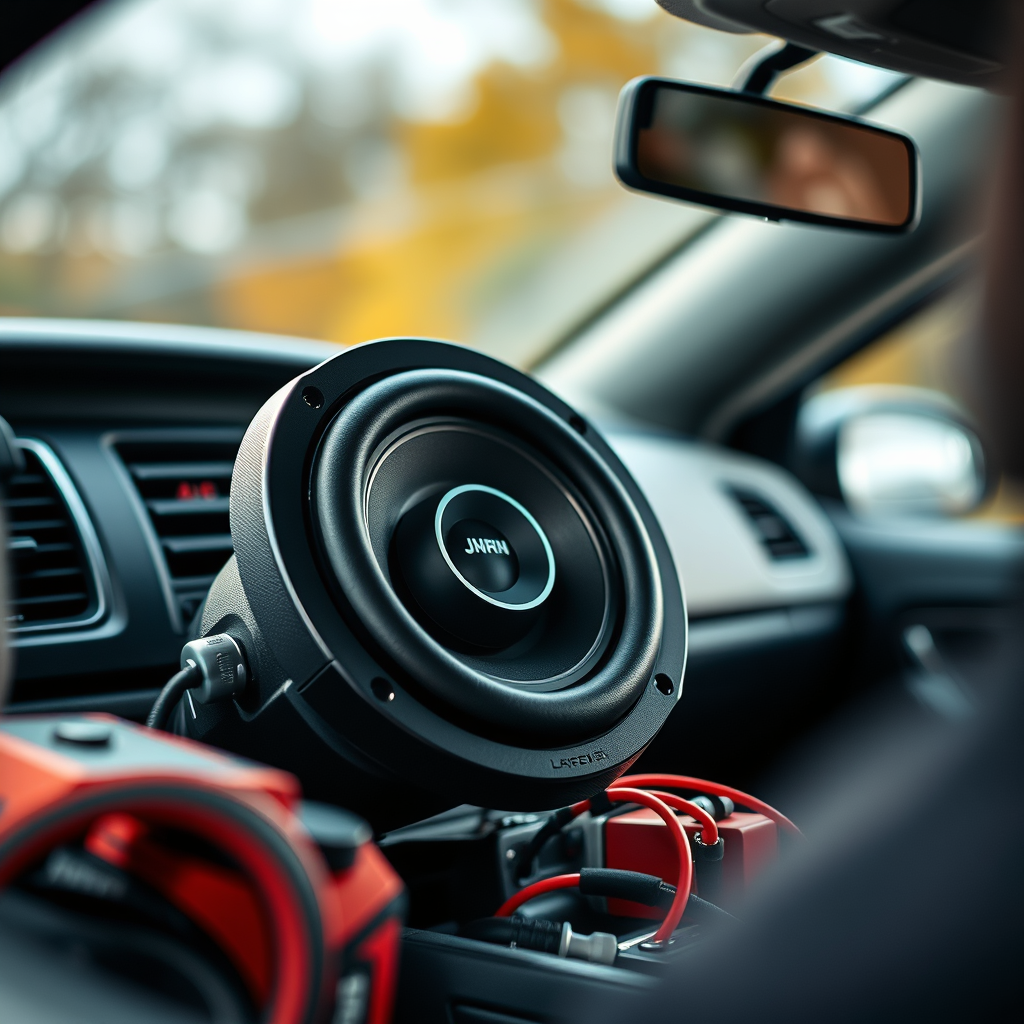
Before diving into installation, it’s crucial to choose the right equipment. Start by ensuring your subwoofer is compatible with your car’s audio system. Look for specifications that match your amplifier’s power output and impedance ratings. A good example of a compatible subwoofer would be a 10” or 12” model from brands like Rockford Fosgate or JBL, which are known for their quality sound and reliability.

In addition to the subwoofer, consider investing in a wireless transmitter designed specifically for automotive use. These transmitters are engineered to minimize latency and maintain sound quality, ensuring you get the best performance from your setup. Brands like AudioControl offer excellent transmitters that cater to the unique challenges of a mobile environment, providing a seamless connection to your subwoofer.
Installation Steps
Once you have your equipment ready, it’s time to get started on the installation. First, make sure to disconnect your car battery to avoid any electrical issues or shorts during the process. Safety first!
Next, connect the wireless transmitter to your car’s head unit. This is where the magic begins; ensure that you make secure connections for both power and sound. Most transmitters will have a direct connection to the RCA outputs on your head unit, making it relatively straightforward. Follow the manufacturer’s instructions carefully, as different models may have specific requirements for setup.
After connecting the transmitter, it’s time to position your subwoofer. Ideally, this should be done in a location that enhances sound distribution—typically in the trunk or rear seat area. Secure the subwoofer in place to prevent it from moving around while driving, which can lead to unwanted noise and distortion.
Configuring Your Subwoofer
With the hardware installed, the next step is configuration. Start by placing your subwoofer in a suitable location and ensuring it’s securely fastened. Once in position, you’ll want to adjust the gain, crossover frequency, and phase settings on the subwoofer.
– Gain controls the volume of the subwoofer; start low and gradually increase it while testing sound clarity.
– Crossover frequency allows you to determine the range of frequencies that the subwoofer will reproduce. A general rule of thumb is to set this between 80Hz to 120Hz for a balanced sound experience.
– Phase settings help align the sound waves between your subwoofer and the main speakers. Experimenting with this can help eliminate sound cancellation and enhance the overall bass response.
Take your time with these adjustments to ensure you achieve the best audio experience.
Testing Your Setup
Now it’s time to see how well your setup performs. Reconnect the car battery and power on your audio system. Play a selection of music that you know well, covering various genres, from bass-heavy rap to orchestral pieces. This will help you evaluate the subwoofer’s performance across the spectrum.
Pay close attention to how the bass integrates with the rest of your audio. If you feel that the bass is overwhelming or not present enough, revisit the gain and crossover settings. Don’t hesitate to make small tweaks until you find the sweet spot that gives you that glorious deep bass without overshadowing the mid and high frequencies.
Troubleshooting Common Issues
As with any installation, you may run into a few bumps along the road. If you experience connectivity problems, check the placement of the transmitter and receiver—ensure they are within range and not blocked by any metal objects. Sometimes, simply adjusting their positions can improve connectivity significantly.
If you notice sound quality issues, revisit your installation and configuration settings. Check that all connections are secure and that there are no loose wires. Additionally, if the subwoofer sounds muddy or lacks punch, consider adjusting the phase and crossover settings once more.
Maintenance Tips
To keep your wireless subwoofer performing at its best, regular maintenance is key. Periodically check all connections to ensure they remain secure, as vibrations from driving can loosen them over time. Also, take a moment to clean the subwoofer and its surroundings, as dust and debris can affect sound quality.
Keeping the subwoofer free from dust not only preserves its performance but also extends its lifespan. A soft microfiber cloth is perfect for wiping down surfaces without scratching.
By following these steps, you can successfully set up a wireless subwoofer in your car, enhancing your listening experience. If you encounter any challenges, refer back to this guide and consider consulting with audio professionals for advanced troubleshooting. Enjoy the powerful bass and immerse yourself in your favorite tunes on the road!
Frequently Asked Questions
What equipment do I need to set up a wireless subwoofer in my car?
To set up a wireless subwoofer in your car, you will need a wireless subwoofer kit, which typically includes a wireless transmitter and receiver, a powered subwoofer, and the necessary cables. Ensure the subwoofer is compatible with your car’s audio system, and have tools like a wrench and wire strippers handy for installation. Additionally, you may want an amplifier if your subwoofer requires more power than your car stereo can provide.
How do I connect the wireless transmitter to my car stereo?
To connect the wireless transmitter to your car stereo, first, locate the RCA output jacks on your stereo system. Use RCA cables to connect the transmitter to these outputs. Once connected, plug the transmitter into a power source, usually the car’s 12V outlet or a fuse box, and ensure it’s powered up before pairing it with the receiver connected to the subwoofer.
Why is my wireless subwoofer not connecting to the transmitter?
If your wireless subwoofer is not connecting to the transmitter, ensure that both devices are powered on and within range of each other. Check for any obstacles or interference from other electronic devices that might disrupt the signal. Additionally, verify that both the transmitter and receiver are properly paired, which may involve pressing a pairing button on each device as per the manufacturer’s instructions.
What are the best practices for positioning a wireless subwoofer in my car?
The best practices for positioning a wireless subwoofer in your car include placing it in the trunk or under a seat, where it can have ample space to resonate sound without obstructions. Avoid placing it too close to metal surfaces, as this can cause interference and affect sound quality. It’s also beneficial to test different positions to find the spot that offers the best bass response and sound clarity for your particular vehicle.
Which features should I look for in a wireless subwoofer for my car?
When choosing a wireless subwoofer for your car, look for features such as a built-in amplifier for adequate power, adjustable crossover frequency to tailor the bass response, and compatibility with your existing audio system. Additionally, consider the subwoofer’s size and power rating based on your space and audio preferences, as well as any additional features like Bluetooth connectivity for added versatility in streaming music.
References
- Subwoofer
- https://www.edmunds.com/car-technology/how-to-install-a-subwoofer-in-your-car.html
- https://www.crutchfield.com/S-7X6n6D2Rz4v/learn/how-to-install-a-car-subwoofer.html
- https://www.soundguys.com/how-to-install-a-subwoofer-26306/
- https://www.popsci.com/how-to-install-subwoofer-car-audio/
- https://www.cnet.com/roadshow/news/how-to-install-a-subwoofer-in-your-car/
