
Setting up audio alerts and alarms in your home theater can greatly enhance your viewing experience by ensuring you never miss important notifications or cues. This guide will provide you with essential steps to configure audio alerts and alarms effectively, enabling seamless integration with your home theater system. With the right setup, you can transform your home theater into a more interactive and responsive entertainment hub.
Understanding Your Home Theater System
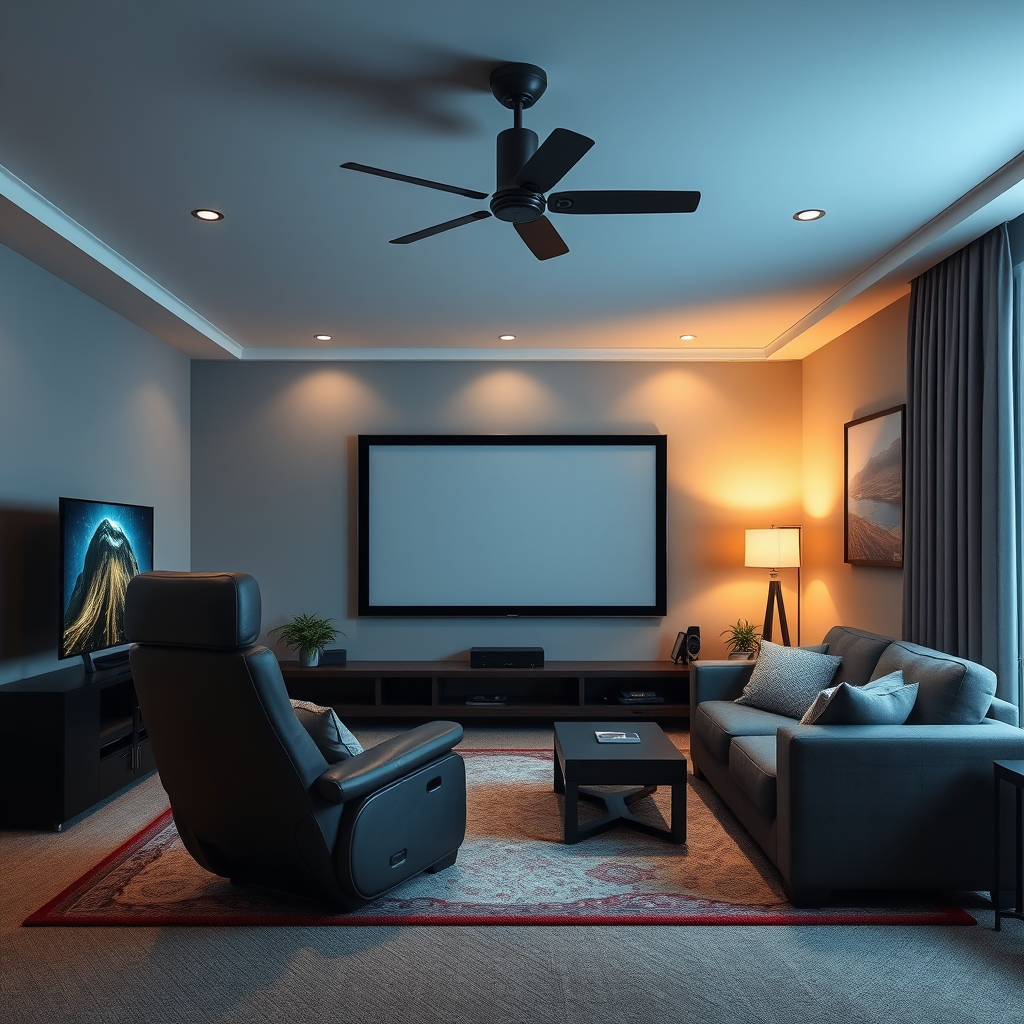
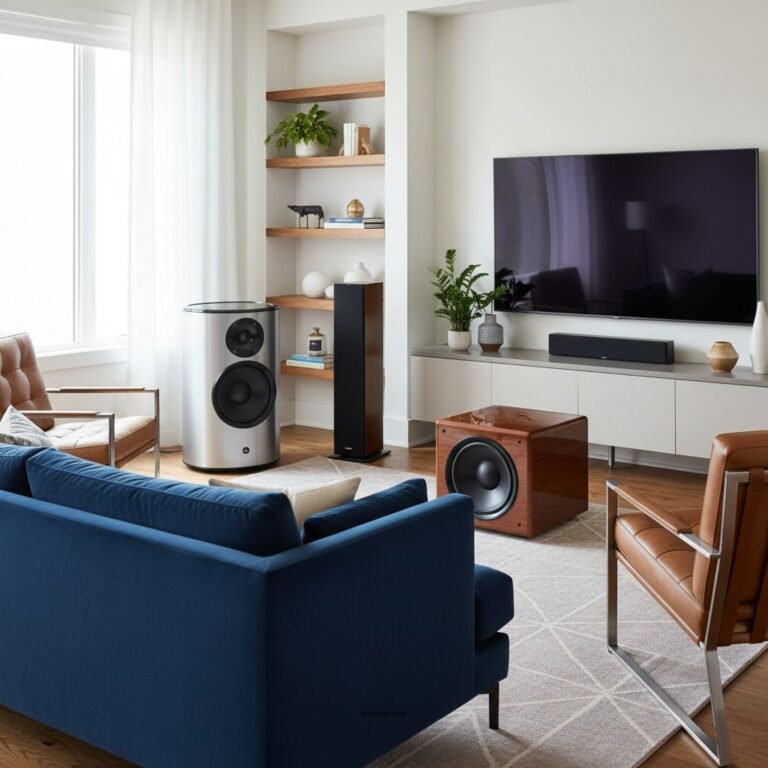
Before delving into the setup process, it’s crucial to understand the components of your home theater system. At its core, a typical home theater includes a display screen (TV or projector), a receiver, and a set of speakers.
1. Identify the Components:
– Speakers: These are essential for delivering audio. They can range from simple stereo speakers to complex surround sound systems.
– Receiver: The heart of your home theater, the receiver processes audio and video signals and powers your speakers.
– Display: This is where you watch your content, whether it’s a TV or a projector screen.
2. Familiarize Yourself with Audio Settings in the Receiver:
– Take time to explore the audio settings on your receiver. This includes options for surround sound formats, audio delay, and the ability to connect multiple audio sources. Understanding these settings will help you optimize audio alerts and alarms.
Choosing the Right Audio Alerts

When it comes to audio alerts, there are various types that you can incorporate into your home theater setup:
1. Types of Alerts:
– Motion Alerts: Useful for security systems, notifying you if movement is detected in a monitored area.
– System Notifications: Alerts that inform you of updates from streaming services or software updates on your devices.
– Custom Notifications: Tailor-made sounds for specific events, such as a doorbell alert or reminders.
2. Consider the Sound Quality:
– The quality of your audio alerts should match the capabilities of your sound system. Opt for high-quality sounds that are clear and sharp, ensuring they stand out from background audio during your viewing experience.
Setting Up Audio Alerts
Setting up audio alerts requires accessing your home theater receiver’s settings menu. Here’s a step-by-step process to get started:
1. Access the Receiver’s Settings Menu:
– Use your remote control to navigate to the settings menu. Look for sections related to audio or alerts.
2. Configure Audio Alerts for Various Devices:
– For TV: Set up alerts to be triggered by notifications from streaming services or smart TVs.
– For Media Players: If you use devices like Blu-ray players or gaming consoles, ensure alerts are enabled for these sources as well.
Here’s a structured overview of the setup process for different devices:
Popular Audio Alert Types and Features
| # | Alert Type | Sound Quality | Customization | Best For |
|---|---|---|---|---|
| 1 | Motion Alerts | High | Limited | Security |
| 2 | System Notifications | Medium | Moderate | General Use |
| 3 | Custom Alerts | High | Extensive | Personalization |
| 4 | Scheduled Alarms | Medium | Limited | Reminders |
| 5 | TV Alerts | High | Moderate | Entertainment |
| 6 | Device Notifications | Medium | Low | Smart Devices |
| 7 | Alerts from Streaming Apps | High | Moderate | Content Updates |
Integrating Smart Home Devices
Modern home theaters can benefit significantly from the integration of smart home devices. Here’s how to connect and set them up effectively:
1. Connect Smart Devices:
– Devices such as smart speakers (like Amazon Echo or Google Home) can be integrated with your home theater system. These devices often have built-in capabilities for audio alerts and can interact with other smart home devices.
2. Setting Up Routines or Triggers:
– Utilize routines that trigger audio alerts based on specific criteria. For example, you might set up a routine that alerts you when someone rings the doorbell or when your security cameras detect movement. This can usually be done through the companion app for your smart devices.
Testing Your Audio Alerts
Once you have configured the audio alerts, it’s essential to conduct a series of tests to ensure everything functions correctly.
1. Conduct Tests:
– Test each alert type to confirm they trigger as expected. This includes ensuring that motion alerts are responsive and that system notifications are audible above the media playback.
2. Adjust Volume Levels:
– Depending on your preferences, you may find that certain alerts are too loud or too soft. Adjust the volume levels accordingly to create a balance that works for you during different scenarios.
Troubleshooting Common Issues
In the event that your audio alerts are not functioning correctly, consider the following troubleshooting steps:
1. Identify Common Problems:
– Look for connectivity issues between devices. Ensure that all components are properly connected and that your network is stable.
2. Consult User Manuals:
– If problems persist, refer to the user manuals for your specific equipment. These guides often contain troubleshooting sections that can help resolve common issues.
Exploring Advanced Features
For those looking to enhance their home theater experience even further, consider exploring advanced features:
1. Customized Alerts:
– Many systems offer advanced settings that allow you to create tailored alerts. For example, different sounds for different notifications can be particularly helpful for distinguishing between alerts.
2. App Integrations:
– Look into app integrations that provide remote control and management of your alerts. This can often be done through smart home applications that consolidate control of multiple devices.
Common Audio Alert Issues and Solutions
Summarizing the essential steps for setting up audio alerts and alarms in your home theater can transform how you enjoy media content, keeping you updated and engaged. By following this guide, you can ensure an optimized audio experience that complements your home entertainment system. Start configuring your alerts today for a smarter home theater experience!
Frequently Asked Questions
How do I set up audio alerts in my home theater system?
To set up audio alerts in your home theater system, first ensure your audio receiver has the necessary features or apps. Connect your system to a smart home hub or use compatible devices, such as smart speakers, which can trigger alerts. Configure the alerts through the app or interface, allowing you to customize sound notifications for events like new movie releases or reminders.
What are the best devices for creating alarms in a home theater?
The best devices for creating alarms in a home theater include smart speakers like Amazon Echo or Google Nest, as they can integrate seamlessly with home automation systems. Additionally, consider using a smart home hub, such as SmartThings, which can connect various devices to trigger alarms based on your preferences. These options provide flexibility and enhance your overall audio experience.
Why are audio alerts important in a home theater setup?
Audio alerts in a home theater setup are essential for enhancing user experience and ensuring you never miss important notifications, such as movie start times or system updates. They allow for seamless integration of entertainment and daily activities, making it easier to manage your viewing schedule. Furthermore, audio alerts can enhance the immersive experience by keeping you engaged with your home theater system.
Which apps are recommended for setting alarms in home theaters?
Recommended apps for setting alarms in home theaters include Google Home for managing smart speakers and devices, and IFTTT (If This Then That) for creating custom automation. Additionally, some AV receiver manufacturers provide their proprietary apps that allow you to set audio alerts and alarms directly. These apps enhance control over your home theater while providing notification customization.
How can I troubleshoot audio alerts not working in my home theater?
To troubleshoot audio alerts not working in your home theater, first check the volume settings on your audio receiver and ensure they are not muted. Next, verify that your devices are connected and communicate properly, including checking the Wi-Fi or Bluetooth connections. If issues persist, consider restarting your devices and checking for any firmware updates that may resolve compatibility problems.
References
- https://www.wikihow.com/Set-Up-a-Home-Theater-System
https://www.wikihow.com/Set-Up-a-Home-Theater-System - https://www.lifewire.com/how-to-set-up-your-home-theater-system-1846972
https://www.lifewire.com/how-to-set-up-your-home-theater-system-1846972 - https://www.crutchfield.com/S-Tx0R3K1u8qM/learn/how-to-set-up-your-home-theater-system.html
https://www.crutchfield.com/S-Tx0R3K1u8qM/learn/how-to-set-up-your-home-theater-system.html - Google Scholar Google Scholar
https://scholar.google.com/scholar?q=Home+Theater+Audio+Alerts+and+Alarms - https://scholar.google.com/scholar?q=How+to+Set+Up+Audio+Alerts+in+Home+Theater Google Scholar
https://scholar.google.com/scholar?q=How+to+Set+Up+Audio+Alerts+in+Home+Theater - Google Scholar Google Scholar
https://scholar.google.com/scholar?q=Home+Theater+Audio+Setup - Google Scholar Google Scholar
https://scholar.google.com/scholar?q=How+to+Set+Up+Audio+Alerts+and+Alarms+in+a+Home+Theater - How to Set Up Audio Alerts and Alarms in a Home Theater – Search results
https://en.wikipedia.org/wiki/Special:Search?search=How+to+Set+Up+Audio+Alerts+and+Alarms+in+a+Home+Theater - https://www.ncbi.nlm.nih.gov/search/research-articles/?term=How+to+Set+Up+Audio+Alerts+and+Alarms+in+a+Home+Theater
https://www.ncbi.nlm.nih.gov/search/research-articles/?term=How+to+Set+Up+Audio+Alerts+and+Alarms+in+a+Home+Theater