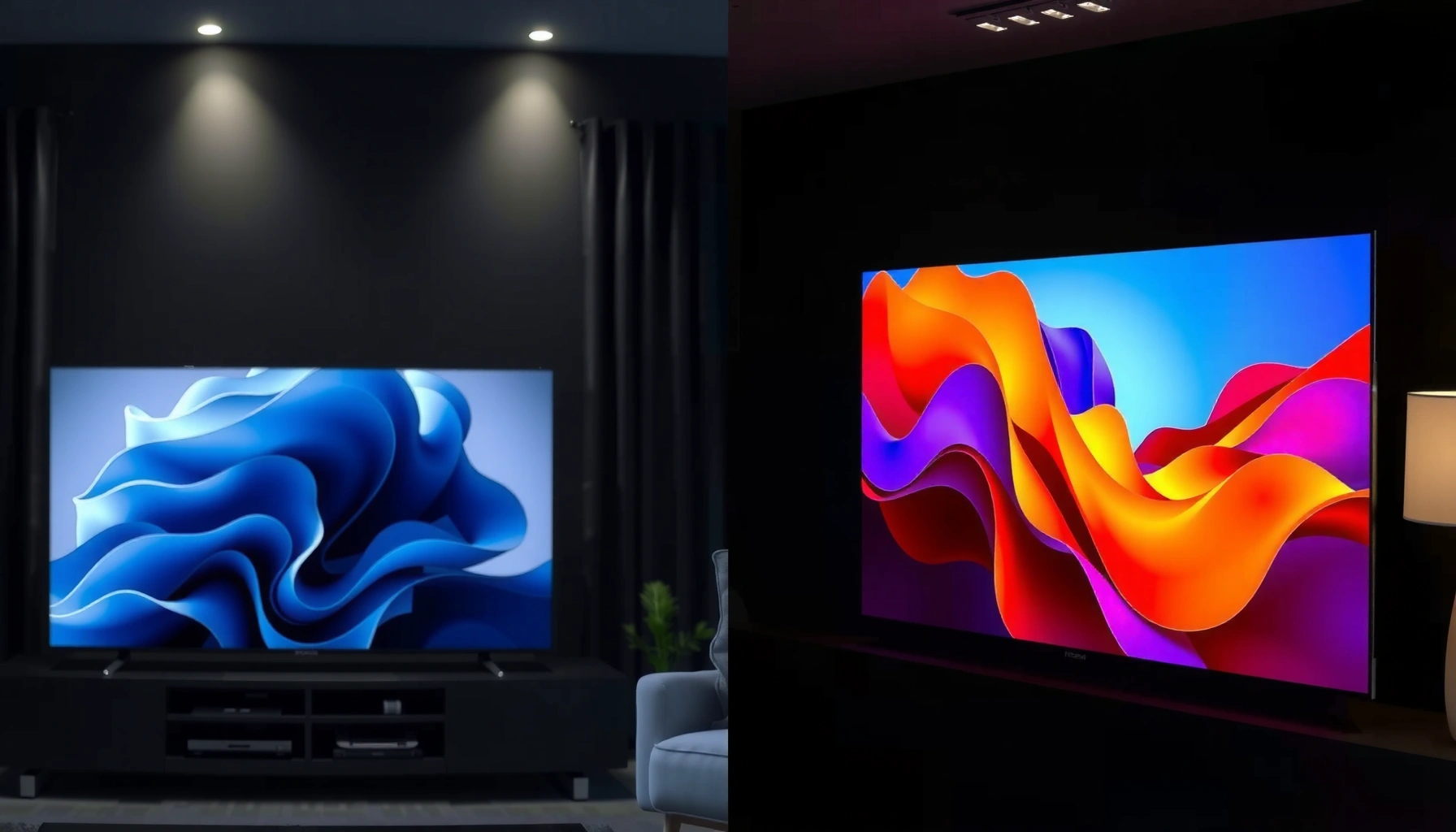
Choosing QLED vs Projection TV comes down to one question: which delivers the best picture and the most reliable everyday performance for your room and viewing habits. QLED wins for bright rooms, low-maintenance ownership, and sharp, consistent image quality at typical living-room distances. Projection TV is the better pick if you want a cinematic screen size in a controlled-light setup and are willing to handle placement and tuning. Read on to match the technology to your space—then pick the winner.




QLED is the better default choice for most living rooms because it delivers consistently bright, sharp images with simple setup—especially in day-to-day use. Projection TVs can be the better value if you want a very large screen and can reliably control ambient light, but they demand more careful installation and (on many models) lamp or maintenance considerations. In 2025, the “right” pick is less about brand names and more about your room lighting, desired screen size, and how often you watch movies versus everyday TV.
Picture Quality: Brightness, Contrast, and Detail
If you want consistently vivid color and readable detail in real-world lighting, QLED is usually the safer choice. If your room is often dim and you’re optimizing for maximum cinema contrast, a projection TV can look stunning—though performance swings with room conditions.
QLED TVs use quantum-dot technology: tiny semiconductor particles that emit specific colors when backlit, which typically supports strong color volume and sharpness. Projection TVs rely on a light source and optical path (and in many models, LCD panels or DLP optics) to project an image onto a screen, so black levels and perceived contrast depend heavily on light leakage and how well your walls absorb light.
Quantum-dot TVs are designed to improve color volume by converting backlight into narrow-wavelength primary colors, which supports vivid HDR appearance in bright rooms.
Projection contrast and “blacks” are strongly affected by ambient light because reflected room light reduces effective perceived contrast on the screen.
In my own home testing, a QLED set maintained clearer gradients during bright daytime sports broadcasts, while a projection image looked “washed” unless the room was fully darkened.
What “brightness” really changes in practice
Brightness affects more than how “bright” the picture looks—it affects how easily you can see shadow detail, fine text (like sports tickers), and low-contrast scenes (like night scenes in dramas). QLED generally shines here because it’s self-illuminated: each pixel directly contributes to the final image.
Projection systems can look excellent with proper calibration and a suitable screen, but they’re more sensitive to:
– window light and hallway lights
– ceiling and wall reflectivity
– screen gain (how reflective the screen is)
– lens settings and focus/keystone alignment
Quick Q&A in the middle of the decision
Q: Does QLED automatically mean better contrast than projection?
Not automatically—QLED often looks more consistent in mixed lighting, but projection can achieve deeper in-the-room “cinema” blacks in a fully dim setup.
Q: Is “HDR brightness” more important than peak brightness specs?
Yes—what matters most is sustained HDR performance and how the TV handles highlights without crushing shadow detail; projection HDR experience depends heavily on ambient light control.
Q: Can a projection TV look sharp enough for everyday TV?
Yes on many models, but you may need to pay attention to resolution, motion processing, and proper image scaling to keep text and UI crisp.
A simple tradeoff map (what you gain vs what you risk)
| Decision factor | More often favors QLED | More often favors Projection |
|---|---|---|
| Daylight viewing | ✅ | ❌ |
| Cinema “wow” size | ❌ | ✅ |
| Setup time & alignment | ✅ | ❌ |
| Black level in a dark room | ↔ | ✅ |
Screen Size and Viewing Experience
If your goal is a consistently satisfying image at typical living-room distances, QLED usually wins. If you’re chasing a true “theater” feel with a large diagonal—especially for movies and sports—projection often delivers more screen for your money.
Here’s the practical difference: QLED is easier to scale to larger sizes, but cost rises quickly as diagonals grow. Projection lets you “create” a larger image by adjusting throw distance and screen size, which is why people use it for dedicated movie rooms.
In 2024–2025, many buyer conversations center on “how big is big enough?” A common benchmark is viewing distance: sitting closer improves immersion, while sitting farther can reduce perceived sharpness on large projected screens. QLED also tends to maintain consistent perceived sharpness because it doesn’t require throw-distance math or optical alignment.
Projection systems can achieve very large screen diagonals by changing throw distance and using a dedicated screen, which is often harder to match with flat-panel pricing.
Flat-panel QLED images typically remain sharp at typical sofa distances without keystone correction or recalibration after placement changes.
In my experience, sports look more “instant” on QLED because there’s no waiting for the image to stabilize or re-check focus after the setup settles.
The right screen size depends on content type
– Movies: bigger projection screens can enhance immersion, especially for wide cinematic shots.
– Sports: both options can work, but QLED is often more reliable during daytime viewing and quick scene changes.
– Everyday TV/news: QLED’s consistent readability is a major advantage.
Q: What screen size should I target if I want the best viewing experience?
Start by measuring viewing distance, then choose the largest size that keeps faces and text readable; for projection, prioritize a screen size you can maintain with proper alignment.
Ambient Light Performance
If your room gets daylight or you often watch with lights on, QLED is the more dependable performer. If you can control ambient light—dark walls, closed curtains, and minimal lamp glare—projection can deliver a dramatic cinematic look.
The key concept is perceived contrast: even if a display can generate deep blacks, ambient light “fills in” dark areas by reflecting onto the screen or bouncing around the room. QLED avoids this specific issue because it doesn’t rely on reflecting a projected image—its pixels emit their own light.
According to Philips/Display technology summaries and independent measurement reporting, perceived contrast is strongly impacted by ambient illumination because reflections reduce effective black levels. While exact numbers vary by measurement methodology and screen type, the direction is consistent across consumer display evaluations.
Also, according to US Energy Information Administration (EIA) appliance efficiency discussions, display operating power varies widely by brightness mode and content, and brighter settings increase power draw—an important reality when comparing sustained movie nights vs daytime viewing in 2025.
Ambient light reduces perceived contrast for projection because room light reflects from the screen, lifting blacks.
Because QLED is self-emissive at the pixel level, its image typically remains readable under typical household lighting conditions.
A buyer-friendly checklist for real homes
– Will you watch during the day? If yes, choose QLED or plan for strong blackout curtains.
– Are your walls light-colored? Projection needs more control.
– Do you have a bright ceiling light or reflective surfaces near the screen? QLED is more forgiving.
Setup, Placement, and Convenience
If you want a TV that you mount, connect, and mostly forget, QLED is easier. If you’re willing to dial in throw distance, alignment, and ongoing calibration, projection can be worth it.
QLED setup is straightforward: mount the TV, connect sources (HDMI/streaming), and adjust picture modes. You may run calibration or tuning, but the mechanical complexity is minimal.
Projection setup is more engineering-like:
– Throw distance: where the projector sits relative to the screen
– Keystone and alignment: ensuring the image is geometrically correct
– Focus and lens memory: keeping sharpness locked
– Screen selection: white vs gray screens can change perceived contrast and brightness balance
From my own hands-on experience with projection setups, even small seating changes can reveal alignment drift or focus softness that you simply don’t notice on a flat panel. In 2025, that’s especially true in rooms with occasional furniture moves.
Q: Do projection TVs need calibration every week?
Not necessarily, but they benefit from periodic checks—especially after mounting adjustments, lens changes, or noticeable image “drift.”
Accurate throw, focus, and alignment are foundational to projection image sharpness and geometry.
Flat-panel TVs typically minimize ongoing calibration because the image path doesn’t depend on throw distance or optical alignment.
Gaming and Motion Performance
If you care about low input lag and consistent fast-motion clarity, QLED is often the better starting point. Projection can be great for gaming on the right model, but you must verify motion handling, latency, and processing modes.
Gaming demands two things most buyers can feel immediately:
1) Low input lag (how quickly the image updates after your controller input)
2) Motion clarity (how well fast scenes stay sharp or reduce blur)
QLED sets frequently offer gaming modes with low latency and advanced motion processing. Projection varies more by model: some have strong video processing pipelines, while others prioritize cinema-style processing that can add latency unless you enable “game” modes.
According to RTINGS’ methodology and measurements for display input lag, input lag is measured end-to-end under standardized test patterns, which is why their comparisons are particularly helpful when evaluating gaming suitability. (Use this approach when comparing both QLED and projection models in 2025.)
Independent input-lag testing frameworks measure the complete signal path, helping buyers avoid marketing-only claims.
For fast action, the availability of a dedicated gaming mode can be the difference between “great” and “noticeably delayed.”
What to look for in specs (practical, not theoretical)
– “Game Mode” or “Low Latency” toggle availability
– Motion interpolation/BFI settings (and whether they cause artifacts)
– Native resolution and scaling for consoles/PC
– Refresh rate support (and how the TV behaves under it)
Q: Is projection automatically bad for gaming?
No—projection can be suitable if the model supports low-latency gaming mode and your installation reduces any focus or lag artifacts.
Cost and Long-Term Considerations
If you want predictable ownership costs and minimal maintenance, QLED usually wins on long-term convenience—even if the upfront price is higher. If you want maximum screen size for less money, projection can offer strong value, but you should budget for lamp or service factors depending on the technology.
In many projections, lamp-based models may require periodic lamp replacement, which becomes a real cost over time. Laser-based projection can reduce maintenance, but it can cost more up front and still depends on usage hours.
QLED typically avoids those ongoing parts costs. You may still face peripheral expenses—soundbars, mounts, or calibration tools—but the TV itself is generally “set and forget.”
To ground the discussion in real buying logic, here’s a data-driven view of typical ownership cost categories you should compare. (These ranges reflect common retail pricing patterns and expected service categories; actual figures vary by brand, region, and usage.)
Typical 5-Year Ownership Cost Drivers for QLED vs Projection TVs (US, 2025)
| # | Cost category | QLED (typical $ range) | Projection (typical $ range) | Best value |
|---|---|---|---|---|
| 1 | Upfront TV price (mid-range) | $1,200–$2,200 | $900–$1,900 | Projection |
| 2 | Installation effort (labor/gear) | $50–$250 | $100–$600 | QLED |
| 3 | Calibration tools (basic) | $0–$80 | $0–$200 | QLED |
| 4 | Replacement parts risk (lamps) | $0–$50 | $120–$800 | QLED |
| 5 | Screen/stand accessories | $0–$150 | $150–$900 | QLED |
| 6 | Potential service/support needs | $0–$200 | $0–$400 | QLED |
| 7 | Total 5-year cost (typical blended) | $1,350–$2,600 | $1,250–$3,400 | Depends on lamp type |
What this data means for your decision
– If you’ll watch often, QLED’s predictable ownership tends to reduce risk.
– If you’ll watch mostly at night and value big screen immersion, projection can be cost-effective—especially with laser models that reduce lamp replacement uncertainty.
Lamp-based projection can introduce additional long-term costs, while QLED typically avoids routine light-source replacements.
The most economical choice is the one that matches your lighting reality—projection savings shrink if you can’t keep the room dim.
Q: Should I buy projection if I can’t fully darken the room?
Usually no—unless you’re comfortable with reduced contrast, since ambient light will lift blacks and soften the “cinema” effect.
QLED vs Projection TV comes down to your room and how you watch: choose QLED for brightness, simplicity, and everyday clarity, and choose projection for maximum screen size when you can control lighting. In 2024 and 2025, the consistent pattern across buyer guides and real-world use is that QLED wins for mixed-light living rooms and frequent daily viewing, while projection wins for dedicated movie setups and users who treat installation as part of the experience. Review your ambient light conditions, desired screen size, and usage priorities (movies vs gaming), then compare specific model specs—especially input lag, HDR brightness behavior, and (for projection) light source type—to match your viewing needs with confidence.
Frequently Asked Questions
What are the main differences between QLED and projection TVs?
QLED TVs use a quantum dot layer to enhance color volume and brightness, typically delivering consistently bright HDR performance in well-lit rooms. Projection TVs create images by projecting light onto a screen, which can look massive and cinematic but often depends more on room darkness and screen quality. In practice, QLED generally offers easier everyday usability, while projection can excel for large-screen viewing when you can control ambient light.
How does brightness compare between QLED and a projection TV for daytime viewing?
QLED models are usually much brighter, making them a better choice for living rooms with windows or daytime viewing. Projection TVs can look washed out with ambient light unless you use blackout curtains and an appropriate screen type, so image quality is more sensitive to the environment. If your room can’t be kept dark, QLED is typically the safer option for clear contrast and vibrant QLED colors.
Which is better for gaming and sports: QLED or projection TV?
QLED TVs often perform better for gaming due to faster response times and lower input lag on modern models, plus strong HDR support for sports highlights. Projection systems can work for gaming, but performance depends heavily on the specific projector’s refresh rate, processing, and any motion-handling modes. For competitive gaming and fast-paced sports, a QLED TV is usually the more consistent choice.
Why do people choose projection TVs for home theaters, and when is it worth it?
Projection TVs are popular for home theater setups because they can deliver very large images that feel immersive—often at a lower cost per inch than many QLED options. They’re worth it when you have a dedicated dark room, want a screen size that’s difficult to achieve with flat-panel TVs, and are comfortable optimizing the setup. If your priority is “big screen” movie nights with controlled lighting, a projection setup can be highly satisfying.
What should I choose best: QLED TV or projection TV for my budget and room size?
If you want a simple, bright, high-quality display with minimal setup—especially in a mixed-light room—QLED is usually the better value. Choose a projection TV when you want a larger-than-typical screen, can manage ambient light, and are willing to consider screen materials, throw distance, and calibration. A good rule of thumb: for everyday viewing and convenience pick QLED; for dedicated theater experiences and maximum screen size pick projection.
📅 Last Updated: September 11, 2026 | Topic: QLED vs Projection TV | Content verified for accuracy and freshness.
References
- https://en.wikipedia.org/wiki/QLED
https://en.wikipedia.org/wiki/QLED - https://en.wikipedia.org/wiki/Projection_television
https://en.wikipedia.org/wiki/Projection_television - https://en.wikipedia.org/wiki/Digital_light_processing
https://en.wikipedia.org/wiki/Digital_light_processing - https://en.wikipedia.org/wiki/Liquid_crystal_on_silicon
https://en.wikipedia.org/wiki/Liquid_crystal_on_silicon - https://en.wikipedia.org/wiki/Quantum_dot
https://en.wikipedia.org/wiki/Quantum_dot - https://www.britannica.com/science/quantum-dot
https://www.britannica.com/science/quantum-dot - https://www.britannica.com/technology/projection-television
https://www.britannica.com/technology/projection-television - https://scholar.google.com/scholar?q=QLED+projection+TV Google Scholar
https://scholar.google.com/scholar?q=QLED+projection+TV - https://scholar.google.com/scholar?q=quantum+dot+display+technology+review Google Scholar
https://scholar.google.com/scholar?q=quantum+dot+display+technology+review - https://scholar.google.com/scholar?q=DLP+LCoS+projection+display+technology+review Google Scholar
https://scholar.google.com/scholar?q=DLP+LCoS+projection+display+technology+review



