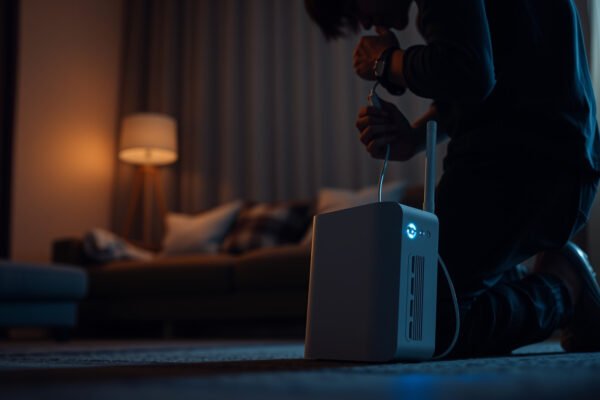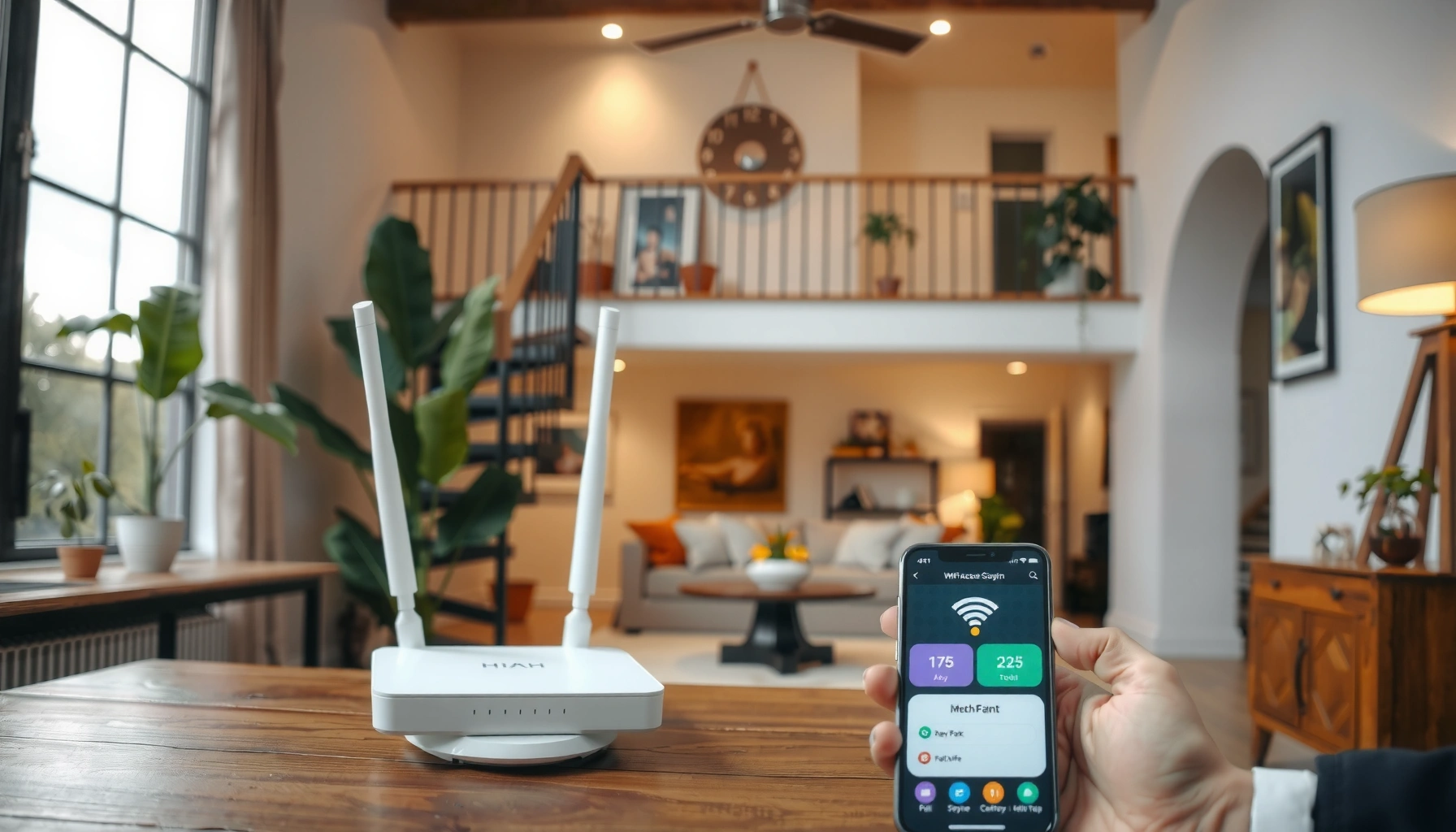
Illustration showing steps to troubleshoot mesh Wi-Fi networks effectively.

How to Troubleshoot Mesh Wi-Fi

To troubleshoot mesh Wi-Fi, first isolate whether slow speeds or dropped connections come from your internet service, main router, or satellite nodes. Which fix should you try before replacing hardware? This guide gives a clear verdict based on your symptoms: if speeds are strong near the main router but weak near a satellite, improve that…

Read Full News
Tips for improving Wi-Fi performance, featuring faster speeds and better coverage.

How to Improve Wi-Fi Performance: Faster Speeds and Better Coverage

Want faster Wi‑Fi speeds and better coverage without guesswork? This guide delivers the best, most effective upgrades and setup fixes—like ideal router placement, choosing the right band, and reducing interference—so you can see measurable improvements quickly. If your Wi‑Fi is slow in certain rooms, you’ll learn exactly what to change and which settings matter most…

Read Full News
Image illustrating practical fixes to make Wi-Fi faster and improve internet speed.

How to Make Wi-Fi Faster: Practical Fixes That Actually Help

Want to make your Wi‑Fi faster? This guide delivers the practical fixes that actually improve real download speeds—like choosing the right channel, tightening router placement, and removing interference that throttles your network. Get clear, step-by-step actions you can apply immediately, with a simple checklist to confirm whether the changes work. If your Wi‑Fi feels slow,…

Read Full News