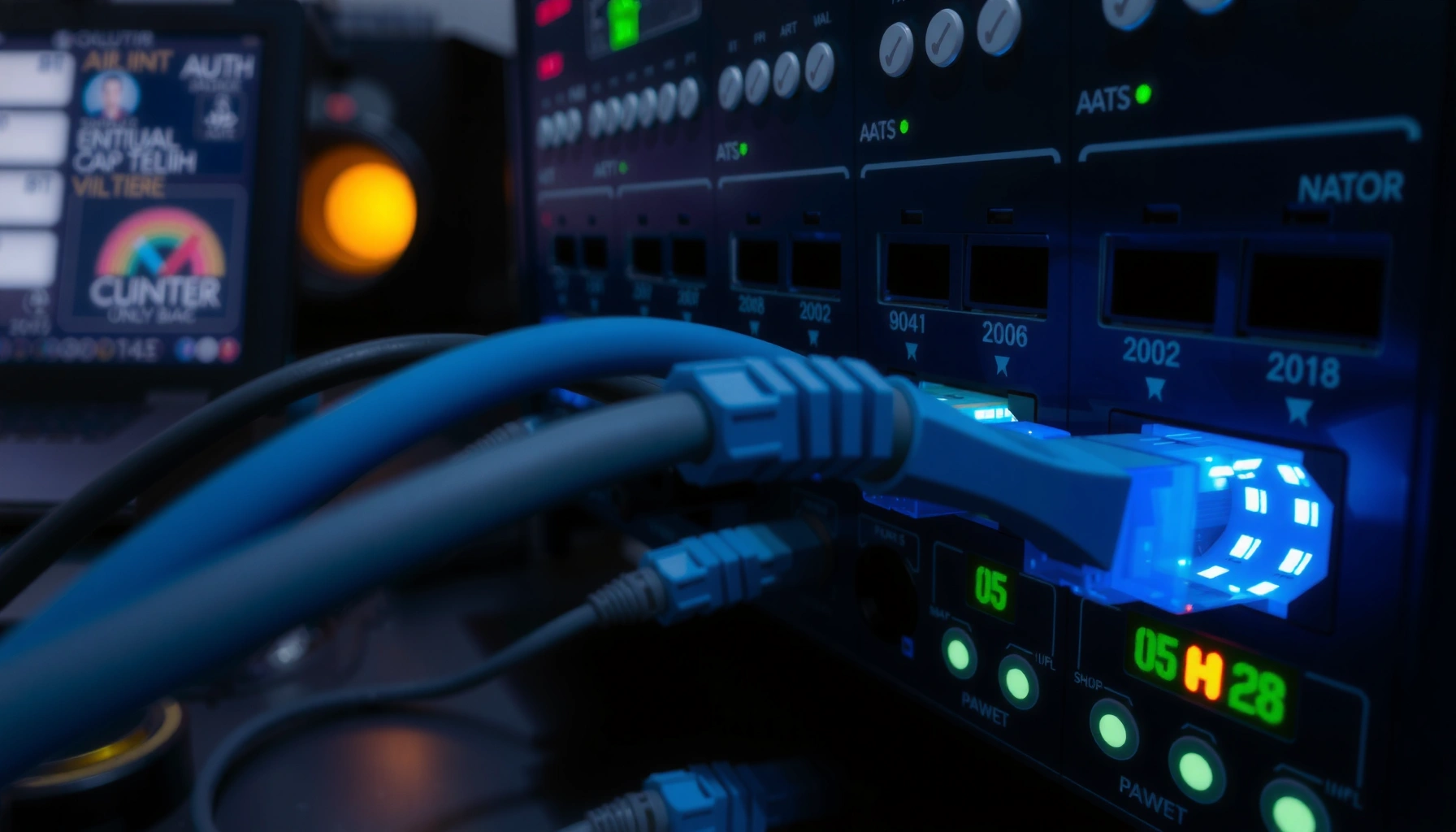
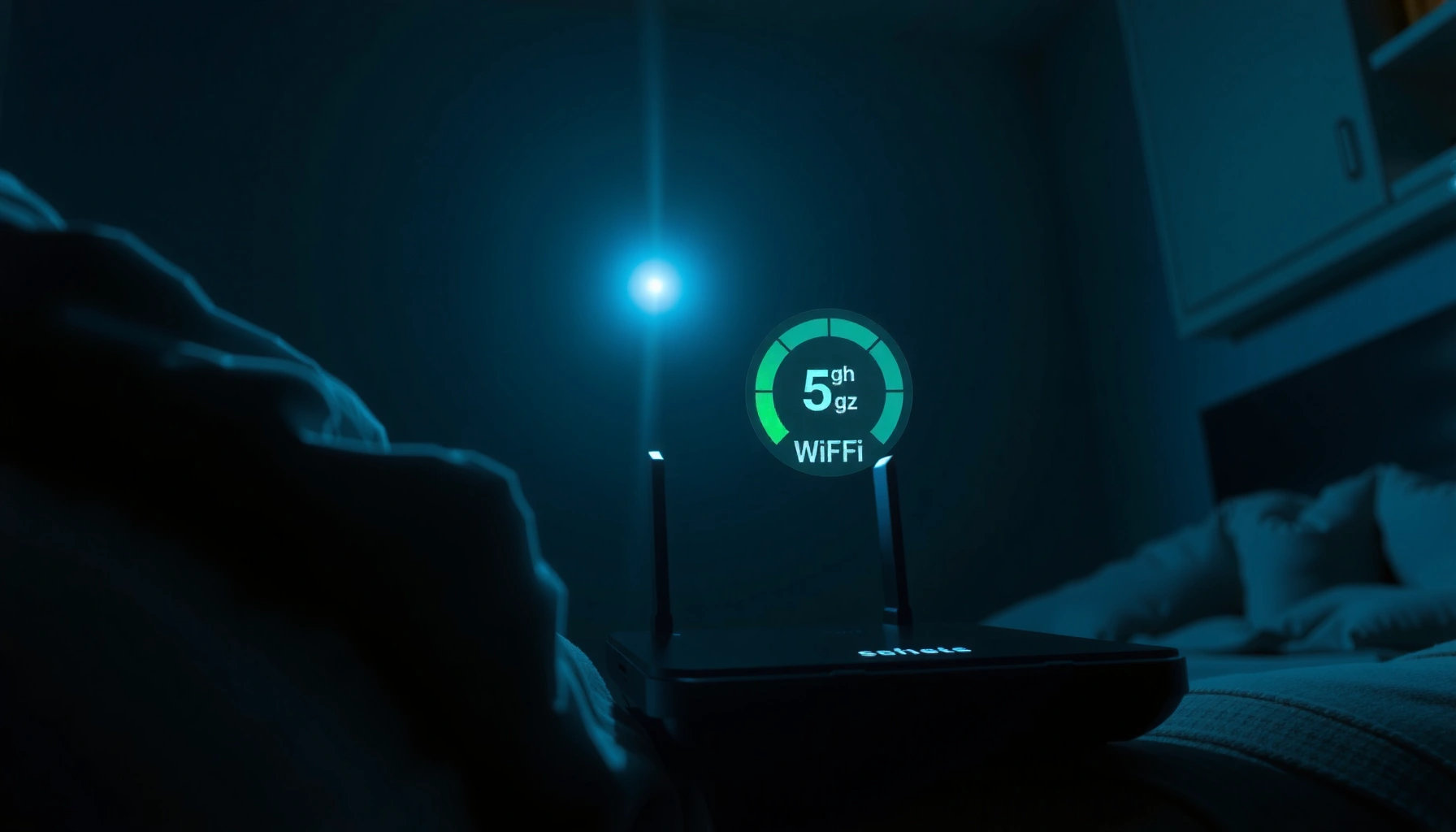
A person troubleshooting a router that keeps disconnecting, illustrating quick fixes for connectivity problems.

How to Fix a Router That Keeps Disconnecting: Quick Troubleshooting

If your router keeps disconnecting, start with the fixes that most often restore a stable connection in minutes: rebooting correctly, checking power and cables, and updating the router firmware. This quick troubleshooting guide answers exactly why your internet drops and walks you through the fastest, highest-impact steps to stop it—whether the problem is Wi‑Fi interference,…
Read Full News
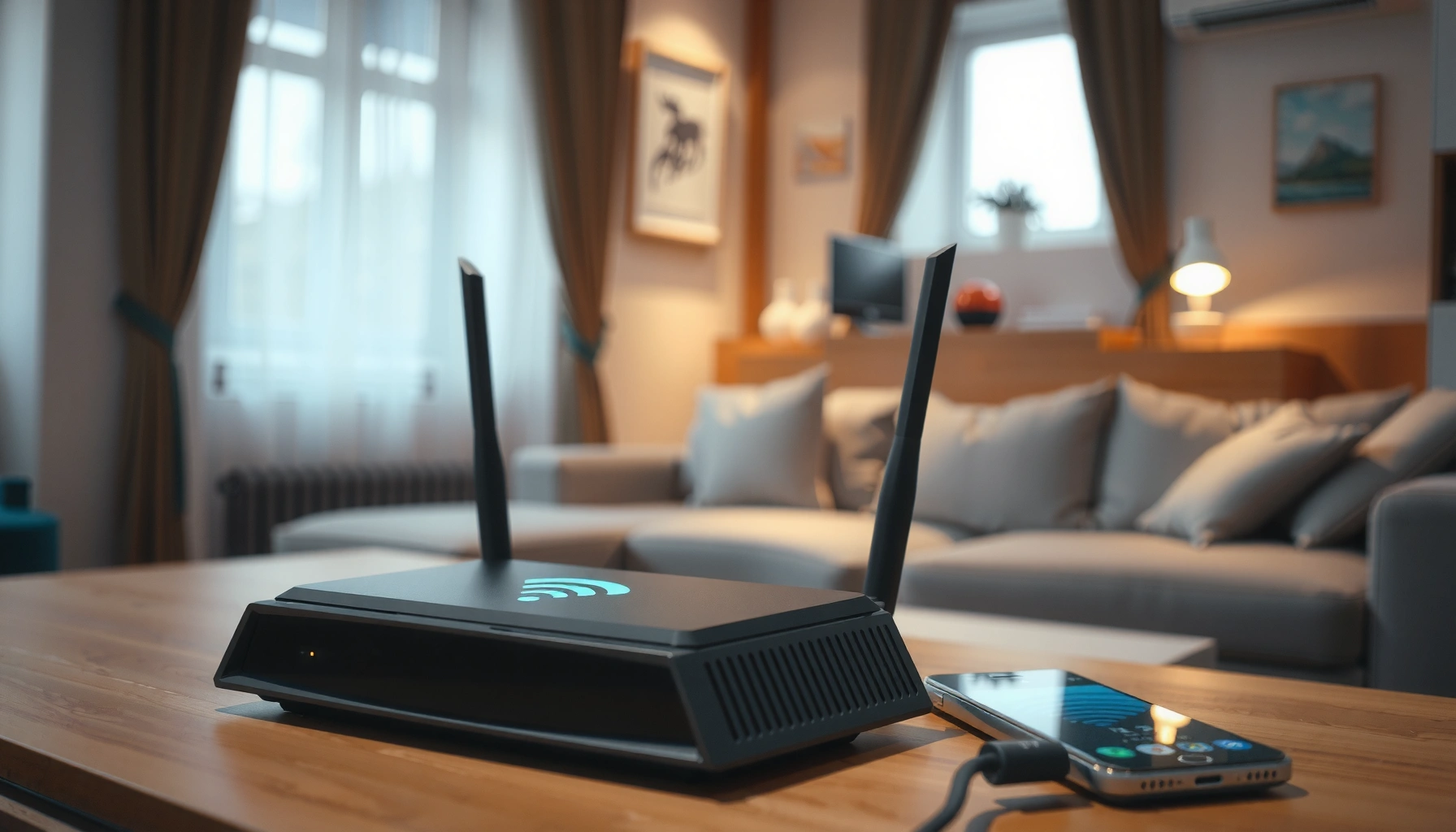
A diagram illustrating how router placement affects Wi-Fi speed and performance.

Does Router Position Affect Wi‑Fi Speed? Placement Tips That Matter

Router position can directly make or break Wi‑Fi speed—place it in the wrong spot and your throughput will drop fast. This article answers whether router position affects Wi‑Fi speed and pinpoints the biggest placement factors, including height, distance from walls, and avoiding interference. You’ll leave with clear, actionable placement tips that reliably improve real-world performance….

Read Full News
Illustration showing tips to reduce packet loss on Wi-Fi and fix lag and drops

How to Reduce Packet Loss on Wi-Fi: Fix Lag and Drops

If you’re dealing with lag and drops, the fastest way to reduce packet loss on Wi‑Fi is to fix your signal quality first—start with router placement, channel selection, and removing interference. Next, tighten the network by updating firmware, disabling power-saving features that throttle wireless performance, and securing your Wi‑Fi to prevent hidden congestion. Follow these…

Read Full News
Comparison of internet speed and Wi-Fi speed affecting download performance

Internet Speed vs Wi-Fi Speed: What Really Affects Your Downloads

Internet Speed vs Wi‑Fi Speed: What Really Affects Your Downloads If your downloads feel slow, the answer is usually Internet speed—not Wi‑Fi speed—when your router has a stable connection and isn’t the bottleneck. This article explains exactly when Wi‑Fi becomes the limiter (signal strength, interference, distance, and device congestion) and when it won’t matter. You’ll…

Read Full News

Why Does My Sonos Speaker Keep Dropping Connection?

Experiencing frequent disconnections with your Sonos speaker can be frustrating, but the issue often stems from a few common culprits. Typically, these disconnections are related to Wi-Fi interference, distance from the router, or outdated software. Understanding these factors and applying targeted solutions can help ensure seamless music streaming and restore your listening experience. Common Causes…

Read Full News