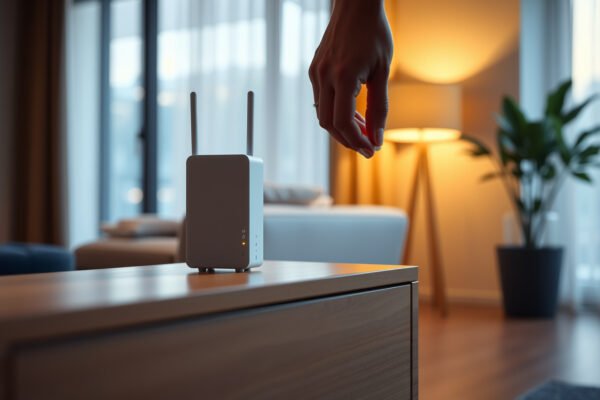
Illustration showing common mistakes in mesh Wi-Fi setup, highlighting errors to avoid for better connectivity.

Mesh Wi-Fi Setup Mistakes to Avoid

The biggest mesh Wi-Fi setup mistakes are placing nodes inside dead zones, adding more units than your home needs, and leaving competing router networks active. For homes with Ethernet available, wired backhaul is the clear winner for consistent performance; wireless nodes need a strong connection to one another, not just proximity to struggling devices. Which…

Read Full News
Illustration of mesh Wi-Fi system with guest network setup, showcasing connectivity and coverage.

Mesh Wi-Fi and Guest Networks

Mesh Wi-Fi with an isolated guest network wins when you need whole-home coverage and separate access for visitors. If your existing router already covers every room, enabling its guest network is the better choice than buying a mesh system just for guests. The deciding question is whether you need to fix Wi-Fi dead zones or…

Read Full News
Steps to fix router dead zones and restore Wi-Fi coverage in your home.

How to Fix Router Dead Zones: Proven Steps to Restore Coverage

Fix router dead zones fast with proven placement, settings, and hardware steps that actually restore coverage. If your Wi‑Fi drops in certain rooms, this guide shows exactly what to change—channel and band settings, router positioning, and extender/mesh placement—so the signal stops fading. Follow these moves and you’ll eliminate dead spots without wasting money on guesswork….

Read Full News