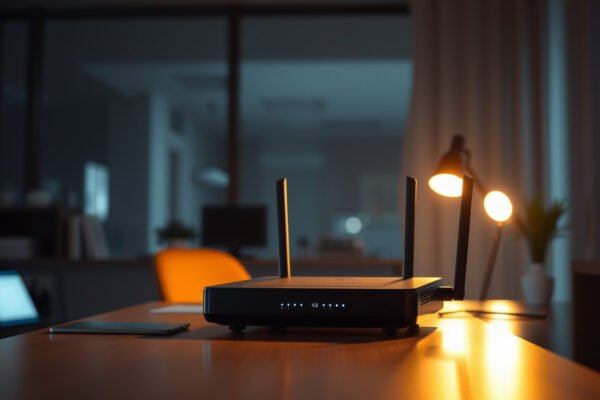
Step-by-step guide on how to check router security for better home network protection.

How to Check Router Security: Essential Step-by-Step Checks

You can quickly determine whether your router is secure or dangerously exposed by running a short, step-by-step security check. Follow the essential tests for firmware, default passwords, remote management, Wi‑Fi encryption, and connected-device risk to surface the biggest vulnerabilities first. By the end, you’ll know exactly what to fix to harden your router and reduce…


Read Full News
Comparison of WPA2 and WPA3 wireless security protocols for safer internet protection.

WPA2 vs WPA3 Security: Which Wireless Protection Is Safer?

WPA3 is the safer choice for most home and small-office networks, and it answers the “WPA2 vs WPA3 security” question with stronger defenses against modern password-guessing and offline cracking attempts. If you’re upgrading, WPA3 (or WPA3-Enterprise where appropriate) sets the bar higher than WPA2 by defaulting to more robust encryption and more secure key management….

Read Full News
A person configuring a router for better security to enhance home network safety.

How to Secure Your Router: Essential Steps for Better Safety

You can secure your router in an afternoon with the right priority steps that stop common intrusions fast. This guide answers the exact question of what to change first—admin password, remote access settings, Wi‑Fi security, and firmware updates—so your network is protected without breaking devices. Follow these essentials and you’ll close the biggest vulnerabilities before…

Read Full News