
Room correction software is a technology designed to analyze and adjust audio playback in your space, significantly improving sound quality. By compensating for the acoustic imperfections of a room, this software ensures that you experience music and sound effects as they were intended by the artist. Whether you’re an audiophile seeking the perfect sound or a casual listener who simply wants to enjoy their favorite tunes, room correction software can make a world of difference. In this article, we will explore what room correction software is, how it works, and the benefits it offers for audiophiles and casual listeners alike.
Understanding Room Correction Software
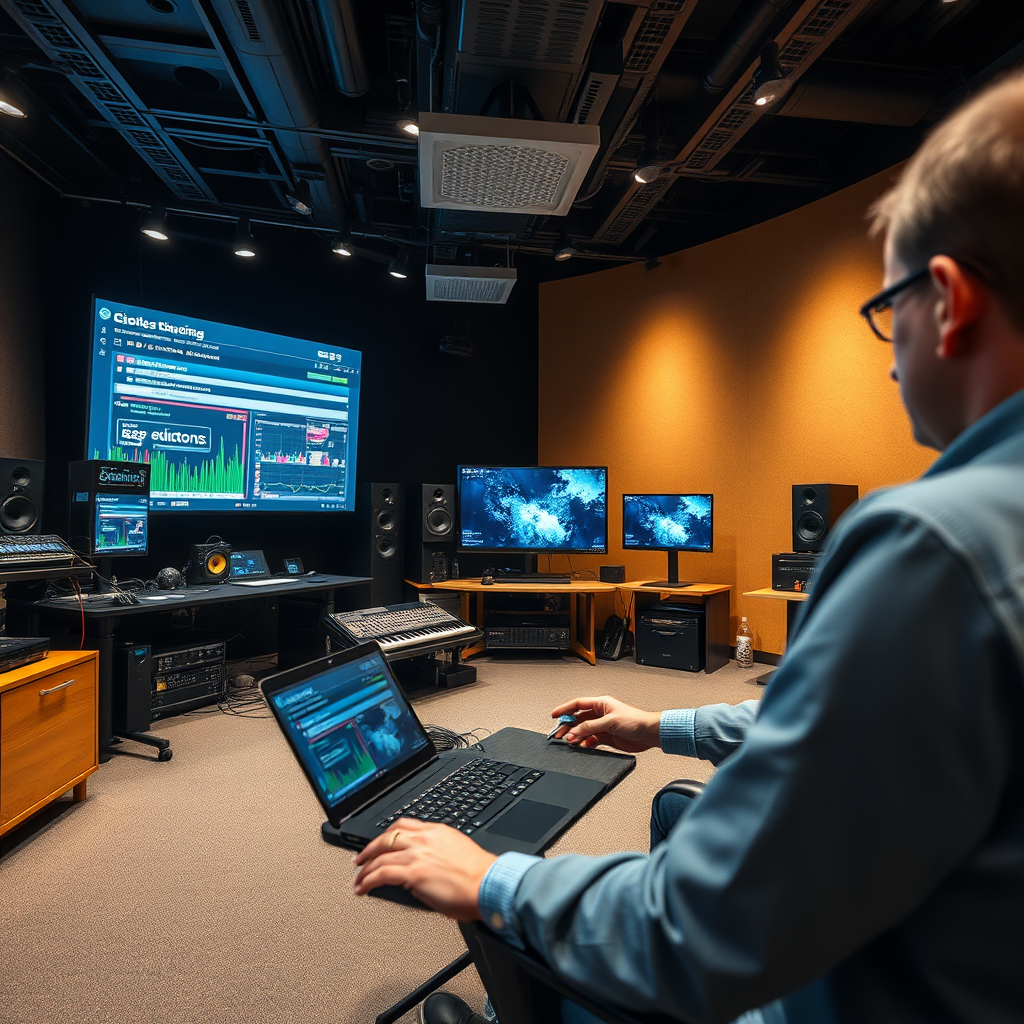
Room correction software is a powerful tool that addresses the unique acoustic challenges of your listening environment. Every room has its own characteristics that can affect sound quality, including size, shape, and the materials used in walls, floors, and furniture. This software employs sophisticated measurement tools, often in conjunction with microphones, to map out the acoustics of your space. It identifies issues such as standing waves, echoes, and frequency response problems that can distort sound.
Using advanced algorithms, the software analyzes these measurements to pinpoint specific frequency response issues. For example, if certain frequencies are being amplified due to the shape of your room, the software can create a corrective profile that reduces these peaks, ensuring a more balanced and accurate audio output. In essence, it acts as a digital equalizer that customizes sound for your unique environment.
How Room Correction Works
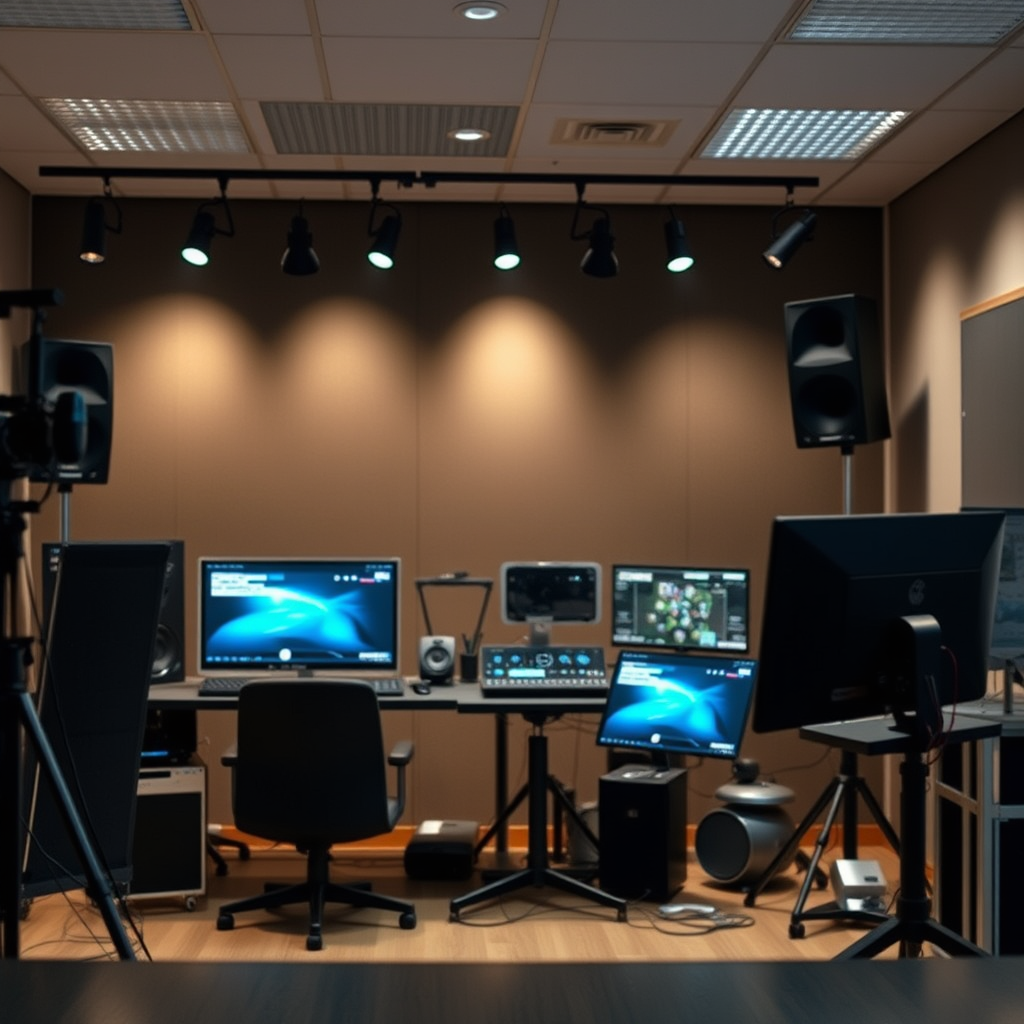
The process of room correction begins with measurement. The software typically requires a calibrated microphone positioned at your primary listening spot, often referred to as the “sweet spot.” This microphone captures the sound output from your speakers and records how it interacts with your room’s surfaces. The measurements taken might include various frequencies, allowing the software to create a comprehensive acoustic profile of your space.
After gathering data, the software processes this information to develop an equalization profile. This profile compensates for the identified anomalies, adjusting the audio playback to counteract any distortions caused by room acoustics. For example, if the software detects that low frequencies are overly pronounced due to room dimensions, it will automatically reduce those frequencies in the playback, helping create a more neutral sound signature. Some advanced systems may even allow for real-time adjustments, making the listening experience dynamic and adaptable.
Benefits of Using Room Correction Software
One of the most significant benefits of room correction software is its ability to enhance clarity and detail in audio playback. By correcting frequency response issues, music becomes more enjoyable and immersive, allowing you to hear subtleties that you might have missed otherwise. Instruments and vocals come to life, making your listening experience richer and more engaging.
Moreover, room correction software helps reduce the impact of unwanted echoes and resonances from walls and furniture. For instance, a room with hard surfaces like tile or glass can create harsh reflections that muddy the sound. Room correction software can mitigate these effects, providing a clearer soundstage and allowing for a more accurate representation of the artist’s intent. This is particularly beneficial for movie enthusiasts, as it enhances dialogue clarity and overall cinematic experience.
Types of Room Correction Software
When exploring room correction options, you’ll find various types of software available. Some are standalone applications that require specific hardware setups, such as dedicated microphones and audio interfaces. Examples include Dirac Live and Sonarworks SoundID Reference, which are popular among professionals and serious enthusiasts for their advanced features and precision.
On the other hand, many high-end audio receivers and digital audio workstations (DAWs) come equipped with built-in room correction features. These solutions can be more user-friendly, as they often integrate seamlessly into existing audio systems. Brands such as Anthem, Denon, and Yamaha offer room correction technology that automatically adjusts sound settings based on your room’s acoustics, making it accessible even for casual listeners.
Factors to Consider When Choosing Room Correction Software
Selecting the right room correction software involves several considerations. First, ensure compatibility with your existing audio equipment. Some software may require specific hardware, while others might work with a broader range of devices. It’s essential to verify that your current setup can accommodate the software you choose.
Next, consider the user interface and ease of use. For beginners, a straightforward setup process and intuitive controls can make all the difference. However, if you’re more experienced, you might prefer software that offers advanced features and customization options. Reading reviews and exploring user experiences can help you identify which software aligns best with your needs.
Common Misconceptions About Room Correction
There are several myths surrounding room correction software that can lead to misunderstandings. One common misconception is that room correction can completely fix all audio issues, which is simply not true. While it can significantly enhance sound quality, it cannot replace good speaker placement, quality equipment, or proper room treatment. It’s a tool to optimize your existing setup, not a magic bullet.
Another misconception is that room correction is unnecessary for casual listeners. In reality, even simple adjustments can dramatically improve the listening experience for anyone. Whether you’re enjoying a casual music session or watching a movie, room correction can help ensure that sound quality is as good as it can be, enhancing your overall enjoyment.
Best Practices for Implementing Room Correction
To get the most out of your room correction software, follow some best practices. First and foremost, positioning the microphone correctly is crucial. Make sure it’s placed at ear level in your primary listening position, free from obstructions. Avoid common measurement errors by taking multiple readings and averaging them for a more accurate profile.
Additionally, regularly updating and recalibrating settings is essential to maintain optimal audio performance. As you change your room’s layout or add new furniture, re-running the room correction process can help adapt the sound profile to any new challenges. This proactive approach ensures that your audio remains clear and enjoyable over time.
By utilizing room correction software, you can transform your listening experience by ensuring that your audio playback is as accurate as possible. This technology not only enhances sound quality but also makes the most out of your audio equipment. Whether you are an audiophile or simply someone who enjoys music, consider exploring room correction solutions to elevate your sound experience. With the right tools and knowledge, you can create a listening environment that truly resonates with your personal audio preferences.
Frequently Asked Questions
What is room correction software and how does it work?
Room correction software is a specialized tool designed to enhance audio playback by adjusting sound frequencies to compensate for the acoustic characteristics of a room. By analyzing the audio environment with a microphone, the software identifies problematic frequencies caused by reflections, resonances, and other acoustic anomalies. It then applies digital signal processing (DSP) to recalibrate the audio output, resulting in clearer sound and a more balanced listening experience.
How can room correction software improve sound quality in my home theater?
Room correction software can significantly enhance sound quality in a home theater by optimizing speaker placement and adjusting for room acoustics. This technology analyzes the interaction between sound waves and the room’s surfaces, allowing it to correct issues such as boomy bass or muffled highs. As a result, viewers can enjoy a more immersive audio experience, with clearer dialogue and a more accurate representation of the intended sound design.
Why is room correction important for audiophiles?
For audiophiles, room correction is crucial because the listening environment can drastically affect sound quality. Even the best audio equipment can fall short if the room’s acoustics are poorly managed. Room correction software helps create a more accurate soundstage, allowing audiophiles to hear music and audio as the artist intended, without unwanted coloration from the room itself.
What are the best room correction software options available?
Some of the best room correction software options include Dirac Live, Sonarworks SoundID Reference, and Audyssey MultEQ. Each of these tools offers unique features such as real-time calibration, advanced equalization, and user-friendly interfaces. When choosing the best software, consider factors like compatibility with your audio system, ease of use, and the specific acoustic challenges you face in your space.
Which devices are compatible with room correction software?
Room correction software is compatible with various devices, including home theater receivers, digital audio players, and computer systems. Many modern AV receivers come with built-in room correction capabilities, while others can work with external software via USB or network connections. It’s essential to check the specifications of your audio equipment and the software to ensure seamless integration for optimal results.
References
- https://en.wikipedia.org/wiki/Room_correction
- https://www.researchgate.net/publication/335234678_An_Overview_of_Sound_Room_Correction_Technology
- https://www.technologyreview.com/2020/09/30/1009170/audio-room-correction-software/
- https://www.audioholics.com/how-to/room-acoustics-and-room-correction
- https://www.sciencedirect.com/science/article/pii/S2212017317301533
- https://www.asha.org/publications/leader/2019/room-acoustics-and-correction/
- https://www.acoustics.org/press/room-acoustics/
- https://www.npr.org/sections/technology/2019/05/30/726086950/how-technology-is-changing-the-way-we-listen-to-music
