How to Optimize Wi-Fi for Remote Work Without Dropped Calls
Dropped calls during remote work aren’t inevitable—optimize your Wi‑Fi correctly and they usually disappear. This…
Dropped calls during remote work aren’t inevitable—optimize your Wi‑Fi correctly and they usually disappear. This…
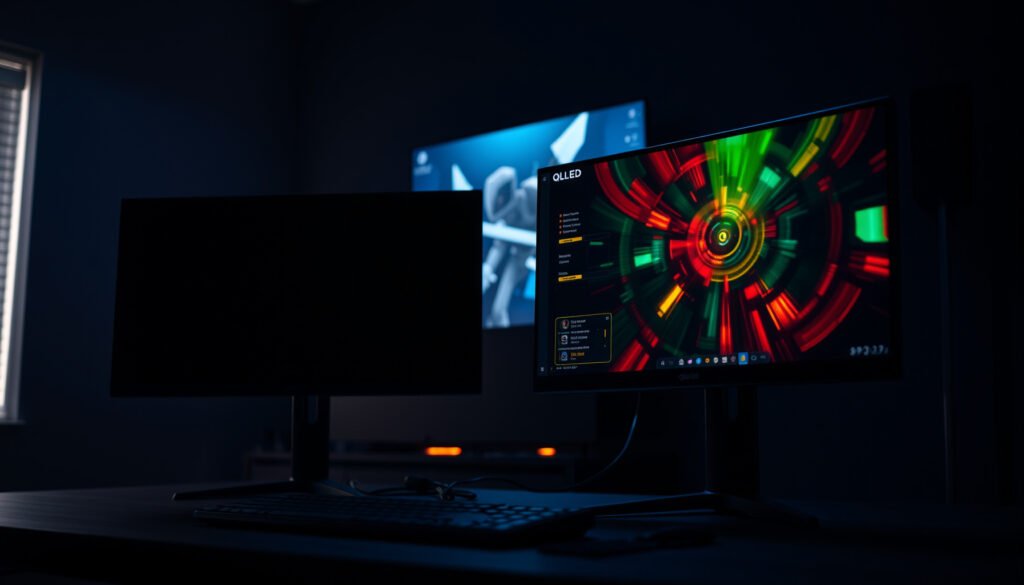
If you’re choosing between 120Hz OLED and 120Hz QLED for gaming, the winner depends on…
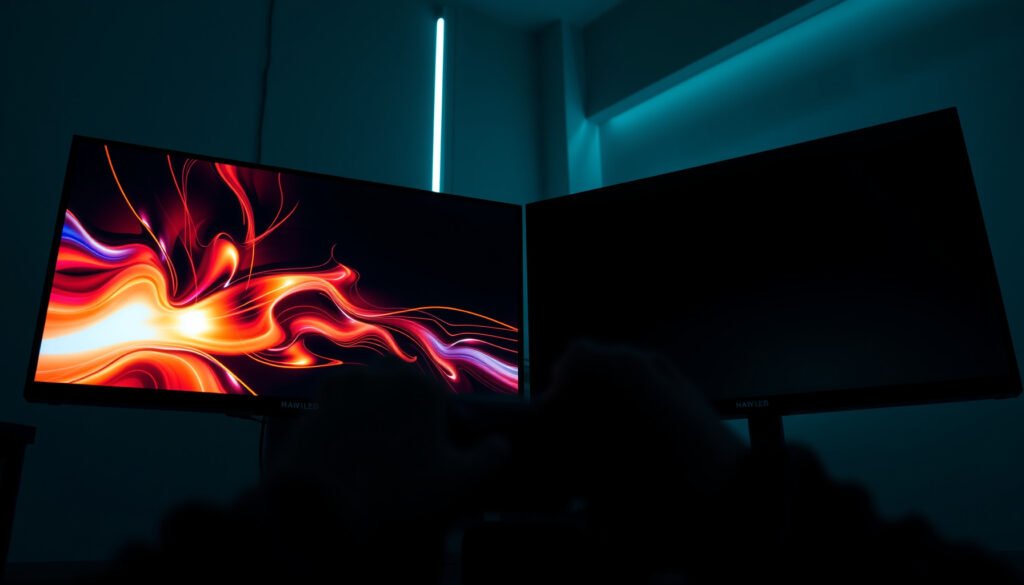
4K Mini-LED or 4K OLED gaming— which display actually wins? If you play competitive games…
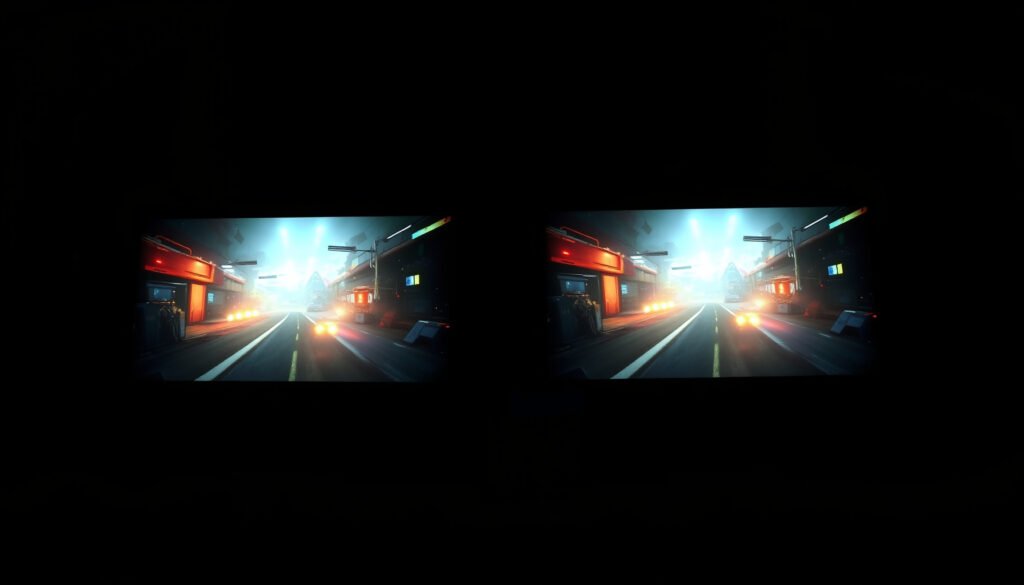
Trying to decide between 4K QLED and 4K Mini-LED gaming? The verdict is clear: for…
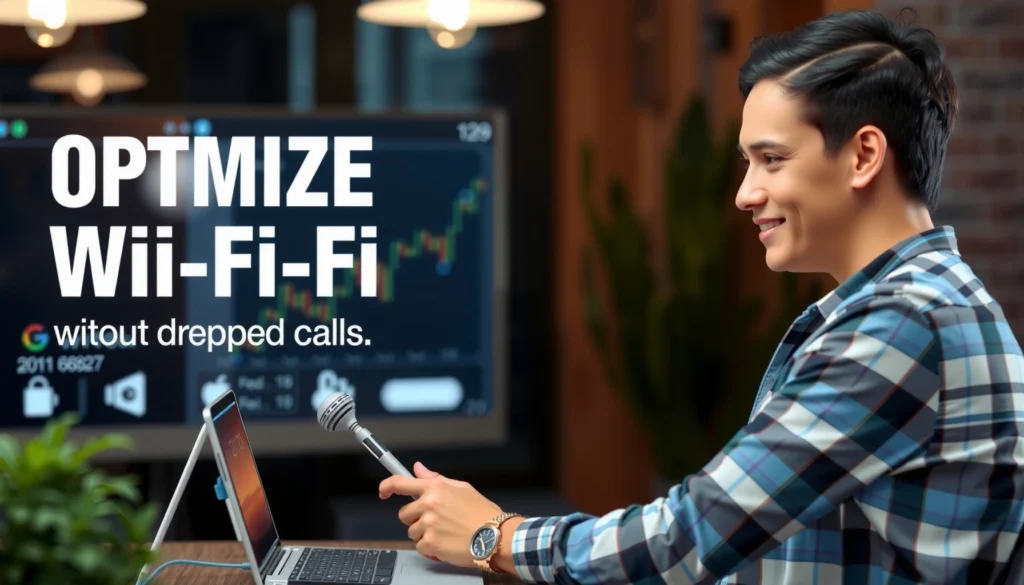
Dropped calls during remote work aren’t inevitable—optimize your Wi‑Fi correctly and they usually disappear. This guide shows exactly how to configure your router, reduce interference, and place access points so calls stay stable and video meetings don’t cut out. Get the fastest path to reliable Wi‑Fi for remote work, whether you’re in an apartment, house,…
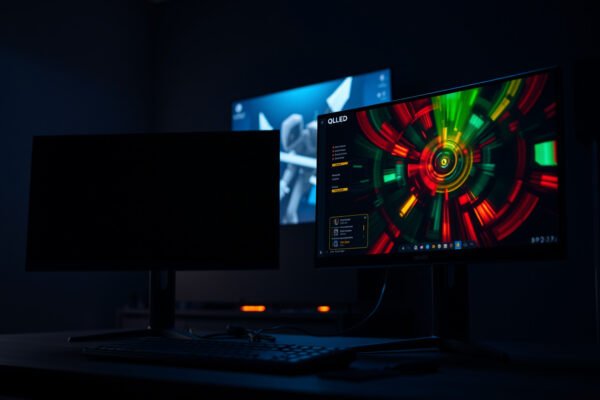
If you’re choosing between 120Hz OLED and 120Hz QLED for gaming, the winner depends on what you value most—response speed or peak brightness. For players chasing the smoothest motion with near-instant pixel response in dark scenes, 120Hz OLED is the clear pick. If your priority is sustained high brightness for HDR and well-lit rooms, a…
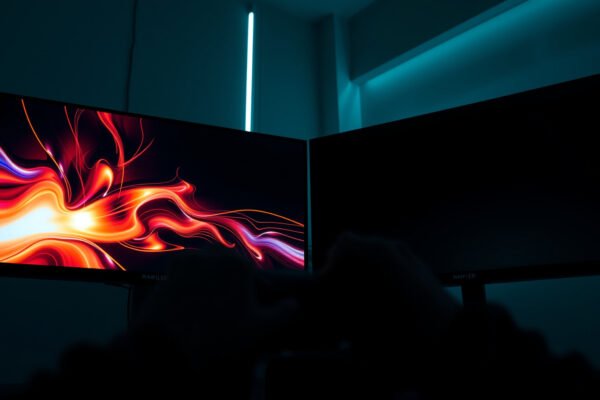
4K Mini-LED or 4K OLED gaming— which display actually wins? If you play competitive games that reward low input lag and instant pixel response, 4K OLED is the clear winner. If you prioritize peak brightness, long HDR sessions, and fewer worries about burn-in, 4K Mini-LED takes the edge. The verdict depends on your game style,…
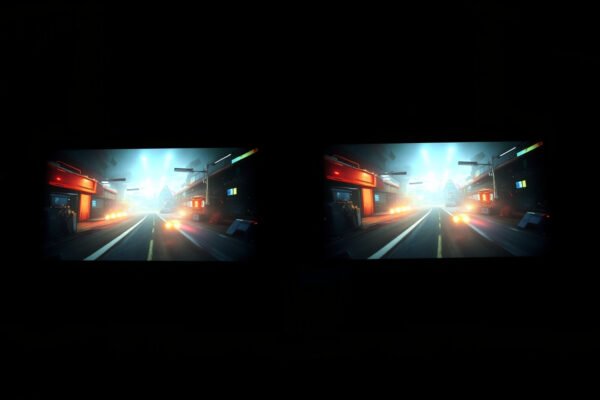
Trying to decide between 4K QLED and 4K Mini-LED gaming? The verdict is clear: for most serious gamers chasing brighter highlights, stronger contrast, and better HDR punch in demanding scenes, 4K Mini-LED wins—especially in high-peak brightness and mixed-dark-content gameplay. Choose 4K QLED only if you’re prioritizing smoother visuals and a simpler, typically cheaper path to…
Want better video call quality? Optimize your Wi‑Fi settings first—strong signal, correct channel selection, and reliable bandwidth do more for call clarity than most “app fixes.” This guide answers how to optimize Wi‑Fi for video calls, with practical steps to reduce latency, jitter, and dropped frames. If your calls freeze or lag, these adjustments will…
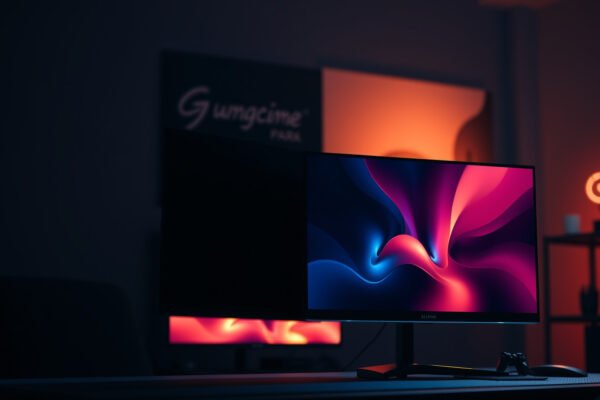
Choosing between 4K OLED and 4K QLED for gaming isn’t a generic spec showdown—it’s about which panel delivers the better play when it matters most: motion clarity, contrast in dark scenes, and response time. If you want the sharpest highlights, deepest blacks, and the fastest pixel transitions for competitive and visually rich games, 4K OLED…
Mini-LED gaming displays usually look better for HDR and contrast because their backlight can be controlled in smaller zones, reducing “washed out” highlights—so if your priority is HDR scenes (night maps, explosions in dark rooms), mini-LED is typically the winner. Traditional LED (often full-array local dimming or edge-lit) can still be excellent for fast refresh…
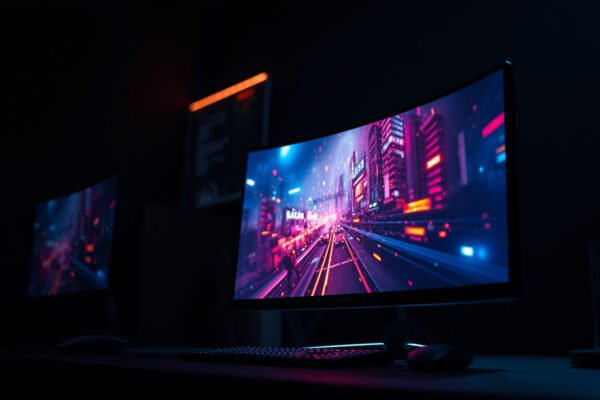
QLED gaming is usually the better pick if you care about color depth, brightness feel, and HDR-style performance, because QLED uses quantum-dot color enhancement on an LED backlight. LED gaming (non-QLED LCD with an LED backlight) can still look great for most players—especially if you’re optimizing for price and simple specs like refresh rate and…
Want faster, less lag gaming from your Wi‑Fi—without moving to a new internet plan? This guide answers exactly how to optimize Wi‑Fi for gaming by tuning placement, channel choice, bandwidth settings, and router features that reduce latency. Follow these steps and you’ll see steadier ping and fewer spikes, especially in crowded households. If you want…
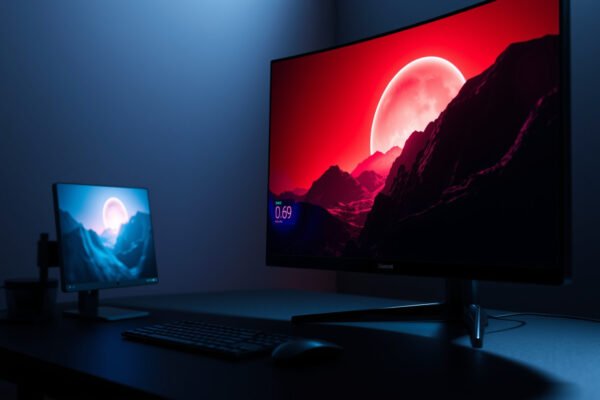
OLED gaming or mini-LED gaming—Which display wins for you? If your priority is true blacks, perfect contrast, and response times for dark scenes, OLED is the clear choice; if you want peak brightness, brighter HDR highlights, and less burn-in risk for long sessions, mini-LED takes the lead. This guide answers the decision question based on…