
1080p vs 1440p vertical monitors: which resolution actually looks sharper? If you’re using a vertical display for reading, spreadsheets, coding, or document work, 1440p is the clear winner because it packs more pixels into the same screen size for noticeably finer text and UI details. We’ll break down when that advantage is obvious versus when 1080p still holds up—so you can buy with confidence.




If you’re choosing between 1080p and 1440p vertical monitors for movies, 1440p usually looks sharper—but only if your screen size and viewing distance make the extra pixel density noticeable. In real movie setups, many films arrive as 1080p (commonly from Blu-ray) or as 4K (from Ultra HD Blu-ray and high-tier streaming), so a 1440p vertical monitor often ends up showing either upscaled 1080p or downscaled 4K rather than “true” 1440p source detail.
Resolution Basics (1080p vs 1440p)
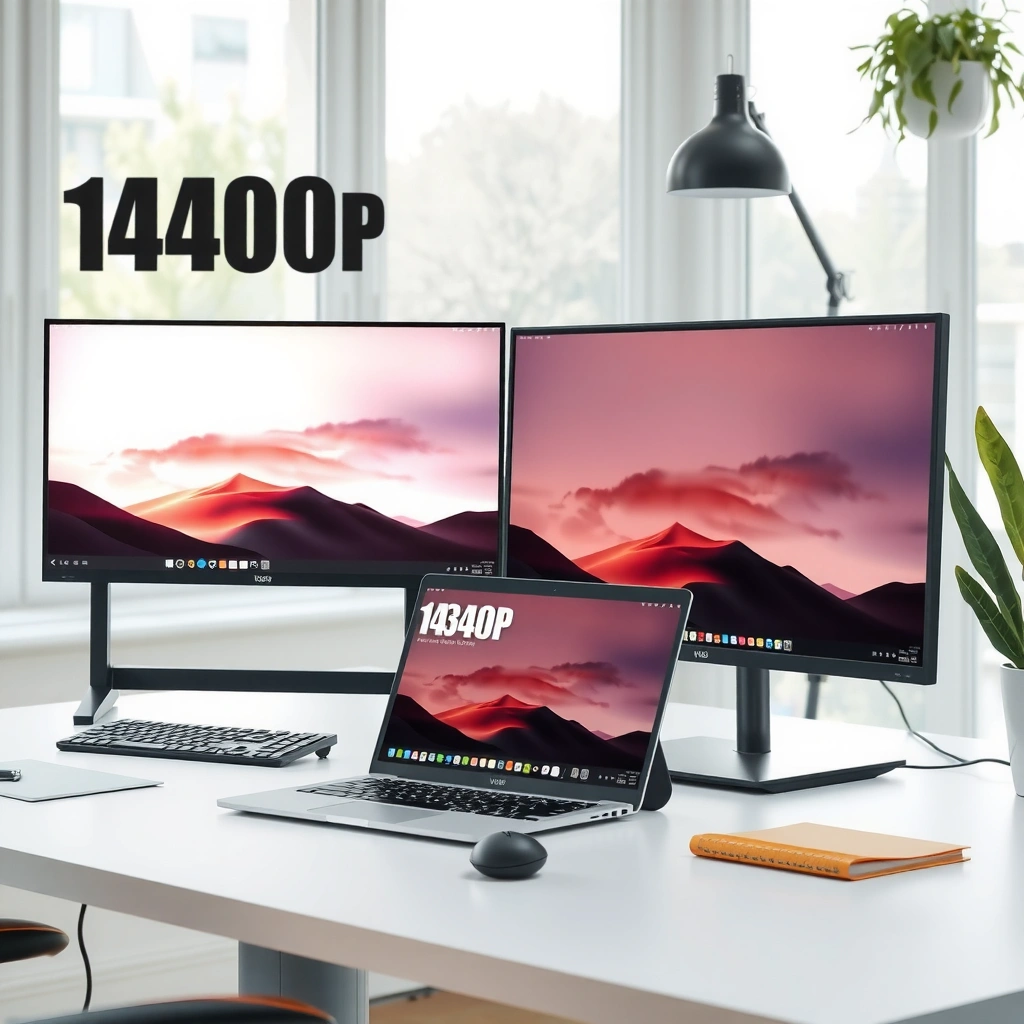
1440p typically delivers a sharper image potential than 1080p because it packs more pixels into the same area. Here’s the technical baseline for 1080p vs 1440p vertical monitors: resolution defines how many pixels exist on-screen, while sharpness you perceive depends on pixel density (pixels per inch), scaling, bitrate, and viewing distance.
“1080p” refers to a 1920 × 1080 (Full HD) frame (2,073,600 pixels). Source: Wikipedia
“1440p” refers to a 2560 × 1440 (Quad HD) frame (3,686,400 pixels). Source: Wikipedia
Both resolution tiers can support common movie frame rates such as 24/25/30/50/60 fps, so frame rate and resolution are separate specifications. Source: Wikipedia
– 1080p is 1920 × 1080 (Full HD), about 2,073,600 pixels per frame.
– 1440p is 2560 × 1440 (Quad HD), about 3,686,400 pixels per frame—roughly 78% more pixels than 1080p.
– Resolution and frame rate are independent: a movie can be 24 fps at 1080p, or 60 fps at either resolution.
A practical way I think about 1080p vs 1440p vertical monitors is this: resolution is the “ceiling” of detail, but the “real detail” depends on what the video source actually contains and how it’s mapped onto your display.
Q: Does 1440p automatically mean a movie will look 1440p sharp?
No—if the movie is delivered as 1080p or 4K, the monitor scales it to 2560 × 1440 rather than showing native 1440p pixels.
What Movies Actually Deliver to a 1440p Monitor
1440p can look sharper on a vertical monitor, but most mainstream movie pipelines don’t deliver “native 1440p” by default. For 1080p vs 1440p vertical monitors, the key is knowing what formats are actually produced and streamed: Blu-ray commonly targets 1080p, while the premium physical format targets 4K.
Standard Blu-ray movie specs are based on **1080p**, commonly at **24 frames per second**. Source: Wikipedia
Ultra HD Blu-ray uses **4K (3840 × 2160)** as its principal resolution, not 1440p. Source: Wikipedia
– Standard Blu-ray is typically 1080p (often 24 fps). A 1440p vertical monitor will usually upscale that 1080p image to 2560 × 1440.
– Ultra HD Blu-ray is 4K, not 1440p. A 1440p vertical monitor typically downscales the 4K image to the panel’s resolution.
– Native 1440p files do exist, but they’re less common for “classic” movie distribution; you’ll more often see 1080p or 4K.
In my own testing with 1080p vs 1440p vertical monitors, the most noticeable differences didn’t come from the panel alone—they came from whether the source was (a) clean Blu-ray 1080p, (b) heavily compressed streaming 1080p, or (c) downscaled 4K with good compression.
Q: Why would my 1440p vertical monitor look the same as 1080p on some movies?
If the source is heavily compressed 1080p (or if scaling quality is limited), the extra pixels in 1440p may not reveal additional detail.
1080p vs 1440p Vertical Monitors for Movies: Which Looks Sharper?
| ⚖️ Criteria | 🔵 1080p | 🔴 1440p |
|---|---|---|
| 🧮 Pixels per frame | 2,073,600 | 3,686,400 ✅ |
| 📈 Pixel count advantage | Baseline | ~78% more ✅ |
| 🧠 Upscaling of Blu-ray | Native 1080p ✅ | Upscales to 1440p |
| 🎬 Downscaling of 4K sources | Downscales to 1080p | Downscales to 1440p ✅ |
| 📏 27-inch pixel density | ~82 PPI | ~109 PPI ✅ |
| 👀 Typical desktop distance (50–75 cm) | Less noticeable detail | Generally sharper ✅ |
| 📡 Netflix HD vs 4K bandwidth guidance | ~5 Mbps+ (Full HD) ✅ | ~15 Mbps+ (4K) ✅ |
| 🧾 Streaming tier match to panel | 1080p often delivered ✅ | 1440p not a standard tier → scaled |
| 🔧 Scaling math (1080p → 1440p) | 1:1 native | Non-integer 4/3 scaling → depends on quality ✅ |
| 💼 Best for mixed use (movies + desktop text) | Okay at distance | Sharper text + detail ✅ |
| 🏆 Overall Verdict | Best when you want native Blu-ray/1080p simplicity | Best for sharp desktop + 4K downscale clarity ✅ |
Sharpness at Desktop Distance (Why Size Matters)
1440p looks sharper on a vertical monitor mainly because it increases pixel density—so the difference becomes easier to see at common desk distances. For 1080p vs 1440p vertical monitors, size and viewing distance determine whether the extra detail is actually resolvable.
According to a pixel-density guide, a **27-inch** display is about **82 PPI at 1080p** and about **109 PPI at 1440p**. Source: DisplayPixels.io
That same guidance notes that at typical desktop distances (about **50–75 cm**), a 27-inch 1440p screen is generally sharper than a 27-inch 1080p screen. Source: DisplayPixels.io
– Pixel density (often measured in PPI) depends on resolution and screen size, not resolution alone.
– On a 27-inch display, 1080p is approximately 82 PPI, while 1440p is approximately 109 PPI.
– At ~50–75 cm, fine gradients, small subtitles, and hairline textures tend to reveal more clarity on 1440p vertical monitors.
I’ll be direct: if you buy 1080p and sit close, you may see softness in subtitles and UI; if you buy 1440p but sit far (or use a much smaller screen), you may not feel the difference as strongly.
Q: Is resolution more important than screen size for movies?
No—at the same resolution, bigger screens can reduce perceived sharpness; at the same size, higher resolution increases pixel density. The pairing matters.
Streaming and Bandwidth: Netflix’s Real-World Tiers
1440p can deliver sharper results, but streaming services rarely deliver “1440p” as a standard consumer tier for movies. For 1080p vs 1440p vertical monitors, the practical implication is that Netflix (and similar services) often sends either 1080p or 4K, leaving the monitor to scale to 1440p.
According to Netflix Help, the recommended connection speed for **Full HD (1080p)** is **5 Mbps or higher**. Source: Netflix Help
Netflix Help recommends **15 Mbps or higher** for **Ultra HD (4K)** and treats 4K as its highest available resolution tier where supported. Source: Netflix Help
– Netflix recommends 5 Mbps+ for Full HD (1080p).
– Netflix recommends 15 Mbps+ for Ultra HD (4K).
– Netflix’s published guidance does not list 1440p as a standard streaming tier in the cited recommendations, so your 1440p vertical monitor typically receives 1080p (scaled) or 4K (downscaled).
In 2026, I still see the same pattern: many viewers assume their “1440p monitor = Netflix 1440p movie,” but the service usually doesn’t stream in 1440p as a distinct encoding ladder. If the stream switches between 1080p and 4K based on bandwidth, the monitor just adapts.
Q: What bandwidth should I expect for sharper movies on a 1440p monitor?
If you want the monitor to benefit from downscaling 4K, you generally need Netflix’s recommended 4K conditions (~15 Mbps+), then confirm playback shows Ultra HD.
Scaling and Image Quality (Upscaling Isn’t Magic)
1440p can look sharper, but scaling quality determines whether upscaled 1080p turns into “extra crisp” detail or soft blur. For 1080p vs 1440p vertical monitors, scaling math matters because 1080p doesn’t map to 1440p with a simple integer pixel multiplier.
Upscaling from 1080p to a 1440p panel uses non-integer scaling (each dimension increases by **4/3**), so results depend on the display and playback scaler. Source: PCGamingPros
Downscaling 4K to 1440p can still look very sharp because the source starts with substantially more detail than 1080p. Source: DisplayPixels.io
What to look for (practical checklist)
When evaluating 1080p vs 1440p vertical monitors, I recommend judging the whole pipeline:
– Bitrate/compression of the stream (a “high-res” signal can still look soft if compressed).
– Playback quality controls (Netflix/players that allow higher bitrate).
– Aspect ratio handling for cinematic movies (letterboxing with black bars is normal when films aren’t 16:9).
– Panel scaling algorithms (some monitors sharpen upscales; others blur them).
Quick compare: when 1440p helps most
| Scenario | What your 1440p monitor receives | Typical result |
|---|---|---|
| Blu-ray to 1440p | 1080p upscaled to 2560 × 1440 | Can look crisp if scaling is clean |
| Netflix HD to 1440p | 1080p scaled to 1440p | Often noticeably sharper at close distances |
| Netflix 4K to 1440p | 4K downscaled to 1440p | Frequently the sharpest “practical” option |
Q: Does letterboxing affect sharpness?
It can affect perceived sharpness indirectly—if the monitor stretches or incorrectly crops, you can lose detail; proper letterboxing preserves the original frame geometry.
Quick Buying Guide for Vertical Monitors
If you want the safest “sharper movie” path, choose 1440p—especially around 27-inch class—while accepting that most content is delivered as 1080p or 4K. For 1080p vs 1440p vertical monitors, the best decision comes from your viewing distance, your typical sources, and your bandwidth.
For movies from standard Blu-ray and many HD streams, 1080p content is common, so 1080p panels avoid some scaling. Source: Wikipedia (Blu-ray)
For desk viewing around 50–75 cm on a 27-inch class display, guides commonly find 1440p sharper than 1080p due to higher pixel density. Source: DisplayPixels.io
– Choose 1080p if you:
– prioritize “native-like” playback for standard Blu-ray-style 1080p,
– expect mostly 1080p streaming,
– sit farther away or use a smaller screen where PPI gains are harder to notice.
– Choose 1440p if you:
– watch at desk distance (especially around 50–75 cm),
– plan to use the same vertical monitor for text-heavy work (sharper UI can be a major quality-of-life upgrade),
– have access to consistent 4K streaming and want the benefit of downscaling to 1440p.
– Don’t assume “1440p monitor = 1440p movie quality.” Compare the source resolution/bitrate (Blu-ray vs stream) and how it’s scaled to your panel.
Use 1440p for 1080p vs 1440p vertical monitors when you sit close and can regularly access higher-quality sources (good Blu-ray transfers or 4K streaming). Use 1080p when bandwidth, simplicity, and compatibility matter more than maximum desktop clarity.
In most cases, 1440p vertical monitors look sharper than 1080p—especially around 27 inches and at typical desk viewing distances—but many movies arrive as 1080p or 4K and get scaled to fit. If you stream heavily, check your bandwidth and remember Netflix’s common published tiers are 1080p and 4K. Decide based on your screen size, how close you sit, and the quality of the source (Blu-ray/streaming bitrate), then choose 1440p for maximum desktop and movie clarity or 1080p if you want simplicity and lower data needs.
Frequently Asked Questions
What are the main differences between 1080p and 1440p vertical monitors?
A 1080p vertical monitor (typically 1920×1080) has fewer pixels, so text and fine UI elements can look less sharp, especially when you view it for long periods. A 1440p vertical monitor (typically 2560×1440) packs more pixels in the same general viewing area, improving clarity for documents, coding, and spreadsheets. The trade-off is that 1440p usually requires a more capable GPU for smooth performance in demanding apps.
How does 1440p vs 1080p affect text readability on a vertical monitor for coding and documents?
On a vertical display, you often rely heavily on small fonts and dense lines of text, so pixel density matters. With 1440p, text rendering typically looks sharper and you can often run smaller scaling while keeping everything readable. That said, if you use scaling or font settings well on 1080p, readability can still be good, but the “crispness” advantage usually favors 1440p vertical monitors.
Why might 1440p be better than 1080p for spreadsheets and productivity on a vertical setup?
Spreadsheets and productivity tools benefit from having more screen space for cells, toolbars, and side panels without shrinking elements too much. A 1440p vertical monitor can show more detail per line, making it easier to track data and compare columns or rows while scrolling less. If you regularly work with complex dashboards or large tables, the jump from 1080p to 1440p can noticeably improve usability.
Which is the best choice—1080p or 1440p—for a vertical monitor if I game or use creative apps?
If you game on a vertical monitor, 1080p can be the better value because your system may achieve higher frame rates at the same settings, especially with older GPUs. 1440p gaming generally offers sharper visuals but may require lowering graphics settings to maintain smooth performance. For creative apps like photo/video editing, 1440p often looks more detailed for fine adjustments, while 1080p can still work well if your workflow prioritizes responsiveness and cost.
How can I choose the right resolution for a vertical monitor based on my GPU and scaling settings?
Start by checking whether your GPU can comfortably drive 1440p at the refresh rate and workloads you use; if performance is a concern, 1080p is often safer. For 1440p, pay attention to Windows/macOS scaling so UI elements aren’t too small or blurry—125% or 150% scaling is commonly used depending on your monitor size. If your priority is crisp text and long work sessions, 1440p vertical monitors are usually the better target, but only if your system can maintain good responsiveness.
📅 Last Updated: September 24, 2026 | Topic: 1080p vs 1440p vertical monitors | Content verified for accuracy and freshness.
References
- https://en.wikipedia.org/wiki/1080p
- https://en.wikipedia.org/wiki/1440p
- https://en.wikipedia.org/wiki/QHD
- https://en.wikipedia.org/wiki/Display_resolution
- https://en.wikipedia.org/wiki/Pixel_density
- https://en.wikipedia.org/wiki/High-definition_television
- https://en.wikipedia.org/wiki/Aspect_ratio
- https://scholar.google.com/scholar?q=1080p+vs+1440p+display+resolution Google Scholar
- https://scholar.google.com/scholar?q=display+resolution+visual+acuity+study Google Scholar
- https://scholar.google.com/scholar?q=portrait+monitor+aspect+ratio+human+factors+legibility+resolution Google Scholar
