
Integrating legacy audio equipment with new AV receivers is vital for maintaining the integrity of your cherished sound systems while enjoying the advanced features of modern technology. This process can be straightforward when you understand the right connection types, use appropriate adapters, and leverage multi-zone capabilities. In this guide, we will explore effective ways to seamlessly integrate your old audio gear with new receivers, ensuring you can enjoy the best of both worlds.




Understanding Connection Types
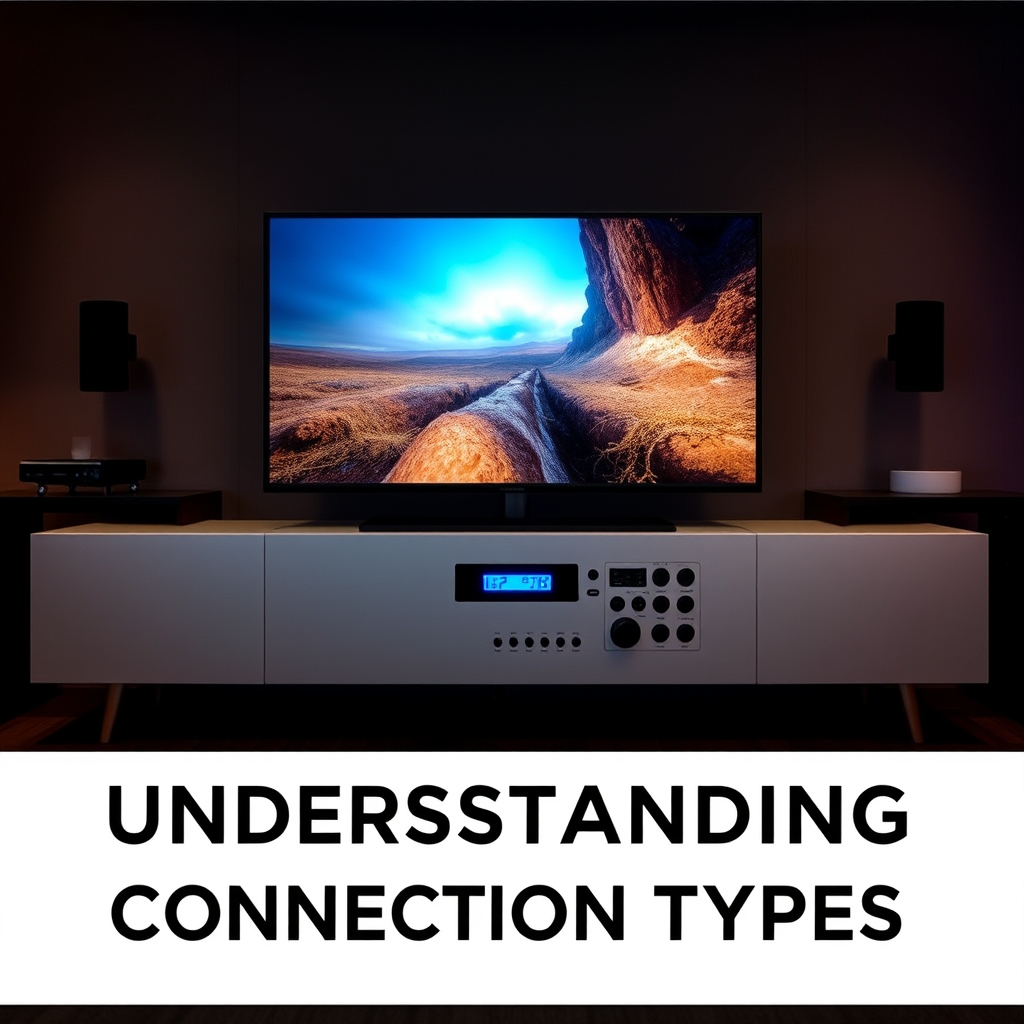
To successfully integrate legacy audio equipment with modern AV receivers, it’s essential to familiarize yourself with the various types of audio connections. The two primary categories are analog and digital audio connections.
Analog connections are often found in older devices and include RCA (red and white connectors), 1/4-inch jacks, and phono inputs for turntables. These connections transmit sound in a continuous wave and are typically associated with devices like cassette players and vinyl turntables.
Digital connections, on the other hand, include optical (TOSLINK), coaxial, and HDMI connections. These formats digitize audio signals, allowing for higher fidelity and more complex audio formats, such as surround sound. HDMI is particularly advantageous as it can carry both audio and video signals, making it ideal for home theater setups.
Understanding the specific input/output ports on both your legacy equipment and new AV receiver will help you determine the best approach for integration. For instance, if your new receiver only has HDMI inputs and your legacy device uses RCA outputs, you will need an appropriate adapter or converter to bridge the gap.
Using Adapters and Converters
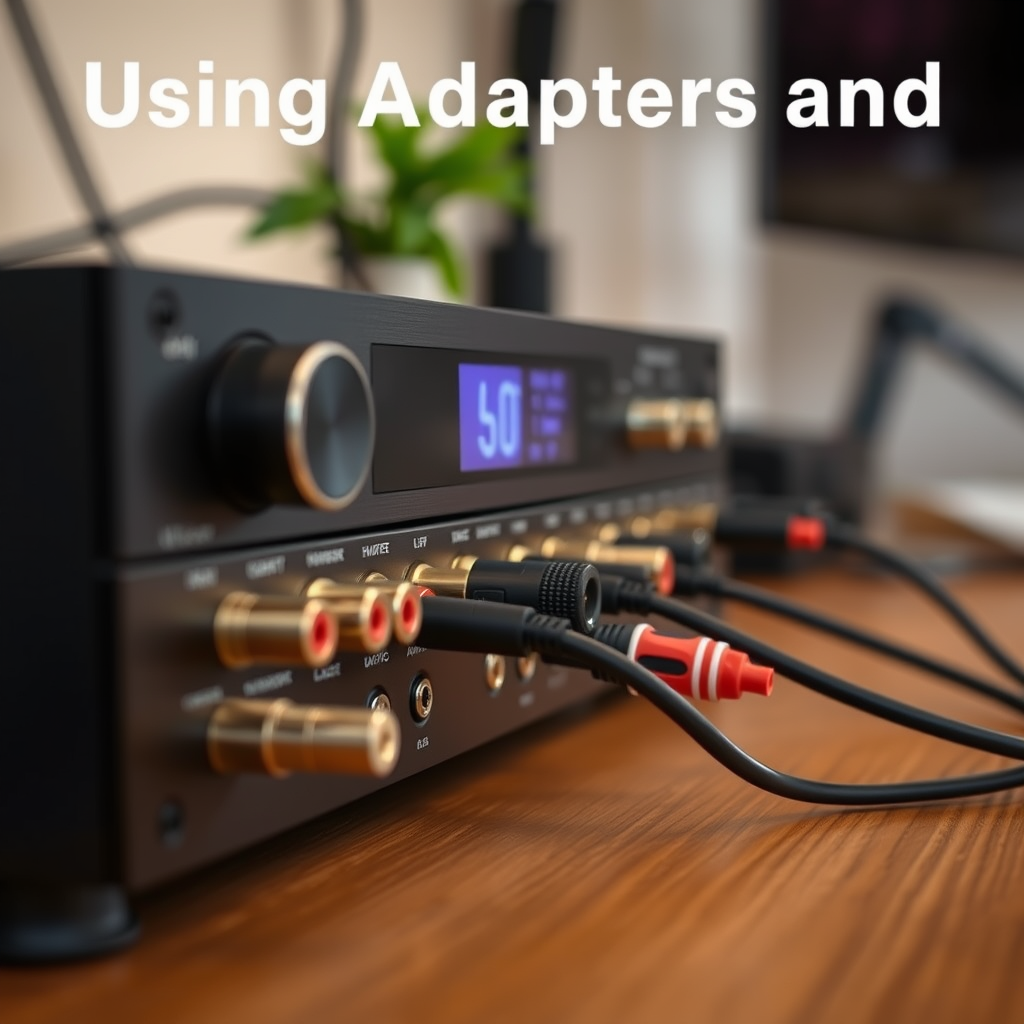
Adapters and converters play a crucial role in connecting legacy audio equipment to new AV receivers. Here are some options to consider:
– RCA to 3.5mm Adapters: These are useful for connecting devices like older CD players or turntables to modern receivers that may only have a 3.5mm input.
– HDMI to AV Converters: If you want to connect a new DVD player or streaming device to an older AV receiver that only has composite inputs, an HDMI to AV converter will be necessary.
– Digital-to-Analog Converters (DACs): For those who seek superior sound quality, a DAC can convert digital signals from a modern device into analog signals that legacy equipment can interpret, enhancing the audio fidelity significantly.
When selecting adapters and converters, it’s essential to consider the quality of the components to avoid degradation of sound quality. Investing in high-quality adapters will ensure that you maintain the integrity of your audio signals, providing a more enjoyable listening experience.
Configuring Multi-Zone Features
Multi-zone receivers offer an exciting opportunity to manage audio across different areas of your home, allowing for versatile setups that can cater to various listening preferences. There are several ways to utilize these features effectively:
– Assigning Legacy Audio Sources: Many modern receivers come with the capability to assign specific legacy audio sources to individual zones. This means you can listen to a vinyl record in one room while streaming digital music in another.
– Using Zone-Specific Controls: Most receivers allow you to control the volume and audio settings independently for each zone. This feature is particularly advantageous if you’re entertaining guests who may prefer different types of music or sound levels.
– Wireless Integration: Some multi-zone receivers also support wireless connections, allowing you to stream audio from legacy equipment to modern wireless speakers or sound systems throughout your home.
To maximize the benefits of multi-zone technology, ensure that your AV receiver supports the specific legacy formats you plan to use, and familiarize yourself with its configuration settings.
Audio Equipment Connection Types
| # | Connection Type | Example Equipment | Quality |
|---|---|---|---|
| 1 | RCA | CD Players, Turntables | Good |
| 2 | HDMI | Blu-ray Players, Streaming Devices | Excellent |
| 3 | Optical | TVs, Some Game Consoles | Very Good |
| 4 | Coaxial | Digital Audio Devices | Good |
| 5 | 3.5mm | Smartphones, Laptops | Good |
| 6 | Phono | Turntables | Excellent |
| 7 | USB | Digital Music Players | Very Good |
Ensuring Proper Setup and Calibration
Proper setup and calibration of your audio equipment are crucial for achieving the best sound quality. Start by following these steps:
1. Connecting Equipment: Begin by connecting your legacy devices to the AV receiver using the appropriate cables and adapters. Ensure that each connection is secure and correctly matched (e.g., output to input).
2. Configuring Settings: Access the AV receiver’s settings menu to configure input settings according to the devices connected. Make sure to assign the correct source for each input.
3. Calibration Tools: Many modern AV receivers come with built-in calibration tools or software that analyze your room’s acoustics and adjust the audio settings accordingly. Utilize these tools to optimize speaker placement and sound quality.
4. Manual Calibration: If manual calibration is necessary, take the time to adjust speaker levels, crossover frequencies, and equalization settings to tailor the sound to your preferences and room acoustics.
5. Testing: After calibration, conduct various audio tests using your favorite music or movie scenes to ensure that the sound is balanced and meets your expectations.
Taking these steps will not only improve the sound quality of your integrated system but also enhance your overall listening experience.
Troubleshooting Common Issues
Even with careful planning, issues may arise during the integration process. Here are some common problems and their solutions:
– Audio Delay: This can occur when using HDMI connections. Check your AV receiver settings for any audio delay or lip-sync correction options.
– Loss of Connection: If audio disappears intermittently, ensure all connections are secure and check the settings on both the legacy device and the AV receiver. It may also be necessary to reset both devices.
– Incompatible Formats: If you experience issues with sound quality or playback, double-check that the audio formats used by your legacy equipment are supported by the new AV receiver. You may need to adjust settings or use adapters.
– Firmware Updates: Keeping both your legacy equipment and new AV receiver updated with the latest firmware can resolve compatibility issues. Check the manufacturer’s website for any updates that may enhance performance.
By recognizing these common issues and their solutions, you can maintain a smooth integration process and enjoy uninterrupted audio playback.
Maintaining Legacy Equipment
To ensure your legacy audio equipment continues to perform optimally, regular maintenance is crucial. Here are some tips to keep your older components in good working order:
– Regular Cleaning: Dust and debris can accumulate on connectors and internal components, causing connection issues. Periodically clean the equipment and connectors with a soft, dry cloth.
– Check for Wear and Tear: Inspect cables for fraying or damage, and replace them if necessary. Additionally, look for any signs of wear on the equipment itself.
– Storage: Store legacy equipment in a cool, dry place to prevent moisture damage. Avoid placing it in direct sunlight or near heat sources.
– Evaluate Upgrades: If performance starts to decline or compatibility issues arise, consider upgrading specific components rather than the entire system. This approach allows you to retain the classic sound quality you love while benefiting from modern advancements.
By prioritizing maintenance, you can extend the life of your legacy audio equipment and preserve its distinctive character.
Exploring Alternative Solutions
For those seeking innovative ways to connect legacy systems to modern devices, several alternative solutions are available:
– Wireless Streaming Options: Adopting wireless audio technologies can simplify the integration process. Consider using Bluetooth or Wi-Fi streaming devices that can connect to your legacy audio equipment, allowing you to stream music from smartphones or computers without physical connections.
– Dedicated Audio Processors: For more complex setups, using a dedicated audio processor can enhance the overall audio experience. These devices can handle multiple audio formats, allowing for more versatility in your audio sources.
– Smart Home Integration: Explore options that allow your legacy equipment to integrate into a smart home ecosystem. This can include smart plugs or switches that enable you to control power and settings through a mobile app.
These alternative solutions not only make integration easier but can also provide enhanced functionality, allowing you to enjoy your legacy audio equipment in new and exciting ways.
Integrating legacy audio equipment with new AV receivers can significantly enhance your audio experience while honoring the quality of older systems. By understanding connection types, using the right adapters, and following proper setup and maintenance guidelines, you can enjoy the best of both worlds. Start by assessing your current equipment and planning your integration strategy today!
Frequently Asked Questions
What are the best methods to connect legacy audio equipment to a new AV receiver?
The best methods to connect legacy audio equipment, such as older turntables or cassette decks, to a new AV receiver include using RCA cables, optical digital connections, or a dedicated phono preamp. Many modern receivers lack direct connections for older equipment, so using adapters or converters can also be effective. Always ensure that the receiver has the necessary inputs and be mindful of any required impedance matching.
How can I improve sound quality when integrating old audio gear with new receivers?
To improve sound quality when integrating old audio gear with new receivers, invest in high-quality RCA cables and consider using an external DAC (Digital-to-Analog Converter) for digital sources. Additionally, make sure to set the AV receiver to the appropriate input levels and configurations to match the output of your legacy equipment. Regular maintenance of older gear, like cleaning contacts and replacing worn components, can also enhance overall audio fidelity.
Why is it important to use a phono preamp with vintage turntables when connecting to new AV receivers?
Using a phono preamp with vintage turntables is crucial because it amplifies the low-level signal produced by the turntable’s cartridge to a level that modern AV receivers can process. Many new receivers do not have built-in phono preamps, and connecting directly can result in poor sound quality or no sound at all. A dedicated phono preamp also provides equalization that is necessary for proper playback of vinyl records.
Which adapters are recommended for connecting older audio devices to modern AV receivers?
Recommended adapters for connecting older audio devices to modern AV receivers include RCA-to-3.5mm adapters, HDMI audio extractors, and optical to RCA converters. These adapters help bridge the gap between different audio formats and ensure compatibility with your AV setup. Always check the specifications of your audio equipment and receiver to select the best adapter for your needs.
What challenges might I face when integrating legacy audio equipment with new AV receivers?
Challenges when integrating legacy audio equipment with new AV receivers include compatibility issues, signal quality degradation, and finding the right connections. Older devices may use outdated technology that modern receivers do not support directly, and impedance mismatches can lead to poor audio performance. To mitigate these challenges, thorough research on your equipment’s specifications and possibly consulting with audio professionals can be beneficial.
References
- Broadcast radio receiver
https://en.wikipedia.org/wiki/Audio_receiver - https://www.sciencedirect.com/topics/engineering/audio-receivers
https://www.sciencedirect.com/topics/engineering/audio-receivers - https://www.britannica.com/technology/audio-receiver
https://www.britannica.com/technology/audio-receiver - https://www.nytimes.com/2020/05/21/technology/personaltech/home-audio.html
https://www.nytimes.com/2020/05/21/technology/personaltech/home-audio.html - https://www.theguardian.com/technology/2021/jul/16/sound-systems-how-to-choose-the-best-audio-setup
https://www.theguardian.com/technology/2021/jul/16/sound-systems-how-to-choose-the-best-audio-setup - Google Scholar Google Scholar
https://scholar.google.com/scholar?q=integrate+legacy+audio+equipment+with+new+AV+receivers - Google Scholar Google Scholar
https://scholar.google.com/scholar?q=connecting+old+audio+equipment+to+new+AV+receivers - Google Scholar Google Scholar
https://scholar.google.com/scholar?q=legacy+audio+equipment+integration+techniques - Google Scholar Google Scholar
https://scholar.google.com/scholar?q=Best+Ways+to+Integrate+Legacy+Audio+Equipment+with+New+AV+Receivers - Best Ways to Integrate Legacy Audio Equipment with New AV Receivers – Search results
https://en.wikipedia.org/wiki/Special:Search?search=Best+Ways+to+Integrate+Legacy+Audio+Equipment+with+New+AV+Receivers



