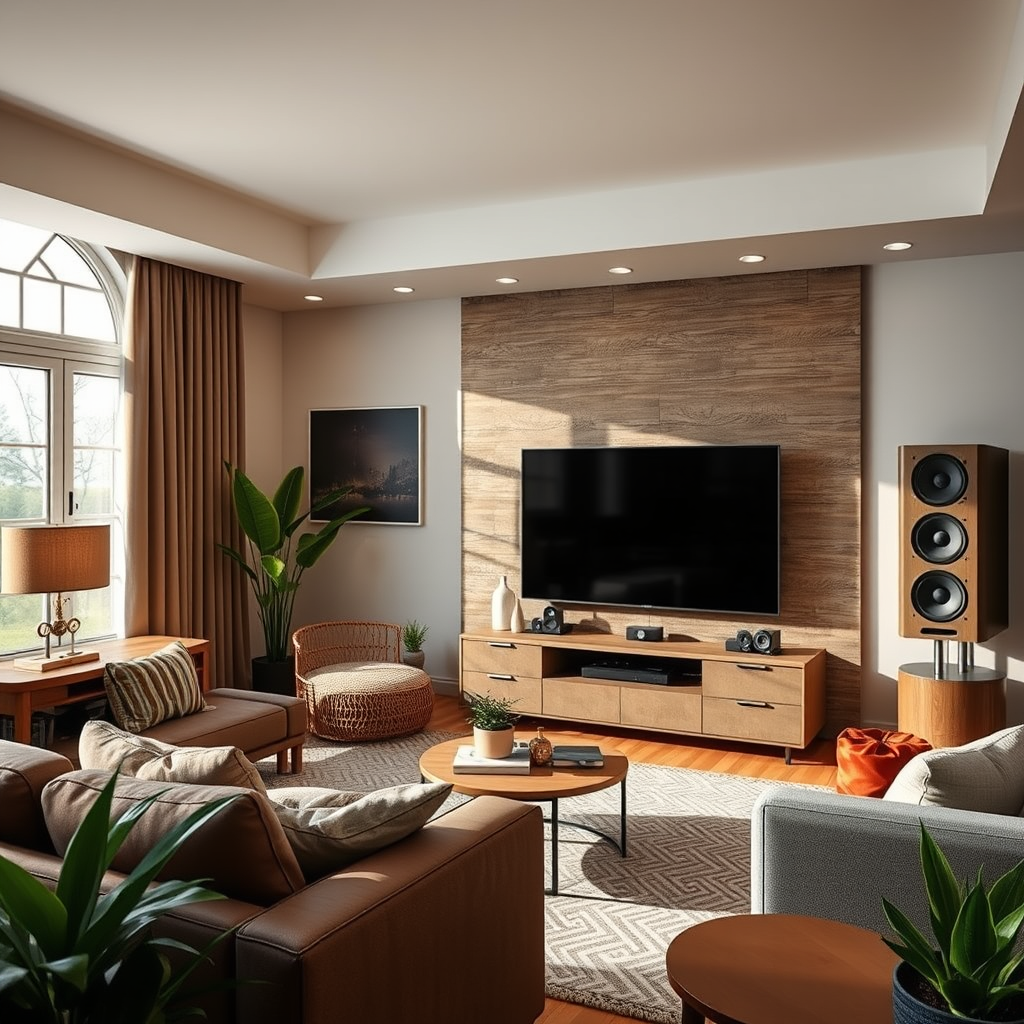
Adding wireless audio speakers to your existing home theater setup is an excellent way to enhance your sound experience, creating a more immersive environment for movie nights, gaming, and music listening. The integration of wireless speakers allows for greater flexibility and convenience, freeing you from the clutter of cables while providing high-quality audio. In this article, you’ll learn about the necessary equipment, setup steps, and tips to optimize your wireless audio system to get the most out of your home theater experience.




Understanding Wireless Audio Speaker Options
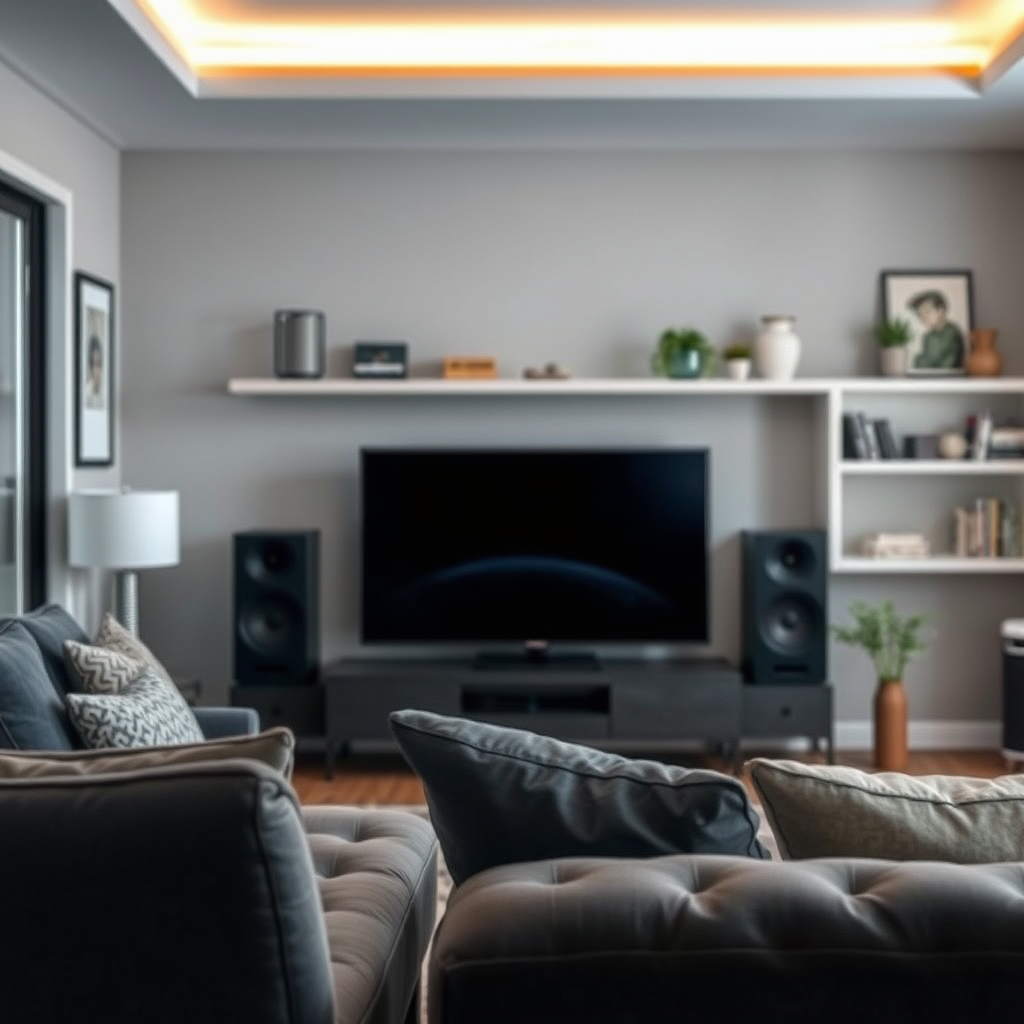
When considering wireless audio speakers, it is essential to explore the different types available. The primary options include Bluetooth, Wi-Fi, and multi-room systems, each offering unique features:
1. Bluetooth Speakers: These are portable and easy to set up, making them great for casual use. However, they typically have limited range and may not provide the same sound quality as other options.
2. Wi-Fi Speakers: These speakers connect through your home Wi-Fi network, allowing for higher quality audio streaming and greater range compared to Bluetooth. They are ideal for home theater setups, where sound quality is paramount.
3. Multi-Room Systems: Systems like Sonos allow you to link multiple speakers throughout your home, providing a seamless audio experience in every room. This option is excellent for those looking to create a comprehensive audio network.
When selecting wireless speakers, compatibility with your existing home theater equipment is crucial. Ensure that your speakers can connect to your audio sources, such as your TV, streaming device, or receiver, to achieve the best results.
Assessing Your Current Home Theater Setup
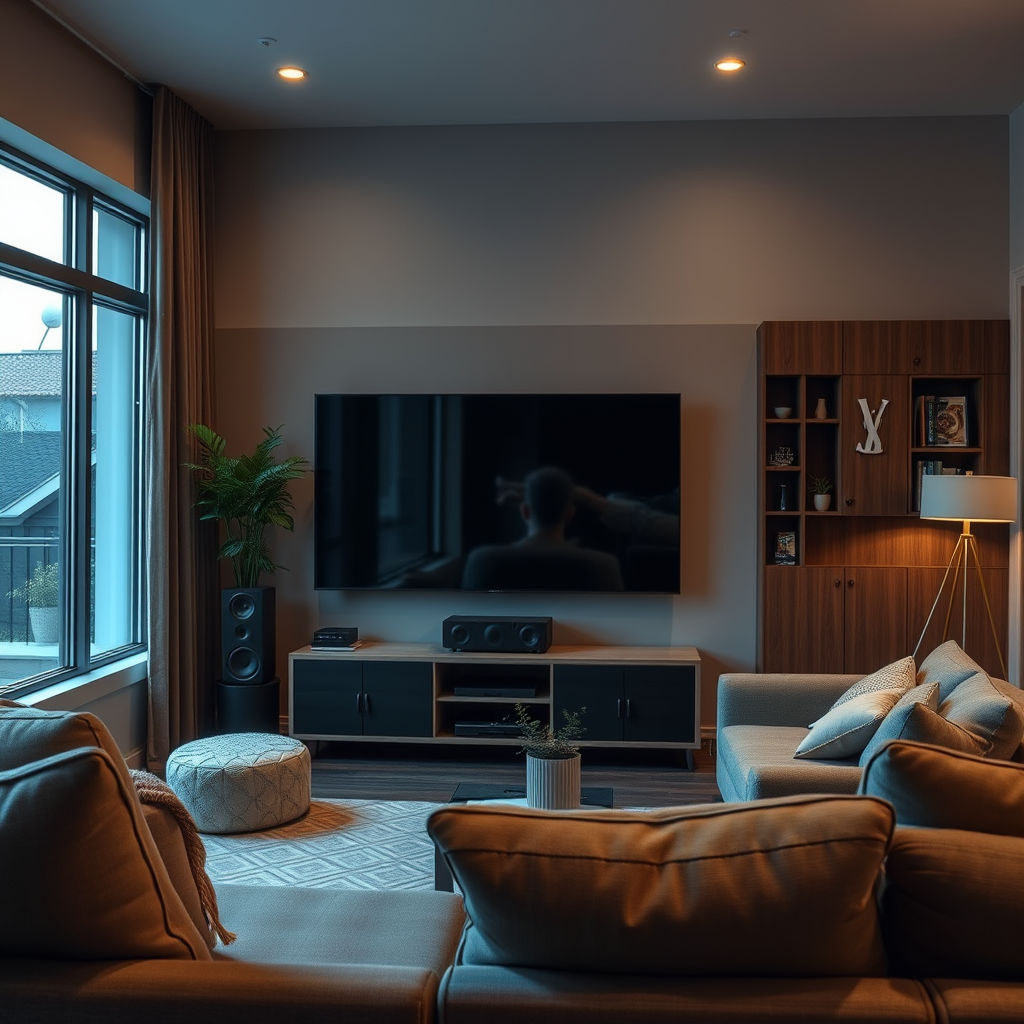
Before adding wireless audio speakers, assess your current home theater setup to determine the best integration method:
– Identify Audio Sources: Take stock of the devices you currently use to play audio, such as streaming services, Blu-ray players, or gaming consoles. Check their compatibility with wireless speakers, focusing on the connection methods available (Bluetooth, Wi-Fi, etc.).
– Evaluate Room Layout: The placement of your speakers significantly affects sound quality. Consider the size and shape of your room, and identify optimal locations for your wireless speakers to ensure they deliver the best audio experience. Common placements include the front (for surround sound), rear (for ambiance), and even ceiling-mounted options for a more immersive feel.
Choosing the Right Wireless Speakers
Selecting the right wireless speakers involves researching various brands and models that fit your budget and audio quality preferences. Some popular brands include:
1. Sonos: Known for their exceptional sound quality and multi-room capabilities, Sonos speakers are a favorite among audiophiles.
2. Bose: Renowned for their rich sound and reliable performance, Bose speakers are a great choice for home theater systems.
3. JBL: Offering a range of affordable options, JBL speakers provide decent sound quality for those on a budget.
As you narrow down your choices, look for features that align with your needs, such as:
– Battery Life: Important for portable speakers, but if you’re using them in a fixed location, power options may be less critical.
– Range: Ensure that the speakers can connect without issues throughout your home.
– Sound Performance: Review specifications and user feedback to gauge sound quality.
Connecting Wireless Speakers to Your System
Once you’ve selected your speakers, it’s time to connect them to your home theater system. Follow these steps:
1. Refer to Manufacturer Instructions: Each wireless speaker may have a different pairing process. Generally, you will need to put the speaker in pairing mode and connect it through the device’s Bluetooth or Wi-Fi settings.
2. Use Apps or Software: Many modern wireless speakers come with companion apps that facilitate setup and configuration. These apps often include additional features like EQ settings and multi-room control.
3. Test Connectivity: Once connected, play audio to ensure everything is working correctly. If you encounter issues, refer to troubleshooting tips in the next section.
Optimizing Sound Quality
To achieve the best audio performance from your wireless speakers, consider the following adjustments:
– Adjust Audio Settings: Most home theater receivers and sound systems offer settings to balance sound across all speakers. Utilize these features to enhance the overall audio experience.
– Experiment with Speaker Placement: The positioning of your speakers can dramatically affect sound quality. Try different setups to find the optimal arrangement, keeping in mind factors like distance from walls and potential obstructions.
– Fine-Tune Settings: Use any available equalizer settings within your audio system or speaker app to tailor the sound to your preferences, enhancing clarity, bass, or treble as desired.
Top 7 Wireless Audio Speaker Models (2024)
| # | Model | Type | Battery Life | Price |
|---|---|---|---|---|
| 1 | Sonos One | Wi-Fi | 10 hrs | $199 |
| 2 | Bose SoundLink | Bluetooth | 15 hrs | $149 |
| 3 | JBL Charge 5 | Bluetooth | 20 hrs | $179 |
| 4 | Apple HomePod Mini | Wi-Fi | 10 hrs | $99 |
| 5 | Sony SRS-XB43 | Bluetooth | 15 hrs | $249 |
| 6 | Ultimate Ears BOOM 3 | Bluetooth | 15 hrs | $149 |
| 7 | Anker Soundcore 3 | Bluetooth | 24 hrs | $79 |
Troubleshooting Common Issues
As with any technology, you may encounter issues when integrating wireless speakers into your home theater setup. Here are some common troubleshooting tips:
– Check Connectivity: If you experience dropouts or disconnections, ensure that there are no physical obstructions between your speakers and the audio source. Walls, large furniture, and electronic devices can cause interference.
– Interference: Other wireless devices in your home can also cause interference. Try changing the channel on your Wi-Fi router or moving other devices away from your speakers.
– Firmware Updates: Ensure that your speakers and any associated apps are updated to the latest firmware. Manufacturers often release updates that improve connectivity and performance.
Enhancing Your Home Theater Experience
To maximize your home theater experience, consider additional features that wireless speakers can offer:
– Surround Sound Setups: Many wireless speakers can be configured for surround sound. This setup dramatically enhances the audio experience for movies and gaming.
– Multi-Room Audio: If you have multiple wireless speakers, set them up in different rooms to create a cohesive audio environment throughout your home.
– Smart Home Integration: Consider integrating your wireless speakers with smart home technology. Voice control and automation can add convenience and ease of use to your audio experience.
Summarizing the steps to add wireless audio speakers to your home theater setup can lead to a dramatic improvement in your viewing and listening experience. By understanding your options, assessing your current setup, and optimizing your audio settings, you can create a more immersive environment. Take the next step and start upgrading your home theater today for an enhanced audio adventure!
Frequently Asked Questions
What are the best wireless audio speakers to pair with my existing home theater setup?
When selecting wireless audio speakers for your home theater, consider brands known for quality like Sonos, Bose, and JBL. Look for models that support high-definition audio formats and have good connectivity options like Wi-Fi and Bluetooth. Additionally, check for compatibility with your current home theater system to ensure seamless integration.
How do I connect wireless audio speakers to my home theater system?
To connect wireless audio speakers to your home theater setup, start by ensuring that your existing system supports wireless audio transmission, such as Bluetooth or Wi-Fi. Follow the manufacturer’s instructions to pair the speakers with your system, typically done through an app or the speaker’s settings menu. Make sure to configure the audio settings on your home theater receiver for optimal sound quality.
Why should I consider adding wireless audio speakers to my home theater?
Adding wireless audio speakers to your home theater can enhance your overall audio experience by providing a more immersive sound environment. They offer flexibility in placement without the clutter of cables, allowing you to optimize sound distribution throughout your space. Additionally, many wireless speakers feature advanced technologies that can improve sound clarity and depth.
Which wireless audio technology is best for home theater: Bluetooth or Wi-Fi?
For home theater systems, Wi-Fi is generally the best choice over Bluetooth due to its ability to transmit higher quality audio without compression. Wi-Fi connections also have a greater range, allowing for more flexibility in speaker placement without sacrificing sound quality. Bluetooth may be suitable for casual listening but can introduce latency issues in a home theater setup.
How can I ensure my wireless audio speakers are properly calibrated with my home theater system?
To ensure proper calibration of your wireless audio speakers with your home theater system, use an audio calibration tool or the built-in calibration feature of your receiver if available. This process typically involves playing test tones and adjusting the speaker levels based on your room’s acoustics. Regularly check for firmware updates for your speakers and receiver to maintain compatibility and improve performance.
References
- Home cinema
https://en.wikipedia.org/wiki/Home_theater - https://www.sciencedirect.com/topics/engineering/home-theater
https://www.sciencedirect.com/topics/engineering/home-theater - https://www.nytimes.com/2021/04/12/smarter-living/how-to-set-up-a-home-theater.html
https://www.nytimes.com/2021/04/12/smarter-living/how-to-set-up-a-home-theater.html - https://www.bbc.com/future/article/20201230-how-to-set-up-a-home-theatre
https://www.bbc.com/future/article/20201230-how-to-set-up-a-home-theatre - Google Scholar Google Scholar
https://scholar.google.com/scholar?q=How+to+Add+Wireless+Audio+Speakers+to+Your+Existing+Home+Theater+Setup - Google Scholar Google Scholar
https://scholar.google.com/scholar?q=Wireless+Audio+Speakers+Home+Theater - Google Scholar Google Scholar
https://scholar.google.com/scholar?q=Home+Theater+Setup+Wireless+Speakers - How to Add Wireless Audio Speakers to Your Existing Home Theater Setup – Search results
https://en.wikipedia.org/wiki/Special:Search?search=How+to+Add+Wireless+Audio+Speakers+to+Your+Existing+Home+Theater+Setup - https://www.ncbi.nlm.nih.gov/search/research-articles/?term=How+to+Add+Wireless+Audio+Speakers+to+Your+Existing+Home+Theater+Setup
https://www.ncbi.nlm.nih.gov/search/research-articles/?term=How+to+Add+Wireless+Audio+Speakers+to+Your+Existing+Home+Theater+Setup



