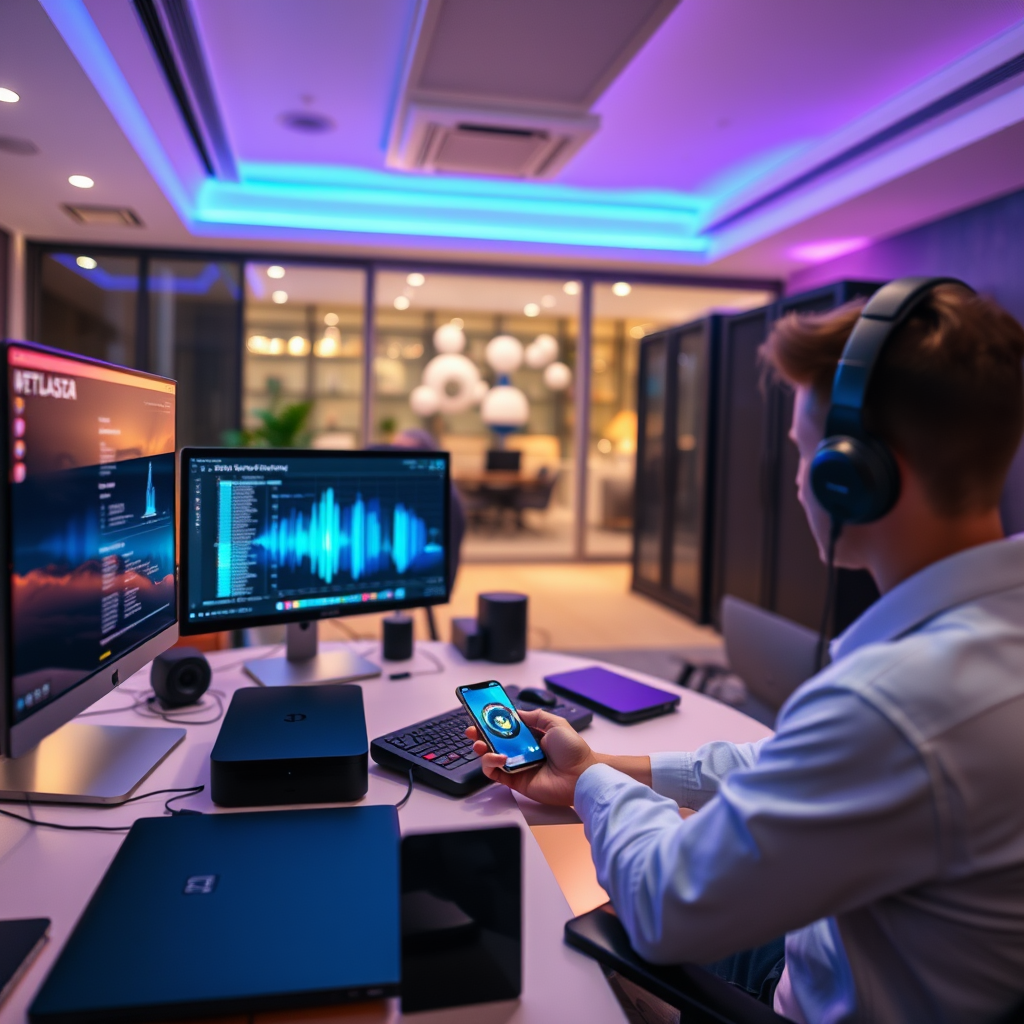

To seamlessly control your home audio system with smart home devices, focus on compatibility, centralized control, and automation. By leveraging smart assistants and home hubs, you can create a cohesive audio experience throughout your living space. This article will guide you on how to effectively integrate these systems for maximum convenience.
Understanding Compatibility

The first step in integrating your home audio system with smart home devices is understanding compatibility. Different audio systems utilize various connection protocols, including Wi-Fi, Bluetooth, and Zigbee. Before making any purchases, research whether your existing audio system supports these protocols. For instance, many popular brands like Sonos, Bose, and Yamaha have models that are compatible with a wide range of smart home devices.
Additionally, check if your audio equipment can interface with smart home platforms such as Amazon Alexa, Google Assistant, or Apple HomeKit. This compatibility ensures that your devices can communicate effectively, allowing for seamless control. For example, if your audio system supports Wi-Fi and works with Amazon Alexa, you can use voice commands to play music directly from your audio system.
Choosing the Right Hub
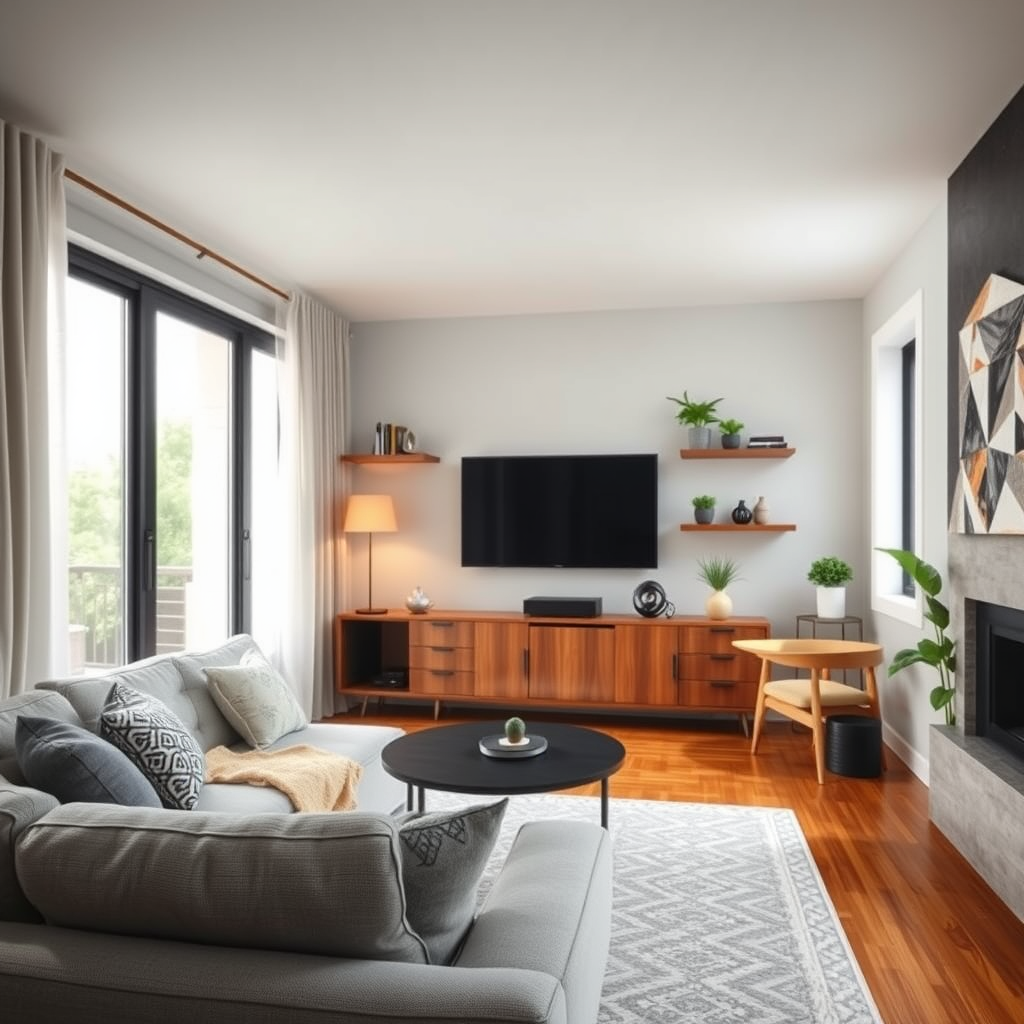
Selecting the right smart home hub is essential for optimal audio system integration. A smart hub acts as the central command center for your devices, enabling them to work together. Popular options include Amazon Echo, Google Nest, and Apple HomePod. Each of these hubs has unique features that cater to different audio systems.
For instance, the Amazon Echo is particularly versatile, supporting a wide range of third-party devices and offering numerous skills for music streaming services. Google Nest, on the other hand, excels in voice recognition and can control smart home devices through Google Assistant easily. Apple HomePod is an excellent choice for users deeply invested in the Apple ecosystem, providing a seamless experience with iTunes and Apple Music. Before choosing a hub, consider the compatibility with your existing audio system and the features you value most.
Setting Up Voice Control
Enabling voice control can significantly enhance your home audio experience by allowing hands-free operation. To set this up, first ensure your audio system is connected to your chosen smart hub. Once connected, enable the relevant skills or integrations. For instance, if you have a Sonos system and an Amazon Echo, you would enable the Sonos skill in the Alexa app, allowing you to control playback and volume with voice commands.
Moreover, explore specific voice commands that can enhance functionality. For example, you can say, “Alexa, play my dinner playlist on Sonos,” or “Hey Google, turn up the volume in the living room.” This level of control not only simplifies your interactions but also enhances your overall audio experience.
Top Smart Home Hubs for Audio System Integration (2024)
| # | Hub | Supported Systems | Voice Assistant | Best For |
|---|---|---|---|---|
| 1 | Amazon Echo | Sonos, Bose, Yamaha | Alexa | Versatility |
| 2 | Google Nest | Sonos, LG, Bose | Google Assistant | Voice Recognition |
| 3 | Apple HomePod | Sonos, Bang & Olufsen | Siri | Apple Ecosystem |
| 4 | Samsung SmartThings | Yamaha, Bose, JBL | Bixby | Home Automation |
| 5 | Wink Hub | Sonos, Philips Hue | Amazon Alexa | Integration |
| 6 | Hubitat Elevation | Yamaha, Sonos | Google Assistant | Local Control |
| 7 | Home Assistant | Sonos, Bose, LG | Multiple | Customization |
Creating Customized Routines
Creating customized routines is a powerful way to enhance the functionality of your integrated audio system. Routines allow you to link your audio system with other smart devices in your home. You can automate settings for different times of the day or specific activities, such as movie nights or parties.
For example, you can set a routine that dims the lights, lowers the thermostat, and starts playing your favorite playlist when you say, “Movie time.” This not only adds convenience but also creates a tailored environment for your activities. Using your smart hub app, you can easily configure these routines to suit your lifestyle, ensuring that your audio experience is always optimized.
Most Commonly Used Routines for Home Audio Systems (2024)
Troubleshooting Common Issues
Even with well-chosen devices and configurations, issues may arise during integration. Common problems include connectivity issues, unresponsive devices, and difficulty in voice commands. To troubleshoot these problems, first ensure that all devices are updated to their latest firmware versions. Regular updates often fix bugs and enhance compatibility.
If devices seem unresponsive, check your Wi-Fi network for connectivity issues. A weak signal can lead to devices disconnecting or lagging. Additionally, ensure that your smart hub is set up correctly and that the audio system is recognized within the hub’s app. Resetting the devices or re-establishing connections often resolves these problems swiftly.
Enhancing Audio Quality
To optimize the audio quality of your system in conjunction with smart devices, consider adjusting the settings on your audio equipment. Most smart speakers and audio receivers provide various sound profiles and equalizer settings that can enhance audio performance based on room acoustics and preferences. For example, if you have a Sonos system, you can adjust the Trueplay feature, which customizes the sound based on the layout of your room.
Furthermore, explore multi-room audio synchronization options. This feature allows you to play the same audio across multiple speakers throughout your home, creating an immersive listening experience. Brands like Sonos and Bose offer integrated solutions that facilitate multi-room playback, ensuring that your music or podcasts can follow you seamlessly from room to room.
Audio Quality Enhancements by System Type (2024)
Staying Updated with Trends
The technology landscape for smart home devices and audio systems continues to evolve rapidly. To ensure that you are getting the most out of your integrated systems, stay informed about new smart home technologies that enhance audio integration. This could include advancements in sound quality, improved voice recognition capabilities, or more efficient connectivity options.
Regularly checking for firmware updates on your devices is also crucial. These updates often come with new features or enhancements that can improve performance and compatibility. Subscribing to newsletters from your device manufacturers or following tech blogs that focus on smart home technology can keep you informed of the latest trends and updates.
Summarizing the integration of your home audio system with smart home devices can significantly enhance your control and enjoyment. By focusing on compatibility, utilizing a smart hub, and creating customized routines, you can enjoy a seamless audio experience throughout your home. Start exploring the available options today to elevate your smart living environment!
Frequently Asked Questions
What are the benefits of integrating a home audio system with smart home devices?
Integrating a home audio system with smart home devices allows for seamless control of your music and sound experience throughout your home. It enhances convenience, as you can manage your audio system through a single interface, like a smartphone app or voice commands, while also enabling automation features such as scheduling music playback or syncing audio with other smart devices.
How can I connect my existing audio system to smart home technology?
You can connect your existing audio system to smart home technology by using devices like smart speakers, audio receivers with built-in smart capabilities, or wireless audio adapters. Additionally, many smart home platforms offer compatibility with various audio systems, allowing you to control them via smart hubs or apps, enhancing your overall smart home experience.
Why is compatibility important when choosing smart home devices for audio integration?
Compatibility is crucial because it ensures that your smart home devices can communicate effectively with your audio system, allowing for a unified control experience. Choosing compatible devices minimizes technical issues and maximizes functionality, enabling features like multi-room audio and voice control, which enhance your enjoyment of the audio system.
What is the best way to set up multi-room audio in a smart home environment?
The best way to set up multi-room audio in a smart home environment is to select a system that supports wireless streaming and is compatible with your smart home platform. Use smart speakers or wireless audio transmitters in different rooms, and configure them through your smart home app to create synchronized audio playback, providing a cohesive listening experience throughout your entire home.
Which smart home platforms work best with home audio systems?
Popular smart home platforms that work best with home audio systems include Amazon Alexa, Google Assistant, and Apple HomeKit. These platforms offer extensive compatibility with various audio devices, enabling voice control and integration with other smart home functions, allowing you to create a fully automated and user-friendly audio experience.
References
- Home automation
https://en.wikipedia.org/wiki/Smart_home - https://www.sciencedirect.com/topics/engineering/smart-home
https://www.sciencedirect.com/topics/engineering/smart-home - https://www.nature.com/articles/s41598-020-69240-6
https://www.nature.com/articles/s41598-020-69240-6 - https://www.ncbi.nlm.nih.gov/pmc/articles/PMC7127261/
https://www.ncbi.nlm.nih.gov/pmc/articles/PMC7127261/ - Google Scholar Google Scholar
https://scholar.google.com/scholar?q=Integrating+Home+Audio+System+with+Smart+Home+Devices - Google Scholar Google Scholar
https://scholar.google.com/scholar?q=Smart+Home+Audio+Integration - https://www.bbc.com/news/technology-53108134
https://www.bbc.com/news/technology-53108134 - https://www.theguardian.com/technology/2021/mar/25/smart-home-technology-how-to-make-your-home-smarter
https://www.theguardian.com/technology/2021/mar/25/smart-home-technology-how-to-make-your-home-smarter - https://www.reuters.com/article/us-tech-smart-home-insight-idUSKBN2A20I1
https://www.reuters.com/article/us-tech-smart-home-insight-idUSKBN2A20I1 - https://www.cdc.gov/niosh/topics/homehealthcare/smarthomes.html
https://www.cdc.gov/niosh/topics/homehealthcare/smarthomes.html