
To fix humming sounds from wireless audio systems, start by checking your connections and ensuring proper grounding. Humming sounds can be a frustrating issue that undermines the audio experience, whether you’re enjoying music, podcasts, or movie soundtracks. This guide will help you identify common causes of humming and provide effective solutions to restore sound quality.
Identifying the Source of the Humming

The first step in addressing humming sounds in wireless audio systems is to determine the source of the noise. Humming can originate from various components, including the audio source, the speakers, or even the wireless transmission itself. To effectively isolate the issue, perform isolation tests by disconnecting devices one at a time.
For instance, if you suspect the audio source is the problem, try using a different device to see if the humming persists. Alternatively, if you think the speakers are the culprit, connect them to a different audio source. This process of elimination can help you pinpoint whether the issue lies within the source, the speakers, or the wireless signal being transmitted.
Checking Connections and Cables
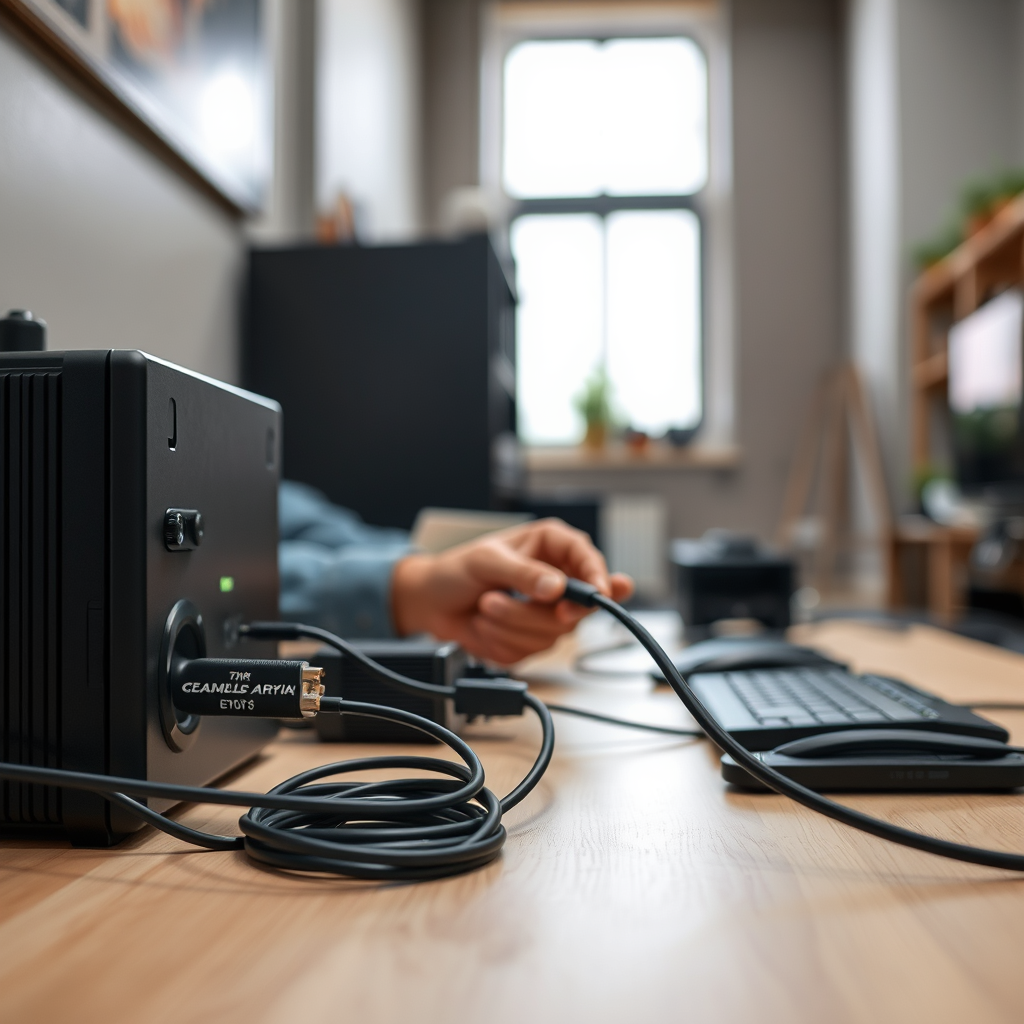
Inspecting connections and cables is a crucial part of troubleshooting humming sounds. Loose connections or damaged cables can introduce noise into the audio signal, leading to unwanted humming. Make sure all cables are securely plugged in and visually check for any frayed or damaged wires.
Additionally, it’s essential to consider the placement of cables. Audio cables should not run parallel to power cables, as this can create electromagnetic interference that leads to humming. If you find cables are crossing over each other, rearranging them to keep power and audio cables separate may help reduce interference.
Grounding Issues
Grounding issues can often be a major contributor to humming sounds in audio systems. Ground loops occur when there are multiple ground paths in the audio system, leading to a difference in voltage that causes humming. To prevent this, verify that all equipment is properly grounded.
Using a ground lift adapter can be an effective solution for eliminating humming caused by grounding problems. This device disconnects the ground line in the audio signal path, which can help eliminate the noise without compromising audio quality.
Common Causes of Humming in Audio Systems
| # | Cause | Effect | Solution |
|---|---|---|---|
| 1 | Poor Grounding | Ground Loops | Use Ground Lift Adapter |
| 2 | Damaged Cables | Signal Interference | Replace Cables |
| 3 | Loose Connections | Noise | Secure Connections |
| 4 | Electromagnetic Interference | Humming Sounds | Rearrange Cables |
| 5 | Incorrect Audio Settings | Distorted Sound | Adjust Settings |
| 6 | Nearby Electronic Devices | Signal Interference | Relocate Devices |
| 7 | Outdated Equipment | Incompatibility | Upgrade Equipment |
Interference from Other Devices
Interference from other electronic devices is another common cause of humming sounds in wireless audio systems. Devices such as routers, microwaves, and even some lighting fixtures can emit electromagnetic interference that disrupts the audio signal.
Identifying nearby electronic devices that may be causing this interference is crucial. If you suspect interference, try moving wireless transmitters and receivers away from these potential sources. Additionally, utilizing a wireless frequency scanner can help you determine which channels are being used by nearby devices, allowing you to adjust your system to a less crowded frequency.
Impact of Interference on Audio Quality
Adjusting Audio Settings
Sometimes, the audio settings on your devices may contribute to humming sounds. High gain settings can amplify noise, leading to pronounced humming during playback. It’s important to look into the audio settings of your devices and adjust the gain as needed.
Experimenting with different output settings and formats can also yield positive results. For instance, if your system allows for different sample rates or bit depths, try adjusting these settings to see if the humming persists. Often, finding the right configuration can significantly improve the overall audio quality.
Utilizing Noise Filters and Isolators
If the humming issue continues despite troubleshooting efforts, consider investing in noise filters or isolators specifically designed for audio equipment. These devices are engineered to eliminate unwanted noise from audio signals, enhancing overall sound clarity.
For instance, power conditioners can help clean the power signal that your audio equipment receives, which can eliminate hum caused by electrical interference. Additionally, audio isolators can be beneficial in breaking ground loops that contribute to humming sounds.
Regular Maintenance and Check-ups
Preventative measures are vital in maintaining the quality of your wireless audio system. Schedule regular maintenance to check for any potential issues before they develop into larger problems.
Regularly cleaning connectors and audio equipment can also ensure optimal performance. Dust and debris can accumulate and hinder the functionality of connections, leading to audio problems. By prioritizing maintenance, you can enjoy a high-quality audio experience free from interruptions.
By following these steps, you can effectively reduce or eliminate the humming sounds in your wireless audio systems. If the issue persists, consulting a professional may be necessary for more complex problems. Ensuring a high-quality audio experience is achievable with the right approach and attention to detail.
Frequently Asked Questions
What causes humming sounds in wireless audio systems?
Humming sounds in wireless audio systems are often caused by ground loops, interference from other electronic devices, or poor connections. Additionally, using low-quality cables or placing the audio system near power sources can amplify these unwanted noises. Identifying and addressing these issues can significantly improve sound quality.
How can I eliminate humming sounds from my wireless speakers?
To eliminate humming sounds from your wireless speakers, start by checking all connections to ensure they’re secure and free from damage. Next, move the speakers away from potential sources of interference like routers or other electronics, and consider using a power conditioner to reduce noise from the electrical supply. If the problem persists, look into upgrading cables or using a different wireless frequency.
Why is my Bluetooth audio system making a humming noise?
A Bluetooth audio system may produce a humming noise due to signal interference from nearby devices or physical obstructions between the audio source and the speakers. Additionally, if the device is low on battery or has outdated firmware, it can negatively impact performance. Ensuring that all devices are updated and positioned correctly can help reduce this issue.
What is the best way to troubleshoot humming sounds in wireless audio systems?
The best way to troubleshoot humming sounds in wireless audio systems is to systematically isolate the problem. Start by testing different audio sources, changing locations to reduce interference, and checking for any loose connections. If the issue continues, consider consulting the user manual or reaching out to customer support for further assistance.
Which wireless audio systems are less prone to humming and interference?
Wireless audio systems that operate on higher frequency bands, such as 5GHz, tend to be less prone to humming and interference compared to those using 2.4GHz. Brands that incorporate advanced noise-cancellation technology and high-quality components, like Sonos or Bose, are also known for minimizing these issues. Researching user reviews and specifications can help you choose a reliable system.
References
- Audio engineer
https://en.wikipedia.org/wiki/Audio_engineering - https://www.sciencedirect.com/topics/engineering/audio-systems
https://www.sciencedirect.com/topics/engineering/audio-systems - https://www.ncbi.nlm.nih.gov/pmc/articles/PMC6474249/
https://www.ncbi.nlm.nih.gov/pmc/articles/PMC6474249/ - https://www.bbc.com/future/article/20201012-how-to-fix-the-humming-sound-in-your-speakers
https://www.bbc.com/future/article/20201012-how-to-fix-the-humming-sound-in-your-speakers - https://www.nature.com/articles/s41598-020-70730-2
https://www.nature.com/articles/s41598-020-70730-2 - https://www.mayoclinic.org/diseases-conditions/tinnitus/symptoms-causes/syc-20347948
https://www.mayoclinic.org/diseases-conditions/tinnitus/symptoms-causes/syc-20347948 - Google Scholar Google Scholar
https://scholar.google.com/scholar?q=Humming+Sounds+Wireless+Audio+Systems - Google Scholar Google Scholar
https://scholar.google.com/scholar?q=Fixing+Audio+Interference+Humming - Google Scholar Google Scholar
https://scholar.google.com/scholar?q=Reducing+Humming+in+Audio+Systems - https://www.reuters.com/article/us-tech-audio-analysis-idUSKBN2B1006
https://www.reuters.com/article/us-tech-audio-analysis-idUSKBN2B1006