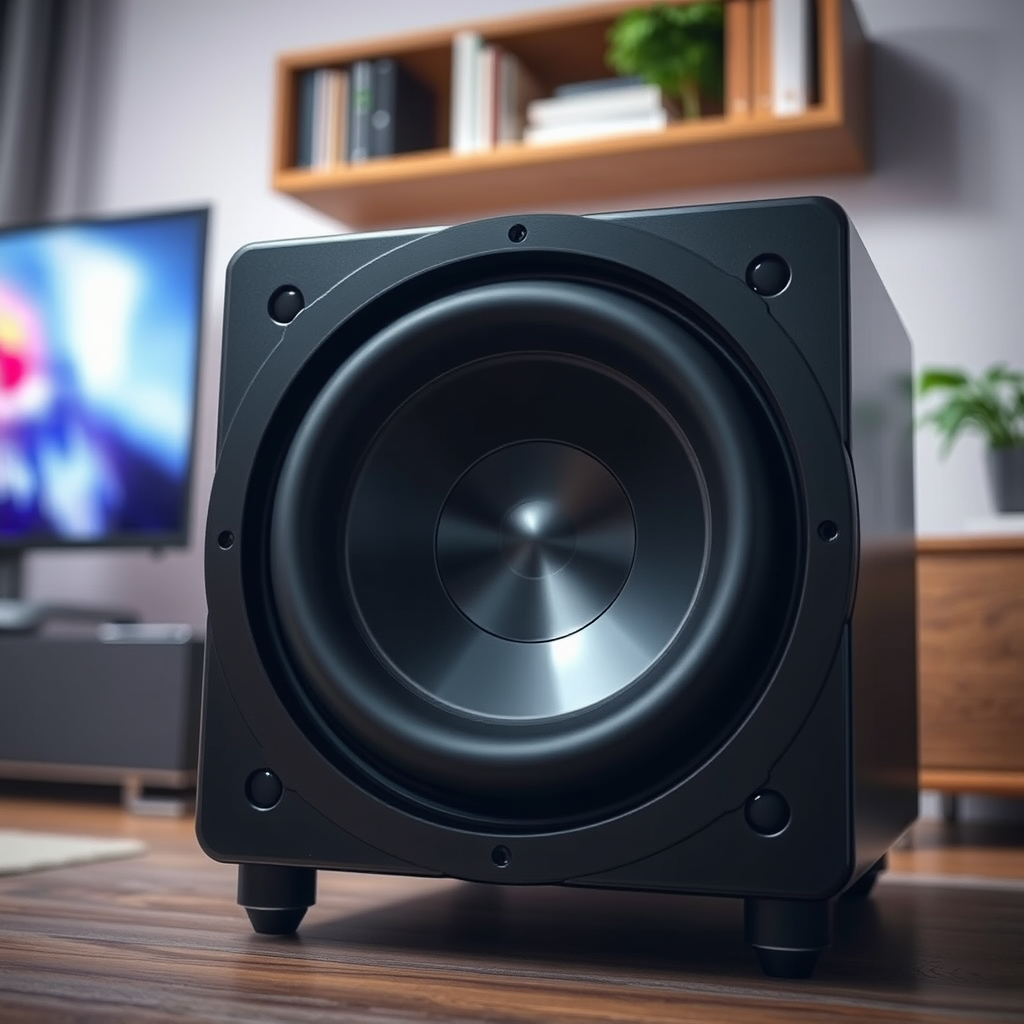

If your Onkyo subwoofer isn’t working, don’t worry—there are several common issues you can quickly troubleshoot. In this guide, we’ll walk you through the steps to identify and resolve the problem, ensuring you can get back to enjoying your audio experience. A combination of checking power supply, inspecting receiver settings, and adjusting placement can often restore functionality to your subwoofer.
Check Power Supply and Connections
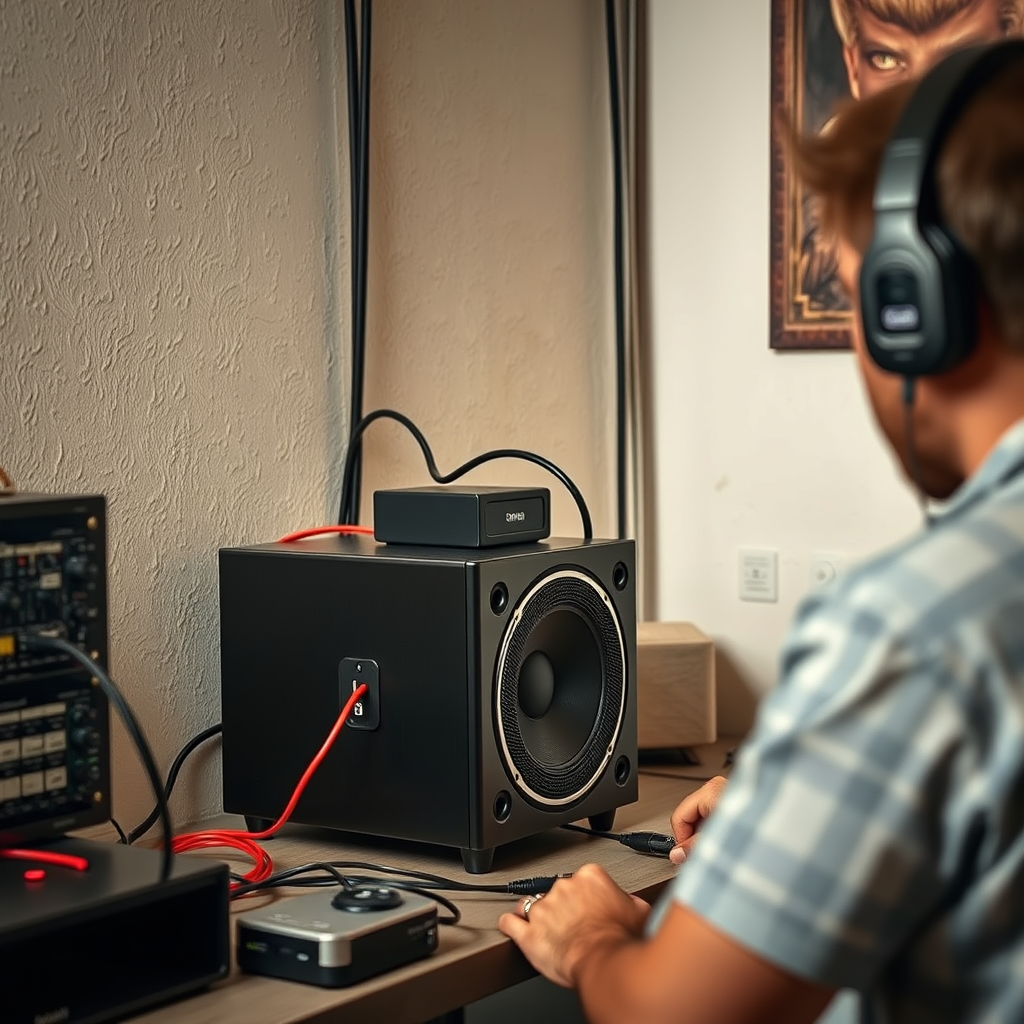
The first step in troubleshooting your Onkyo subwoofer is to ensure that it has a proper power supply. Verify that the subwoofer is plugged into a functioning outlet. A simple way to check this is to plug another device, such as a lamp or phone charger, into the same outlet to see if it works.
Next, examine all connections. Ensure that the power cable is securely connected to both the subwoofer and the wall outlet. Inspect the audio cables leading from your receiver to the subwoofer, ensuring that they are firmly plugged into both ends and that there are no visible signs of damage such as fraying or breaks. If you discover any damaged cables, replacing them may resolve the issue.
Inspect Receiver Settings
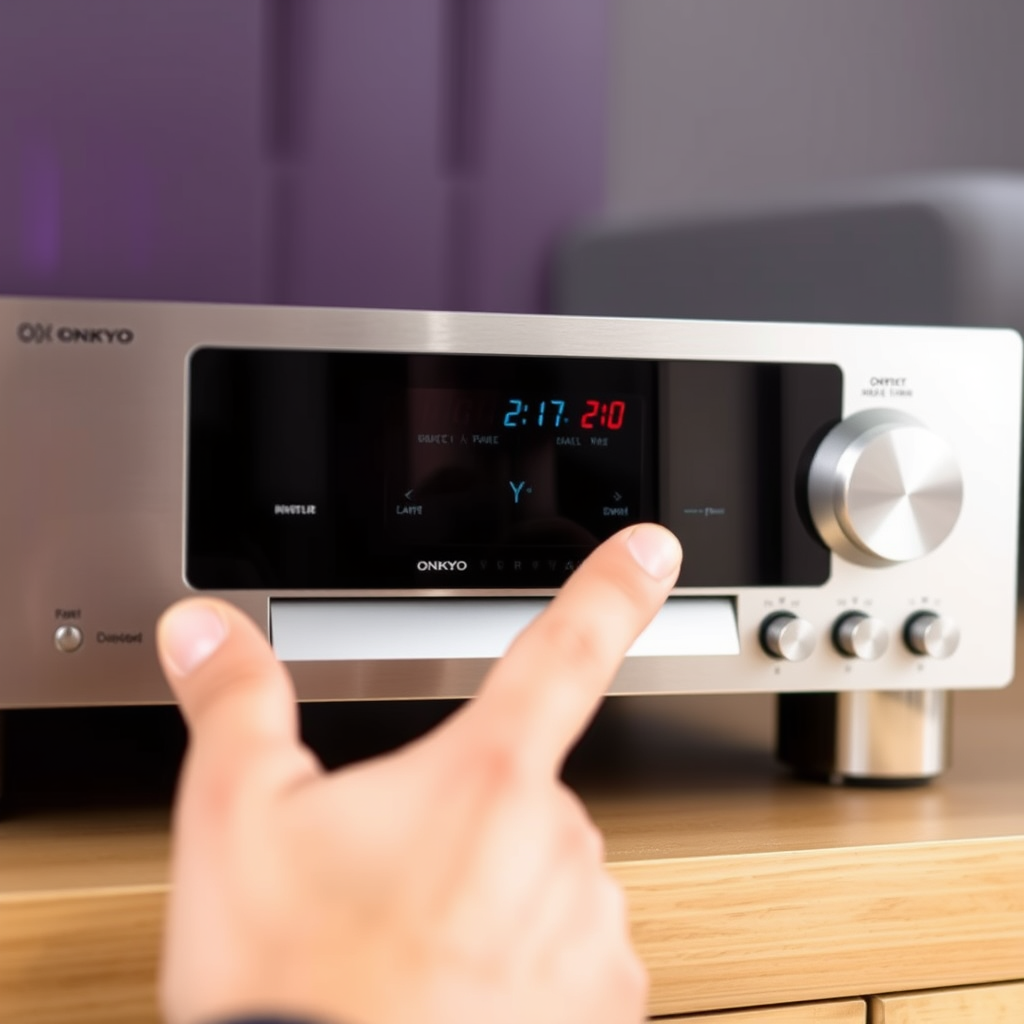
Once you’ve verified that power is reaching the subwoofer, turn your attention to the settings on your audio receiver. Many receivers have dedicated settings for subwoofers, and it’s crucial to confirm that the subwoofer output is enabled.
Check the crossover frequency settings as well; this determines the range of frequencies that the subwoofer will handle. If the crossover is set too high, it may not produce the desired bass output. Adjust the volume settings for the subwoofer as well. If the volume is set too low, you may not hear any sound even if the subwoofer is functioning correctly.
Adjust the Subwoofer’s Placement
The physical placement of your subwoofer can significantly affect its performance. Subwoofers are known to produce the best sound when positioned correctly within a room. Experiment with different locations to find where the sound quality improves.
Avoid placing the subwoofer in corners or directly against walls, as this can lead to an uneven bass response. Ideally, the subwoofer should be positioned in a location where it can interact most effectively with the room’s acoustics, allowing for a better overall sound experience.
Subwoofer Placement and Sound Quality
| # | Placement Location | Sound Quality | Bass Response |
|---|---|---|---|
| 1 | Corner | Poor | Low |
| 2 | Against Wall | Fair | Moderate |
| 3 | Center of Room | Excellent | High |
| 4 | Near Seating Area | Great | High |
| 5 | Behind Furniture | Poor | Low |
| 6 | In a Cabinet | Very Poor | Very Low |
Update Firmware and Software
In some cases, the issue with your Onkyo subwoofer may stem from outdated firmware or software. Manufacturers frequently release updates to address bugs or improve functionality. Visit the Onkyo website or check your receiver’s menu to see if there are any firmware updates available.
To perform an update, follow the manufacturer’s instructions closely. This process usually involves downloading the update onto a USB drive and connecting it to the subwoofer or receiver. Keeping your devices updated ensures optimal performance and compatibility with other equipment.
Test with Different Audio Sources
To rule out issues with your current audio source, connect the subwoofer to a different device. By doing this, you can determine whether the problem lies with the subwoofer or the source itself. For example, if you typically use a television as the audio source, try connecting a smartphone or another audio player that you know is working correctly.
If the subwoofer produces sound when connected to a different source, the issue likely resides with the original audio source or its settings. If the subwoofer still doesn’t work, further troubleshooting may be necessary.
Examine for Hardware Issues
If you’ve gone through all the previous steps and your Onkyo subwoofer is still not operational, it may be time to investigate potential hardware issues. Begin by looking for any physical damage, such as cracks or loose connections inside the subwoofer.
If you are comfortable doing so, use a multimeter to check for electrical issues, such as resistance in the speaker wire connections. If you notice any significant damage or if the multimeter readings indicate a problem, it may be necessary to seek repairs or replacement.
Seek Professional Help
If all troubleshooting steps have been exhausted and your Onkyo subwoofer is still not working, it may be best to seek professional assistance. Contact Onkyo support for guidance or consult with a certified audio technician who specializes in subwoofer repairs.
When reaching out for support, have your warranty information handy. This ensures that you can take advantage of any potential repairs or replacements covered under warranty.
Getting your Onkyo subwoofer back in working order can often be a simple fix with the right troubleshooting steps. By checking power connections, settings, and placement, you can often resolve the issue yourself. If problems persist, don’t hesitate to reach out for professional assistance to ensure your audio setup is performing at its best.
Frequently Asked Questions
What are the common reasons an Onkyo subwoofer might not be working?
There are several reasons your Onkyo subwoofer may not be functioning properly. Common issues include incorrect wiring connections, a blown fuse, or settings on the receiver that are not properly configured. It’s essential to check your audio source settings, ensure the subwoofer is powered on, and verify that all cables are securely connected.
How can I troubleshoot my Onkyo subwoofer if it has no sound?
To troubleshoot an Onkyo subwoofer with no sound, start by checking the power connection and ensuring that the subwoofer is turned on. Next, inspect the input connections and confirm they are correctly plugged into the receiver. Additionally, check the receiver’s audio settings to ensure the subwoofer is enabled and the volume level is appropriately set.
Why is my Onkyo subwoofer making a humming noise?
A humming noise from your Onkyo subwoofer often indicates a ground loop issue or interference from other electrical devices. To resolve this, try unplugging other devices near the subwoofer or using different outlets. Additionally, ensure all connections are secure and consider using a ground loop isolator to reduce noise.
What is the best way to connect my Onkyo subwoofer to the receiver?
The best way to connect your Onkyo subwoofer to the receiver is by using a dedicated subwoofer cable with RCA connectors. Connect the “sub out” or “LFE” output from the receiver to the “line in” input on the subwoofer. This connection ensures optimal sound quality and performance for your home theater setup.
Which settings should I adjust on my Onkyo receiver for optimal subwoofer performance?
For optimal subwoofer performance with your Onkyo receiver, adjust the crossover frequency setting, usually found in the speaker setup menu, to around 80Hz. Ensure the subwoofer is set to the correct output level and that it is configured as an active speaker in the receiver’s settings. Additionally, check the phase setting to match the subwoofer with your main speakers for better sound integration.
References
- Subwoofer
https://en.wikipedia.org/wiki/Subwoofer - https://www.crutchfield.com/S-Eo7FQ0C8dX/learn/what-to-do-when-your-subwoofer-is-not-working.html
https://www.crutchfield.com/S-Eo7FQ0C8dX/learn/what-to-do-when-your-subwoofer-is-not-working.html - https://www.audioholics.com/how-to-choose-a-subwoofer
https://www.audioholics.com/how-to-choose-a-subwoofer - https://www.researchgate.net/publication/330094045_The_Impact_of_Loudspeakers_and_Amplifiers_on_Quality_of_Sound
https://www.researchgate.net/publication/330094045_The_Impact_of_Loudspeakers_and_Amplifiers_on_Quality_of_Sound - Google Scholar Google Scholar
https://scholar.google.com/scholar?q=Onkyo+Subwoofer+Not+Working - Google Scholar Google Scholar
https://scholar.google.com/scholar?q=Subwoofer+Troubleshooting+Guide - https://www.hifiengine.com/manuals/onkyo/
https://www.hifiengine.com/manuals/onkyo/ - Google Scholar Google Scholar
https://scholar.google.com/scholar?q=Onkyo+Subwoofer+Not+Working?+Troubleshooting+Guide - Onkyo Subwoofer Not Working? Troubleshooting Guide – Search results
https://en.wikipedia.org/wiki/Special:Search?search=Onkyo+Subwoofer+Not+Working?+Troubleshooting+Guide - https://www.ncbi.nlm.nih.gov/search/research-articles/?term=Onkyo+Subwoofer+Not+Working?+Troubleshooting+Guide
https://www.ncbi.nlm.nih.gov/search/research-articles/?term=Onkyo+Subwoofer+Not+Working?+Troubleshooting+Guide