

If your Klipsch subwoofer isn’t connecting, the issue could stem from several common sources, including incorrect settings, loose connections, or compatibility problems. By systematically troubleshooting these potential causes, you can quickly resolve the issue and restore the superior audio experience your subwoofer delivers.
A Klipsch subwoofer is known for its rich bass and exceptional sound quality, but even the best audio equipment can encounter connectivity issues. Whether you are setting it up for the first time or experiencing difficulties after a period of use, this guide will walk you through various troubleshooting steps to ensure your subwoofer is functioning as intended.
Check Your Connections

The first step in troubleshooting is to ensure that all connections are secure. A loose cable can easily disrupt the communication between your subwoofer and audio receiver.
– Cables and Connectors: Check that the RCA or speaker wire connections are tightly fitted into both the subwoofer and the audio receiver. If using RCA cables, ensure that the connectors are firmly seated and that there is no visible wear or damage to the cables.
– Wiring Layout: If your setup involves multiple components, confirm that your wiring follows the correct layout as per the manufacturer’s instructions. Misplaced wires can lead to a complete lack of signal.
If you notice any damaged cables, replacing them may be the simplest solution. Quality of cables matters significantly in audio setups, so consider investing in durable options if needed.
Verify Power Supply
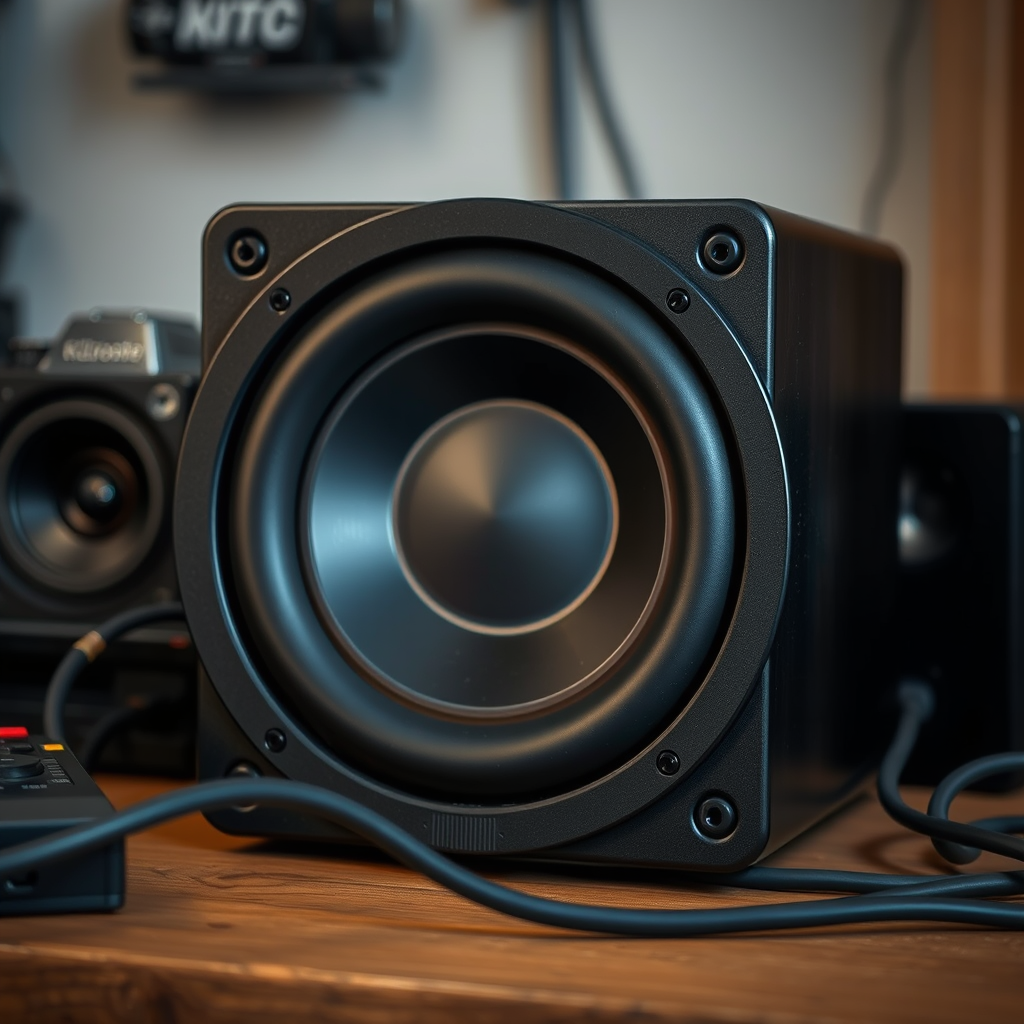
Next, confirm that your subwoofer is receiving power. This is a crucial step, as a powered subwoofer requires a stable electricity supply to operate.
– Power Outlet: Ensure that the subwoofer is plugged into a functioning power outlet. You can test the outlet by plugging in another device to check if it works.
– Indicator Lights: Most Klipsch subwoofers come equipped with LED indicator lights. If these lights are off, the unit is not receiving power. If the light is red or blinking, this may indicate an error or fault in the system.
If the unit is not receiving power, check the power cable for any signs of damage. Replacing the power cable can often resolve the issue.
Adjust Settings on the Receiver
If your connections are secure and power is confirmed, the next step is to check your audio receiver settings.
– Input Source: Make sure that the audio receiver is set to the correct input source that corresponds to the subwoofer. This may be labeled as a ‘Subwoofer’ or ‘LFE’ input.
– Subwoofer Settings: Many receivers have specific settings for subwoofers, including crossover frequency and volume levels. Ensure that the subwoofer is enabled and that the output level is appropriately set. If the volume is too low, you may not hear any sound.
Refer to your receiver’s manual for specific instructions on how to navigate these settings, as they can vary widely among different models.
Examine Wireless Connectivity (if applicable)
For those using wireless Klipsch subwoofers, ensuring proper wireless connectivity is critical.
– Pairing: Verify that your subwoofer is properly paired with your audio system. Most wireless subwoofers will have a pairing button that you can press to initiate the connection.
– Interference: Wireless signals can be disrupted by other electronic devices. Ensure that there is minimal interference from other wireless devices, and try moving the subwoofer closer to the receiver if connectivity issues persist.
If you are not seeing your subwoofer listed in the Bluetooth devices, you may need to reset the Bluetooth connection and retry the pairing process.
Update Firmware and Software
Software updates can often resolve compatibility issues that may prevent your subwoofer from connecting effectively.
– Firmware Check: Visit the Klipsch website to check if there are firmware updates available for your specific model. Updates can enhance functionality and resolve known issues.
– Receiver Updates: Similarly, ensure that your audio receiver is updated to the latest software version available. Outdated firmware can lead to compatibility problems between devices.
Follow the manufacturer’s instructions for updating both the subwoofer and the receiver, as this process can vary from one model to another.
Consult the User Manual
When troubleshooting, never underestimate the value of your user manual. Each Klipsch subwoofer model may have specific features and settings that are not common across all devices.
– Troubleshooting Tips: The manual often includes a troubleshooting section that can address common issues specific to your model.
– Reset Instructions: If all else fails, the user manual may provide guidance on how to reset your subwoofer. A factory reset can sometimes resolve persistent connectivity issues.
Keep your user manual handy, as it can provide insights tailored specifically to your subwoofer.
Seek Professional Assistance
If you have tried all the aforementioned steps and your Klipsch subwoofer still isn’t connecting, it may be time to seek professional help.
– Customer Support: Reach out to Klipsch customer support for further assistance. Their representatives can guide you through advanced troubleshooting steps or determine if a repair is necessary.
– Professional Repair: In cases of hardware failure or complex issues, consider consulting a professional technician. They can diagnose and fix problems that may not be immediately apparent.
📋 Data Table: Common Connectivity Issues and Solutions
Common Issues with Klipsch Subwoofers (2024)
| # | Issue | Possible Causes | Solution |
|---|---|---|---|
| 1 | No Power | Faulty Outlet | Check power source |
| 2 | No Sound | Incorrect Settings | Adjust receiver settings |
| 3 | Bluetooth Issues | Pairing Problems | Re-pair the devices |
| 4 | Distorted Sound | Overdriven Signal | Reduce volume levels |
| 5 | Intermittent Connectivity | Wireless Interference | Minimize interference |
| 6 | Faulty Cables | Cable Damage | Replace damaged cables |
| 7 | Incompatible Devices | Model Mismatch | Check compatibility |
📈 Bar Chart: Connection Issues Resolved
Top Reasons for Klipsch Subwoofer Connectivity Issues (2024)
Summarizing the troubleshooting steps can help you identify and resolve the connection issues with your Klipsch subwoofer. Ensure you check all connections, power supplies, and settings. If problems persist, don’t hesitate to consult the user manual or reach out to customer support for expert assistance. Taking these steps will help you enjoy the rich sound quality your subwoofer is designed to deliver.
Frequently Asked Questions
Why is my Klipsch subwoofer not connecting to my receiver?
If your Klipsch subwoofer is not connecting to your receiver, first check the audio cable and ensure it is properly connected to both devices. Additionally, verify that the receiver settings are configured to recognize the subwoofer output, as many receivers require you to enable this feature in the settings menu.
How can I troubleshoot my Klipsch subwoofer connection issues?
To troubleshoot connection issues with your Klipsch subwoofer, start by inspecting all cables for damage and ensuring they are securely plugged in. Next, power cycle both the subwoofer and the receiver and attempt to pair them again. If issues persist, consult the user manual for specific troubleshooting steps or reset the subwoofer to factory settings.
What settings should I check if my Klipsch subwoofer won’t connect wirelessly?
If your Klipsch subwoofer is wireless and won’t connect, check the wireless settings on both your subwoofer and the transmitter or receiver. Ensure that both devices are on the same Wi-Fi network and that the subwoofer is within a proper range of the transmitter. It may also help to check for any firmware updates that could resolve connectivity issues.
Why does my Klipsch subwoofer connect but produce no sound?
If your Klipsch subwoofer connects but produces no sound, it could be due to incorrect audio settings on your receiver. Ensure that the subwoofer is set as an active speaker in the receiver’s audio output settings, and check the volume levels on both the subwoofer and the receiver. Additionally, confirm that the audio source is sending a low-frequency signal that the subwoofer can play.
Which cable is best for connecting my Klipsch subwoofer to the audio system?
The best cable for connecting your Klipsch subwoofer to your audio system is typically an RCA cable, specifically a subwoofer cable with low-level RCA connections. This type of cable is designed to carry low-frequency signals effectively, ensuring optimal sound quality. If your system supports it, you may also consider using a high-quality balanced cable for better interference resistance.
References
- Subwoofer
https://en.wikipedia.org/wiki/Subwoofer - https://scholar.google.com/scholar?q=Klipsch+subwoofer+connection+issues Google Scholar
https://scholar.google.com/scholar?q=Klipsch+subwoofer+connection+issues - Google Scholar Google Scholar
https://scholar.google.com/scholar?q=home+theater+subwoofer+setup - https://www.audioholics.com/tweaks/how-to-troubleshoot-your-subwoofer
https://www.audioholics.com/tweaks/how-to-troubleshoot-your-subwoofer - https://www.lifewire.com/troubleshooting-subwoofer-connection-3134428
https://www.lifewire.com/troubleshooting-subwoofer-connection-3134428 - Google Scholar Google Scholar
https://scholar.google.com/scholar?q=Why+Is+My+Klipsch+Subwoofer+Not+Connecting? - Why Is My Klipsch Subwoofer Not Connecting? – Search results
https://en.wikipedia.org/wiki/Special:Search?search=Why+Is+My+Klipsch+Subwoofer+Not+Connecting? - https://www.ncbi.nlm.nih.gov/search/research-articles/?term=Why+Is+My+Klipsch+Subwoofer+Not+Connecting?
https://www.ncbi.nlm.nih.gov/search/research-articles/?term=Why+Is+My+Klipsch+Subwoofer+Not+Connecting?