
If your Bang & Olufsen subwoofer isn’t working, it could be due to several common issues such as connectivity problems, power supply failures, or incorrect settings. Identifying the root cause is essential to restoring your audio experience. In this article, we will explore these potential causes in detail and provide you with comprehensive troubleshooting steps to help you get your subwoofer back in action.
Common Connectivity Issues
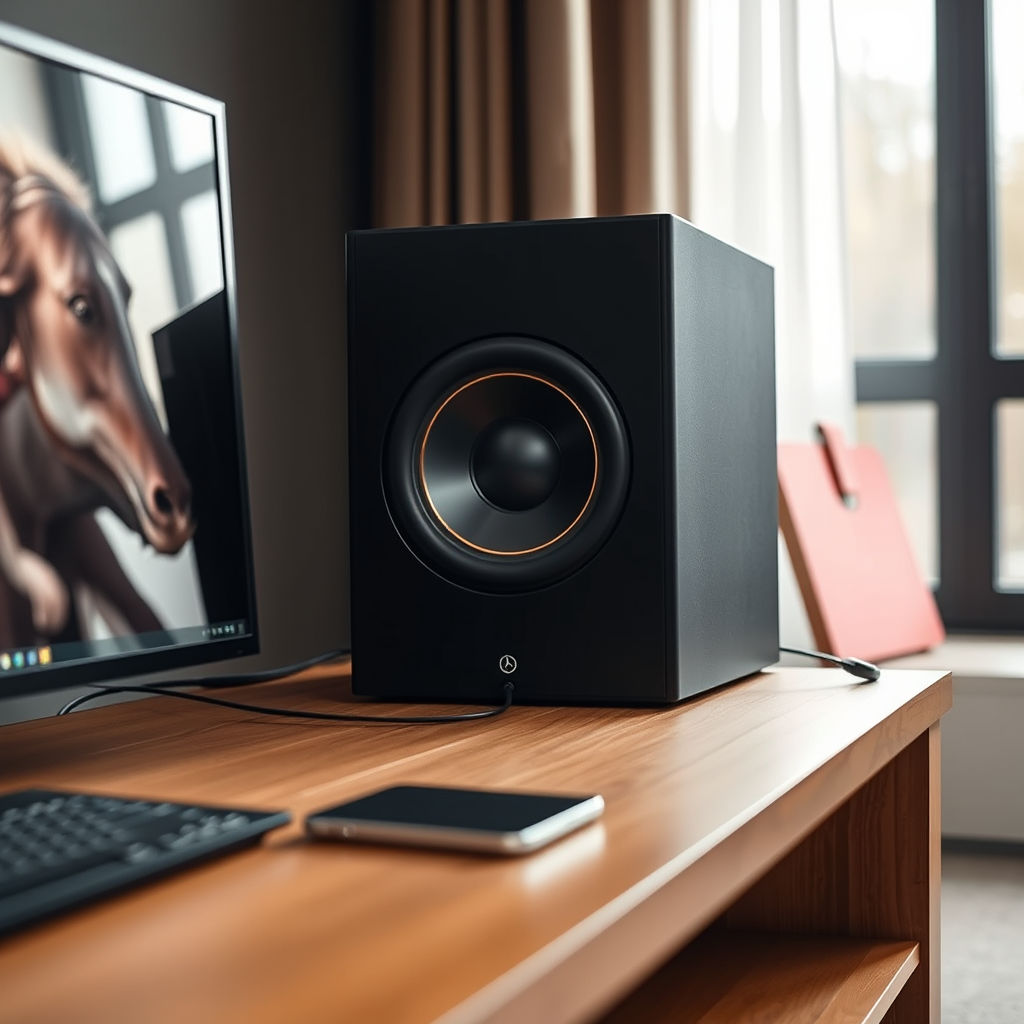
Connectivity issues are one of the most frequent reasons why audio devices, including subwoofers, fail to function correctly. Here are some steps to identify and resolve connectivity problems:
– Check All Cable Connections: Begin by inspecting all audio cables connected to your subwoofer. Ensure that they are securely plugged into both the subwoofer and the audio source. Loose connections can often result in poor audio performance or complete failure to produce sound.
– Verify Bluetooth Pairing: If your subwoofer is designed to connect via Bluetooth, ensure that it is paired correctly with your audio system or Bluetooth device. To do this, access the Bluetooth settings on your audio source and confirm that your subwoofer appears as a connected device. If not, try re-pairing it by removing the device from your Bluetooth list and reconnecting.
– Inspect Other Devices: If your subwoofer is part of a larger audio system, check the connections and settings on the other components as well. Sometimes, the issue may lie with the audio receiver or sound source rather than the subwoofer itself.
Power Supply Problems

Power supply issues can prevent your Bang & Olufsen subwoofer from functioning correctly. Here are some critical checks to perform:
– Check Power Outlet: Ensure that the subwoofer is plugged into a functioning power outlet. You can test the outlet with another device to confirm it is operational. If the outlet is not working, try plugging the subwoofer into a different outlet.
– Examine Power Cords: Inspect the power cord and power adapter for any visible signs of damage, such as fraying or cuts. A damaged power cord can lead to intermittent power or complete failure to power on. If you notice any damage, replace the cord with a compatible one.
– Look for Indicator Lights: Many subwoofers, including those from Bang & Olufsen, have LED indicators that show whether the device is powered on. If the indicator is not lit, it may suggest a power issue that needs addressing.
Incorrect Settings on Your Audio System
Sometimes, the problem may not be hardware-related but instead linked to the settings on your audio system. Here’s how to check and adjust the settings:
– Review Audio Settings: Access the audio settings on your connected device, such as a receiver or television. Ensure that the subwoofer is enabled within the settings. Some devices have options to toggle subwoofer output, so check that it is turned on.
– Adjust Bass Settings: If the subwoofer is enabled but still not producing sound, consider adjusting the bass settings on your audio source. It may be set too low, resulting in minimal output from the subwoofer. Increase the bass level to see if the subwoofer responds.
– Check Audio Formats: Ensure that the audio format being played is compatible with your subwoofer. Some formats may not support low-frequency effects, which could lead to no sound being produced by the subwoofer.
Firmware and Software Updates
Keeping your subwoofer’s firmware and software up to date is crucial for optimal performance. Here’s how to check for updates:
– Check for Firmware Updates: Visit the Bang & Olufsen website or use the Bang & Olufsen app (if available) to check for any firmware updates specific to your subwoofer model. Manufacturers often release updates to improve functionality and resolve known issues.
– Install Updates: If an update is available, follow the provided instructions to install it. Ensure that your subwoofer remains plugged in and connected to the internet during the update process to avoid interruptions.
Environmental Factors
The placement of your subwoofer can significantly impact its performance. Consider the following:
– Optimal Placement: Avoid placing your subwoofer in enclosed spaces or corners, as this can muffle sound and reduce performance. Instead, position the subwoofer in an open area where it has room to produce sound waves effectively.
– Obstructions: Ensure that there are no objects blocking the subwoofer’s output. Furniture, decor, or even curtains can absorb sound waves, diminishing the overall audio experience.
Seeking Professional Help
If you have followed the troubleshooting steps outlined above and your Bang & Olufsen subwoofer is still not working, it may be time to seek professional assistance:
– Contact Customer Support: Reach out to Bang & Olufsen customer support for guidance. They can provide specific troubleshooting tips based on your model and may help identify any issues that require professional repairs.
– Authorized Service Centers: If your subwoofer requires repairs, locate an authorized Bang & Olufsen service center. Trained technicians can address hardware issues safely and effectively.
Top 7 Common Subwoofer Issues and Their Solutions
| # | Issue | Description | Solution |
|---|---|---|---|
| 1 | No Sound | Subwoofer not producing sound | Check connections and settings |
| 2 | Power Issues | Subwoofer not powering on | Check power outlet and cord |
| 3 | Interference | Bluetooth interference | Re-pair the device |
| 4 | Muffled Sound | Sound is unclear or distorted | Adjust placement and settings |
| 5 | Firmware Outdated | Subwoofer not functioning optimally | Check for firmware updates |
| 6 | Environmental Factors | Placement affecting sound | Reposition subwoofer |
| 7 | Technical Support Needed | Persistent issues | Contact customer support |
Common Subwoofer Issues Encountered (2024)
If your Bang & Olufsen subwoofer isn’t working, it’s important to troubleshoot systematically by checking connections, power, settings, and updates. By following the outlined steps, you can identify and resolve the problem effectively. If all else fails, don’t hesitate to seek professional assistance to ensure your audio experience is restored. With the right approach, you can enjoy the rich sound quality that Bang & Olufsen is known for.
Frequently Asked Questions
Why is my Bang & Olufsen subwoofer not producing any sound?
If your Bang & Olufsen subwoofer is silent, first check the power connection and ensure that it is plugged in and turned on. Next, verify that the audio source is set to an appropriate setting and that the subwoofer is properly connected to your audio system. Lastly, inspect the settings on your audio receiver; the subwoofer output may be muted or set to a very low level.
How can I troubleshoot my Bang & Olufsen subwoofer to restore functionality?
To troubleshoot your Bang & Olufsen subwoofer, start by checking all cable connections for any loose or damaged wires. Additionally, reset the subwoofer by unplugging it for a few minutes before plugging it back in. If the problem persists, consult the user manual for specific troubleshooting steps or consider contacting customer support for further assistance.
What common issues could cause my Bang & Olufsen subwoofer to stop working?
Common issues that may prevent your Bang & Olufsen subwoofer from functioning include faulty power supply, incorrect audio settings, or damaged cables. Environmental factors like overheating or interference from other electronic devices can also affect performance. Regular maintenance and ensuring compatibility with your audio system can help prevent these problems.
Which settings should I check if my Bang & Olufsen subwoofer is not responding?
If your Bang & Olufsen subwoofer is unresponsive, check the volume settings to ensure it’s not muted or set too low. Additionally, verify the crossover frequency settings on your audio receiver; an incorrect setting may prevent the subwoofer from receiving the right audio signals. Lastly, ensure that the wireless connection (if applicable) is stable and properly configured.
What should I do if my Bang & Olufsen subwoofer is buzzing or making strange noises?
If your Bang & Olufsen subwoofer is buzzing or producing unusual noises, first check for any loose connections, as these can create interference. Ensure that the subwoofer is placed on a stable surface and away from other electronic devices that may cause interference. If the problem continues, it may indicate a hardware issue, and contacting customer support or a technician is recommended for further diagnosis.
References
- https://www.bang-olufsen.com/en/support
https://www.bang-olufsen.com/en/support - https://www.bbc.com/news/technology-56951708
https://www.bbc.com/news/technology-56951708 - https://www.sciencedirect.com/topics/engineering/speaker
https://www.sciencedirect.com/topics/engineering/speaker - https://www.reuters.com/article/us-tech-audio-idUSKBN2A20Y7
https://www.reuters.com/article/us-tech-audio-idUSKBN2A20Y7 - https://www.who.int/news-room/fact-sheets/detail/noise
https://www.who.int/news-room/fact-sheets/detail/noise - https://pubmed.ncbi.nlm.nih.gov/23352888/
https://pubmed.ncbi.nlm.nih.gov/23352888/ - https://scholar.google.com/scholar?q=Bang+Olufsen+subwoofer+not+working Google Scholar
https://scholar.google.com/scholar?q=Bang+Olufsen+subwoofer+not+working - https://scholar.google.com/scholar?q=subwoofer+troubleshooting Google Scholar
https://scholar.google.com/scholar?q=subwoofer+troubleshooting - Google Scholar Google Scholar
https://scholar.google.com/scholar?q=audio+system+malfunctions - Google Scholar Google Scholar
https://scholar.google.com/scholar?q=Why+Does+My+Bang+&+Olufsen+Subwoofer+Not+Work?