
If your B&O speaker isn’t charging, the solution may be simpler than you think. Common issues such as faulty cables, power sources, or internal settings can often be resolved with a few troubleshooting steps. In this article, we’ll explore various fixes to get your speaker back to full power. By following these steps, you can diagnose the issue effectively and restore your speaker’s functionality.
Check the Charging Cable and Port
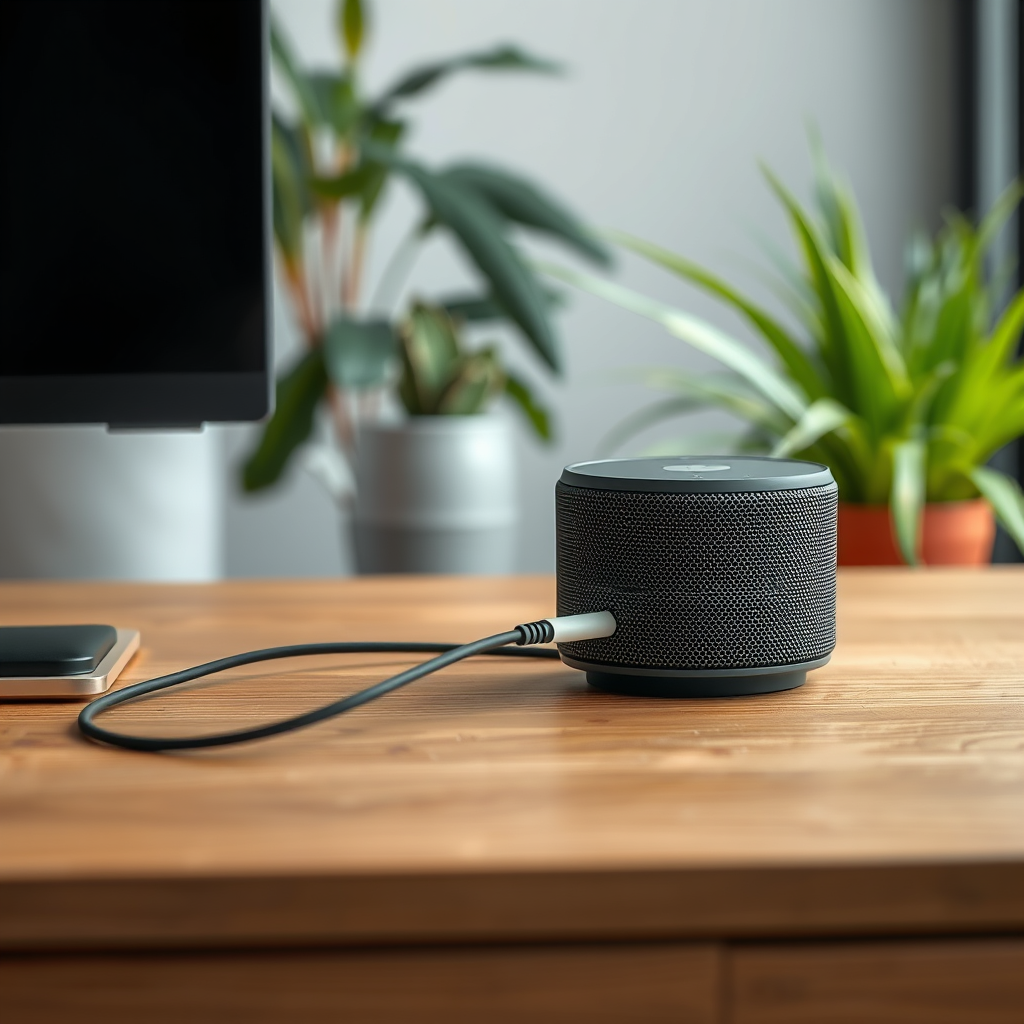
The first step in troubleshooting your B&O speaker is to check the charging cable and port. A loose or damaged cable can often cause charging issues. Ensure that the cable is securely connected to both the speaker and the power source. Sometimes, a simple disconnection and reconnection can resolve the problem.
Inspect the cable for any visible damage or fraying that could interrupt charging. Look for kinks, cuts, or exposed wiring, which can indicate that the cable is faulty. Additionally, examine the charging port on the speaker for any debris or damage that may prevent proper connection. A can of compressed air can be useful for cleaning out any dust or particles that may have accumulated in the port.
Test Different Power Sources
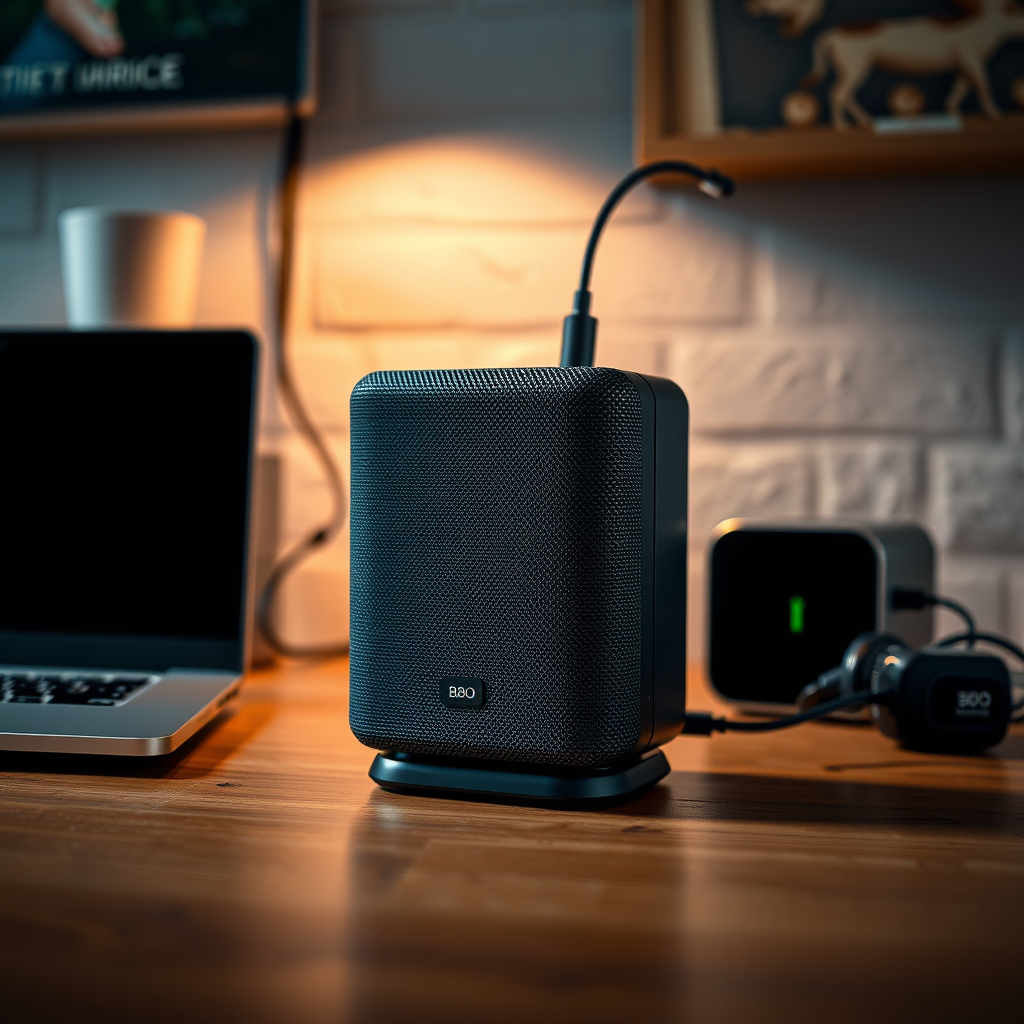
If the charging cable appears to be in good condition, the next step is to test different power sources. Try plugging the charger into a different outlet to rule out outlet issues. Sometimes, the outlet may not be functioning correctly due to a tripped circuit breaker or other electrical problems.
Using a different compatible charger can also help determine if the original charger is faulty. If you have access to another B&O charger or one that matches the specifications of your speaker, give it a try. This can help identify whether the issue lies with the charger itself or the speaker.
Reset the Speaker
If the previous steps do not resolve the charging issue, consider performing a factory reset on your B&O speaker. This can help clear any internal glitches that might be preventing the speaker from charging properly.
To reset your B&O speaker, follow the manufacturer’s instructions specific to your model. Generally, this involves holding down certain buttons for a specified duration until the speaker indicates a reset. Remember that a factory reset will erase any custom settings, so be sure to note them down if necessary.
Common Charging Issues and Their Causes
| # | Issue | Possible Cause | Solution |
|---|---|---|---|
| 1 | No Power | Faulty Cable | Replace Cable |
| 2 | Slow Charging | Weak Outlet | Try Different Outlet |
| 3 | Charging Light Off | Damaged Port | Inspect or Repair Port |
| 4 | Speaker Not Responding | Software Glitch | Perform Factory Reset |
| 5 | Overheating | Internal Damage | Seek Professional Help |
| 6 | Battery Not Charging | Old Battery | Replace Battery |
| 7 | Charging Intermittently | Loose Connection | Check Connections |
Update the Firmware
Keeping your speaker’s firmware up to date is crucial for optimal performance, including charging functionality. Check for any available firmware updates that could resolve charging issues. Manufacturers often release updates that address bugs and improve compatibility with various devices.
To update the firmware on your B&O speaker, use the B&O app, which is available on both iOS and Android. The app will guide you through the process of checking for updates and installing them. Ensuring your speaker is connected to a stable Wi-Fi network during this process will help avoid interruptions.
Inspect for Internal Damage
If your speaker still fails to charge after trying the previous solutions, it’s important to inspect for internal damage. Look for signs of water damage or physical harm that may affect charging functionality. This could include cracks in the casing or moisture indicators that suggest exposure to liquid.
If you suspect internal components are damaged, it’s best to consult a professional. Many B&O speakers are sophisticated devices, and attempting to repair them without proper knowledge can lead to further damage. Authorized service centers are equipped to diagnose and fix internal issues safely.
Contact Customer Support
If your B&O speaker remains unresponsive after all troubleshooting steps, it’s time to reach out to B&O customer service for assistance. They can provide additional troubleshooting tips tailored to your specific model and situation.
Explore warranty options for repairs or replacements if necessary. Many B&O products come with a warranty that covers defects and malfunctions, so it’s worthwhile to check your purchase documentation. Customer support can guide you on how to proceed, whether you’re looking for a repair or a replacement.
If your B&O speaker is not charging, start with the troubleshooting steps outlined above to identify and resolve the issue. By checking cables, power sources, and updating firmware, you can often restore functionality. If problems persist, don’t hesitate to seek professional help or contact customer support for further assistance. Your B&O speaker is an investment in quality sound, and ensuring it operates correctly will enhance your audio experience for years to come.
Frequently Asked Questions
Why is my B&O speaker not charging?
If your B&O speaker is not charging, it could be due to a few reasons such as a faulty charging cable, a dirty charging port, or a depleted battery. Start by inspecting the charging cable for any visible damage and ensure it’s securely connected. Additionally, check the charging port for dust or debris that might be preventing a proper connection.
How can I troubleshoot my B&O speaker that won’t charge?
To troubleshoot your B&O speaker, first, try using a different USB cable or power adapter to rule out any issues with your current charger. Next, reset your speaker by turning it off and then on again, or refer to the user manual for specific reset instructions. If the speaker still doesn’t charge, consider charging it for a longer period or testing it with another power source.
What should I do if my B&O speaker’s battery is not holding a charge?
If your B&O speaker’s battery isn’t holding a charge, it may indicate that the battery has reached the end of its lifespan or is malfunctioning. Try performing a factory reset, which can sometimes recalibrate the battery. If the issue persists, it may be necessary to contact B&O customer support for battery replacement options.
Which charging accessories are compatible with my B&O speaker?
Most B&O speakers are compatible with standard USB charging accessories, including USB-C cables and adapters that provide adequate power output. For optimal charging, it’s recommended to use the original charger that came with your speaker. Always check the specifications in the user manual to ensure compatibility and avoid potential damage.
Best practices to maintain my B&O speaker’s battery life?
To maintain your B&O speaker’s battery life, avoid letting the battery completely discharge frequently, as this can shorten its lifespan. Keep your speaker charged between 20% and 80% for optimal health, and store it in a cool, dry place when not in use. Additionally, regularly clean the charging port to prevent buildup that could hinder charging capabilities.
References
- Bang & Olufsen
https://en.wikipedia.org/wiki/Bang_%26_Olufsen - Google Scholar Google Scholar
https://scholar.google.com/scholar?q=B&O+Speaker+Not+Charging - Google Scholar Google Scholar
https://scholar.google.com/scholar?q=B&O+Speaker+Battery+Issues - https://www.bbc.com/news/technology-50871623
https://www.bbc.com/news/technology-50871623 - https://www.theguardian.com/technology/2020/jan/05/bang-olufsen-reveals-new-product-line-at-ces-2020
https://www.theguardian.com/technology/2020/jan/05/bang-olufsen-reveals-new-product-line-at-ces-2020 - https://www.nytimes.com/2020/01/07/technology/bang-olufsen-ces.html
https://www.nytimes.com/2020/01/07/technology/bang-olufsen-ces.html - https://www.sciencedirect.com/topics/engineering/speaker-system
https://www.sciencedirect.com/topics/engineering/speaker-system - https://www.pubmed.ncbi.nlm.nih.gov/
https://www.pubmed.ncbi.nlm.nih.gov/ - https://www.nature.com/articles/s41598-020-75444-5
https://www.nature.com/articles/s41598-020-75444-5 - https://www.bang-olufsen.com/en/support
https://www.bang-olufsen.com/en/support