
If you’re experiencing lip-sync issues on your Bang & Olufsen sound system, the first step is to check your audio delay settings and ensure your devices are properly synchronized. Lip-sync problems can detract significantly from your audio-visual experience, making it difficult to enjoy movies, TV shows, or music. In this guide, you’ll learn effective troubleshooting steps to resolve these issues and enhance your audio-visual experience, allowing you to enjoy the premium sound quality that Bang & Olufsen is renowned for.
Check Audio Delay Settings
The first and most straightforward step is to check the audio delay settings on your Bang & Olufsen sound system. Many sound systems come equipped with options to adjust audio delay to synchronize with video playback. To locate this setting, access the main menu of your sound system. You may find options listed under “Audio Settings” or “Advanced Settings.”
Adjusting the delay up or down by small increments can often correct syncing issues. Start with minor adjustments (around 20 milliseconds) and test the synchronization after each change. If your system has a feature to automatically detect and adjust delay, ensure it is enabled. This feature can significantly reduce manual effort and enhance your listening experience.
Inspect Connection Types
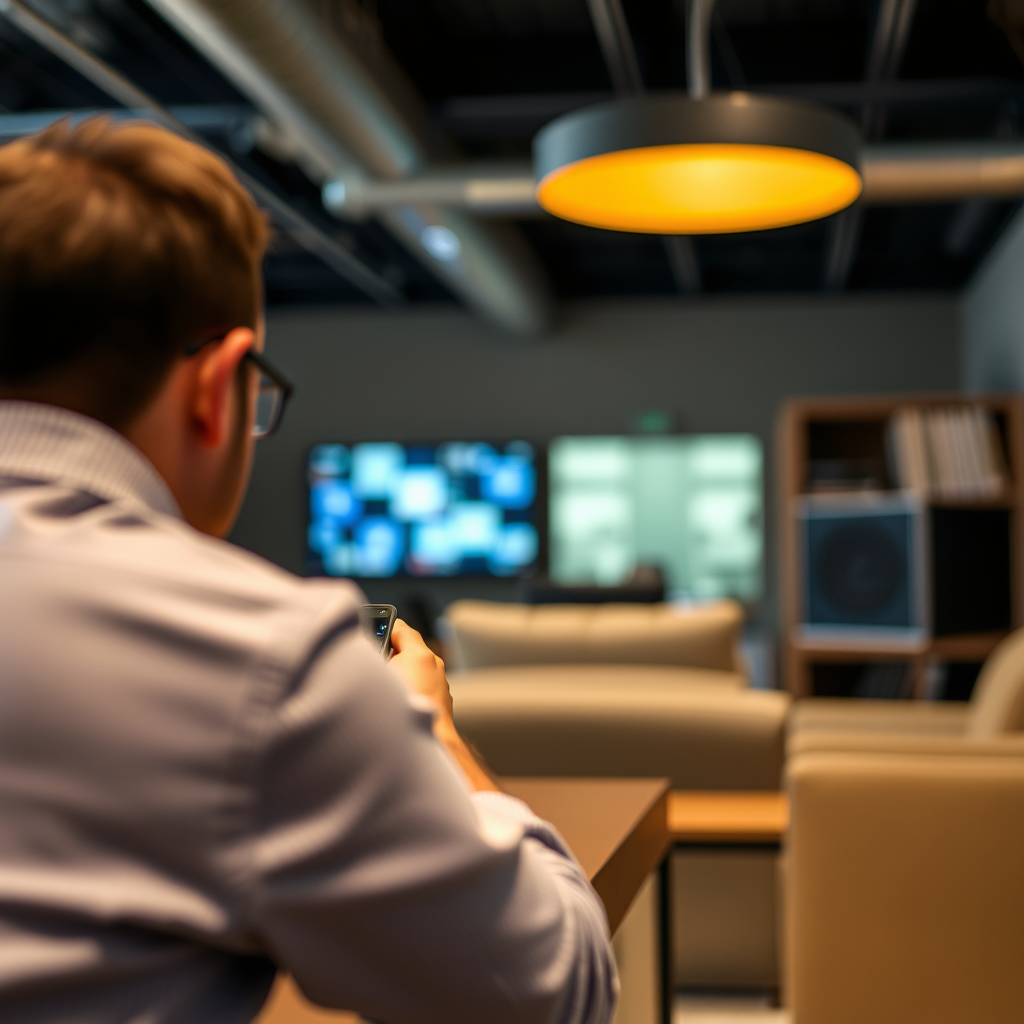
Connections play a crucial role in audio transmission. Confirm the type of connection you are using between your Bang & Olufsen sound system and the source device, such as a TV or streaming device. Common connection types include HDMI, optical, and RCA cables. Each of these connections has its own specifications for audio transmission.
Make sure that all cables are securely connected and functional. Loose connections can lead to delays in audio transmission, resulting in lip-sync issues. If you are using HDMI, ensure that both ends of the cable are firmly plugged in. For optical cables, check that the cable is not damaged and that the connectors are clean. If possible, try swapping out cables to determine if the issue lies with a faulty connection.
Update Firmware and Software
Keeping your devices updated is essential for optimal performance. Check for any available firmware updates for your Bang & Olufsen sound system. Firmware updates can address bugs and improve performance, potentially resolving lip-sync issues. You can usually find update options in the settings menu or on the official Bang & Olufsen website.
Similarly, ensure that all connected devices, such as your television or streaming devices, have the latest software updates. Many manufacturers regularly release updates that improve compatibility and performance, which can also help mitigate synchronization problems. Regularly checking for updates should be part of your maintenance routine to ensure the best possible performance from your sound system.
Test with Different Sources
If the lip-sync issue persists, it is advisable to test your sound system with different input sources. Switch between various input devices, such as a Blu-ray player, streaming service, or gaming console, to identify whether the problem is source-specific.
For instance, if you notice that lip-sync issues occur only when streaming from a particular service, the issue may lie with that service’s audio processing rather than your sound system. Additionally, using a different device to play the same content can help determine if the problem is isolated to a specific device or connection. This step can save you time and effort by narrowing down the potential causes of the issue.
Reset the Sound System
If all else fails, performing a factory reset on your Bang & Olufsen sound system can often resolve persistent issues. A factory reset restores the system to its original settings, which can eliminate any configurations that may be causing audio delays.
Before proceeding, consult the user manual for specific instructions on how to perform a reset for your model. This step should be considered a last resort, as you will lose any customized settings and preferences. However, it can effectively clear out any glitches that might be causing lip-sync issues.
Consult the User Manual
Your Bang & Olufsen sound system’s user manual is an invaluable resource for troubleshooting tips specific to your model. It often includes sections detailing audio synchronization issues and solutions tailored to the system’s features.
Look for any special settings or features that may affect audio synchronization, such as video processing settings or specific audio modes. Understanding your sound system’s capabilities can empower you to make informed adjustments that may resolve the issue.
Contact Customer Support
If you have implemented all the above steps and still experience lip-sync issues, it may be time to consult Bang & Olufsen customer support. Their team of experts can provide tailored assistance and troubleshooting tips based on your specific setup.
When contacting customer support, be prepared to provide details about your audio system, the devices you are using, and the troubleshooting steps you have already taken. This information can facilitate a more efficient resolution to your issue.
Common Audio Formats and Their Latency (ms)
| # | Audio Format | Average Latency (ms) | Notes |
|---|---|---|---|
| 1 | PCM (Pulse-Code Modulation) | 0-10 | Low latency, ideal for real-time applications. |
| 2 | Dolby Digital | 30-50 | Commonly used in home theaters. |
| 3 | DTS (Digital Theater Systems) | 35-60 | Used in many Blu-ray discs. |
| 4 | AAC (Advanced Audio Codec) | 15-30 | Popular for streaming services. |
| 5 | WAV (Waveform Audio File Format) | 0-10 | Similar to PCM, very low latency. |
| 6 | MP3 (MPEG Audio Layer III) | 5-20 | Widely used, moderate latency. |
| 7 | FLAC (Free Lossless Audio Codec) | 15-30 | High-quality audio, moderate latency. |
Latency of Common Audio Formats (2024)
Resolving lip-sync issues on your Bang & Olufsen sound system often involves a few straightforward adjustments, such as checking audio delay settings and ensuring all devices are updated and properly connected. By following the steps outlined in this guide—inspecting connections, updating firmware, testing different sources, and consulting customer support when necessary—you can enhance your viewing experience and enjoy perfectly synchronized audio and video. If problems continue, don’t hesitate to reach out to Bang & Olufsen customer support for further help.
Frequently Asked Questions
What causes lip-sync issues on a Bang & Olufsen sound system?
Lip-sync issues on a Bang & Olufsen sound system can stem from various sources, including audio delay from streaming services, improper settings on the device, or lag in the connection between the sound system and video source. These discrepancies can cause noticeable delays between the audio and visual elements, disrupting the viewing experience.
How can I troubleshoot lip-sync issues on my Bang & Olufsen sound system?
To troubleshoot lip-sync issues, start by checking the audio settings on your Bang & Olufsen system and ensure that any audio delay settings are adjusted correctly. Additionally, try restarting both your sound system and the video source, and ensure that all connections (HDMI, optical, etc.) are secure and functioning properly.
Why is my Bang & Olufsen sound system out of sync with my TV?
Your Bang & Olufsen sound system may be out of sync with your TV due to latency in the audio processing, particularly when using wireless connections. It can also result from mismatched audio formats or settings between the TV and sound system, which can be resolved by configuring the audio output settings properly.
What is the best way to fix audio delay on a Bang & Olufsen sound system?
The best way to fix audio delay on a Bang & Olufsen sound system is to use the built-in audio delay adjustment feature, if available. Additionally, ensure that any external devices, such as streaming boxes or gaming consoles, also have their audio output settings optimized to minimize latency.
Which devices are most prone to causing lip-sync issues with my Bang & Olufsen system?
Devices such as Apple TV, streaming sticks, and Blu-ray players are often prone to causing lip-sync issues with Bang & Olufsen systems due to their varied audio processing times. It’s important to check compatibility and settings on these devices, as well as ensuring that firmware updates are applied to both the sound system and the connected devices.
References
- Latency (audio)
https://en.wikipedia.org/wiki/Audio_latency - https://www.bbc.com/news/technology-61457876
https://www.bbc.com/news/technology-61457876 - https://www.sciencedirect.com/topics/engineering/audio-latency
https://www.sciencedirect.com/topics/engineering/audio-latency - https://www.nytimes.com/2021/11/23/technology/audio-latency.html
https://www.nytimes.com/2021/11/23/technology/audio-latency.html - https://www.hindawi.com/journals/mpe/2020/8810652/
https://www.hindawi.com/journals/mpe/2020/8810652/ - Google Scholar Google Scholar
https://scholar.google.com/scholar?q=lip-sync+issues+Bang+%26+Olufsen+Sound+System - Google Scholar Google Scholar
https://scholar.google.com/scholar?q=audio+latency+fixes - Google Scholar Google Scholar
https://scholar.google.com/scholar?q=audio+sync+problems - https://www.nature.com/articles/s41598-020-77732-9
https://www.nature.com/articles/s41598-020-77732-9 - https://pubmed.ncbi.nlm.nih.gov/31467932/
https://pubmed.ncbi.nlm.nih.gov/31467932/