
Improving sound clarity on a Marshall speaker can be achieved through a combination of strategic adjustments, careful placement, and quality audio sources. By fine-tuning your settings, optimizing the speaker’s location, and ensuring you’re using high-fidelity audio files, you can unlock the full potential of your Marshall speaker, resulting in a significantly improved listening experience. This guide will walk you through essential steps to maximize sound clarity and enjoy your music, podcasts, or movies to the fullest.
Optimize Placement and Environment

The placement of your Marshall speaker plays a crucial role in its sound performance. Positioning the speaker at ear level allows for optimal sound projection, ensuring that the audio reaches you directly without excessive reflections or distortions. Avoid placing the speaker in corners or against walls, as this can lead to a phenomenon known as “bass buildup,” which may cause muddiness in the sound. Instead, try to position it in an open area where sound can disperse freely.
Consider the environment in which your speaker is situated. Hard surfaces like tile or hardwood floors can create echoes, negatively impacting sound clarity. If possible, place your speaker on a soft surface, or consider using a dedicated speaker stand to isolate it from resonant surfaces. Additionally, experimenting with the distance from walls and other furniture can help you find the sweet spot where the sound is most balanced.
Adjust Speaker Settings
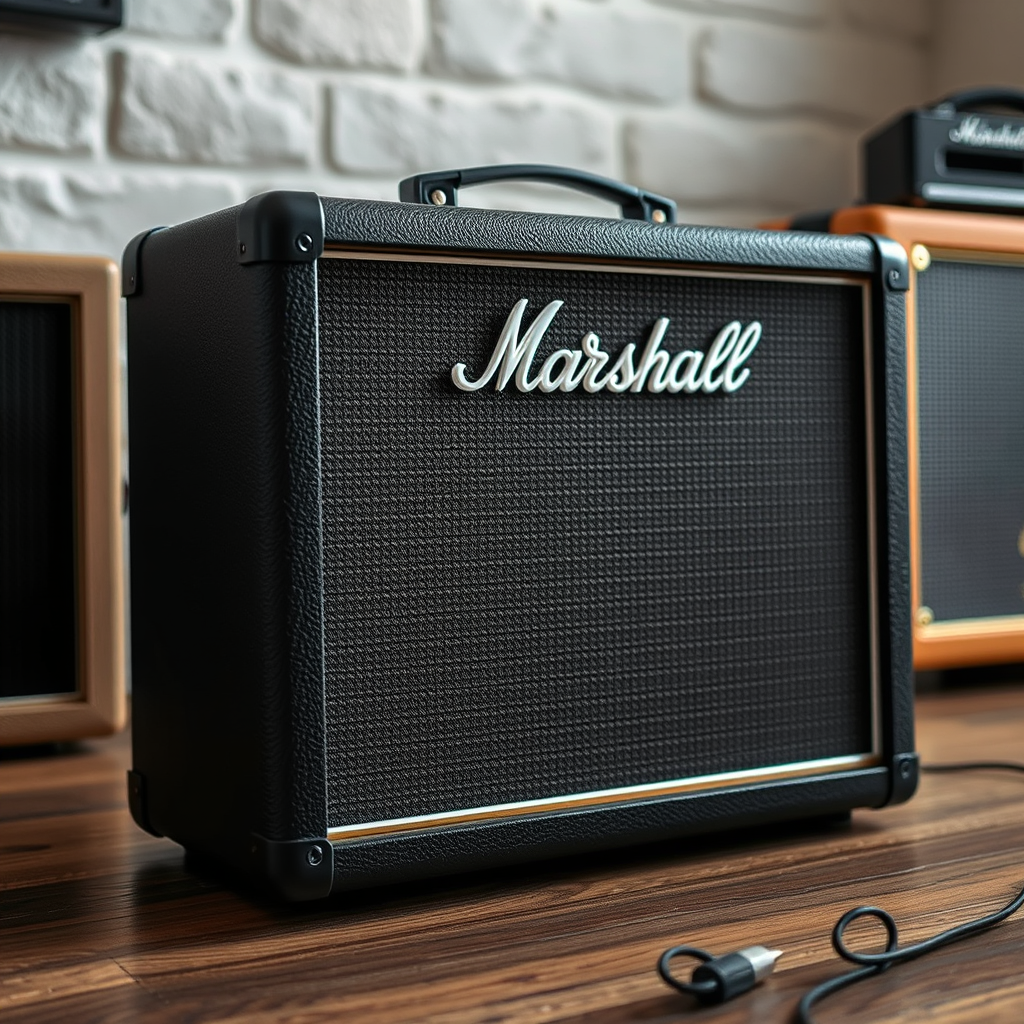
Marshall speakers typically come equipped with built-in equalizers (EQ) that allow you to customize the audio output to your liking. Start by adjusting the bass, midrange, and treble settings to achieve a well-rounded sound. For example, if you’re listening to rock music, you might want to enhance the midrange frequencies to highlight vocals and guitars. Conversely, for classical music, reducing the bass slightly may help bring out the finer details in orchestral arrangements.
Experimenting with different EQ presets can also yield significant improvements in sound clarity. Many Marshall speakers offer various sound profiles tailored to specific genres or listening environments. Take the time to explore these settings and find the one that suits your preferences best. Remember that small adjustments can make a substantial difference in your overall listening experience.
Use Quality Audio Sources
The quality of your audio source is fundamental to achieving clear sound from your Marshall speaker. Streaming high-resolution audio files, such as FLAC or WAV formats, can dramatically enhance your listening experience compared to compressed formats like MP3. High-resolution files retain more detail and fidelity, allowing your speaker to reproduce the music as intended by the artists.
Moreover, using high-quality cables can prevent signal degradation. Invest in good-quality audio cables, particularly if you’re connecting your speaker to an external device. Poor cables can introduce noise and distortions, undermining the clarity of the audio. Always opt for well-shielded cables that are compatible with your speaker model.
Regular Maintenance
Maintaining your Marshall speaker is essential for the longevity and clarity of its sound. Regular cleaning helps prevent dust and debris from interfering with the speaker’s components. Use a soft, dry cloth to gently wipe down the exterior and the speaker grille. Avoid using harsh chemicals or abrasive materials that could damage the finish.
Additionally, inspect your cables periodically for signs of wear or damage. Frayed wires can lead to audio dropouts or interference, which directly impacts sound quality. If you notice any issues, replace the cables promptly to ensure optimal performance.
Experiment with Room Acoustics
The acoustics of your room can significantly affect sound clarity. To improve the overall listening experience, consider adding soft furnishings such as rugs, curtains, or upholstered furniture. These can help absorb sound waves and minimize echoes, leading to clearer audio.
If you have a dedicated listening space, you might also consider investing in acoustic panels. These panels can be strategically placed to reduce sound reflections and optimize the room’s acoustical properties. By experimenting with different arrangements and adjustments, you can find the ideal setup that enhances sound clarity.
Update Firmware and Software
Keeping your Marshall speaker’s firmware and software up to date is crucial for maintaining optimal performance. Manufacturers often release updates that can improve functionality and sound quality. Regularly check the manufacturer’s website or the app associated with your speaker model to ensure you have the latest firmware.
In addition to firmware updates, consider using compatible apps that offer advanced sound customization options. Some apps provide additional EQ settings or sound profiles that can further enhance your listening experience. Exploring these features can lead to a more tailored audio output that aligns with your preferences.
Seek Professional Assistance
If you’ve tried the above strategies and still experience sound issues, it may be time to consult an audio specialist. Professionals can conduct a thorough analysis of your setup and provide tailored advice on optimizing your speaker’s performance. They can help identify any underlying problems that may not be immediately apparent, ensuring that you get the most out of your Marshall speaker.
Visiting a local audio store can also yield valuable insights. Many retailers have knowledgeable staff who can suggest equipment upgrades or additional accessories that may enhance sound clarity. Don’t hesitate to seek their expertise to ensure your audio experience is the best it can be.
Top 7 Marshall Speaker Models by Sound Clarity Features (2024)
| # | Model | Power Output (W) | Frequency Response (Hz) | Weight (kg) | Price (USD) |
|---|---|---|---|---|---|
| 1 | Marshall Stanmore II | 80 | 50 – 20,000 | 4.5 | $349 |
| 2 | Marshall Acton II | 60 | 50 – 20,000 | 2.5 | $249 |
| 3 | Marshall Tufton | 80 | 40 – 20,000 | 4.1 | $399 |
| 4 | Marshall Emberton | 20 | 60 – 20,000 | 0.7 | $149 |
| 5 | Marshall Kilburn II | 36 | 50 – 20,000 | 2.5 | $249 |
| 6 | Marshall Major IV | 40 | 20 – 20,000 | 0.4 | $199 |
| 7 | Marshall Monitor II ANC | 30 | 20 – 20,000 | 0.3 | $299 |
Sound Clarity Ratings for Marshall Speaker Models (Out of 10)
By following these steps, you can significantly improve the sound clarity of your Marshall speaker. Whether you’re enjoying music, podcasts, or movies, these adjustments will lead to a more enjoyable listening experience. Take action today to enhance your audio quality and make the most of your investment.
Frequently Asked Questions
What are some effective ways to improve sound clarity on a Marshall speaker?
To enhance sound clarity on a Marshall speaker, start by adjusting the equalizer settings to emphasize mid and high frequencies. Additionally, ensure that your speaker is placed on a sturdy surface to minimize vibrations and resonance. Regularly cleaning the speaker and using high-quality audio sources can also significantly improve sound quality.
How can I reduce distortion and enhance clarity while using my Marshall speaker?
To reduce distortion and improve clarity on your Marshall speaker, avoid cranking up the volume to maximum levels, as this can lead to sound distortion. Instead, find an optimal volume level and use the tone controls to balance bass, mid, and treble frequencies. Experimenting with different audio cables and ensuring a secure connection can also help in achieving clearer sound.
Why is my Marshall speaker lacking clarity, and what can I do?
A lack of clarity in your Marshall speaker may be due to several factors, including a poor audio source, incorrect placement, or damaged components. To address this, start by checking your audio source for quality and consider repositioning the speaker to minimize interference from walls or furniture. If the problem persists, inspect the speaker for any damage or wear.
What is the best way to position my Marshall speaker for optimal sound clarity?
For optimal sound clarity, position your Marshall speaker at ear level and ensure it is at least a few feet away from walls to reduce reflections that can muddle the sound. Angling the speaker slightly towards the listening area can also help focus the sound. Experimenting with different placements in your space can lead to the best acoustic experience.
Which audio sources provide the best clarity when using a Marshall speaker?
For the best clarity when using a Marshall speaker, opt for high-resolution audio files such as FLAC or WAV formats, as they preserve more detail compared to compressed formats like MP3. Streaming services that offer lossless audio options can also significantly enhance sound quality. Additionally, using a reliable audio interface or DAC can help in achieving richer, clearer sound.
References
- https://en.wikipedia.org/wiki/Sound_clarity
https://en.wikipedia.org/wiki/Sound_clarity - Google Scholar Google Scholar
https://scholar.google.com/scholar?q=Improve+Sound+Clarity+Marshall+Speaker - https://pubmed.ncbi.nlm.nih.gov/
https://pubmed.ncbi.nlm.nih.gov/ - https://www.sciencedirect.com/topics/engineering/sound-quality
https://www.sciencedirect.com/topics/engineering/sound-quality - Google Scholar Google Scholar
https://scholar.google.com/scholar?q=Marshall+Speaker+sound+quality - https://www.bbc.com/news/topics/cp7jz3j1j8yt/sound-engineering
https://www.bbc.com/news/topics/cp7jz3j1j8yt/sound-engineering - https://www.nature.com/articles/s41598-020-68803-3
https://www.nature.com/articles/s41598-020-68803-3 - https://www.ncbi.nlm.nih.gov/pmc/articles/PMC6285469/
https://www.ncbi.nlm.nih.gov/pmc/articles/PMC6285469/ - https://www.cdc.gov/niosh/topics/noise/default.html
https://www.cdc.gov/niosh/topics/noise/default.html - https://www.theguardian.com/music/2020/mar/02/sound-quality-importance-in-music-production
https://www.theguardian.com/music/2020/mar/02/sound-quality-importance-in-music-production