
Resetting your Devialet sound system is a straightforward process that can significantly enhance its performance. By following a few simple steps, you can clear any glitches and restore your system to its best sound quality. In this article, you will learn how to reset your Devialet sound system effectively, ensuring an improved audio experience.
Understanding the Need for a Reset
A reset may be necessary when your Devialet sound system exhibits common performance issues such as connectivity inconsistencies, sound distortion, or failure to recognize devices. These problems can stem from various factors, including software updates, network changes, or even minor glitches that occur during use. Recognizing when to reset your system is crucial for maintaining optimal audio performance.
The benefits of resetting your system are significant. It can lead to improved connectivity with devices, restoration of original sound quality, and elimination of any temporary bugs that may be affecting performance. A reset can also enhance the overall responsiveness of your sound system, allowing you to enjoy a seamless listening experience.
Preparing for the Reset
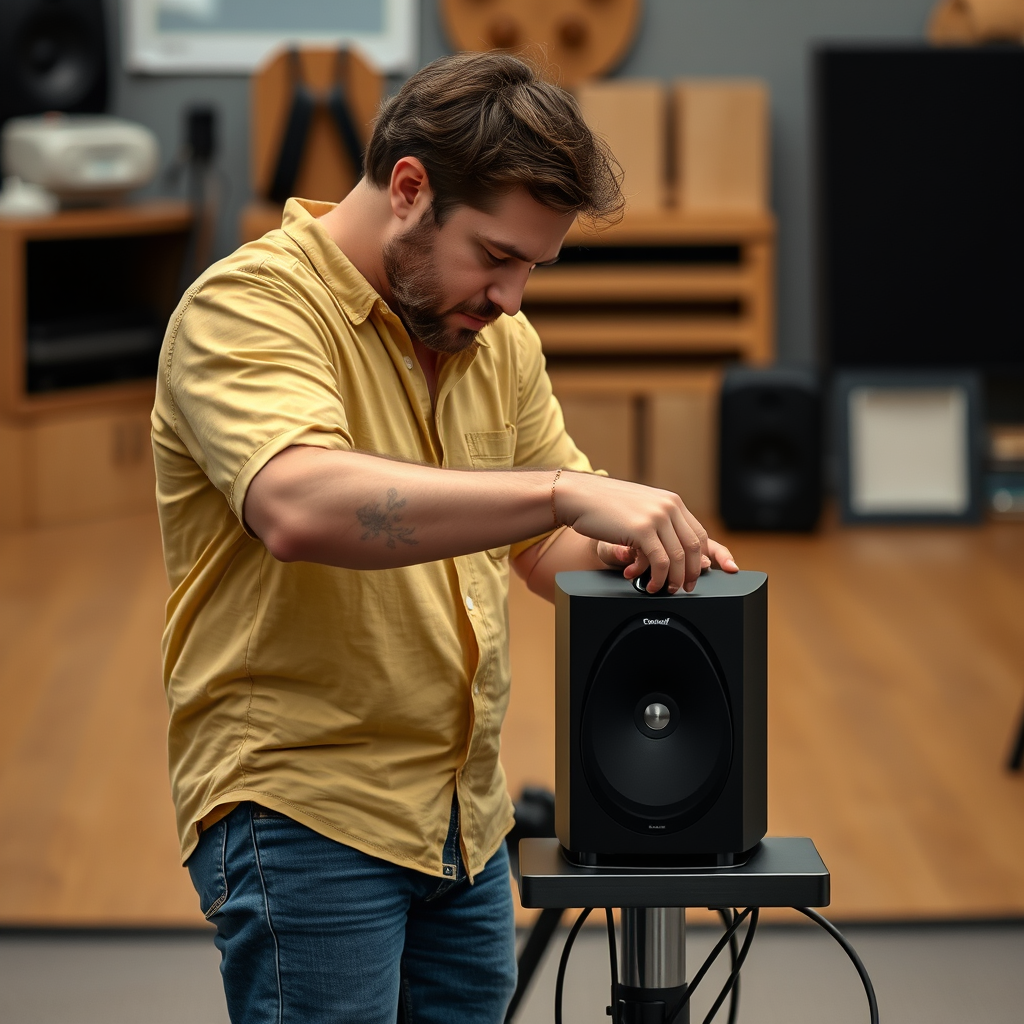
Before initiating a reset, it is essential to ensure that your Devialet sound system is adequately powered and connected. Check that all cables are securely plugged in, and the device is powered on. If you have any custom settings or configurations that you wish to retain, back them up before proceeding with the reset. This may include saved playlists, equalizer settings, and any other personalized preferences that enhance your listening experience.
By taking these preparatory steps, you can ensure a smooth reset process and minimize the risk of data loss or further issues.
Step-by-Step Guide to Resetting Your Devialet System
Soft Reset
A soft reset is a less invasive option that can resolve minor issues without losing your settings. To perform a soft reset on your Devialet sound system, follow these steps:
1. Power Off: Turn off the sound system completely by unplugging it from the power source.
2. Wait: Allow the device to remain unplugged for at least 30 seconds.
3. Power On: Plug the system back in and turn it on.
This simple procedure can often resolve connectivity issues and minor glitches without the need for a full factory reset.
Factory Reset
If a soft reset does not resolve the issues, a factory reset may be necessary. This process will restore the sound system to its original factory settings, erasing all custom configurations. To perform a factory reset:
1. Access Settings: Use the Devialet app or the physical buttons on the device to navigate to the settings menu.
2. Select Factory Reset: Find the option labeled “Factory Reset” and select it. Confirm your choice when prompted.
3. Wait for Completion: Allow the system to complete the reset process, which may take several minutes.
A factory reset is particularly useful when you experience persistent issues that cannot be resolved through other means or if you are planning to sell or transfer ownership of the device.
Common Features of Devialet Sound Systems (2024)
| # | Feature | Description | Rating |
|---|---|---|---|
| 1 | Wireless Connectivity | Bluetooth, Wi-Fi | ★★★★☆ |
| 2 | High-Resolution Audio | Up to 32-bit/384kHz | ★★★★★ |
| 3 | Parametric Equalizer | Customizable sound profiles | ★★★★★ |
| 4 | Multi-Room Capability | Connect multiple devices | ★★★★☆ |
| 5 | Voice Control | Compatible with smart assistants | ★★★★☆ |
| 6 | Remote App Control | Manage settings via mobile app | ★★★★★ |
| 7 | Compact Design | Space-saving aesthetics | ★★★★☆ |
After the Reset: Reconfiguring Your System
After successfully resetting your Devialet sound system, the next step is to reconfigure your settings. If you backed up your previous configurations, you can easily restore them by navigating to the settings menu in the app or the device interface. Make sure to check each setting to ensure that everything is functioning correctly.
To optimize your sound system’s performance post-reset, consider adjusting the equalizer settings to tailor the sound to your preferences. Experiment with different audio profiles based on the type of music you listen to, as different genres may require different sound adjustments. Additionally, ensure that the latest firmware updates are installed, as these can provide enhancements and fixes that further improve performance.
Troubleshooting Common Post-Reset Issues
Even after a reset, you may encounter some issues. Connectivity problems can arise, especially when reconnecting to Wi-Fi or Bluetooth devices. If your system fails to recognize a previously connected device, try forgetting the device in your sound system settings and re-pairing it.
Another common post-reset issue involves sound quality. If you notice that the audio is distorted or not as clear as before, double-check the equalizer settings and ensure that they are set appropriately for your listening environment. If problems persist, consider conducting another reset or reaching out to Devialet support for assistance.
Maintaining Your Devialet Sound System
Regular maintenance is essential for keeping your Devialet sound system in peak condition. This includes routine checks for software updates, which can provide critical enhancements and bug fixes. Additionally, regularly cleaning your device and ensuring that it is placed in a suitable environment free from dust and obstructions will help maintain optimal performance.
Best practices to prevent the need for frequent resets include using high-quality audio sources and ensuring that your network connection is stable. By taking these proactive steps, you can reduce the likelihood of encountering performance issues and prolong the life of your sound system.
In summary, resetting your Devialet sound system can lead to enhanced performance and audio quality. By understanding when and how to reset, preparing adequately, and maintaining your system properly, you can enjoy an unparalleled listening experience. We encourage you to implement these steps and explore different settings to find your ideal sound.
Frequently Asked Questions
How do I reset my Devialet sound system to improve audio performance?
To reset your Devialet sound system, first, ensure it is powered on. Then, press and hold the ‘Bluetooth’ and ‘Power’ buttons simultaneously for about 10 seconds until the LED indicator flashes. This process will restore factory settings and can enhance your audio performance by clearing any previous configurations.
Why might I need to reset my Devialet sound system?
Resetting your Devialet sound system may be necessary if you experience connectivity issues, audio distortion, or if the sound quality has degraded over time. A reset can clear temporary glitches and restore optimal performance, allowing you to enjoy the high-fidelity sound that Devialet is known for.
What are the best practices to follow after resetting my Devialet sound system?
After resetting your Devialet sound system, it’s advisable to check for firmware updates to ensure you have the latest features and improvements. Additionally, recalibrate your audio settings and connect your devices afresh to optimize sound quality and connectivity.
Which devices are compatible with my Devialet sound system after a reset?
After resetting your Devialet sound system, it is compatible with various devices such as smartphones, tablets, and computers that support Bluetooth or Wi-Fi connectivity. Make sure to re-establish connections using the appropriate app or settings on your devices for seamless audio streaming.
How often should I reset my Devialet sound system for optimal performance?
It’s recommended to reset your Devialet sound system whenever you notice performance issues, such as connectivity drops or sound quality problems. However, performing a reset every 6 to 12 months can also help maintain optimal performance and ensure your system is running smoothly with the latest updates.
References
- https://www.devialet.com/en-us/support/
https://www.devialet.com/en-us/support/ - Google Scholar Google Scholar
https://scholar.google.com/scholar?q=Devialet+Sound+System+Reset - Google Scholar Google Scholar
https://scholar.google.com/scholar?q=Devialet+Audio+Performance - Google Scholar Google Scholar
https://scholar.google.com/scholar?q=Sound+System+Optimization - https://www.bbc.com/news/technology-58696455
https://www.bbc.com/news/technology-58696455 - https://www.theguardian.com/technology/2021/dec/14/devialet-expert-pro-review
https://www.theguardian.com/technology/2021/dec/14/devialet-expert-pro-review - https://www.nytimes.com/2020/12/02/technology/devialet-music.html
https://www.nytimes.com/2020/12/02/technology/devialet-music.html - https://www.sciencedirect.com/topics/engineering/audio-systems
https://www.sciencedirect.com/topics/engineering/audio-systems - Google Scholar Google Scholar
https://scholar.google.com/scholar?q=How+to+Reset+a+Devialet+Sound+System+for+Better+Performance - How to Reset a Devialet Sound System for Better Performance – Search results
https://en.wikipedia.org/wiki/Special:Search?search=How+to+Reset+a+Devialet+Sound+System+for+Better+Performance