
If your Devialet speaker is making a buzzing noise, the good news is that there are several effective fixes you can try. This article will guide you through troubleshooting steps and potential solutions to eliminate that annoying sound and restore your speaker’s performance. The buzzing noise can be frustrating, but with the right approach, you can often resolve this issue swiftly and enjoy your audio experience without interruptions.
Check Power Connections
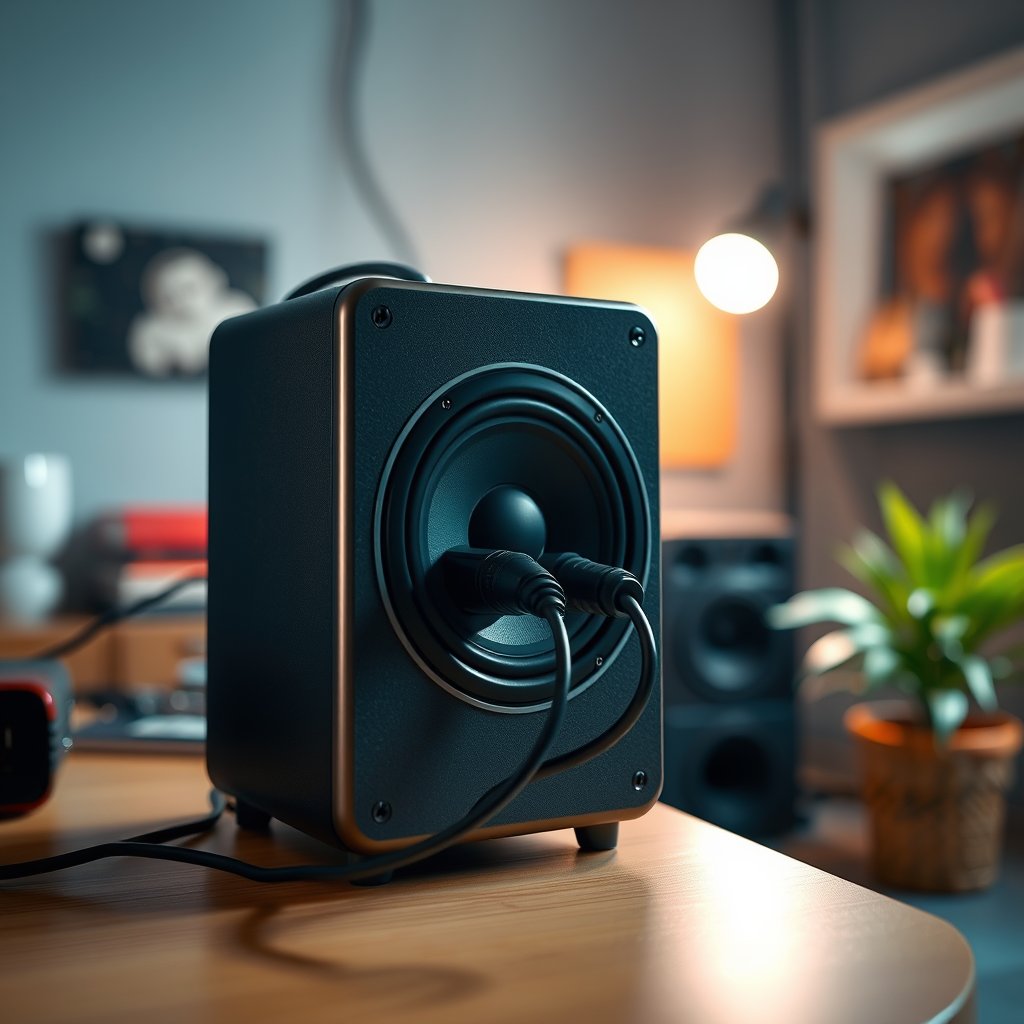
The first step in troubleshooting a buzzing noise from your Devialet speaker is to check its power connections. A secure and stable power supply is crucial for optimal performance. Ensure that the power cable is tightly connected to both the speaker and the electrical outlet. Loose connections can lead to poor power flow, resulting in unwanted noise.
Additionally, inspect the power cable for any signs of wear, such as fraying or damage. A compromised cable can create intermittent power issues, which may manifest as buzzing or humming sounds. If you notice any damage, consider replacing the power cable with a compatible one to ensure safe and efficient operation.
Adjust Audio Settings
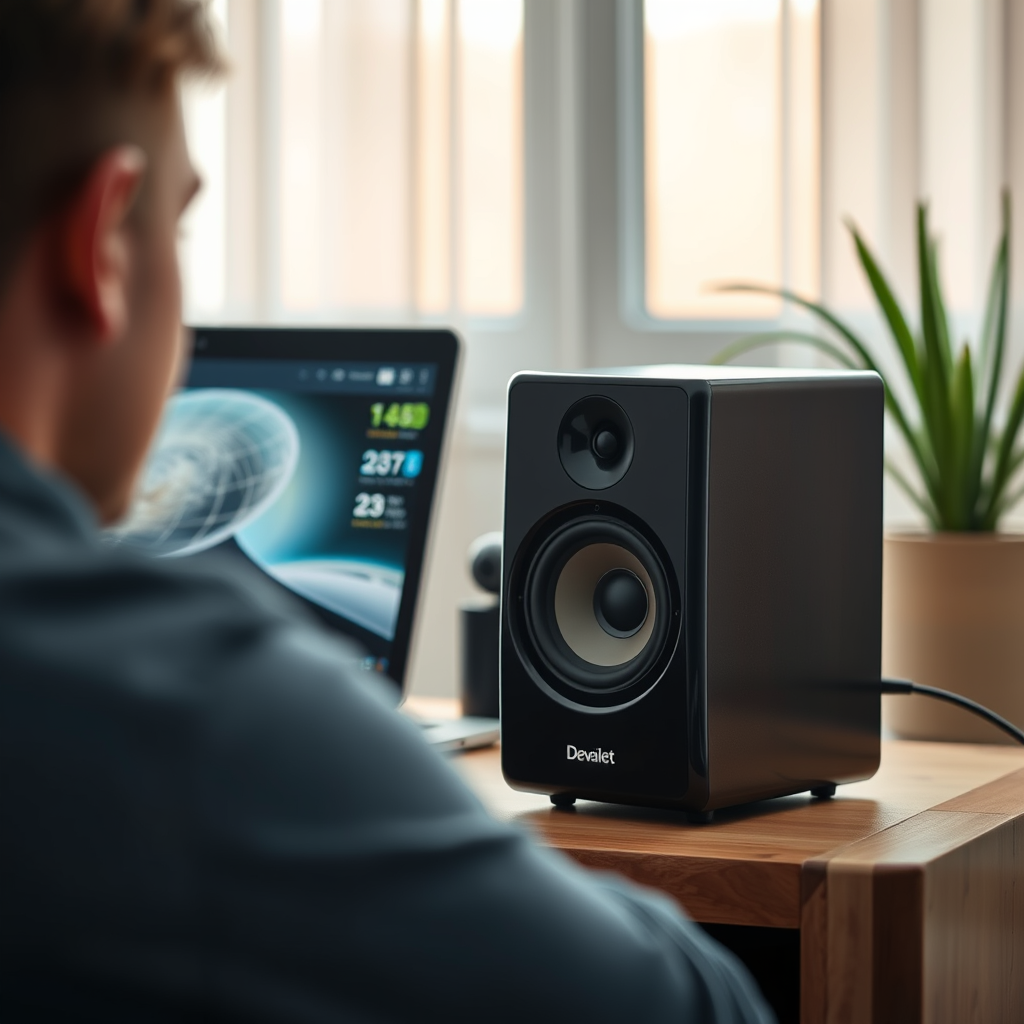
Sometimes, the source of the buzzing noise may lie within the audio settings of your connected device. Begin by examining the audio settings to ensure they are properly configured for your Devialet speaker. Check the output settings and make sure that the correct audio format is selected.
Adjust the volume levels as well. Sometimes, high volume settings can cause distortion, leading to buzzing sounds. Try lowering the volume to see if the noise persists. Additionally, if your device allows, switch between different audio formats or sampling rates to determine if the buzzing is tied to a specific configuration.
Examine Bluetooth Connections
If you are using your Devialet speaker wirelessly through Bluetooth, the buzzing noise may stem from connectivity issues. First, disconnect the Bluetooth connection and reconnect to see if this resolves the problem. A temporary disconnection can sometimes reset the connection and eliminate any glitches that may cause buzzing.
Moreover, wireless interference can be a significant factor in audio quality. Check for nearby electronic devices that may be emitting signals that interfere with Bluetooth connectivity. Items like routers, microwaves, and even cordless phones can cause disturbances. If possible, move your speaker away from such devices or try changing the frequency of your router to minimize interference.
Inspect for External Interference
Beyond Bluetooth interference, other nearby electronic devices may cause the buzzing noise. Identify any electronic devices that are positioned close to your speaker. Items like televisions, gaming consoles, or wireless chargers can emit electromagnetic interference.
To mitigate this, reposition your speaker away from potential sources of interference. Additionally, using a power conditioner can help filter out electrical noise from the power supply, improving the overall sound quality of your speaker.
Reset the Speaker
If all else fails and the buzzing noise continues, performing a factory reset on your Devialet speaker may be necessary. Resetting the device can help clear any software glitches that could be causing the issue. However, this should be considered a last resort.
Refer to your user manual for specific instructions on how to reset your particular model. Generally, this involves holding down certain buttons for a set period. Be aware that a factory reset will erase all custom settings, so you will need to set up your speaker again after the reset.
Contact Customer Support
If none of the previous solutions resolve the buzzing noise, it may be time to contact Devialet customer support. They can provide assistance tailored to your specific situation and may offer solutions that aren’t covered in general troubleshooting guides. When reaching out, be prepared to provide details about your speaker model, the nature of the buzzing noise, and any troubleshooting steps you have already taken.
Devialet’s customer service is known for being responsive and helpful, so don’t hesitate to seek their guidance if necessary.
Common Causes of Buzzing Noise in Devialet Speakers
| # | Cause | Description | Solution |
|---|---|---|---|
| 1 | Power Issues | Loose or damaged cables | Check and replace cables as needed |
| 2 | Audio Settings | Incorrect configurations | Adjust audio settings |
| 3 | Bluetooth Interference | Signal disruptions | Reconnect Bluetooth and minimize interference |
| 4 | External Devices | Nearby electronics causing noise | Reposition the speaker away from other devices |
| 5 | Software Glitches | Programming errors | Perform a factory reset |
Common Causes of Buzzing Noise in Devialet Speakers
By following these troubleshooting steps, you can effectively address the buzzing noise coming from your Devialet speaker. Each potential solution is designed to tackle specific issues, making it easier for you to identify and resolve the problem. If the problem persists, consider seeking professional assistance to ensure your speaker is functioning optimally. Take these steps today to enjoy clear and uninterrupted audio from your device!
Frequently Asked Questions
What causes my Devialet speaker to make a buzzing noise?
A buzzing noise from your Devialet speaker can be caused by several factors, including electrical interference, connection issues, or speaker malfunction. Check for nearby devices that may cause interference, ensure all cables are securely connected, and consider the placement of your speaker to minimize vibrations from other electronic devices.
How can I fix the buzzing noise on my Devialet speaker?
To fix the buzzing noise, first try unplugging the speaker for a few minutes and then reconnecting it. Additionally, inspect the audio cables for damage, switch to different audio sources, and move the speaker away from other electronics. If the problem persists, resetting the speaker to factory settings may help resolve the issue.
Why is my Devialet speaker buzzing only at high volumes?
If your Devialet speaker is buzzing only at high volumes, it may indicate that the speaker is being pushed beyond its limits, leading to distortion. This could also be caused by the audio source‘s output levels being too high, so check the volume settings on both the speaker and the connected device to prevent overdriving.
What is the best way to reduce buzzing noise from my Devialet speaker?
The best way to reduce buzzing noise is to ensure that your speaker is placed on a stable, vibration-free surface away from other electronic devices. Additionally, using high-quality audio cables and ensuring proper grounding can significantly minimize interference. Regularly updating the speaker’s firmware might also resolve any software-related noise issues.
Which troubleshooting steps should I take if my Devialet speaker continues to buzz?
If your Devialet speaker continues to buzz after trying basic fixes, start by testing it with different audio sources to isolate the problem. Next, check for any software updates or factory reset options that may address the issue. If all else fails, contacting Devialet customer support for professional assistance could be the best course of action.
References
- https://www.sciencedirect.com/topics/engineering/speaker-noise
https://www.sciencedirect.com/topics/engineering/speaker-noise - Dehydration – Symptoms & causes – Mayo Clinic
https://www.mayoclinic.org/diseases-conditions/tinnitus/symptoms-causes/syc-20354088 - Detail
https://www.who.int/news-room/fact-sheets/detail/noise - Google Scholar Google Scholar
https://scholar.google.com/scholar?q=Devialet+Speaker+Buzzing+Noise+Fixes - Google Scholar Google Scholar
https://scholar.google.com/scholar?q=speaker+noise+issues+solutions - https://pubmed.ncbi.nlm.nih.gov/24830503/
https://pubmed.ncbi.nlm.nih.gov/24830503/ - https://www.theguardian.com/technology/2020/oct/05/how-to-fix-your-speaker-issues
https://www.theguardian.com/technology/2020/oct/05/how-to-fix-your-speaker-issues - https://www.nytimes.com/2021/06/15/technology/personaltech/speaker-buzzing-noise.html
https://www.nytimes.com/2021/06/15/technology/personaltech/speaker-buzzing-noise.html - https://www.bbc.com/news/technology-56943603
https://www.bbc.com/news/technology-56943603 - Google Scholar Google Scholar
https://scholar.google.com/scholar?q=Devialet+Speaker+Making+Buzzing+Noise?+Try+These+Fixes