Setting up a sound system for virtual reality (VR) experiences is essential for creating an engaging and immersive atmosphere that transports users into another world. A carefully designed audio setup not only enhances realism but also elevates the overall experience, making users feel as though they are truly part of the digital environment. In this guide, we will explore the key components and steps required to configure an effective sound system tailored for VR, ensuring that every sound detail is meticulously crafted.




Understanding VR Audio Requirements
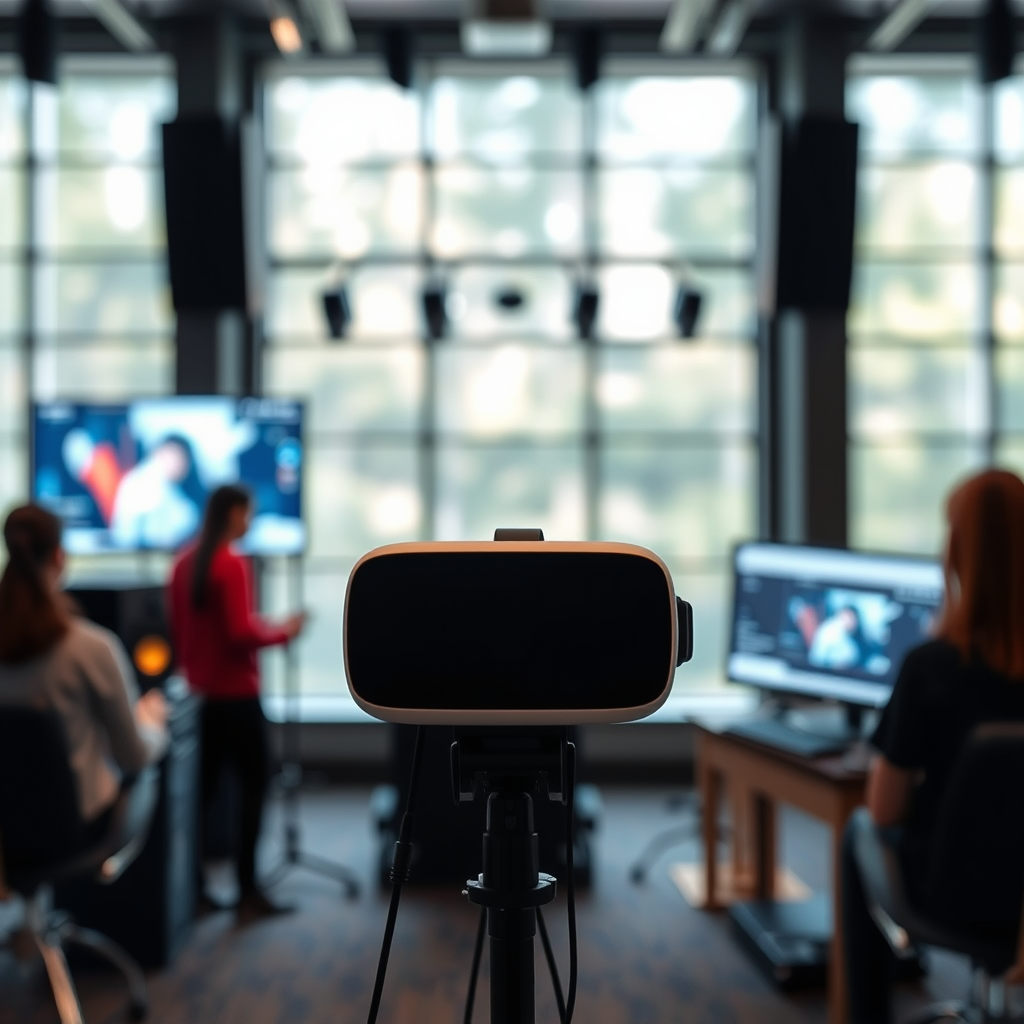
To create a genuinely immersive VR experience, it’s important to grasp what VR audio entails. Unlike traditional audio, VR audio needs a spatial component that simulates three-dimensional soundscapes. This means that sounds must come from various directions and distances to replicate how we naturally perceive audio in the real world. Many VR platforms support spatial audio technologies, such as binaural audio or 3D audio, which can create a lifelike audio environment.
Before diving into your setup, it’s crucial to check the specific audio requirements of the VR platform you’re using. Different systems, such as Oculus, HTC Vive, or PlayStation VR, may have unique compatibility requirements or built-in audio features that influence how you should set up your sound system. Familiarizing yourself with these details will help you avoid potential pitfalls and enhance your audio experience from the get-go.
Choosing the Right Audio Equipment
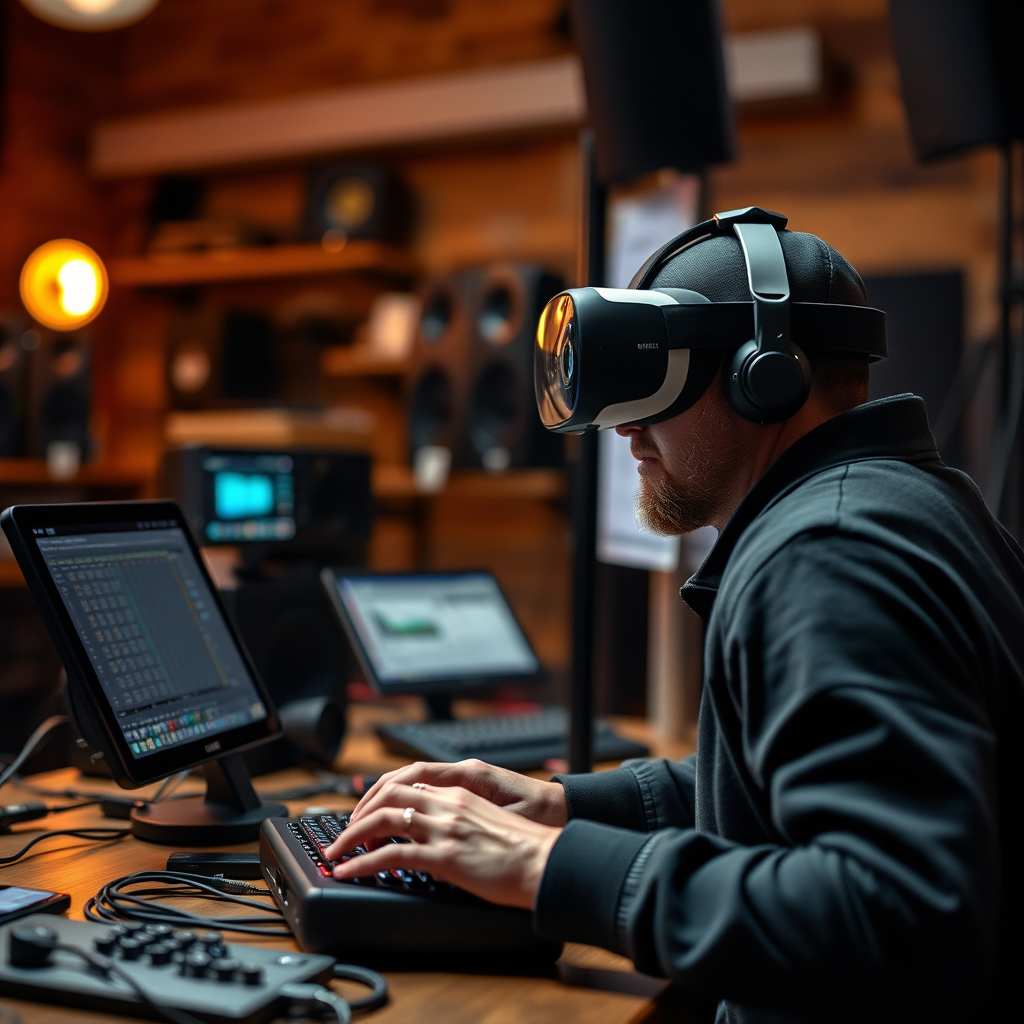
Investing in high-quality audio equipment is a game changer for immersive VR experiences. The first step is to choose between headphones or speakers. High-fidelity headphones designed for immersive sound, such as those with noise-canceling features and excellent frequency response, can provide an intimate audio experience that keeps you focused on the virtual environment. Brands like Sennheiser, Bose, and Sony offer fantastic options that cater to gamers and VR enthusiasts alike.
However, if you prefer a more expansive audio experience, consider surround sound systems or soundbars. Systems like the Logitech Z906 or the Sonos Arc can deliver rich soundscapes that envelop you, making you feel as if you’re truly inside the virtual world. When selecting your audio equipment, think about your room size and layout, as this will affect how sound travels and how you perceive it.
Configuring Audio Settings in VR Applications
Once you have your audio equipment set up, it’s time to dive into the audio settings of your VR platform. Most VR applications allow you to tweak the audio settings to optimize sound quality. This could involve adjusting the volume levels, enabling spatial audio features, or selecting different audio output devices.
Don’t hesitate to experiment with various audio presets available in your VR software. Some applications may offer specific settings for different genres or experiences, like gaming or cinematic VR, allowing you to find the best fit for your specific needs. By fine-tuning these settings, you can maximize the immersive potential of your audio system.
Positioning Speakers or Headphones for Optimal Sound
The positioning of your audio equipment is incredibly significant for achieving optimal sound quality in VR. For headphone users, ensure that your headset fits well and that the speakers are positioned correctly over your ears for the best sound experience. Some VR systems even allow for audio calibration, which helps to adjust sound based on your unique head shape and ear position.
If you’re using speakers, arrange them to create a surround sound experience that aligns with your VR setup. For instance, if you’re using a 5.1 surround sound system, position your speakers at the front, sides, and rear of your play area. Utilizing audio calibration tools, whether built into your equipment or through third-party software, can significantly enhance spatial audio accuracy, making the virtual sounds feel more realistic and engaging.
Troubleshooting Common Sound Issues
Even with the best equipment, you might encounter sound issues such as latency, distortion, or unexpected audio dropouts. The first step in troubleshooting is to verify your connections. Loose cables or improper connections can lead to distorted audio or complete loss of sound.
If you notice latency, this can often be resolved by adjusting the audio buffer settings in your VR software or updating your audio drivers. It’s also a good practice to regularly check for firmware updates for your headphones or speakers, as manufacturers frequently release updates to improve sound quality and performance.
Enhancing the Experience with Additional Audio Features
To truly enrich your VR experience, explore additional audio features that can elevate immersion. Consider adding ambient sounds that match your VR environment, such as birds chirping in a nature simulation or bustling city sounds in an urban setting. Implementing dynamic audio effects can also enhance realism; for example, footsteps may sound different based on the surface you’re walking on in-game.
Utilizing software that supports 3D audio can further deepen your immersion. Platforms like Dolby Atmos or DTS:X provide rich soundscapes that allow you to hear sounds coming from all around you, making the virtual experience more lifelike. Experimenting with these features can help you discover what best enhances your individual VR encounters.
Maintenance and Upgrades for Your Sound System
Finally, regular maintenance of your audio equipment is key to ensuring longevity and optimal performance. Keep your headphones clean and free of debris, and ensure that your speakers are dusted and properly positioned. Periodically checking cables for wear and tear can prevent sound issues down the line.
Additionally, staying updated on the latest audio technology can offer exciting opportunities for upgrades. New advancements in audio technology, such as advancements in wireless audio or new surround sound formats, can significantly enhance your VR experience. Don’t hesitate to invest in new gear as you discover what works best for your immersive adventures.
By following these steps, you can create a sound system that truly enhances your virtual reality experiences. Take the time to invest in quality equipment and configurations, ensuring that every sound transports you deeper into the virtual world. With a little effort and creativity, you’ll be well on your way to setting up your dream VR audio system, ready to dive into the amazing worlds awaiting you.
Frequently Asked Questions
What equipment do I need to set up a sound system for virtual reality experiences?
To set up a sound system for virtual reality (VR) experiences, you’ll need headphones or speakers that are compatible with your VR headset, an audio interface if you’re using external speakers, and a computer or console that supports spatial audio. Consider investing in 3D audio software as well, which enhances immersion by simulating sound from various directions, making your VR experience more realistic.
How do I connect my sound system to a VR headset?
Connecting your sound system to a VR headset typically involves plugging in your headphones directly into the headset if it has an audio jack. For external speakers, you may need to use the audio output from your PC or console. Ensure that your VR software is set to output audio to the correct device by adjusting the settings in the audio configuration menu.
Why is spatial audio important for VR experiences?
Spatial audio is crucial for virtual reality experiences as it creates a more immersive environment by allowing sounds to be perceived from different directions and distances, mimicking real-life hearing. This enhances user engagement and realism, making gameplay or simulations more impactful. Without spatial audio, VR experiences can feel flat and less engaging, diminishing the overall experience.
What are the best sound systems for VR gaming?
The best sound systems for VR gaming include high-quality headphones like the Oculus Quest 2’s built-in speakers, Sony WH-1000XM4, and the HyperX Cloud II. For external setups, consider investing in a surround sound speaker system from brands like Logitech or Bose, which can provide an immersive soundstage. Ultimately, the choice depends on whether you prefer the freedom of wireless headphones or the depth of a surround sound system.
Which audio settings should I adjust for optimal VR sound quality?
For optimal VR sound quality, adjust the audio settings within your VR platform to enable spatial audio features, set the audio output to the appropriate device, and calibrate the volume levels to avoid distortion. Additionally, check your computer or console’s audio settings to ensure that enhancements like surround sound or equalization are optimized for your specific sound system, providing the best auditory experience during gameplay.
References
- Virtual reality
- https://www.sciencedirect.com/science/article/pii/S1877050915002562
- https://www.techrepublic.com/article/how-to-set-up-a-basic-sound-system-for-virtual-reality/
- https://www.npr.org/2020/02/20/806230206/how-sound-design-in-virtual-reality-changes-the-way-we-experience-the-world
- https://www.cmu.edu/teaching/guide/teaching/technology/vr.html
- https://www.hrw.org/news/2020/07/01/immersive-sound-virtual-reality-and-human-rights
- https://www.itu.int/en/ITU-T/focusgroups/vr/Pages/default.aspx