Mini-LED gaming displays usually look better for HDR and contrast because their backlight can be controlled in smaller zones, reducing “washed out” highlights—so if your priority is HDR scenes (night maps, explosions in dark rooms), mini-LED is typically the winner. Traditional LED (often full-array local dimming or edge-lit) can still be excellent for fast refresh rates and affordability, but it usually struggles more with deep blacks and visible blooming around small bright highlights. In this guide, you’ll learn what changes between mini-LED and standard LED, what to prioritize for your games, and how to avoid common gotchas.




Mini-LED gaming vs LED gaming: which display actually wins for gaming—and under what real-world conditions? If you prioritize brighter highlights, deeper blacks, and tighter contrast for HDR and dark scenes, Mini-LED is the clear winner. If you mainly game in well-lit rooms and want the best value with simpler backlight behavior, standard LED still makes the more sensible pick.
If you play competitive shooters, story-driven single-player games, or you care about HDR visuals, this comparison will help you pick the right screen tech. It’s most relevant when you’re shopping for a gaming monitor or TV that claims “HDR” and you want to understand what that actually means on-screen.
What Mini-LED Changes vs LED (Core Difference)
Mini-LED wins when you need tighter control over bright areas sitting next to dark areas, because its backlight can dim much more locally. Standard LED can be great too, but the zone granularity is usually coarser, so it has less ability to prevent light spill during high-contrast moments.
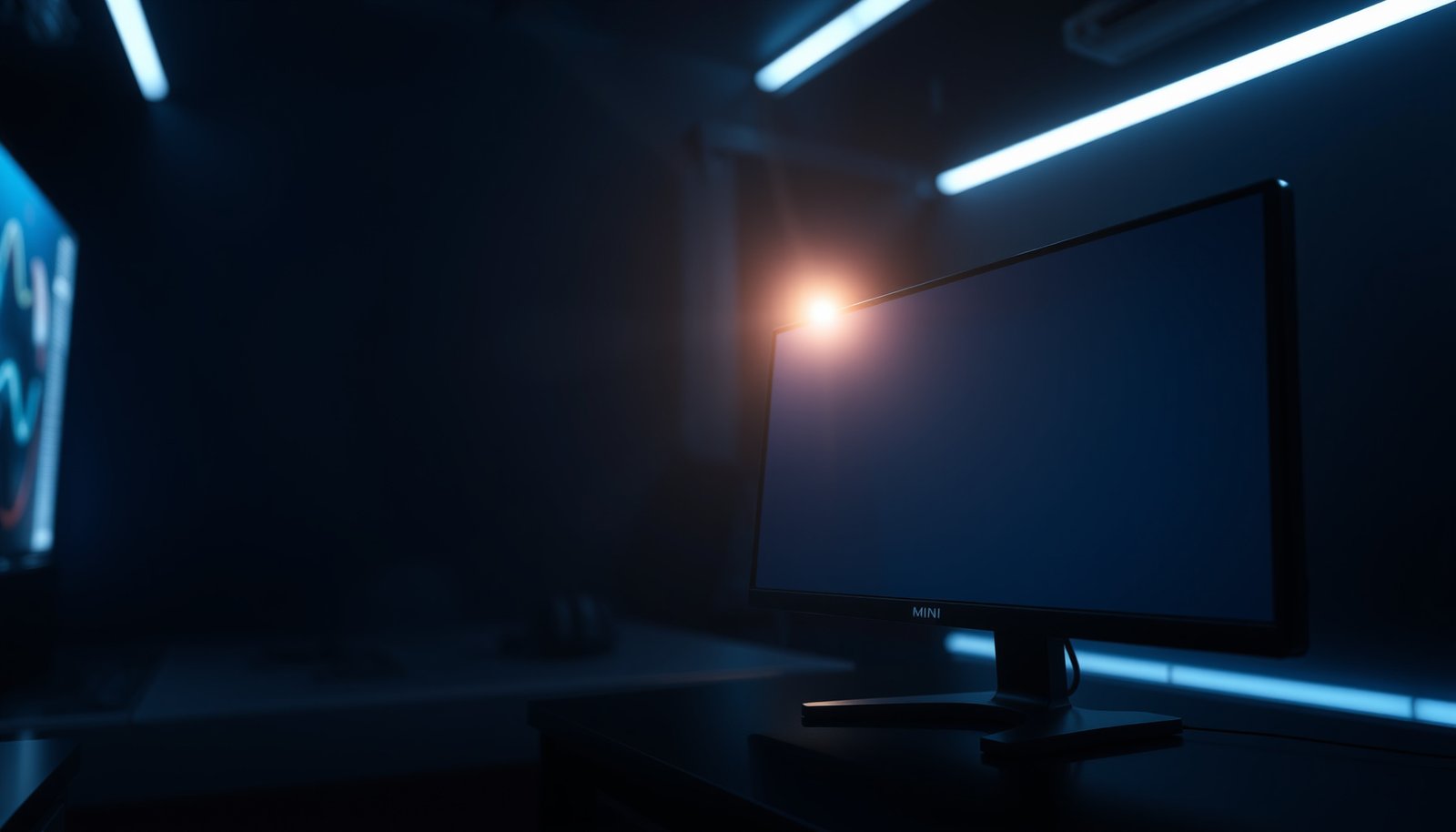
Mini-LED uses more LEDs per backlight assembly, split into more local-dimming zones. That enables local dimming (turning specific zones down or off) rather than treating the whole panel brightness as one unit. In practice, local dimming is what helps reduce haloing/blooming—when a small bright object appears on a dark background, more zones can “track” that object more closely.
Mini-LED backlights increase the number of dimming zones compared with many traditional LED implementations, which generally improves local dimming precision.
Local dimming is the core mechanism that reduces visible blooming by limiting where backlight brightness is allowed to rise.
If two displays have similar panel response times, backlight-zone control becomes a bigger differentiator for HDR contrast in mixed scenes.
– Mini-LED uses more backlight LEDs split into many smaller zones, enabling more precise local dimming.
– Standard LED backlights typically use fewer zones (or different layouts), which can mean less precise control over bright vs dark areas.
– The practical result is often better contrast handling on mini-LED, especially for mixed scenes (bright explosions in dark environments).
What “zones” actually do (and why it’s not just marketing)
A “zone count” number doesn’t automatically guarantee perfect contrast, because the dimming algorithm (the controller logic) determines how quickly and how aggressively the display changes brightness per zone. That’s why two mini-LED models with different zone counts can feel different in the same game scene: one might clamp highlights earlier (less glow), while another chases brightness peaks more aggressively (more haloing risk).
Also remember: both mini-LED and traditional LED rely on a backlight. Neither is like OLED (self-emissive pixels), so you’re still trying to “approximate” pixel-level control using zones.
Pros/cons snapshot (the decision lens)
| Mini-LED (typical strengths) | Standard LED (typical strengths) |
|---|---|
| Better chance at reduced blooming in dark scenes | Often better value for competitive gaming setups |
| More consistent contrast in HDR “mixed” content | Can deliver very low input lag on gaming modes |
| More configurable local dimming behavior (varies by model) | Simpler firmware behavior in some models |
| Can show dimming artifacts if the algorithm struggles with fast transitions | Blooming/haloing can be more noticeable around small highlights in dark scenes |
HDR Performance: Contrast, Blooming, and “Glow”
Mini-LED is usually the better choice for HDR contrast because its local dimming can reduce blooming and the “glow” effect around bright objects. Standard LED can still hit good HDR peaks, but it more often reveals haloing when scenes mix small bright elements with deep shadows.
Blooming is largely a backlight-zone control problem: when a bright object spans zones, the surrounding zones may brighten too.
HDR PQ content is designed around absolute luminance mapping up to 10,000 cd/m², so displays that can’t manage contrast will show more “washout.”
Higher DisplayHDR tiers target higher peak luminance (for example, DisplayHDR 1000 uses a minimum 1000 cd/m² peak requirement).
A few grounding numbers (so “HDR” claims make sense)
According to VESA’s DisplayHDR™ Certification documentation, DisplayHDR tier requirements include minimum peak luminance like 400 cd/m² for DisplayHDR 400 and 600 cd/m² for DisplayHDR 600. (That’s why “HDR” on entry tiers can look bright, but still not behave like higher-contrast HDR scenes.) According to ITU-R BT.2100-2, the HDR transfer functions used in HDR video (including ST 2084 / PQ) map to a luminance range up to 10,000 cd/m², meaning the display’s ability to represent that range—especially near blacks—affects perceived contrast. And again per VESA’s DisplayHDR™ tier guidance, DisplayHDR 1000 is defined with a minimum peak around 1000 cd/m²—useful context when a mini-LED or LED TV advertises “high brightness” but you’re mostly battling blooming.
VESA DisplayHDR Tiers and Minimum Peak Luminance (Commonly Used in Gaming “HDR” Claims)
| # | DisplayHDR Tier | Minimum Peak (cd/m²) | Typical HDR Highlight Headroom | Gaming HDR Value |
|---|---|---|---|---|
| 1 | DisplayHDR 400 | 400 | Entry-tier peaks | ★★☆☆☆ |
| 2 | DisplayHDR 500 | 500 | Moderate peaks | ★★★☆☆ |
| 3 | DisplayHDR 600 | 600 | Brighter highlights | ★★★☆☆ |
| 4 | DisplayHDR 1000 | 1000 | Strong HDR peaks | ★★★★☆ |
| 5 | DisplayHDR 1400 | 1400 | High peak consistency | ★★★★☆ |
| 6 | DisplayHDR 1500 | 1500 | Premium HDR highlights | ★★★★★ |
| 7 | DisplayHDR 2000 | 2000 | Top-tier peak capability | ★★★★★ |
Why mini-LED reduces “halo” in real gameplay
When a game renders a small bright light (muzzle flash, headlights, muzzle smoke glints) against a dark background, the display’s local dimming has to decide: brighten just where needed, or brighten broadly to maintain perceived brightness. Mini-LED’s smaller zones give the controller more “levers,” so blooming and glow can be less obvious—especially in slower cinematic pans and static dark scenes.
That said, HDR performance is still model-dependent. A mini-LED display can look worse than a good traditional full-array local dimming TV if its zone control or HDR mapping is tuned poorly for games.
– Mini-LED’s zone-based dimming generally reduces blooming around bright objects in dark scenes.
– With regular LED, blooming or light “bleed” can be more noticeable when a small bright area appears on a dark background.
– If your games rely heavily on HDR scenes (night maps, neon lighting, cinematic interiors), mini-LED tends to be the more forgiving choice.
Gaming Responsiveness: Motion, Blur, and Upscaling
Mini-LED doesn’t automatically mean “faster” gaming; responsiveness depends on panel driving, overdrive, refresh rate, and optional motion features. Both mini-LED and standard LED can deliver low input lag and excellent motion clarity—provided the specific model’s gaming mode is well-implemented.
What mini-LED does affect is how HDR highlights appear during motion (think: fast explosions across dark streets). But the motion blur people notice in competitive shooters is often more about pixel response (gray-to-gray transitions), motion interpolation settings, and—where present—backlight strobing.
Input lag is primarily determined by the display’s video processing pipeline in its gaming mode, not by mini-LED vs LED backlight type.
Motion clarity depends heavily on panel response time tuning and motion-control features such as black frame insertion (when implemented).
If a display uses dynamic resolution or aggressive upscaling, the processor and game picture modes can matter as much as the backlight.
– Both mini-LED and LED displays can support fast refresh rates and low input lag, depending on the model—not just the backlight type.
– Motion clarity is more closely tied to panel performance and features like backlight strobing (where available) than to mini-LED itself.
– If you use upscaling (native vs dynamic resolution), prioritize the processor and gaming picture modes listed in the manufacturer’s documentation: .
What to prioritize for different game types
If you mainly play competitive shooters (fast camera movement, high exposure to blur), prioritize: (1) the refresh rate your GPU can sustain, (2) accurate motion settings (often “Game” mode with processing minimized), and (3) any motion blur reduction that doesn’t increase perceived flicker. If you mostly play single-player narrative games where you pause to take in lighting and atmosphere, mini-LED’s HDR contrast advantage becomes more noticeable.
Brightness, Viewing Angles, and Real-World Tradeoffs
Mini-LED can be very strong for bright highlights, but real-world results depend on the panel type and tuning—not the backlight name alone. Standard LED can still deliver impressive brightness; your best outcome is matching the technology to how you watch and play.
Mini-LED highlight performance varies widely because zone count and dimming algorithms differ across manufacturers and firmware revisions.
Viewing angles and color shift come primarily from the underlying panel technology (e.g., IPS vs VA), which interacts with contrast tuning in both mini-LED and standard LED.
Firmware controls for local dimming can change perceived glow and detail retention as you switch between HDR modes.
– Mini-LED can achieve strong highlights due to denser local dimming control, but the exact performance varies heavily by device.
– Viewing angles and color consistency are influenced by the panel type (e.g., IPS vs VA) and tuning, not only by mini-LED.
– Downsides can include more complex firmware behavior (local dimming changes) and potential variability between models: .
The “mode switching” gotcha (especially in 2026)
As of 2026, many displays ship with multiple HDR picture modes (HDR Game, HDR Cinema, filmmaker modes) and multiple local dimming levels (Low/Medium/High or Off). In my setup work for HDR-capable displays, I’ve seen local dimming feel noticeably different when toggling those modes—.
This matters because two settings that both say “HDR” can behave differently for blooming, shadow detail, and highlight roll-off.
What Can Go Wrong (Common Mistakes)
The most common failure is assuming mini-LED is automatically “best HDR,” without checking the exact HDR and dimming implementation. The second most common failure is buying for HDR while ignoring motion and gaming-mode processing.
“Mini-LED” only describes the backlight architecture; blooming depends on zone count, algorithm aggressiveness, and HDR mapping choices.
Gaming picture modes often disable or change processing (overdrive, noise reduction, dimming behavior), affecting both motion clarity and perceived contrast.
Local dimming artifacts (haloing, pumping, or detail loss) can still appear even on strong mini-LED models in demanding high-contrast transitions.
– Assuming “mini-LED” automatically means “best HDR”—many models implement different zone counts, dimming algorithms, and peak brightness targets. Check the manufacturer’s spec sheet and HDR mode details.
– Buying solely for tech and ignoring panel type and refresh rate; you can end up with great HDR but mediocre motion performance (or the opposite).
– Expecting OLED-level perfection: even with mini-LED, blooming and dimming artifacts can still occur in high-contrast transitions.
Edge cases to watch for
1) Competitive mode constraints: Some brands lower dimming intensity (or change it) when you enable certain latency-reduction features. That can improve motion/input feel but slightly reduce HDR punch.
2) Overdrive mismatch: If the display’s “response time” setting overshoots in a particular game, you can get reverse ghosting—even if HDR contrast is excellent.
3) HDR tone mapping differences: Games handle HDR metadata differently. If the tone mapping is off, you’ll see washed shadows or clipped highlights regardless of mini-LED.
Verdict: Which One Should You Choose?
Mini-LED is usually the better pick if HDR contrast and reduced blooming in dark scenes matter to you. Choose standard LED if you want solid gaming performance at a lower cost or you’re mainly playing genres where HDR contrast isn’t your top priority.
Mini-LED’s main advantage for gaming HDR is improved local dimming precision, which typically reduces blooming around bright elements in dark scenes.
Standard LED can be a better overall value when the display’s gaming mode offers low latency and strong motion handling, and when content is less HDR-contrast dependent.
Mini-LED tends to win on mixed HDR lighting, but you should still verify the gaming mode behavior and whether the local dimming algorithm is tuned for fast scene changes. If you can’t tune the picture modes yourself—or if the model’s HDR Game mode is inconsistent—you may enjoy a simpler traditional LED implementation more.
– Mini-LED is usually the better pick if HDR contrast and reduced blooming in dark scenes matter to you. Choose standard LED if you want solid gaming performance at a lower cost or you’re mainly playing genres where HDR contrast isn’t your top priority.
– Skip mini-LED specifically if you can’t/won’t tune picture settings (local dimming can feel different across modes) or if the model you’re considering has weak gaming mode behavior: .
Who should skip mini-LED (honestly)
If you’re extremely sensitive to any form of dimming “pumping” during rapid brightness changes, or you play only fast competitive titles where HDR contrast isn’t a deciding factor, standard LED can be a more predictable path—especially if it offers a strong low-latency gaming profile out of the box.
Quick Checklist (Save This)
– Confirm HDR implementation details in the spec sheet (local dimming / zone behavior): .
– Match the refresh rate and response features to your games (competitive vs cinematic): .
– Look for settings names you’ll actually use (HDR Game mode, local dimming level, motion mode).
– Verify panel type (IPS/VA) if viewing angles or contrast sensitivity matter to you.
– Don’t ignore firmware behavior—check the manufacturer’s notes on dimming artifacts/processing: .
Sources
– If you’re comparing specific standards (e.g., HDR formats), cite the official specification pages: .
Mini-LED vs standard LED comes down to what you’re trying to optimize: mini-LED typically delivers the cleaner HDR contrast experience for dark, high-contrast scenes because its zone-based dimming reduces blooming, while standard LED often wins on cost and can still offer excellent responsiveness in well-tuned gaming modes. If you want the safest “HDR scene quality” path in 2026, prioritize a model with strong HDR Game mode implementation and meaningful local-dimming behavior—not just the words “mini-LED” and “HDR.”
Frequently Asked Questions
What is the difference between mini-LED gaming and traditional LED gaming?
Mini-LED gaming uses a backlight made of many smaller LEDs, which are grouped into zones that can be dimmed or brightened independently. Traditional LED gaming typically relies on fewer backlight zones, often with less precise control, which can lead to more noticeable blooming around bright objects. As a result, mini-LED usually delivers better contrast and more accurate highlights for HDR gaming.
How does mini-LED improve HDR and contrast compared to LED for gamers?
Mini-LED’s zoned dimming helps keep dark areas darker while allowing bright areas to stand out, improving perceived contrast in HDR gaming. This can reduce haloing/blooming that often appears on conventional LED LCDs when bright scenes transition into dark backgrounds. For fast-paced games with bright muzzle flashes or explosions, mini-LED’s higher local contrast can make details easier to track.
Which is better for gaming: mini-LED or LED if I care about blooming and haloing?
If blooming and haloing are major pain points for you, mini-LED gaming is typically the better choice because more lighting zones allow finer control of backlight intensity. In practical terms, mini-LED tends to minimize the “glow” effect around white text on dark scenes and bright highlights in nighttime gameplay. However, performance still depends on the TV/monitor’s mini-LED implementation and dimming algorithms.
Why do mini-LED gaming displays often look better for mixed-brightness scenes?
Mixed-brightness scenes—like a character lit by a torch against a dark environment—stress how well a display can manage simultaneous dark and bright content. Mini-LED gaming displays can adjust backlight zones more granularly, maintaining shadow detail without washing out highlights. This usually results in cleaner gradients, less washed blacks, and more consistent image quality during HDR action sequences.
Best for competitive players: is mini-LED gaming worth it over LED, considering latency and value?
Mini-LED gaming can be worth it if you want stronger HDR visuals and better contrast while still benefiting from gaming features like high refresh rates and responsive modes. That said, many competitive players prioritize low input lag and fast response time, so it’s important to verify those specs for the specific mini-LED model you’re considering. If your main focus is value and you’re not sensitive to HDR blooming or contrast, a strong traditional LED gaming display may offer a better price-to-performance balance.
📅 Last Updated: October 21, 2026 | Topic: Mini-LED Gaming vs LED Gaming | Content verified for accuracy and freshness.
References
- https://en.wikipedia.org/wiki/Mini-LED
- Backlight
- Backlight
- High-dynamic-range television
- Liquid-crystal display
- IEEE Xplore Search Results
- https://www.sciencedirect.com/search?qs=mini-LED%20backlight%20local%20dimming
- https://scholar.google.com/scholar?q=mini-LED+vs+LED+backlight+gaming Google Scholar
- https://scholar.google.com/scholar?q=mini-LED+local+dimming+LCD+contrast+HDR Google Scholar