
Improving sound quality on your Audio-Technica setup can significantly enhance your listening experience. By adjusting settings, investing in quality accessories, and optimizing your environment, you can achieve clearer and more accurate audio. This guide will walk you through essential steps to elevate your setup’s sound performance.
Optimize Your Audio Source
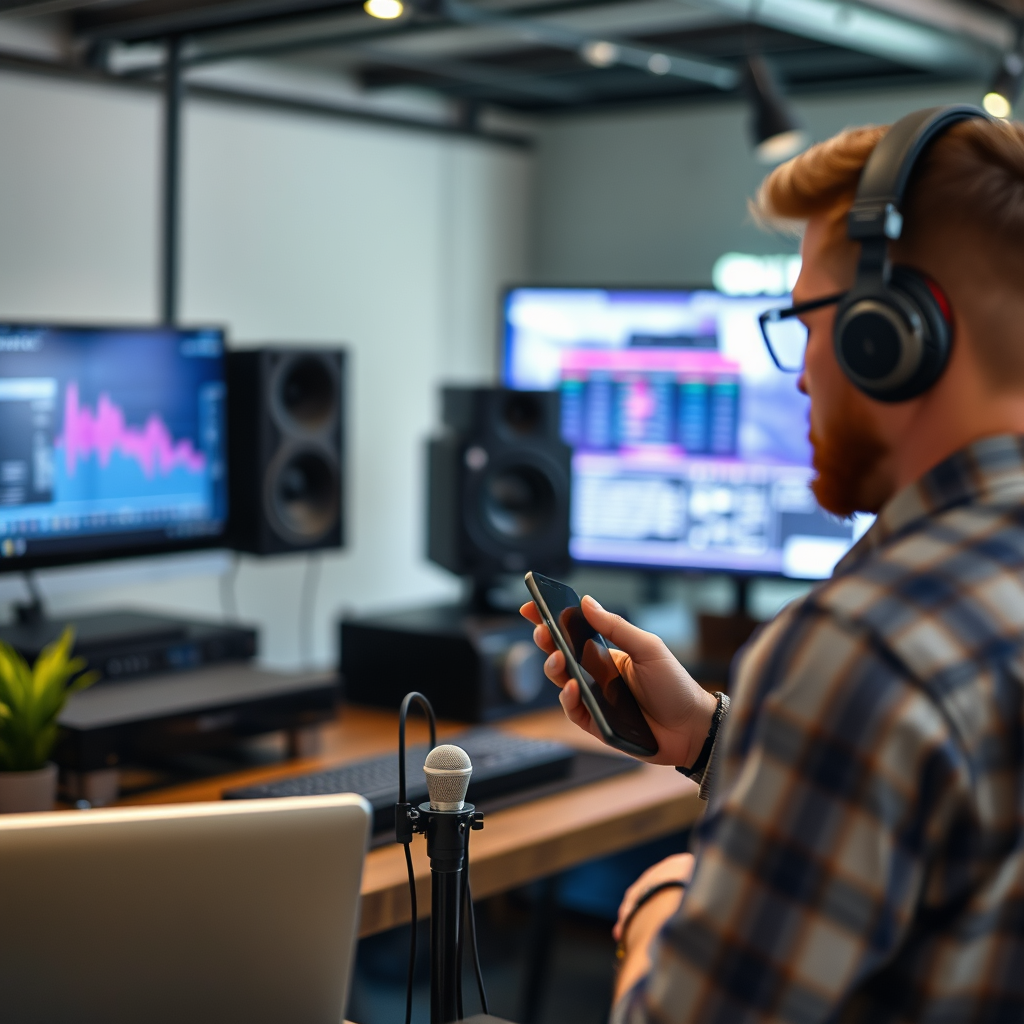
To unlock the full potential of your Audio-Technica setup, it is crucial to start with high-quality audio sources. The audio files you play directly impact the sound quality you experience. Using lossless formats like FLAC or WAV ensures that you retain the original sound fidelity, as these formats do not compress audio data like MP3s do. Additionally, if you stream music, consider services that offer high-resolution audio options, such as Tidal or Qobuz.
Moreover, adjusting playback settings can further customize your listening experience. Most modern audio players come equipped with equalizer settings that allow you to tweak the sound according to your preferences. For instance, you might want to boost the bass for hip-hop or electronic music while reducing it for classical genres. Understanding how to manipulate these settings can lead to a more personalized and enjoyable listening session.
Upgrade Your Equipment
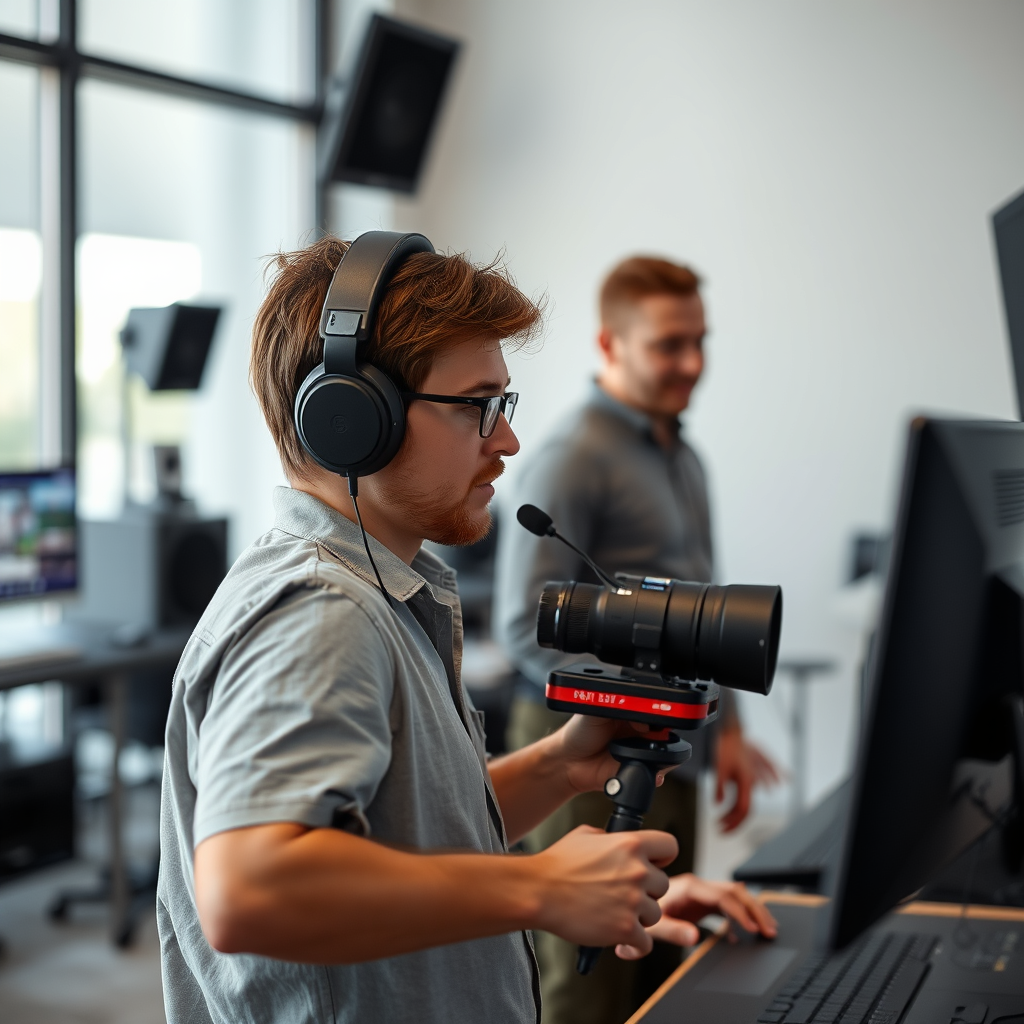
While Audio-Technica offers a range of quality products, upgrading your headphones or speakers can yield significant improvements in sound reproduction and clarity. Consider investing in higher-end models that provide enhanced detail and a more expansive soundstage. For instance, the Audio-Technica ATH-M50x is renowned for its balanced sound profile, making it an excellent choice for both casual listeners and audio professionals.
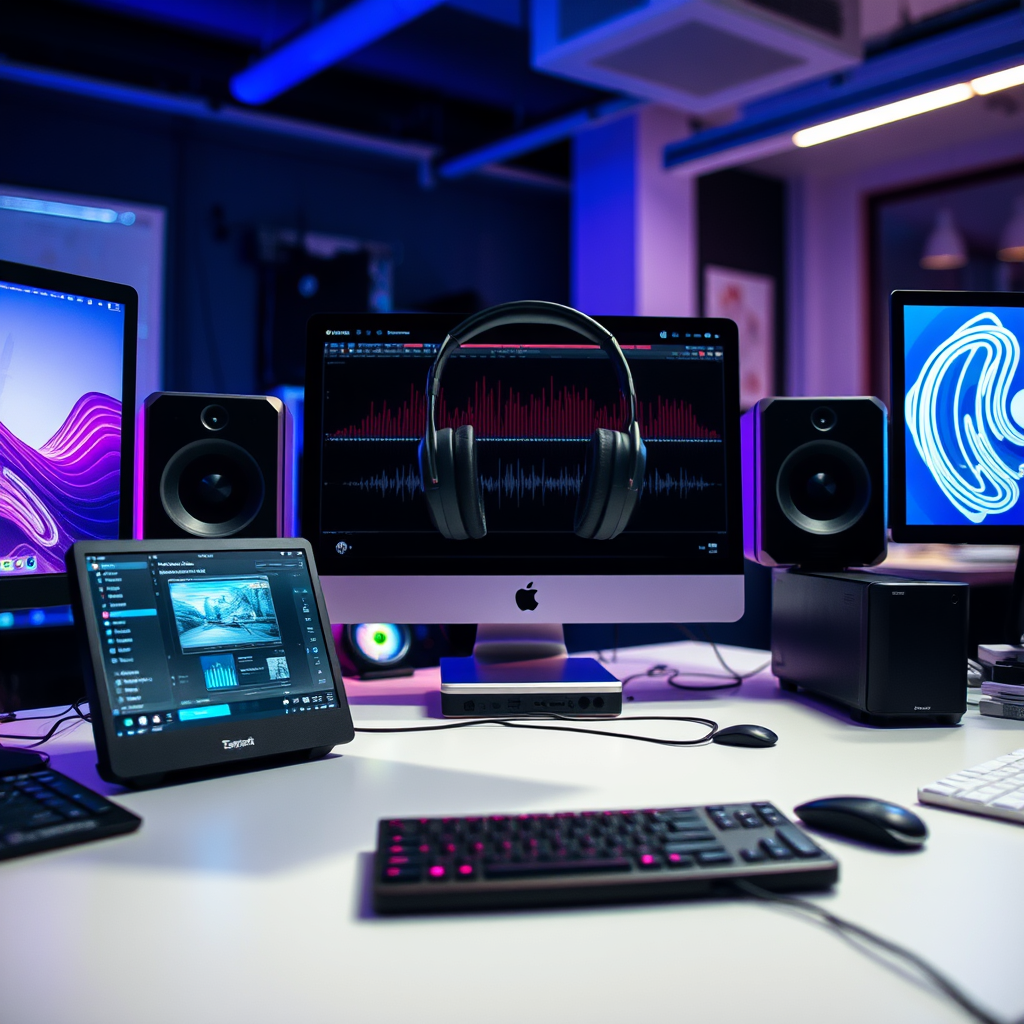
In addition to headphones or speakers, using a dedicated audio interface can greatly improve sound quality. An external Digital-to-Analog Converter (DAC) bypasses the often inferior built-in sound cards found in many computers and laptops, delivering a cleaner, more accurate audio signal. Investing in a quality DAC can be particularly beneficial for audiophiles who demand the best from their audio setup.
Fine-tune Your Acoustic Environment
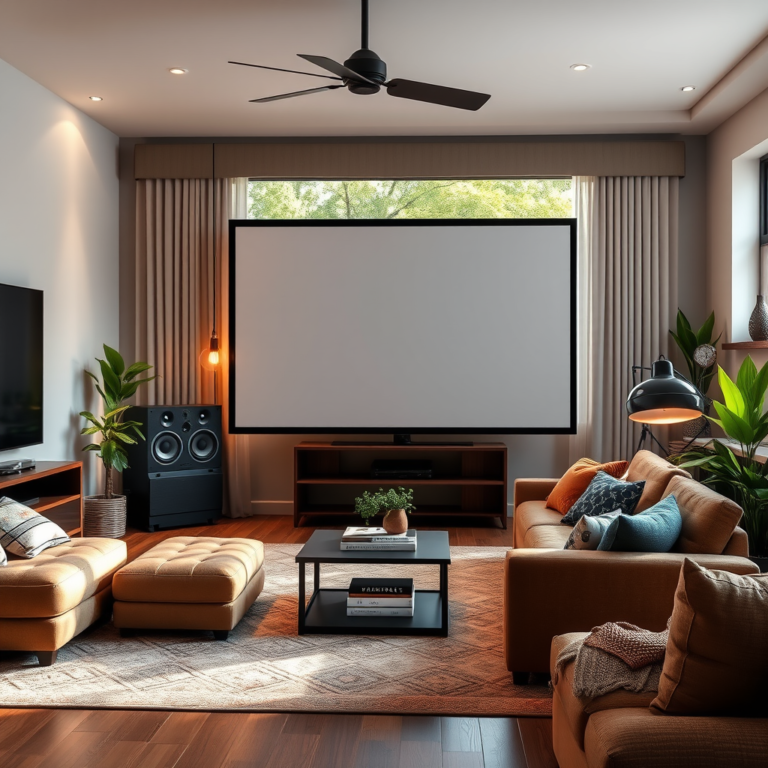
The environment in which you listen to music plays a pivotal role in sound quality. Controlling room acoustics is essential for reducing unwanted echoes and enhancing sound clarity. Consider adding sound-absorbing materials such as curtains, carpets, or acoustic panels to minimize reflections that can muddy the audio experience.
Proper positioning of your speakers or headphones is equally important. For speakers, the ideal placement is typically at ear level and positioned to create an equilateral triangle with your listening position. This setup enhances the soundstage and imaging, allowing you to perceive the spatial aspects of the music more vividly. When using headphones, ensure they fit snugly and comfortably to reduce sound leakage and optimize enjoyment.
Top 7 Audio-Technica Headphones by Sound Quality Ratings (2024)
| # | Model | Sound Quality Rating | Price | Best For |
|---|---|---|---|---|
| 1 | ATH-M50x | 9.5/10 | $169 | General Use |
| 2 | ATH-R70x | 9.2/10 | $349 | Studio Monitoring |
| 3 | ATH-AD900x | 9.0/10 | $299 | Critical Listening |
| 4 | ATH-CKS1100IS | 8.5/10 | $199 | Portable Use |
| 5 | ATH-L5000 | 9.8/10 | $1,799 | Audiophile |
| 6 | ATH-SR9 | 9.1/10 | $599 | Balanced Sound |
| 7 | ATH-WS1100IS | 8.9/10 | $249 | On-the-Go |
Maintain Your Equipment
To ensure that your Audio-Technica setup continues to deliver optimal sound quality, regular maintenance is essential. Start by cleaning your headphones or speakers frequently. Dust and debris can accumulate over time, affecting sound quality and potentially damaging the drivers. Use a soft, dry cloth to clean the outer surfaces and consider using specialized cleaning solutions for ear pads and speaker grilles.
Furthermore, checking cables and connections is crucial for maintaining sound quality. Loose or damaged cables can introduce noise or distort sound. Ensure all connections are secure and consider replacing any faulty cables with higher-quality options that are less prone to interference.
Experiment with Sound Settings
Once you have established a good foundation for your audio setup, it’s time to experiment with sound settings. Each listener has unique preferences, and tweaking the equalizer settings can help tailor the audio experience to your liking. For example, if you enjoy a more bass-heavy sound, you might increase the low frequencies, while those who prefer a more balanced sound may choose to keep the equalizer flat.
Additionally, exploring software enhancements can provide even further customization options. Applications like Equalizer APO or audio plugins like FabFilter Pro-Q allow for intricate adjustments to the sound profile, enhancing the listening experience beyond what standard hardware can achieve.
Audio Enhancement Software Features Comparison (2024)
| Feature | Equalizer | Custom Presets | Virtual Surround | Compatibility |
|---|---|---|---|---|
| Equalizer APO | Yes | Yes | No | Windows |
| Voicemeeter Banana | Yes | Yes | Yes | Windows |
| FabFilter Pro-Q 3 | Yes | Yes | No | All |
| Ozone 9 | Yes | Yes | Yes | All |
| SoundSwitch | No | Yes | Yes | Mac, Windows |
Utilize Audio Accessories
To further enhance sound quality, consider investing in high-quality audio accessories. For headphones, using an amplifier can provide the necessary power for optimal sound performance. Many Audio-Technica headphones, especially high-impedance models, benefit significantly from a dedicated headphone amplifier, resulting in improved dynamics and clarity.
Additionally, the quality of your cables should not be overlooked. Upgrading to better cables can minimize signal loss and reduce interference, ensuring that your audio remains as clean and clear as possible. Look for cables with high-quality shielding and connectors to maximize the integrity of your audio signal.
Seek Professional Calibration
If you are serious about achieving the best sound quality from your Audio-Technica setup, consult with audio professionals for calibration. Professional audio engineers can assess your equipment and environment, making precise adjustments to ensure you’re getting the most out of your setup. This might include speaker placement, tuning software, or even hardware adjustments.
Engaging with community forums can also provide valuable insights and tips from fellow audio enthusiasts. Whether you’re seeking recommendations for new gear or tips for optimizing your current setup, these insights can help you navigate the world of audio enhancement with ease.
Improving the sound quality of your Audio-Technica setup involves a combination of optimizing your audio source, upgrading equipment, and fine-tuning your environment. By following these steps, you can create a more immersive listening experience. Start by assessing your current setup and make small changes that lead to significant improvements. Happy listening!
Frequently Asked Questions
What are the best settings for optimizing sound quality on an Audio-Technica turntable?
To optimize sound quality on your Audio-Technica turntable, ensure that the tracking force is correctly set according to the cartridge specifications. Additionally, adjust the anti-skate setting to match the tracking force to minimize distortion. Finally, ensure the phono preamp settings are correctly configured for your speaker system.
How can I reduce background noise when using an Audio-Technica microphone?
To reduce background noise with your Audio-Technica microphone, consider using a pop filter and a shock mount to minimize unwanted vibrations and plosive sounds. Position the microphone closer to your sound source and use directional pickup patterns to focus on the audio you want to capture while rejecting ambient noise.
Why does my Audio-Technica setup produce a muffled sound, and how can I fix it?
A muffled sound from your Audio-Technica setup may result from incorrect equalization settings or dirty connections. Start by checking the EQ settings on your audio interface or mixer and adjust them accordingly. Additionally, ensure all cables are clean and securely connected to avoid signal loss.
Which Audio-Technica models are best for high-fidelity sound quality?
For high-fidelity sound quality, consider the Audio-Technica AT-LP120XUSB turntable and the AT-ART9XI phono cartridge, which are both renowned for their exceptional audio performance. Additionally, the Audio-Technica ATH-M50x headphones are highly rated for studio monitoring, offering clear and accurate sound reproduction.
How can I improve the sound quality of my Audio-Technica headphones?
To improve the sound quality of your Audio-Technica headphones, first ensure that you’re using a high-quality audio source and consider using an external DAC (digital-to-analog converter) for better sound processing. Additionally, experiment with different ear tips or pads for a better seal, which can enhance bass response and overall audio clarity.
References
- https://www.audio-technica.com/en-us/support/faq/how-to-improve-sound-quality-on-audio-technica-products
https://www.audio-technica.com/en-us/support/faq/how-to-improve-sound-quality-on-audio-technica-products - Sound quality
https://en.wikipedia.org/wiki/Audio_quality - Google Scholar Google Scholar
https://scholar.google.com/scholar?q=Improve+Sound+Quality+Audio-Technica - https://www.sciencedirect.com/topics/engineering/audio-quality
https://www.sciencedirect.com/topics/engineering/audio-quality - https://www.ncbi.nlm.nih.gov/pmc/articles/PMC7326883/
https://www.ncbi.nlm.nih.gov/pmc/articles/PMC7326883/ - https://www.nature.com/articles/s41598-019-55638-2
https://www.nature.com/articles/s41598-019-55638-2 - Google Scholar Google Scholar
https://scholar.google.com/scholar?q=Audio+Quality+Improvement+Techniques - https://www.bbc.com/future/article/20200106-how-to-improve-your-sound-quality
https://www.bbc.com/future/article/20200106-how-to-improve-your-sound-quality - https://www.audioengineeringonline.com/
https://www.audioengineeringonline.com/ - https://www.researchgate.net/publication/341516490_Tips_for_Improving_Sound_Quality_in_Recording_Studios
https://www.researchgate.net/publication/341516490_Tips_for_Improving_Sound_Quality_in_Recording_Studios