
To extend the lifespan of your home theater system, prioritize regular maintenance, proper setup, and careful usage. By taking these steps, you can significantly enhance the durability and performance of your equipment. Home theater systems represent a significant investment for many individuals and families, so ensuring they remain operational and effective for years to come is crucial. In this article, we’ll explore essential tips and strategies to keep your home theater system running smoothly for years to come.



Regular Maintenance Checks
Regular maintenance is the cornerstone of longevity for any electronic equipment, including your home theater system. Dust and debris can accumulate on speakers and components, leading to overheating and reduced performance. Schedule routine cleaning every few months, using a soft, dry cloth to wipe down surfaces, and compressed air to clear out vents. Pay particular attention to areas where dust tends to gather, such as behind the television and around the receiver.
In addition to physical cleaning, checking for firmware updates is essential. Many modern home theater systems have software that can be updated to enhance performance and fix bugs. Set reminders to check for updates every few months or subscribe to notifications from the manufacturer. Keeping your system updated ensures you benefit from the latest features and security improvements.
Proper Setup and Placement
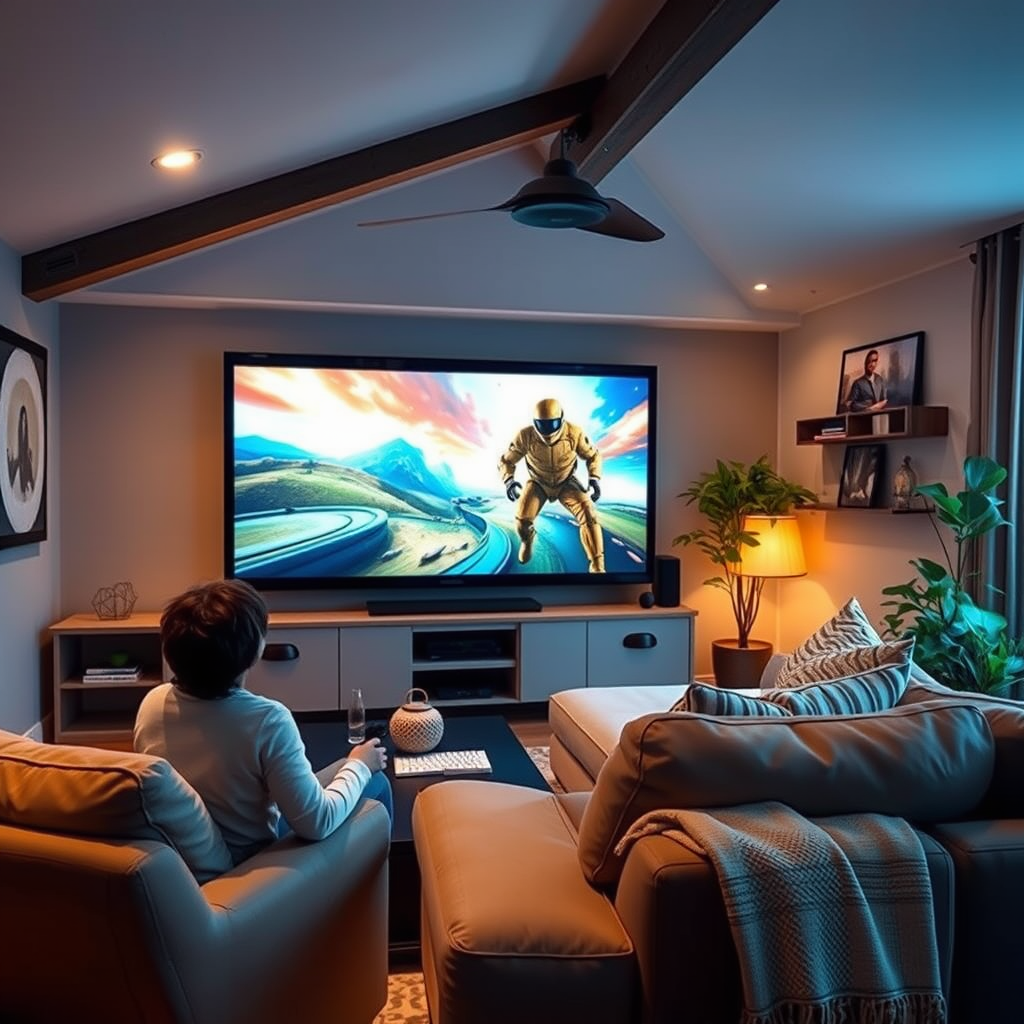
Proper setup and placement of your home theater components can prevent damage and enhance performance. Start by using high-quality cables and connectors that match the specifications of your devices. Poor-quality cables can lead to signal degradation, resulting in poor audio and video quality. Invest in HDMI cables, optical audio cables, and speaker wires that meet industry standards to ensure optimal performance.
Positioning your speakers and screen correctly is equally important. The ideal setup involves placing speakers at ear level for the best sound experience and ensuring that the television screen is at eye level when seated. This arrangement not only enhances the viewing experience but also minimizes strain on the components. Additionally, maintaining adequate distance between the speakers and the wall can improve sound quality and reduce distortion.
Temperature and Humidity Control
Temperature and humidity play significant roles in the longevity of electronic components. Keeping your home theater system in a climate-controlled environment is essential to prevent overheating. High temperatures can cause components to fail prematurely, while excessive humidity can lead to corrosion and electrical shorts.
To mitigate these risks, ensure that your home theater area is well-ventilated and free of heat sources, such as radiators or direct sunlight. If you live in a particularly humid climate, consider using a dehumidifier to maintain optimal conditions. Monitoring temperature and humidity levels can help you take proactive measures to protect your equipment.
Lifespan of Home Theater Components (Years)
| # | Component | Average Lifespan | Replacement Cost ($) |
|---|---|---|---|
| 1 | Projector | 5-10 | 800 |
| 2 | AV Receiver | 7-12 | 600 |
| 3 | Speakers | 10-15 | 300 |
| 4 | Television | 8-15 | 1,200 |
| 5 | Blu-ray Player | 5-10 | 150 |
| 6 | Streaming Device | 3-5 | 100 |
| 7 | Subwoofer | 10-15 | 400 |
Power Protection
Power fluctuations pose a significant threat to the longevity of your home theater system. Investing in a surge protector is a proactive measure to safeguard your equipment against electrical spikes that can occur during storms or power outages. Look for surge protectors with a high joule rating, which indicates the amount of energy they can absorb before failing.
Additionally, consider using an Uninterruptible Power Supply (UPS). A UPS can provide backup power during outages, allowing you to safely shut down your system without losing data or damaging components. It also helps regulate voltage, ensuring that your system operates within safe parameters.
Usage Habits
The way you use your home theater system can significantly affect its lifespan. Avoid pushing your system to maximum volume for extended periods, as this can lead to speaker damage and distortion. Instead, aim for moderate volume levels that provide an enjoyable experience without straining the components.
Furthermore, allow adequate cooling time between long viewing sessions. Continuous use can lead to overheating, which is detrimental to the internal components. If you plan to watch a lengthy movie or binge-watch a series, consider taking short breaks to let your system cool down.
Upgrade Components Wisely
As technology evolves, some components of your home theater system may become outdated. Regularly evaluate your system to identify parts that may hinder performance. Instead of replacing the entire system, upgrade specific components such as speakers or receivers based on technological advancements.
For example, if your speakers are more than a decade old, consider upgrading to newer models that support advanced audio formats like Dolby Atmos. This targeted approach not only enhances your viewing experience but can also save you money in the long run.
Professional Servicing
Scheduling periodic professional servicing is a smart way to maintain your home theater system. Experts can identify potential issues before they become major problems, ensuring that your equipment remains in optimal condition. Additionally, professional calibrators can fine-tune your system for the best audio and video performance, maximizing your investment.
Consider setting up a routine service schedule, perhaps annually or bi-annually, to ensure your system receives the attention it needs. This proactive approach can help you avoid costly repairs and extend the lifespan of your home theater system.
Frequency of Home Theater Component Upgrades (%)
By following these tips, you can significantly enhance the lifespan of your home theater system and improve your overall viewing experience. Regular maintenance, careful setup, and strategic upgrades can make a world of difference in the longevity of your equipment. Remember to stay proactive with maintenance and upgrades, and enjoy your cinematic adventures for years to come!
Frequently Asked Questions
What are the best practices for maintaining my home theater system?
To maintain your home theater system, regularly clean your equipment, keep it dust-free, and ensure proper ventilation to prevent overheating. Additionally, check and update your firmware as needed, and use surge protectors to safeguard against power surges, which can damage your devices.
How can I improve the sound quality of my home theater system?
To enhance the sound quality of your home theater system, invest in quality speakers and ensure they are placed correctly for optimal acoustics. Additionally, consider adding acoustic panels to your room to reduce echo and improve sound clarity, creating a more immersive audio experience.
Why is it important to avoid overheating my home theater equipment?
Overheating can significantly shorten the lifespan of your home theater equipment by causing internal components to fail or degrade. To prevent this, ensure that your devices have adequate airflow, keep them away from direct sunlight, and consider using a fan or air conditioning in your media room during extended use.
Which accessories can help extend the lifespan of my home theater system?
Accessories like surge protectors, HDMI cables with proper shielding, and equipment racks with good ventilation can help extend the lifespan of your home theater system. Additionally, using a universal remote can minimize wear on your device buttons, while cable management systems can prevent tangling and damage.
What should I do if my home theater system is not performing as well as it used to?
If your home theater system is underperforming, first check all connections and cables for damage or looseness. Next, perform a thorough cleaning of the components, and ensure that your settings are optimized for your current environment. If issues persist, consider consulting a professional technician for a more in-depth diagnosis and potential repairs.
References
- Home cinema
https://en.wikipedia.org/wiki/Home_theater - https://www.sciencedirect.com/topics/engineering/home-theater
https://www.sciencedirect.com/topics/engineering/home-theater - https://www.bbc.com/future/article/20200720-how-to-make-the-most-of-your-home-cinema
https://www.bbc.com/future/article/20200720-how-to-make-the-most-of-your-home-cinema - https://www.theguardian.com/technology/2020/nov/02/home-cinema-projector-guide
https://www.theguardian.com/technology/2020/nov/02/home-cinema-projector-guide - https://www.verywellfamily.com/how-to-create-a-home-theater-4171563
https://www.verywellfamily.com/how-to-create-a-home-theater-4171563 - https://www.homemediacenter.com/home-theater-maintenance
https://www.homemediacenter.com/home-theater-maintenance - Google Scholar Google Scholar
https://scholar.google.com/scholar?q=extend+lifetime+home+theater+system - Google Scholar Google Scholar
https://scholar.google.com/scholar?q=home+theater+maintenance+best+practices - Google Scholar Google Scholar
https://scholar.google.com/scholar?q=home+theater+system+care+and+maintenance - Google Scholar Google Scholar
https://scholar.google.com/scholar?q=How+to+Extend+the+Lifespan+of+Your+Home+Theater+System




2 thoughts on “How to Extend the Lifespan of Your Home Theater System”