
If you’re experiencing audio sync issues with your Samsung home theater system, the solution often lies in adjusting the audio settings or checking your connections. This article will guide you through common causes and effective solutions to ensure your audio matches the visuals perfectly. Understanding the nuances of audio synchronization is crucial, especially when watching movies or playing video games, as a mismatch can significantly detract from your experience.
Understanding Audio Sync Issues
Audio sync issues can occur due to several factors that create a lag in processing sound and video. The most common situation arises when the audio and video signals are not aligned, leading to a delay that can be quite distracting. This phenomenon can be particularly evident during dialogues, where the sounds of speech do not match the movement of the actor’s lips.
Several factors contribute to audio sync issues, including faulty connections, incorrect settings, or outdated firmware. In some cases, external devices may also introduce delays, complicating the problem further. Recognizing the common causes is the first step towards achieving a seamless audio-visual experience.
Check Your Connections
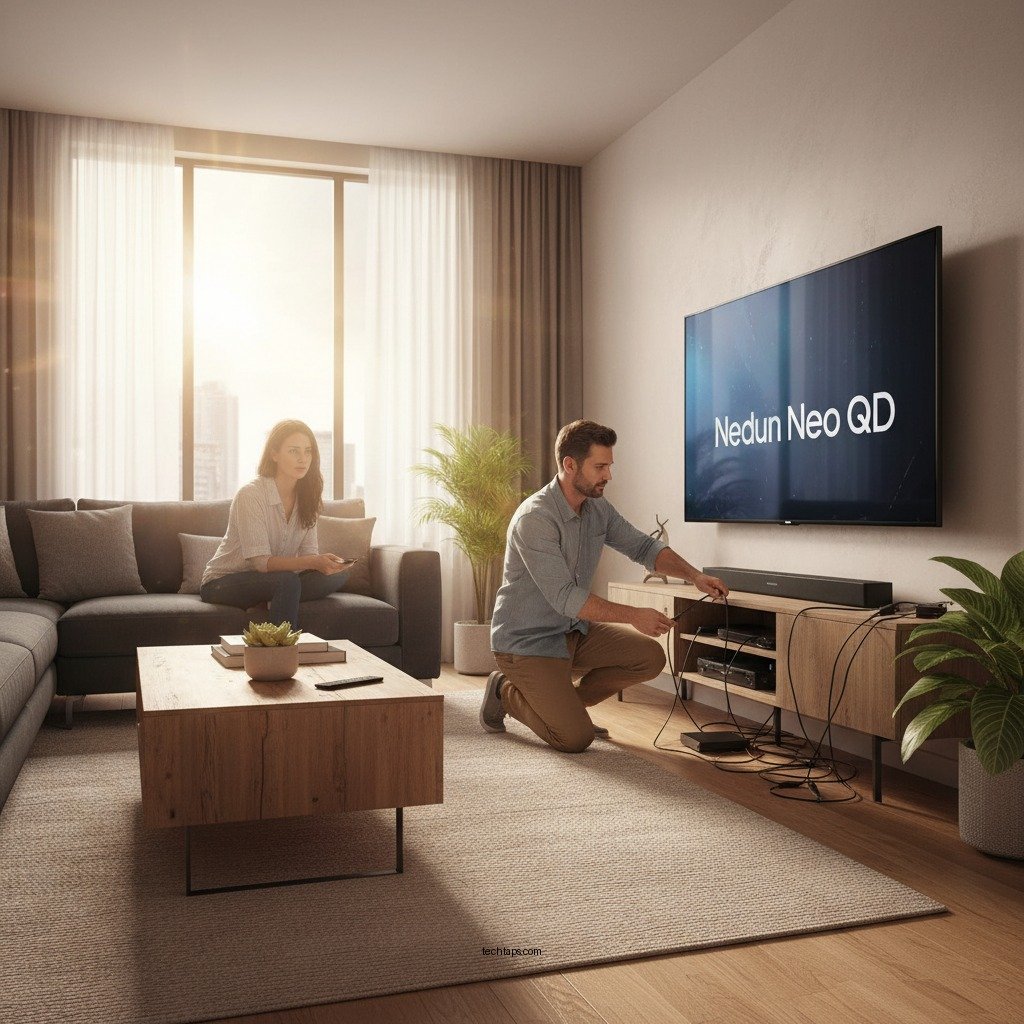
One of the first steps in troubleshooting audio sync issues is to ensure that all connections are secure. Loose or damaged cables can lead to interruptions in the audio signal, resulting in noticeable delays. Check all cables, including HDMI, optical, and audio cables, to confirm they are firmly connected to both the TV and the home theater system.
Additionally, inspect the cables for any visible damage, such as frays or kinks. If you find any compromised cables, replacing them could resolve the issue. It’s also advisable to ensure that you are using high-quality cables that are compatible with your devices, as subpar cables can sometimes lead to performance issues.
Adjust Audio Settings on Your TV
Navigating your Samsung TV’s audio settings can provide a straightforward solution to audio sync problems. Samsung televisions typically have several options to help calibrate the audio output.
To adjust these settings, access the audio menu via your TV’s settings. Look for options like “Audio Delay” or “Lip Sync.” These features allow you to fine-tune the timing of the audio to ensure it aligns perfectly with the video. Start by making small adjustments and testing the results; often, a minor tweak can make a significant difference.
Update Your Firmware
Keeping your Samsung home theater system updated is essential for optimal performance. Manufacturers regularly release firmware updates that can fix bugs and improve system functionality. Regularly checking for updates can prevent many common issues, including audio sync discrepancies.
To update your firmware, navigate to the settings menu of your home theater system. Look for the “Support” or “System Update” section, where you can check for available updates. Once updated, restart your system and check if the audio sync issue persists.
Use External Audio Sync Tools
If the built-in settings on your Samsung home theater system are insufficient in resolving audio sync issues, consider using external audio sync tools. Devices such as audio sync boxes can be connected between your TV and speakers to manually adjust the timing of the audio.
These external devices can offer more precise control over audio alignment, making them particularly useful for users who regularly experience sync issues. While this may require an additional investment, the improvement in your viewing experience can be well worth it.
Troubleshoot External Devices
If your home theater system connects to external devices such as streaming boxes, gaming consoles, or Blu-ray players, it’s vital to ensure they are configured correctly. Many of these devices have their own audio output settings that can affect synchronization.
Check the audio settings on these devices to ensure they are set to match your home theater system. Additionally, consider connecting the devices directly to the TV instead of through the home theater system to see if this resolves the issue, as sometimes the method of connection can introduce delays.
Seek Professional Help
If you have tried all the aforementioned solutions and the audio sync issues persist, it may be time to consult Samsung customer support or a professional technician. They can provide tailored assistance based on your specific setup and any underlying issues that may not be immediately apparent.
Professional support can often diagnose complex problems, such as hardware malfunctions or compatibility issues with specific devices, that might be causing your audio sync challenges.
Common Audio Sync Issues and Their Solutions
| # | Issue | Potential Cause | Solution |
|---|---|---|---|
| 1 | Delayed Audio | Loose Connections | Secure all cables |
| 2 | Out of Sync Dialogues | Audio Delay Settings | Adjust Lip Sync settings |
| 3 | Inconsistent Sound Quality | Outdated Firmware | Update firmware regularly |
| 4 | Echo Effects | Multiple Audio Outputs | Disable extra audio outputs |
| 5 | Audio Lag During Streaming | Network Issues | Check internet speed |
| 6 | Sound Distortion | Poor Quality Cables | Use high-quality cables |
| 7 | Device Compatibility Issues | Outdated Device Firmware | Update all connected devices |
By following these steps, you should be able to effectively tackle audio sync issues with your Samsung home theater system. Regularly checking your settings, connections, and firmware will help maintain optimal performance. Remember, technology can be complex, but with a little troubleshooting, you can enjoy seamless audio and video synchronization. If you need further assistance, don’t hesitate to reach out to Samsung support for expert help.
Frequently Asked Questions
What are common causes of audio sync issues in Samsung home theater systems?
Common causes of audio sync issues in Samsung home theater systems include HDMI connection problems, outdated firmware, and improper audio settings. Additionally, using external streaming devices or incompatible audio formats can lead to delays between video and audio playback.
How can I fix audio sync issues on my Samsung home theater system?
To fix audio sync issues, start by checking your HDMI connections and ensuring they’re secure. You can also adjust the audio delay settings in your Samsung home theater system’s menu or update the firmware to the latest version to resolve compatibility issues.
Why is my Samsung home theater audio out of sync with the video?
Your Samsung home theater audio may be out of sync with the video due to latency in processing the audio signal or issues with the format of the media being played. Incompatible codecs or network buffering during streaming can also contribute to this problem.
What is the best way to adjust audio delay on a Samsung home theater system?
The best way to adjust audio delay on a Samsung home theater system is to access the audio settings through the system’s menu. From there, locate the “Audio Sync” or “Lip Sync” option to manually adjust the timing until the audio matches the video perfectly.
Which devices are most likely to cause audio sync issues with my Samsung home theater?
Devices such as Blu-ray players, streaming media players, and game consoles are most likely to cause audio sync issues with your Samsung home theater. Additionally, using older HDMI cables or connecting through a soundbar can introduce latency that affects audio timing.
References
- Home cinema
https://en.wikipedia.org/wiki/Home_theater - Google Scholar Google Scholar
https://scholar.google.com/scholar?q=Samsung+Home+Theater+Audio+Sync+Issues - Google Scholar Google Scholar
https://scholar.google.com/scholar?q=audio+sync+issues+in+home+theater - https://www.nytimes.com/2021/12/01/technology/personaltech/home-theater-audio-sync.html
https://www.nytimes.com/2021/12/01/technology/personaltech/home-theater-audio-sync.html - https://www.sciencedirect.com/topics/engineering/audio-sync
https://www.sciencedirect.com/topics/engineering/audio-sync - https://www.bbc.com/news/technology-46150057
https://www.bbc.com/news/technology-46150057 - https://www.theguardian.com/technology/2020/jul/15/home-theatre-audio-sync-issues
https://www.theguardian.com/technology/2020/jul/15/home-theatre-audio-sync-issues - https://www.reuters.com/article/us-tech-home-theater-idUSKBN2A32D3
https://www.reuters.com/article/us-tech-home-theater-idUSKBN2A32D3 - https://pubmed.ncbi.nlm.nih.gov/
https://pubmed.ncbi.nlm.nih.gov/ - https://www.nature.com/articles/s41598-018-29271-0
https://www.nature.com/articles/s41598-018-29271-0