
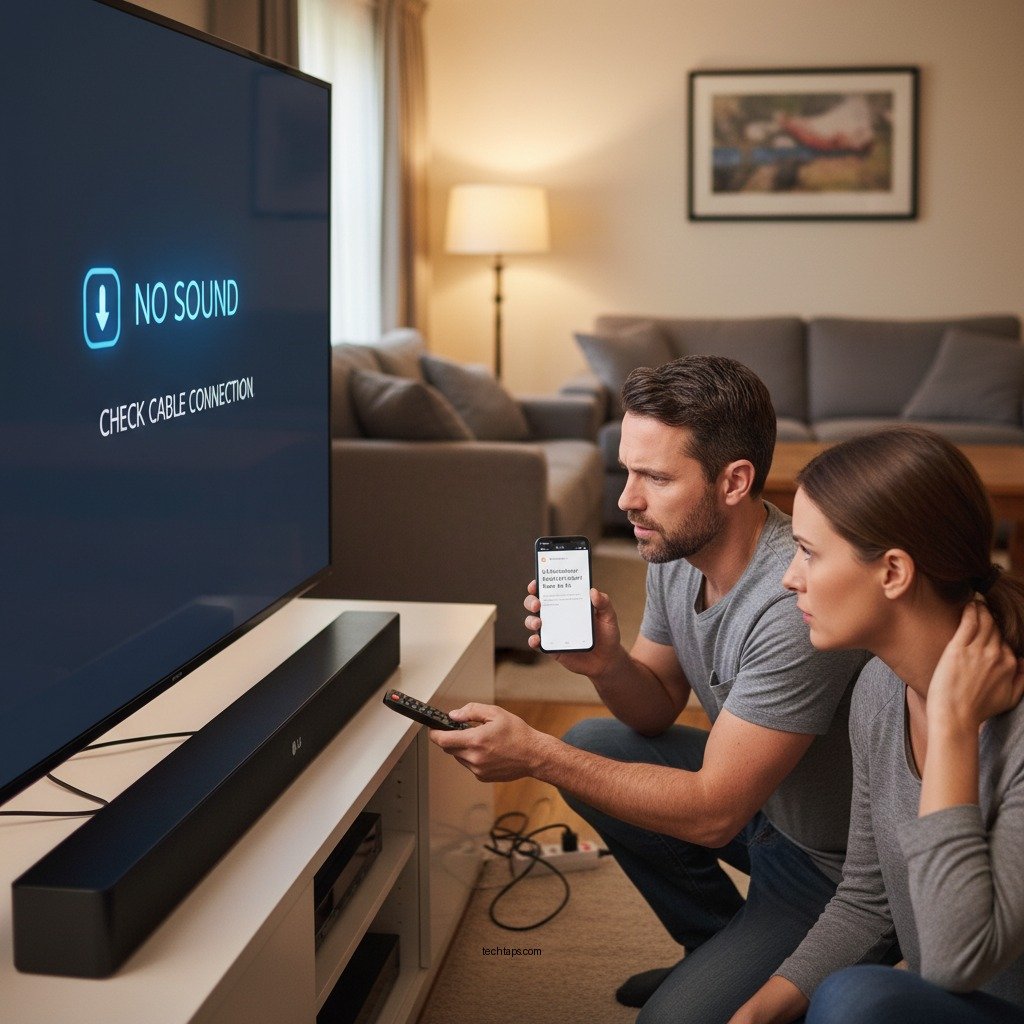

If your LG soundbar is producing no sound, don’t worry—there are several steps you can take to troubleshoot and resolve the issue. This guide will help you identify common problems and provide practical solutions, ensuring you can enjoy high-quality audio in no time. By systematically checking connections, adjusting settings, and testing various devices, you can effectively diagnose and address the issue.
Check Your Connections

One of the most common reasons for a lack of sound from your LG soundbar is faulty connections. Start by ensuring that all cables are securely plugged in, including power and audio connections. A loose cable can easily interrupt the signal transmission, causing no sound output. Additionally, verify that the HDMI or optical cable is properly connected to both the soundbar and the TV. If you’re using HDMI ARC (Audio Return Channel), ensure that the TV’s HDMI ARC port is correctly linked with the soundbar’s HDMI input.
Also, check that you are using the correct cables. For optimal audio quality, a high-speed HDMI cable or a fiber optic cable is recommended. If you’re using an auxiliary cable, make sure it is fully inserted into both the soundbar and the device. Sometimes, the simplest solution can resolve what seems to be a complex issue.
Adjust TV Settings
After confirming that all connections are secure, the next step is to adjust your TV settings. Confirm that the TV audio output is set to the soundbar and not the TV speakers. This can typically be done through the audio settings menu on your television. Look for options labeled “Audio Output,” “Sound,” or “Speaker Settings” to ensure the soundbar is selected as the output device.
Additionally, check for any audio settings that may be muting or lowering the sound output inadvertently. Some TVs have a “Mute” feature that can easily be overlooked, or other audio enhancements that can interfere with sound. Adjusting these settings may restore the audio functionality of your soundbar.
Inspect Soundbar Settings
Sometimes, the issue may lie within the soundbar itself. Make sure the soundbar is powered on and not muted. Look for a mute button on the remote or the soundbar unit, which may have been inadvertently pressed. If you notice that the LED indicators are off, it could mean the device is not powered on at all.
Cycling through different sound modes on the soundbar can also be beneficial. Many soundbars come equipped with various audio presets, including movie mode, music mode, and night mode. Switching between these modes may help you regain audio. Some soundbars even have a built-in equalizer to adjust sound settings; experimenting with these settings could yield positive results.
Common Causes of No Sound in LG Soundbars
| # | Cause | Frequency | Resolution |
|---|---|---|---|
| 1 | Loose Connections | High | Secure all cables |
| 2 | Wrong Audio Output Setting | Medium | Change to soundbar |
| 3 | Soundbar Muted | High | Unmute soundbar |
| 4 | Incorrect Sound Mode | Medium | Switch modes |
| 5 | Firmware Issues | Low | Update firmware |
| 6 | Device Compatibility Issues | Medium | Check compatibility |
| 7 | Internal Hardware Failure | Low | Seek service |
Test with Different Devices
If the problem persists after checking connections and settings, it’s time to test the soundbar with different devices. Start by connecting another device, such as a smartphone or tablet, to the soundbar. This can help determine whether the issue is with the soundbar or the original audio source. Many LG soundbars support Bluetooth connectivity, allowing for easy pairing with mobile devices.
Additionally, use a different audio source, such as Bluetooth or an AUX connection. If sound is coming through with alternate connections, the initial device may be the culprit. Ensure that the device you’re using is functioning correctly and is compatible with the soundbar. This step can significantly narrow down the cause of the issue.
Reset the Soundbar
If you’ve tried all the previous steps without success, performing a factory reset on the soundbar may be necessary. This process restores the default settings and can eliminate any configuration errors that might be causing the sound issue. To perform a factory reset, consult the user manual specific to your soundbar model, as the reset process can vary between models.
Usually, a factory reset can be performed through the soundbar’s menu settings, or by pressing a combination of buttons on the remote control. It’s important to note that a factory reset will erase all personalized settings, so be prepared to reconfigure your preferences afterward.
Update Firmware
Outdated firmware can cause various issues, including sound problems. It’s essential to check if your soundbar has any available firmware updates that might resolve audio issues. You can usually find firmware updates on the LG support website or through the soundbar’s settings menu.
Follow the manufacturer’s instructions for downloading and installing updates. This process may involve connecting the soundbar to the internet via Wi-Fi or using a USB drive. Keeping your soundbar’s firmware up to date ensures optimal performance and can help prevent future issues.
Seek Professional Help
If none of the above steps work, it may be time to consider seeking professional help. Contact LG customer support for assistance; they can provide guidance tailored to your specific soundbar model and issue. Additionally, if your soundbar is still under warranty, look for authorized service centers to avoid any unexpected repair costs.
Professional technicians can diagnose and fix hardware problems that may be causing the lack of sound, ensuring your device is restored to full functionality. Don’t hesitate to reach out for help if the basic troubleshooting steps do not resolve the issue.
In conclusion, if your LG soundbar is not producing sound, following these troubleshooting steps can help you identify and resolve the issue. Start by checking your connections and adjusting settings, then test with different devices and perform a factory reset if necessary. Keeping your firmware updated and seeking professional help when needed will ensure a seamless audio experience. Enjoy your audio experience!
Frequently Asked Questions
What should I check first if my LG soundbar has no sound?
If your LG soundbar has no sound, start by checking the power connection and ensuring that the soundbar is turned on. Then, verify the audio source settings on your TV and make sure the soundbar is selected as the output device. Also, check the volume levels on both the soundbar and the TV to ensure they are not muted or set too low.
How can I troubleshoot my LG soundbar if it’s not connecting to my TV?
To troubleshoot connectivity issues between your LG soundbar and TV, first confirm that all cables are securely connected and that you are using the correct input on the soundbar. If you’re using Bluetooth, ensure that the soundbar is paired with the TV and that both devices are in range. Resetting the soundbar to factory settings can also help resolve persistent connection issues.
Why is my LG soundbar not producing sound while watching Netflix?
If your LG soundbar is not producing sound while streaming Netflix, the issue may be related to the audio output settings on your TV. Ensure that the TV is set to output audio through the soundbar and not its internal speakers. Additionally, check for any updates on both the soundbar and the Netflix app, as outdated software can sometimes cause compatibility issues.
What is the best way to reset my LG soundbar to fix sound issues?
The best way to reset your LG soundbar is to locate the reset button, usually found on the back or bottom of the unit, and press it for a few seconds. Alternatively, you can reset the soundbar through the settings menu by selecting the ‘Factory Reset’ option. Resetting will restore the soundbar to its original settings and may resolve any sound issues.
Which cables should I use to connect my LG soundbar for optimal sound quality?
For optimal sound quality, it’s recommended to use an optical cable or HDMI ARC to connect your LG soundbar to your TV, as these options provide the best audio performance. If those options are not available, a standard aux cable can be used, but it may not deliver the same high-quality sound. Always ensure that the cables are in good condition and securely connected for the best results.
References
- Product Support: Help Library | LG USA Support
https://www.lg.com/us/support/help-library - Google Scholar Google Scholar
https://scholar.google.com/scholar?q=LG+Soundbar+No+Sound - Google Scholar Google Scholar
https://scholar.google.com/scholar?q=fixing+soundbar+issues - https://www.lifewire.com/how-to-fix-soundbar-issues-4768149
https://www.lifewire.com/how-to-fix-soundbar-issues-4768149 - Google Scholar Google Scholar
https://scholar.google.com/scholar?q=troubleshooting+soundbar+no+sound - Google Scholar Google Scholar
https://scholar.google.com/scholar?q=LG+Soundbar+No+Sound?+Here’s+What+to+Do - LG Soundbar No Sound? Here’s What to Do – Search results
https://en.wikipedia.org/wiki/Special:Search?search=LG+Soundbar+No+Sound?+Here’s+What+to+Do - https://www.ncbi.nlm.nih.gov/search/research-articles/?term=LG+Soundbar+No+Sound?+Here’s+What+to+Do
https://www.ncbi.nlm.nih.gov/search/research-articles/?term=LG+Soundbar+No+Sound?+Here’s+What+to+Do


