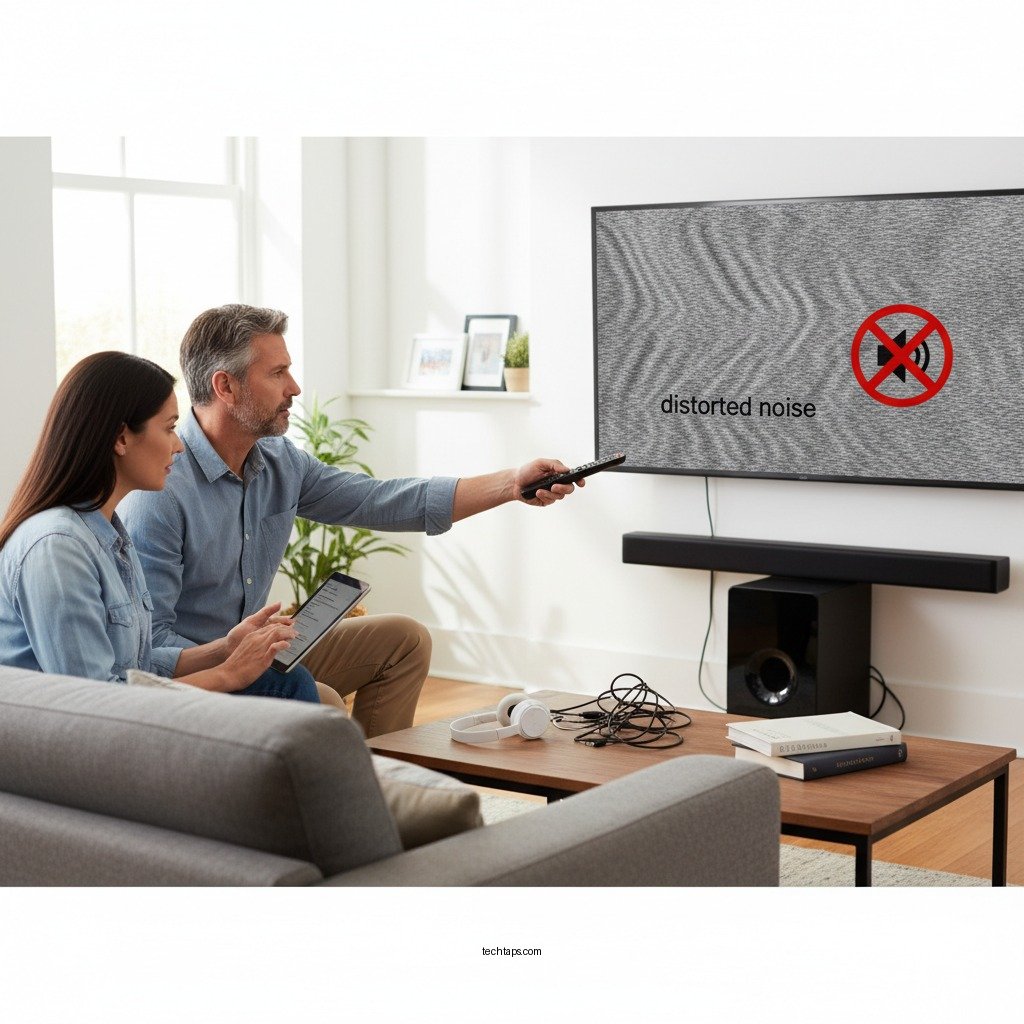

If your LG sound system is making distorted noise, the first step is to check the connections and settings, as many issues can be resolved with simple adjustments. In this article, you will learn effective troubleshooting techniques and solutions to restore your sound system to its optimal performance.
Check Connections and Cables
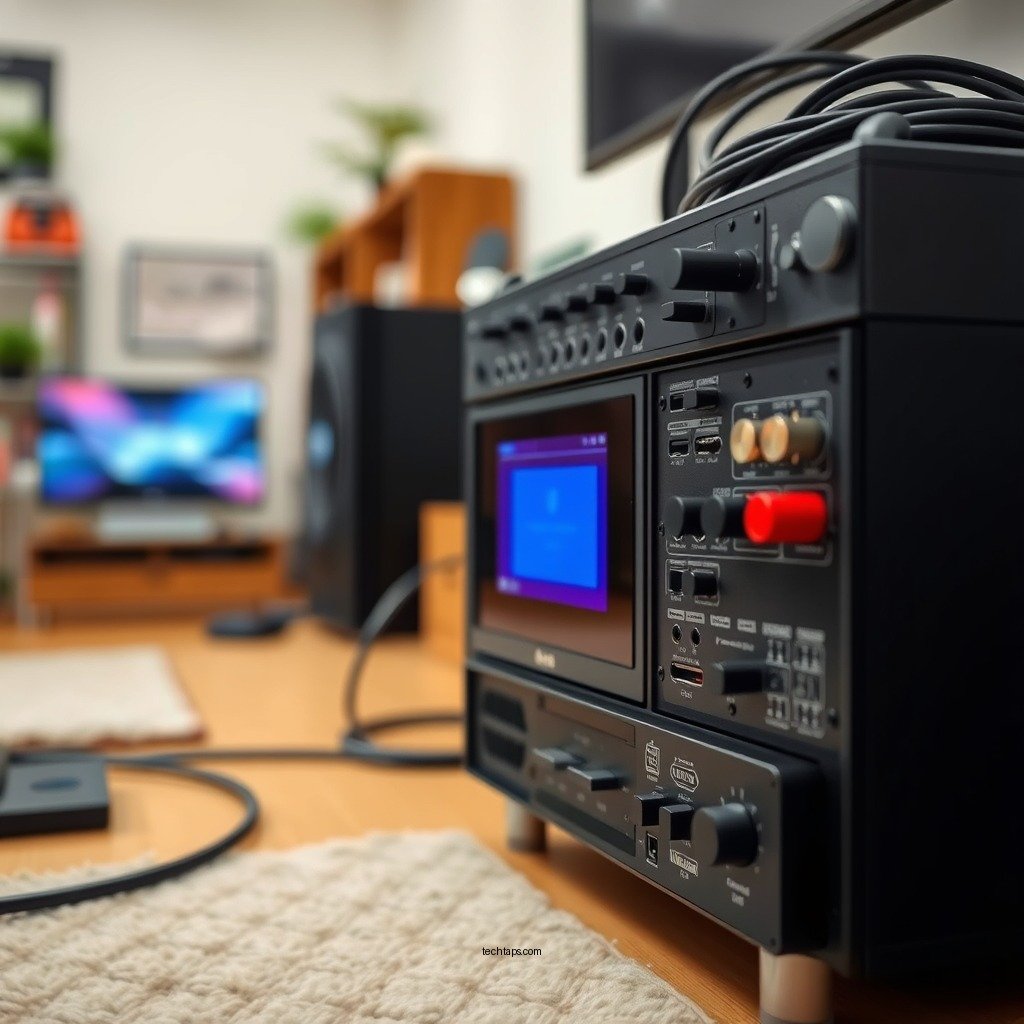
The first and most straightforward step in resolving distorted noise from your LG sound system is to check all connections and cables. Loose or damaged cables are often the culprits behind audio distortion. Start by inspecting each cable for visible wear or breakage. Look for frayed ends or kinks that could disrupt the signal flow.
Next, ensure that all audio inputs are securely connected to both the sound system and the source device, whether that’s a television, computer, or smartphone. Sometimes, a simple disconnection and reconnection can fix the issue, as it may realign the connection points.
Additionally, if you are using multiple cables (e.g., HDMI, optical, or RCA), ensure that you are selecting the correct input source on your sound system. Misconfigured inputs can lead to distorted sound due to signal incompatibility.
Adjust Sound Settings
Once you have confirmed that all connections are secure, the next step is to review your sound settings. Many modern sound systems, including those from LG, come equipped with advanced equalizer settings that allow for fine-tuning audio output. Misconfigured equalizer settings can easily cause distorted sound.
Check for any preset sound profiles that may not be suitable for your current listening environment. If you suspect that custom settings are causing the issue, consider resetting the audio settings to factory defaults. This action can eliminate any unintentional changes that have been made and restore the sound quality to its original state.
Furthermore, ensure that any sound enhancement features, such as surround sound or bass boost, are appropriately set. Sometimes, over-emphasizing certain frequencies can lead to distortion.
Update Firmware
Keeping your LG sound system up to date is crucial for optimal performance. Manufacturers regularly release firmware updates that address bugs, improve functionality, and enhance sound quality. To check for available firmware updates, navigate to the settings menu of your sound system.
Follow the manufacturer’s instructions for updating the firmware. This usually involves connecting to Wi-Fi and downloading the necessary files. Make sure to follow the steps carefully to avoid any potential issues during the update process. An up-to-date sound system is less likely to experience distortion issues, as updates often include important fixes that can resolve underlying problems.
Test with Different Devices
If you’re still experiencing distorted sound after checking connections, adjusting settings, and updating firmware, it’s a good idea to test the sound system with different audio sources. Connect various devices, such as a smartphone, tablet, or computer, to determine if the issue persists across different sources.
This step is critical in identifying whether the distortion lies with the sound system itself or the original audio source. For example, if the distortion only occurs when streaming audio from a specific app or device, the problem may not be with the sound system but rather with the audio file or streaming service.
Inspect for Overheating
Overheating can significantly impact the performance of any electronic device, including your LG sound system. Ensure that your sound system is placed in a well-ventilated area to prevent overheating. If the device feels unusually hot to the touch, it may lead to distorted sound as the internal components struggle to function optimally.
If you suspect overheating is an issue, turn off your sound system and allow it to cool down completely. After a cooling period, power the system back on and check if the distortion persists. In some cases, rearranging your setup for better airflow can resolve the issue.
Seek Professional Repair
If you have followed all the aforementioned steps and are still experiencing distorted noise, it may be time to seek professional assistance. Contacting LG support can provide you with valuable insights and troubleshooting steps tailored to your specific model. Additionally, if your warranty is still active, repairs or replacements may be covered.
If the warranty has expired or the issue appears complex, consider consulting a professional technician who specializes in audio equipment. They can diagnose the problem accurately and provide solutions that may not be feasible for an average user. Always get a quote for repairs before proceeding to ensure that the cost is manageable.
Common Causes of Distorted Noise in LG Sound Systems
| # | Cause | Frequency Occurrence | Impact Level | Resolution |
|---|---|---|---|---|
| 1 | Loose Connections | High | Moderate | Reconnect Cables |
| 2 | Overheating | Medium | High | Allow Cooling |
| 3 | Firmware Issues | Low | Moderate | Update Firmware |
| 4 | Misconfigured Settings | High | Moderate | Reset Settings |
| 5 | Audio Source Issues | Medium | High | Test Different Sources |
| 6 | Damaged Components | Low | Very High | Seek Repair |
| 7 | Inadequate Power Supply | Medium | High | Check Power Source |
If your LG sound system is producing distorted noise, taking these troubleshooting steps can effectively identify and resolve the problem. Start with checking connections and settings, and don’t hesitate to seek professional help if necessary. By following these solutions, you can restore your audio experience and enjoy high-quality sound once again.
Frequently Asked Questions
Why is my LG sound system making distorted noise?
Distorted noise from your LG sound system can be caused by several factors, including loose connections, damaged cables, or incorrect settings. Additionally, if the audio source has poor quality, it may also contribute to distortion. To diagnose the issue, check all connections, replace any damaged cables, and ensure your audio settings are properly configured.
How can I fix distorted sound on my LG sound system?
To fix distorted sound on your LG sound system, start by checking and securing all audio connections and cables. Next, adjust the equalizer settings on your device to optimize sound quality. If the problem persists, consider resetting the sound system to factory settings or updating the firmware to eliminate any software-related issues.
What should I do if my LG sound system distorts only at high volumes?
If your LG sound system only distorts at high volumes, this may indicate that the speakers are overdriven or the amplifier is clipping. Try lowering the volume to a moderate level and see if the distortion disappears. Additionally, check the impedance rating of your speakers to ensure they are compatible with the sound system.
Which cables are best for preventing distortion in my LG sound system?
To prevent distortion in your LG sound system, it’s best to use high-quality, shielded cables that are specifically designed for audio applications. Look for cables with gold-plated connectors to ensure a solid connection and minimize signal loss. Additionally, avoid using excessively long cables, as this can also contribute to audio distortion.
What are common settings that might cause distortion in my LG sound system?
Common settings that might cause distortion in your LG sound system include overly boosted bass or treble levels, as well as incorrect equalizer settings. Check your sound settings and adjust the bass and treble to a balanced level. Additionally, ensure the surround sound settings are properly configured, as misconfiguration can lead to audio distortion.
References
- Sound system
https://en.wikipedia.org/wiki/Sound_system - https://www.sciencedirect.com/topics/engineering/sound-system
https://www.sciencedirect.com/topics/engineering/sound-system - https://pubmed.ncbi.nlm.nih.gov/
https://pubmed.ncbi.nlm.nih.gov/ - https://www.britannica.com/topic/sound-system
https://www.britannica.com/topic/sound-system - https://www.nature.com/articles/s41598-020-71126-1
https://www.nature.com/articles/s41598-020-71126-1 - https://www.cdc.gov/niosh/topics/noise/default.html
https://www.cdc.gov/niosh/topics/noise/default.html - News
https://who.int/news-room/questions-and-answers/item/noise - Google Scholar Google Scholar
https://scholar.google.com/scholar?q=LG+Sound+System+Distorted+Noise - Google Scholar Google Scholar
https://scholar.google.com/scholar?q=sound+system+distortion+solutions - Google Scholar Google Scholar
https://scholar.google.com/scholar?q=audio+distortion+troubleshooting