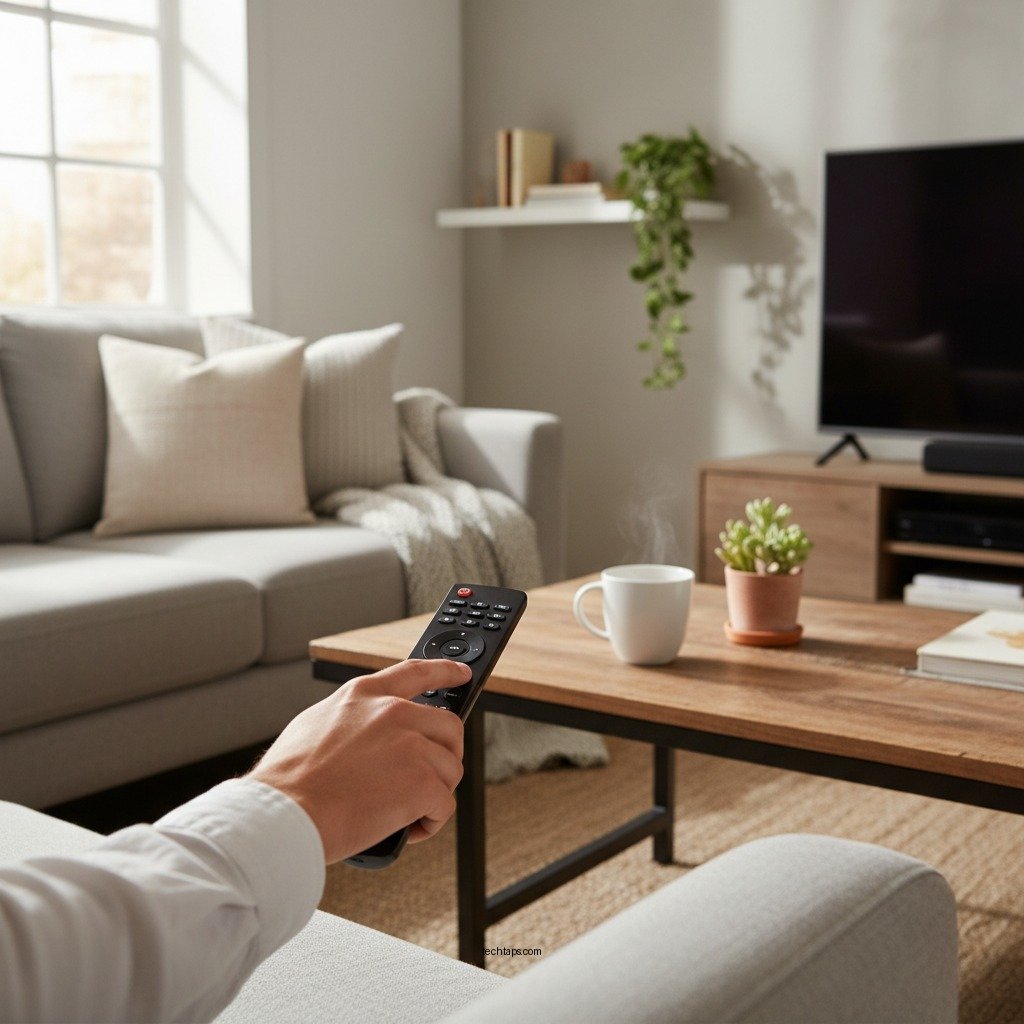

If your LG home audio remote isn’t working, don’t worry; there are several troubleshooting steps you can take to resolve the issue quickly. This guide will walk you through common problems and solutions, ensuring you get your remote back to functioning properly. Often, remote issues stem from simple problems like dead batteries or minor device settings, and following this structured guide will help you efficiently diagnose and resolve the issue.
Check the Batteries

The first step in troubleshooting a non-functioning remote is to check the batteries. Remotes are powered by batteries that can deplete over time, leading to unresponsiveness.
– Ensure the batteries are fresh and installed correctly, matching the polarity. Remove the battery cover and take out the batteries to inspect their condition. If they feel weak or have corroded terminals, it’s time for a replacement.
– Try replacing the batteries with new ones to see if that resolves the issue. It’s advisable to use high-quality batteries to ensure consistent power delivery. If you have a multimeter, you can also test the voltage of the batteries to confirm whether they’re functional.
Inspect the Remote Control
After checking the batteries, turn your attention to the remote control itself. Physical issues can also result in malfunction.
– Look for any visible damage or signs of wear on the remote. Check for cracks, broken buttons, or other structural damage that could affect performance. If the remote has been dropped or exposed to moisture, internal components may be compromised.
– Check for stuck buttons that may be causing malfunction. Sometimes, grime or debris can cause buttons to stick, which may disrupt the remote’s functionality. A gentle cleaning with a soft cloth or a cotton swab can often resolve this issue.
Verify the Audio System
Before concluding that the remote is faulty, ensure that the audio system is functioning correctly.
– Ensure that your audio system is powered on and functioning correctly. Check that all connections are secure and that the device is receiving power. If the system itself is off or malfunctioning, the remote will not respond.
– Make sure the remote is compatible with the specific model of your LG audio system. Some remotes are designed for specific models or series. Confirm that your remote matches the model number of your audio system, as using an incompatible remote will lead to operational issues.
Reset the Remote Control
If the previous steps haven’t resolved the issue, perform a reset on the remote control.
– Perform a factory reset on the remote by removing the batteries and pressing each button for a few seconds. This action can clear any temporary glitches that may have developed.
– Reinsert the batteries and test the remote to see if it’s responsive. Often, this simple reset can restore functionality to a non-responsive remote.
Check for Interference
Remote controls can sometimes be affected by interference from other devices.
– Move any objects that might be blocking the line of sight between the remote and the audio system. Ensure there are no obstructions, as infrared signals require a clear path to transmit commands effectively.
– Ensure that there are no other electronic devices causing interference with the remote signals. Devices like fluorescent lights, microwaves, or even other remote controls can interfere with the signals being sent to the audio system.
Update Firmware
In some cases, outdated firmware can lead to communication issues between the remote and the audio system.
– Check if your audio system has any available firmware updates that might improve remote functionality. Visit the LG support website or the settings menu of your audio system to see if updates are available.
– Follow LG’s instructions for updating your system to ensure compatibility. Keeping your system updated can resolve bugs and improve overall performance, including remote control function.
Contact Customer Support
If none of the above steps work, consider reaching out to LG customer support for further assistance.
– Have your model number ready to expedite the troubleshooting process. Providing this information can help customer service representatives offer tailored solutions based on your specific audio system.
– Consider warranty options if applicable. If your remote is still under warranty, you may be eligible for a replacement or repair at no cost.
Common Issues with LG Home Audio Remotes
| # | Issue | Possible Cause | Solution |
|---|---|---|---|
| 1 | No Response | Dead Batteries | Replace Batteries |
| 2 | Stuck Buttons | Debris | Clean Remote |
| 3 | Incompatible Remote | Wrong Model | Confirm Compatibility |
| 4 | Firmware Issues | Outdated Software | Update Firmware |
| 5 | Signal Interference | Obstructions | Remove Obstacles |
| 6 | Remote Not Pairing | Unpaired | Re-Pair Remote |
| 7 | Functions Inconsistently | Weak Signal | Check Batteries |
Getting your LG home audio remote to work again is often just a matter of following these steps. From checking the batteries to resetting the remote and ensuring compatibility with your audio system, these troubleshooting techniques can often restore functionality. If you try all the steps mentioned and still experience issues, don’t hesitate to reach out for professional help to ensure your system is fully operational. With a few simple checks, you can often solve the problem and get back to enjoying your audio experience without further delay.
Frequently Asked Questions
What should I do if my LG Home Audio Remote is not responding?
If your LG Home Audio Remote is not responding, start by checking the batteries. Replace them with fresh ones to ensure they are not depleted. If the remote still doesn’t work, try resetting the audio system by unplugging it from the power source for a few minutes before plugging it back in.
How can I troubleshoot my LG Home Audio Remote connection issues?
To troubleshoot connection issues with your LG Home Audio Remote, first ensure that there are no obstructions between the remote and the audio system. Try pairing the remote again by following the manufacturer’s instructions, which typically involve pressing the “Pairing” button on the remote and the audio system simultaneously.
Why does my LG Home Audio Remote only work intermittently?
Intermittent functionality of your LG Home Audio Remote can be due to weak batteries or interference from other electronic devices. Make sure the batteries are fully charged and consider moving any nearby devices that may cause interference, such as Wi-Fi routers or microwaves, away from the audio system.
What are the best practices for maintaining my LG Home Audio Remote?
To maintain your LG Home Audio Remote, regularly replace the batteries to prevent leaks and corrosion. Additionally, keep the remote clean by wiping it with a soft, dry cloth and storing it in a safe place to avoid damage, ensuring it lasts longer and functions properly.
Which LG Home Audio Remote models are compatible with my system?
Compatibility of LG Home Audio Remote models can vary based on the audio system you own. Check the user manual for your specific LG home audio system or visit the LG website to find a list of compatible remote models, ensuring you purchase the correct one for seamless operation.
References
- Product Support: Help Library | LG USA Support
https://www.lg.com/us/support/help-library - https://www.repairclinic.com/RepairHelp/How-To-Fix-A-Remote-Control
https://www.repairclinic.com/RepairHelp/How-To-Fix-A-Remote-Control - Google Scholar Google Scholar
https://scholar.google.com/scholar?q=LG+Home+Audio+Remote+Not+Working - Google Scholar Google Scholar
https://scholar.google.com/scholar?q=remote+control+troubleshooting - Google Scholar Google Scholar
https://scholar.google.com/scholar?q=LG+audio+system+issues - https://www.lifewire.com/how-to-fix-a-remote-control-1846516
https://www.lifewire.com/how-to-fix-a-remote-control-1846516 - Google Scholar Google Scholar
https://scholar.google.com/scholar?q=LG+Home+Audio+Remote+Not+Working?+Step-by-Step+Guide - LG Home Audio Remote Not Working? Step-by-Step Guide – Search results
https://en.wikipedia.org/wiki/Special:Search?search=LG+Home+Audio+Remote+Not+Working?+Step-by-Step+Guide - https://www.ncbi.nlm.nih.gov/search/research-articles/?term=LG+Home+Audio+Remote+Not+Working?+Step-by-Step+Guide
https://www.ncbi.nlm.nih.gov/search/research-articles/?term=LG+Home+Audio+Remote+Not+Working?+Step-by-Step+Guide