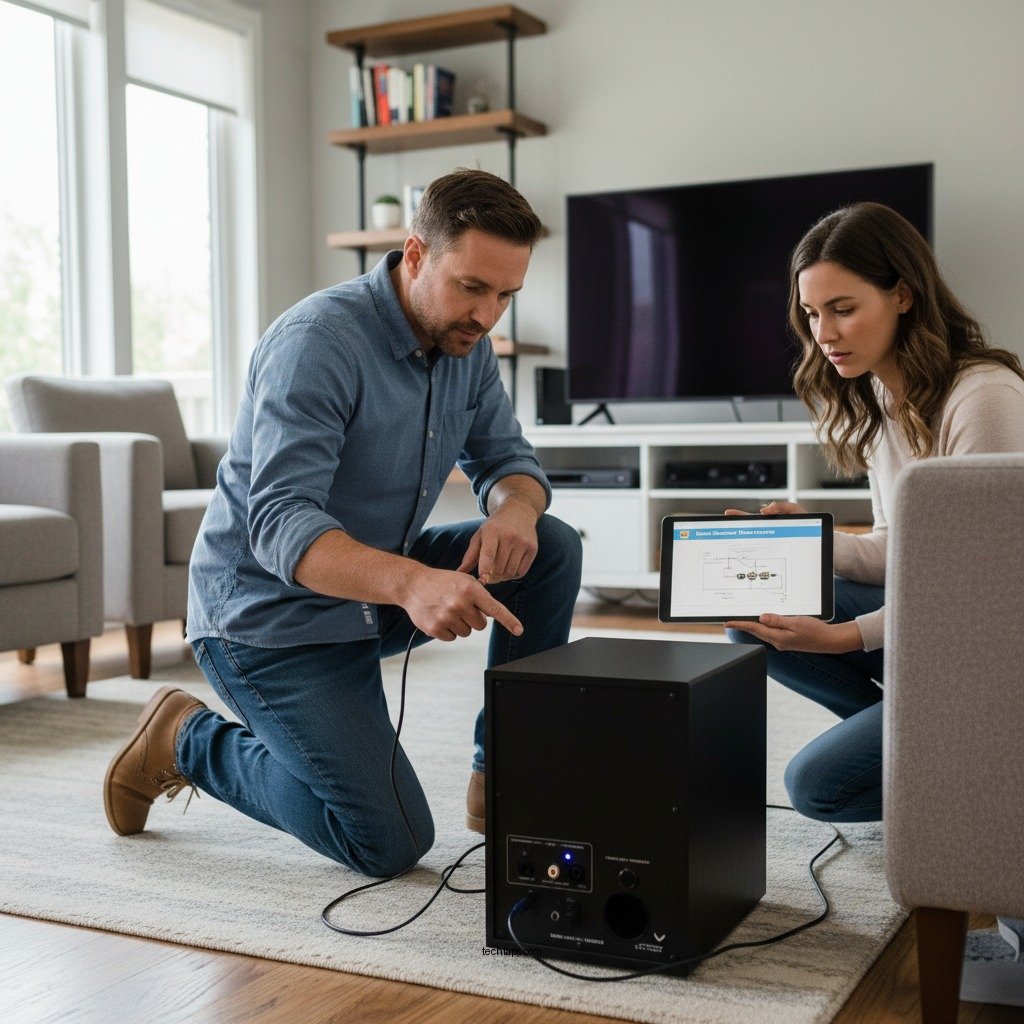

If your Denon subwoofer keeps disconnecting, the most common reasons include connectivity issues, settings misconfigurations, or hardware problems. In this guide, you’ll learn effective troubleshooting steps to help you regain a stable connection and enjoy your audio experience without interruptions. With the right approach, you can identify the source of the issue and implement effective solutions to restore your audio setup.
Check Your Connections

The first step in troubleshooting a disconnecting Denon subwoofer is to check all physical connections. Loose or damaged cables are often the culprits behind audio interruptions. Begin by ensuring that the power cable is securely plugged into both the subwoofer and the electrical outlet. Additionally, inspect the audio cables connecting the subwoofer to the receiver or amplifier. Make sure they are tightly connected, as even a slight disconnection can lead to audio dropouts.
Next, examine the cables and connectors for any visible signs of wear or damage. Frayed cables or bent connectors can disrupt the signal transmission. If you identify any damaged components, it may be necessary to replace them to ensure a stable connection. Using high-quality cables and connectors is also recommended to minimize the risk of disconnections caused by poor signal quality.
Verify Power Supply
A stable power supply is crucial for the proper functioning of your Denon subwoofer. Start by confirming that the outlet you are using is functional. You can test this by plugging in another device to see if it receives power. If the outlet is working, check that the subwoofer’s power cord is firmly connected and undamaged.
If you suspect power issues, try connecting the subwoofer to a different outlet to rule out the possibility of an electrical problem. It’s important to ensure that the outlet is not overloaded with other devices, as this can cause fluctuations in power supply. Additionally, using a surge protector can help safeguard your subwoofer from power surges that might lead to hardware malfunctions.
Adjust Subwoofer Settings
Misconfigured settings on your Denon receiver can also lead to subwoofer disconnections. Navigate to the receiver menu and check the settings related to the subwoofer. Ensure that it is enabled and that all settings are correctly configured according to your audio setup. Pay attention to crossover frequencies and volume levels, as incorrect configurations can affect performance.
If you are uncertain about the optimal settings, consider resetting the subwoofer settings to factory defaults. This can help eliminate any software-related issues that may be causing the disconnections. After resetting, reconfigure the settings carefully, following the manufacturer’s guidelines, to ensure that the subwoofer operates correctly within your audio system.
Inspect Wireless Connectivity (if applicable)
For those using a wireless Denon subwoofer, the quality of your Wi-Fi connection plays a crucial role in maintaining a stable audio experience. Begin by checking the strength of your Wi-Fi signal in the area where the subwoofer is located. If the signal is weak, consider relocating the router or the subwoofer to improve connectivity.
If your subwoofer continues to disconnect, you may need to reconnect it to your Wi-Fi network. Follow the manufacturer’s pairing instructions carefully to ensure a successful reconnection. Additionally, ensure that there are no other devices interfering with the signal, such as microwaves or other wireless devices operating on the same frequency.
Common Causes of Denon Subwoofer Disconnections
| # | Cause | Impact Level | Recommended Action |
|---|---|---|---|
| 1 | Loose Connections | High | Tighten all connections |
| 2 | Power Supply Issues | High | Test outlet and change if needed |
| 3 | Settings Misconfiguration | Medium | Reset to factory settings |
| 4 | Weak Wi-Fi Signal | High | Improve Wi-Fi signal strength |
| 5 | Firmware Outdated | Medium | Update firmware regularly |
| 6 | Electrical Interference | Medium | Relocate devices |
| 7 | Hardware Failure | High | Contact customer support |
Update Firmware
Updating the firmware of your Denon receiver and subwoofer is an essential step in maintaining optimal performance. Manufacturers regularly release firmware updates to address bugs, improve compatibility, and enhance overall functionality. To check for updates, refer to the Denon website or the user manual for your devices.
Make sure to follow the manufacturer’s guidelines carefully when updating the firmware. This process can usually be completed through the receiver’s menu or by downloading the update directly from the manufacturer’s website. Keeping your devices updated not only resolves existing issues but also ensures that your subwoofer is equipped with the latest features and improvements.
Test with Different Devices
To determine whether the issue lies with the subwoofer or the original audio source, try connecting the subwoofer to a different audio device or receiver. This step can help isolate the problem and ascertain if the disconnections are specific to your current setup. If the subwoofer works seamlessly with another device, the issue may be related to your original audio source or the settings configured within it.
Conversely, if the disconnections persist when using a different device, the subwoofer itself may require further attention. In such cases, it may be beneficial to explore the possibility of hardware issues. Keep in mind that consistent troubleshooting in various scenarios can lead to a clearer understanding of the underlying problem.
Seek Professional Help
If all troubleshooting steps fail to resolve the disconnection issues, it may be time to seek professional help. Contact Denon customer support for specialized assistance regarding your subwoofer and receiver. Their technical support team can provide tailored advice and troubleshooting techniques based on your specific situation.
Additionally, if you suspect hardware issues but are unsure how to proceed, consulting with a professional audio technician may be beneficial. They possess the expertise to diagnose and repair any underlying hardware problems that may be affecting your subwoofer’s performance. Investing in professional help can save you time and effort while ensuring that your audio equipment functions optimally.
By following these troubleshooting steps, you can identify and resolve the issue of your Denon subwoofer disconnecting. If problems persist, don’t hesitate to reach out for professional support. Enjoy uninterrupted sound!
Frequently Asked Questions
Why does my Denon subwoofer keep disconnecting intermittently?
Intermittent disconnection of your Denon subwoofer can stem from various issues such as poor power supply, loose connections, or wireless interference. Ensure that all cables are securely connected, and if you’re using a wireless setup, check for potential signal obstructions or interference from other devices.
How can I troubleshoot my Denon subwoofer that keeps disconnecting?
To troubleshoot your Denon subwoofer, start by checking all power and audio connections for security. Next, try resetting the subwoofer and your AV receiver. Additionally, check for firmware updates for your Denon devices, as these can resolve connectivity issues.
What settings should I check if my Denon subwoofer keeps disconnecting?
If your Denon subwoofer is disconnecting, check the settings in your AV receiver, particularly the subwoofer output level and crossover frequency settings. Ensure that the subwoofer is set to the correct mode (e.g., LFE or LFE+Main) and that the wireless settings are configured correctly if applicable.
Which Denon subwoofer models are known for connectivity issues?
While most Denon subwoofers are reliable, some users have reported connectivity issues with older models or those with outdated firmware. Models like the Denon DSW-1H or older versions of the Envaya series may experience more frequent disconnections, so keeping firmware updated is crucial for optimal performance.
What should I do if my Denon subwoofer disconnects after a firmware update?
If your Denon subwoofer disconnects following a firmware update, try performing a factory reset on the subwoofer to restore default settings. Additionally, check if the latest firmware version is compatible with your AV receiver and consider rolling back to a previous version if the problem persists.
References
- https://www.denon.com/en-us/support/product-support
https://www.denon.com/en-us/support/product-support - https://www.lifewire.com/how-to-fix-a-subwoofer-that-keeps-disconnecting-3134593
https://www.lifewire.com/how-to-fix-a-subwoofer-that-keeps-disconnecting-3134593 - https://www.audioholics.com/tips-for-audio-setup/subwoofer-setup-guide
https://www.audioholics.com/tips-for-audio-setup/subwoofer-setup-guide - Google Scholar Google Scholar
https://scholar.google.com/scholar?q=Denon+Subwoofer+Keeps+Disconnecting - Google Scholar Google Scholar
https://scholar.google.com/scholar?q=Subwoofer+troubleshooting+guide - Google Scholar Google Scholar
https://scholar.google.com/scholar?q=audio+disconnect+issues+solutions - Google Scholar Google Scholar
https://scholar.google.com/scholar?q=Denon+Subwoofer+Keeps+Disconnecting?+Troubleshooting+Guide - Denon Subwoofer Keeps Disconnecting? Troubleshooting Guide – Search results
https://en.wikipedia.org/wiki/Special:Search?search=Denon+Subwoofer+Keeps+Disconnecting?+Troubleshooting+Guide - https://www.ncbi.nlm.nih.gov/search/research-articles/?term=Denon+Subwoofer+Keeps+Disconnecting?+Troubleshooting+Guide
https://www.ncbi.nlm.nih.gov/search/research-articles/?term=Denon+Subwoofer+Keeps+Disconnecting?+Troubleshooting+Guide