
If your Denon speaker is making static noise, the good news is that there are several troubleshooting steps you can take to resolve the issue effectively. By following this comprehensive guide, you will be able to identify the source of the static noise and implement effective solutions, ensuring a more enjoyable listening experience without interruptions.
Denon speakers are renowned for their high-quality audio performance, and encountering static noise can be frustrating. This guide will take you through a systematic approach to diagnose and fix the problem, whether it’s related to connections, settings, the audio source, or potential interference.
Identify the Source of Static Noise
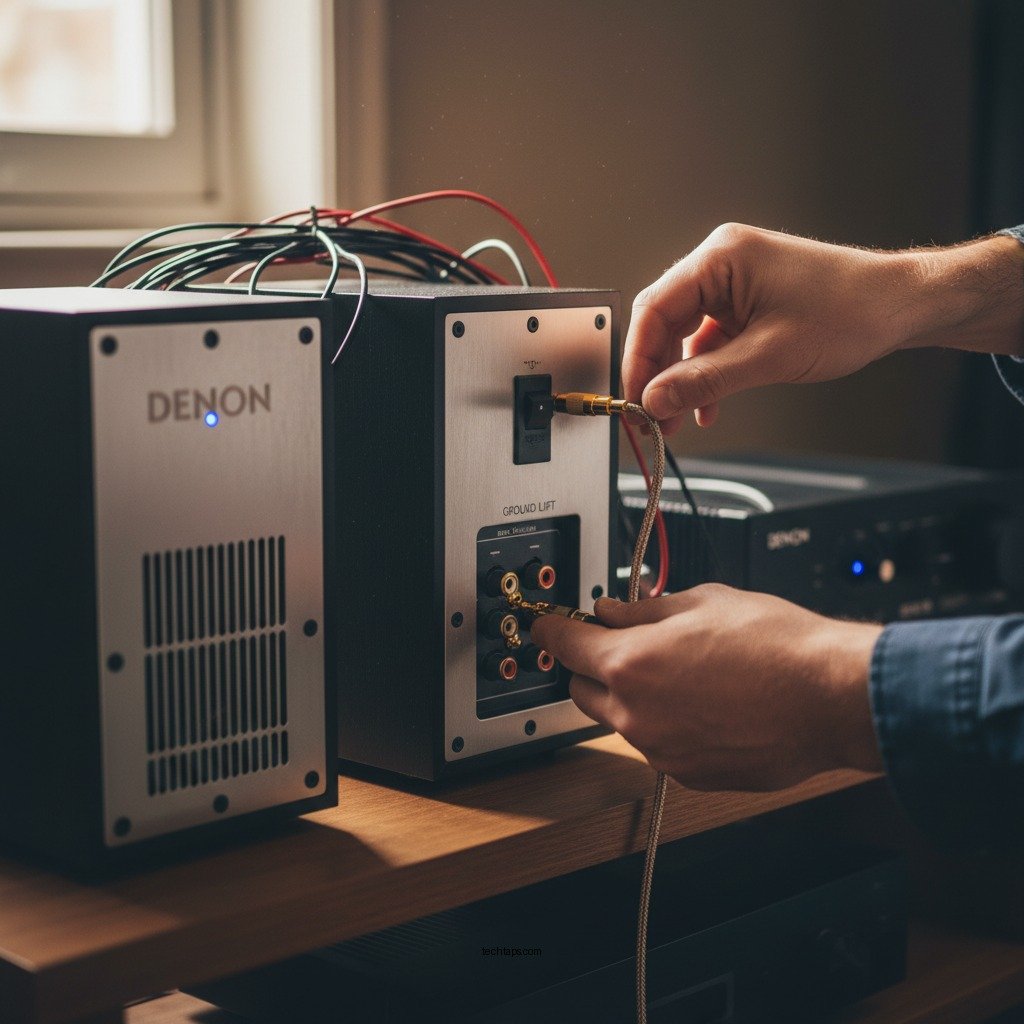
The first step in resolving static noise issues is to determine where the problem originates. Start by checking all connections. Ensure that all cables, including speaker wires, HDMI, or auxiliary connections, are securely plugged in. Loose connections are one of the most common culprits behind audio issues, including static noise.
Next, it’s essential to test different devices. Connect your Denon speaker to an alternative audio source, such as a different smartphone, tablet, or computer. If the static noise persists across multiple devices, the problem may lie within the speaker itself. If the noise disappears with a different device, the issue may be related to your original audio source.
Inspect Speaker Settings
Sometimes, the issue may not be with the speaker or the connections but rather with the settings being used. Start by adjusting the volume levels. Static noise can often occur at high volumes, so try lowering the volume to see if that resolves the issue.
Additionally, check the equalizer settings on your audio source. If the settings are overly boosted in certain frequency ranges, they may cause distortion that manifests as static noise. Adjust these settings to see if it alleviates the problem.
Examine the Audio Source
The quality of your audio files can significantly impact the performance of your Denon speakers. Low-quality or damaged audio files can introduce static noise during playback. Experiment by playing different tracks, preferably high-quality formats like FLAC or WAV, to see if the static noise persists.
Moreover, keeping your firmware updated is crucial. Check if there are available updates for both your Denon speaker and the audio source device. Firmware updates often include bug fixes and enhancements that can resolve compatibility issues, which might be contributing to the static noise.
Common Causes of Static Noise on Denon Speakers
| # | Cause | Description | Solution |
|---|---|---|---|
| 1 | Loose Connections | Cables may be unplugged or not properly seated. | Secure all connections. |
| 2 | High Volume Levels | Static can occur at loud volumes. | Lower the volume. |
| 3 | Poor Audio Quality | Low-quality files can lead to distortion. | Use high-quality audio. |
| 4 | Firmware Issues | Outdated firmware can cause problems. | Update firmware. |
| 5 | Electrical Interference | Nearby devices may cause noise. | Relocate electronics. |
| 6 | Speaker Damage | Physical damage may affect performance. | Seek professional help. |
| 7 | Improper Settings | Incorrect settings can lead to distortion. | Adjust settings accordingly. |
Check for Interference
Interference from other electronic devices can disrupt the audio performance of your Denon speaker. To mitigate this issue, try moving your speaker away from other electronic equipment, such as routers, microwaves, or televisions, to see if the static noise decreases.
Additionally, using a different power outlet can also help. Electrical interference from power sources can sometimes cause static noise. Plugging your speaker into a different outlet, preferably one on a different circuit, may resolve the issue.
Reset Your Denon Speaker
If all else fails, a factory reset may be your best option. A factory reset will restore your Denon speaker to its original settings, which can often resolve persistent issues like static noise.
Refer to your user manual for specific instructions on how to perform a reset on your particular model. Ensure that you back up any custom settings or configurations before proceeding, as this process will erase all personalized settings.
Seek Professional Help
If you have followed all the troubleshooting steps outlined in this guide and the static noise persists, it may be time to reach out for professional assistance. Contact Denon customer support for expert guidance. They may have additional insights or suggestions tailored to your specific model and situation.
Moreover, if your Denon speaker is still under warranty, explore your warranty options for repairs or replacements. Manufacturers often cover defects that can lead to persistent issues like static noise.
By taking these steps to troubleshoot static noise on your Denon speakers, you can identify and rectify the issue effectively. Begin with simple checks, such as connections and volume settings, then explore potential audio source problems and interference. If necessary, don’t hesitate to reset your speaker or seek professional assistance. With these strategies, you can enhance your listening experience and enjoy your music without the annoyance of static noise.
Frequently Asked Questions
What causes my Denon speaker to make static noise?
Static noise in Denon speakers can be caused by several factors, including interference from other electronic devices, loose connections, or issues with the audio source. Additionally, outdated firmware or damaged cables can contribute to the problem. Ensuring all connections are secure and checking for nearby devices that may cause interference can help identify the source of the static.
How can I fix static noise in my Denon speaker?
To fix static noise in your Denon speaker, start by checking all cables and connections, ensuring they are secure and undamaged. Next, try moving the speaker away from other electronic devices to reduce interference. Additionally, updating the firmware of your Denon speaker can resolve compatibility issues that might be causing the static.
Why is my Denon speaker making popping sounds along with static?
Popping sounds in conjunction with static from your Denon speaker may indicate a problem with the audio source or amplifier settings. It could also be a sign of a damaged speaker driver or loose wiring. To troubleshoot, test the speaker with different audio sources and adjust the volume settings to see if the issue persists.
Which Denon models are most prone to static noise issues?
While static noise can occur in any Denon speaker model, users have reported issues more frequently in older or entry-level models. Models like the Denon DHT-S216 and AVR series may have users experiencing these problems due to outdated components or firmware. Regular maintenance and updates can help mitigate these issues.
What is the best way to prevent static noise in Denon speakers?
To prevent static noise in your Denon speakers, ensure that all cables are high-quality and properly shielded to minimize interference. Regularly update your speaker’s firmware, keep electronic devices that may cause interference at a distance, and use surge protectors to protect against power fluctuations. Maintaining a clean audio environment will greatly enhance sound quality and reduce static.
References
- https://en.wikipedia.org/wiki/Speaker_(audio
https://en.wikipedia.org/wiki/Speaker_(audio - https://www.nature.com/articles/s41598-020-76681-6
https://www.nature.com/articles/s41598-020-76681-6 - https://pubmed.ncbi.nlm.nih.gov/29470025/
https://pubmed.ncbi.nlm.nih.gov/29470025/ - https://www.sciencedirect.com/science/article/pii/S0167732217303826
https://www.sciencedirect.com/science/article/pii/S0167732217303826 - https://www.bbc.com/news/technology-55313159
https://www.bbc.com/news/technology-55313159 - https://www.theguardian.com/technology/2020/jan/14/smart-speakers-privacy-concerns
https://www.theguardian.com/technology/2020/jan/14/smart-speakers-privacy-concerns - Google Scholar Google Scholar
https://scholar.google.com/scholar?q=Denon+Speaker+Making+Static+Noise - Google Scholar Google Scholar
https://scholar.google.com/scholar?q=audio+static+noise+troubleshooting - Google Scholar Google Scholar
https://scholar.google.com/scholar?q=speaker+noise+reduction - https://www.nytimes.com/2021/01/05/business/technology/amazon-alexa-safety.html
https://www.nytimes.com/2021/01/05/business/technology/amazon-alexa-safety.html