

To effectively reduce background noise in your wireless speaker system, start by optimizing the placement of your speakers and adjusting the settings. This article will guide you through several practical steps to enhance sound quality and minimize unwanted noise, ensuring a more enjoyable listening experience. By implementing these strategies, you can enjoy your favorite music or podcasts without interruptions from ambient sounds.
The importance of sound quality cannot be overstated, especially in an era where music and multimedia consumption are prevalent. Background noise can significantly detract from this experience, creating a frustrating barrier between you and the audio you wish to enjoy. By focusing on speaker placement, wireless settings, noise-canceling features, and additional acoustic treatments, you can create a more immersive listening environment.
Optimize Speaker Placement
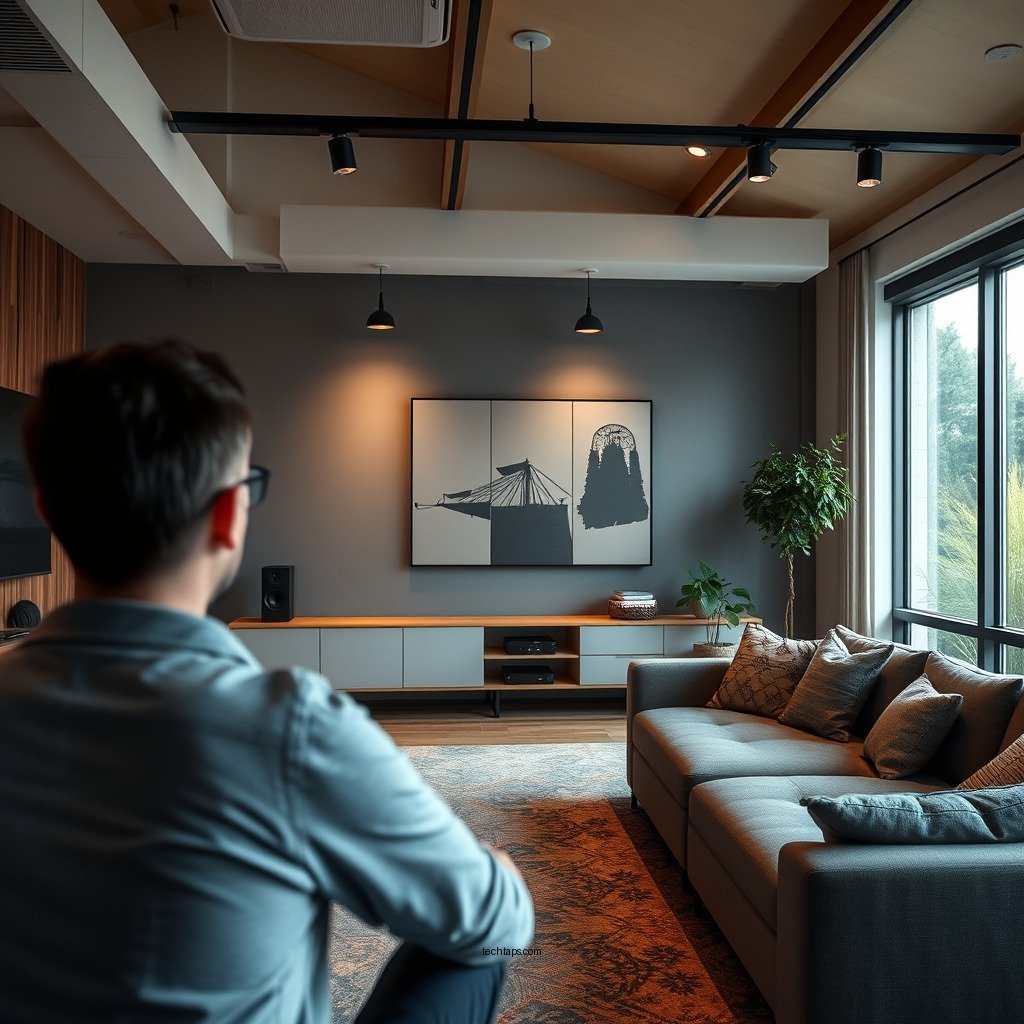
The placement of your speakers plays a crucial role in the sound quality you experience. To minimize background noise and enhance audio clarity, consider the following strategies:
– Position speakers away from walls and corners: When speakers are too close to walls or tucked into corners, sound waves can reflect off these surfaces, leading to muddiness and distortion. Aim to place speakers at least two feet away from any walls to allow sound waves to disperse evenly.
– Elevate speakers to ear level: Placing speakers at ear level enhances clarity and ensures that the sound reaches your ears directly rather than bouncing off surfaces. If you’re using bookshelf speakers, consider investing in stands to achieve the ideal height.
– Create an equilateral triangle: If using multiple speakers, position them in an equilateral triangle formation with respect to your listening position. This setup allows for balanced sound distribution and a more immersive audio experience.
Adjust Wireless Settings
Wireless speakers can be affected by various settings and interference from other devices. Here are essential adjustments to make:
– Ensure your wireless speakers are using the latest firmware: Regularly updating your speaker firmware can solve bugs and improve performance. Check the manufacturer’s website or app for updates and installation instructions.
– Change the wireless channel: Many wireless speakers operate on the 2.4 GHz band, which is shared with numerous devices such as Wi-Fi routers and microwaves. Switching to a different channel can greatly reduce interference. Most modern speakers allow you to select channels through their settings.
Utilize Noise-Canceling Features
Many wireless speaker systems come equipped with noise-canceling features. Here’s how to take advantage of them:
– Explore built-in noise-canceling settings: Check your speaker’s user manual for noise-canceling options. Activating these settings can significantly reduce ambient noise, allowing you to focus on the audio.
– Consider using apps or software: Various apps are available that provide noise reduction features tailored to enhance sound quality. Look for applications that support your speaker model, as they can offer additional customization options.
Incorporate Acoustic Treatments
Acoustic treatments can dramatically change the sound dynamics of your room. Implement these solutions for a quieter environment:
– Use sound-absorbing materials: Incorporate rugs, curtains, and wall panels that absorb sound waves. These materials help to reduce echo and ambient noise, creating a more controlled acoustic environment.
– Rearrange furniture: Experiment with furniture placement to find a layout that minimizes sound reflections. Sofas and bookshelves can act as barriers that absorb sound, so consider their positioning carefully.
Limit External Interference
To maintain a clean audio signal, it’s vital to limit external interference. Focus on the following strategies:
– Identify and eliminate sources of interference: Common household devices such as microwaves and Wi-Fi routers can disrupt wireless signals. If possible, relocate these devices away from your speakers.
– Keep the area around your speakers clear: Ensure that your speakers are free from clutter and other electronic devices. This practice will minimize any potential interference and enhance overall sound quality.
Experiment with Equalization
Equalization is a powerful tool for customizing sound output. Use the following tips to fine-tune your speaker settings:
– Adjust the equalizer settings: Most modern wireless speakers come with built-in equalizers. Adjust these settings to emphasize the frequencies that sound best in your listening environment while reducing those that contribute to background noise.
– Conduct listening tests: Spend time experimenting with different equalizer presets and configurations. Note the changes in sound quality and find the optimal setup that suits your preferences.
Top 7 Wireless Speaker Systems for Noise Reduction (2024)
| # | Speaker Model | Noise-Canceling | Battery Life | User Rating |
|---|---|---|---|---|
| 1 | Sonos One | Yes | 10 hours | ★★★★☆ |
| 2 | Bose SoundLink Revolve+ | Yes | 12 hours | ★★★★★ |
| 3 | JBL Charge 5 | No | 20 hours | ★★★★☆ |
| 4 | Ultimate Ears MEGABOOM 3 | No | 20 hours | ★★★★☆ |
| 5 | Anker Soundcore Motion+ | No | 15 hours | ★★★★★ |
| 6 | Sony SRS-XB43 | No | 24 hours | ★★★★☆ |
| 7 | Apple HomePod mini | Yes | 12 hours | ★★★★★ |
Regular Maintenance and Updates
Regular maintenance is essential to ensure that your wireless speaker system performs at its best. Consider the following practices:
– Periodically check connections and cables for wear and tear: Loose connections or damaged cables can lead to sound issues. Regularly inspect all physical connections and replace any frayed or damaged components.
– Keep your speaker system updated with the latest software: Manufacturers frequently release software updates to enhance performance and add new features. Make it a habit to check for updates every few months to ensure your system is operating at optimal levels.
In conclusion, reducing background noise in your wireless speaker system is a multi-faceted approach involving careful speaker placement, attentive settings adjustments, and the utilization of noise-canceling features. By integrating acoustic treatments and limiting external interference, you further enhance your listening environment. Don’t forget to experiment with equalization settings and maintain your system with regular checks and updates. By implementing these strategies, you can achieve remarkable sound quality and a more immersive audio experience, ensuring that every note and beat resonates clearly without the distraction of unwanted noise. Enjoy your enhanced listening experience!
Frequently Asked Questions
What are effective methods to reduce background noise in a wireless speaker system?
To effectively reduce background noise in a wireless speaker system, consider placing the speakers away from walls and corners, as this can help minimize echoes. Additionally, using sound-absorbing materials like rugs, curtains, and acoustic panels in the room can significantly enhance sound quality by dampening background noise.
How can I improve the sound quality of my wireless speakers by eliminating background noise?
To improve sound quality and eliminate background noise, ensure that your wireless speakers are positioned correctly, ideally at ear level and away from electronic devices that may cause interference. You can also adjust the equalizer settings on your audio source to emphasize higher frequencies, which can help mask unwanted noise.
Why is my wireless speaker picking up background noise, and how can I fix it?
Your wireless speaker may be picking up background noise due to interference from other electronic devices or poor connectivity. To fix this, try relocating your speaker to a different area, away from Wi-Fi routers or microwaves, and ensure that your connections are secure and up to date to minimize interference.
What are the best types of wireless speakers for reducing background noise?
The best types of wireless speakers for reducing background noise often feature noise-cancellation technology, such as certain models from brands like Bose or Sony. These speakers use advanced algorithms to filter out ambient sounds, making them ideal for environments with significant background noise.
Which settings should I adjust on my wireless speaker to minimize background noise?
To minimize background noise on your wireless speaker, adjust the volume levels, and experiment with the bass and treble settings to find a balance that reduces unwanted sounds. Additionally, if your speaker has a noise suppression feature, enabling it can greatly enhance audio clarity by filtering out background sounds during playback.
References
- Noise control
https://en.wikipedia.org/wiki/Noise_control - https://www.ncbi.nlm.nih.gov/pmc/articles/PMC7025351/
https://www.ncbi.nlm.nih.gov/pmc/articles/PMC7025351/ - https://www.sciencedirect.com/topics/engineering/noise-control
https://www.sciencedirect.com/topics/engineering/noise-control - https://www.nature.com/articles/s41598-019-51178-4
https://www.nature.com/articles/s41598-019-51178-4 - https://www.cdc.gov/niosh/topics/noise/default.html
https://www.cdc.gov/niosh/topics/noise/default.html - https://pubmed.ncbi.nlm.nih.gov/28617367/
https://pubmed.ncbi.nlm.nih.gov/28617367/ - Google Scholar Google Scholar
https://scholar.google.com/scholar?q=Reduce+Background+Noise+in+Wireless+Speaker+System - Google Scholar Google Scholar
https://scholar.google.com/scholar?q=Noise+Reduction+Techniques+for+Audio - Google Scholar Google Scholar
https://scholar.google.com/scholar?q=Wireless+Speaker+System+Noise+Control - https://www.bbc.com/future/article/20210308-how-to-reduce-noise-at-home-when-working
https://www.bbc.com/future/article/20210308-how-to-reduce-noise-at-home-when-working



