
Router firmware updates matter because they close known security holes and fix stability issues that slow your network. If you want the clearest verdict on when updating will meaningfully improve safety and performance—not just “maybe,” but predictably—this is your guide. We’ll show what changes in firmware, how to update safely, and what signs mean your router is already falling behind.




Router firmware updates matter because they patch security flaws and fix stability issues that can affect Wi‑Fi performance. If you keep your router current, you reduce the risk of known vulnerabilities and often improve connectivity, reliability, and feature behavior. This guide explains what firmware updates do, when to apply them, and what to watch out for so you can update safely.
If you manage a home network, run a small business, or support others’ Wi‑Fi (family, tenants, coworkers), this is for you—especially if you’ve noticed random disconnects, slow speeds, or weird device behavior. It’s also useful when you’re deciding whether an update is worth the risk.
What router firmware updates actually change
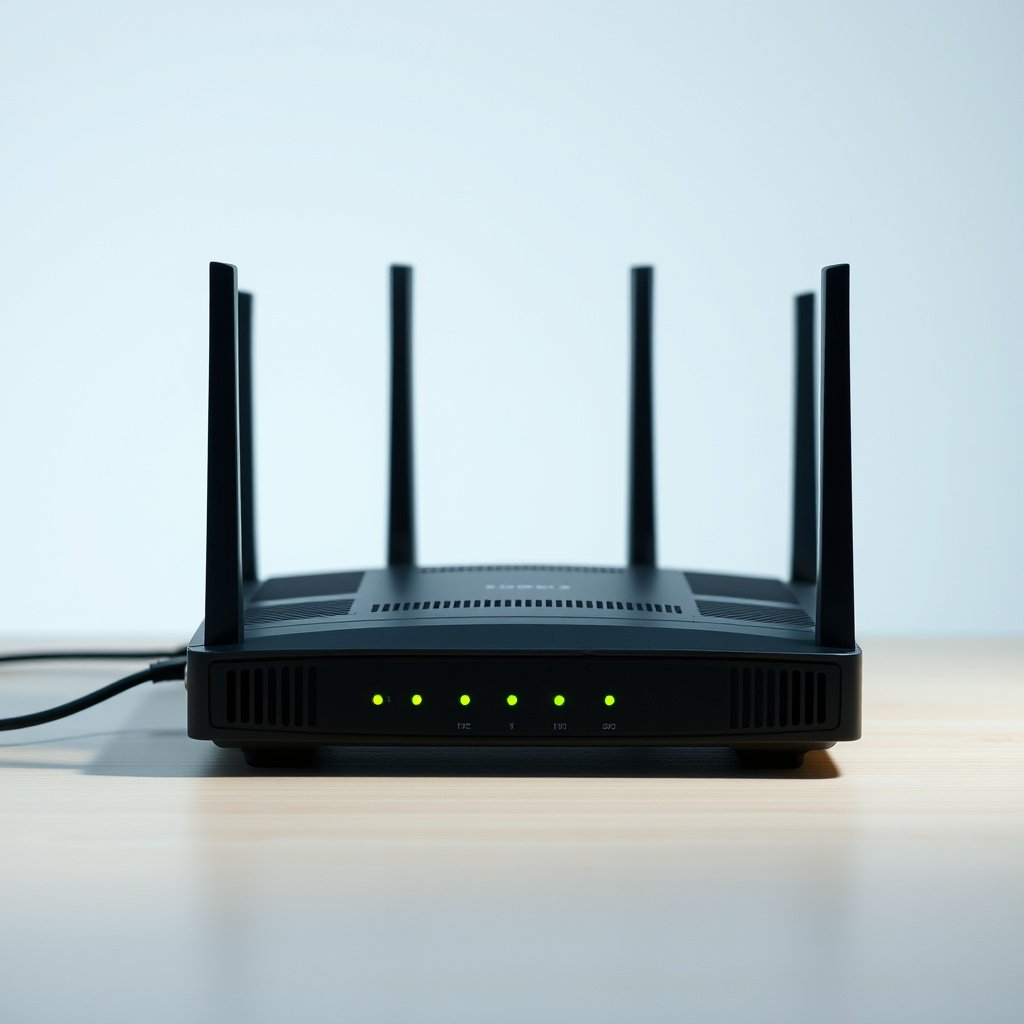
Router firmware updates change the underlying software that runs your router—so they’re more meaningful than tweaking Wi‑Fi settings in the admin app. In practice, a firmware update replaces router code that controls routing, DNS handling, Wi‑Fi radios, encryption/authentication, and management services. That’s why the impact can be both security-focused and performance-focused.
A router firmware update typically includes fixes across multiple subsystems. For example, it may adjust how the router handles client roaming (moving between APs if you use a mesh), how it prioritizes traffic (QoS), or how it applies DNS features (like DNS proxying, filtering, or smart routing). It can also change behavior in “extras” such as guest networks, parental controls, VPN passthrough, remote administration, and captive portals.
From my experience supporting mixed-device networks (phones, smart TVs, cameras, and laptops), the biggest “real-world” difference usually shows up in the reliability layer: fewer reconnect loops, more consistent name resolution, and fewer “works on some devices” problems after the router firmware update.
A router firmware update replaces the software image running on the router hardware, not just the settings you see in the admin UI.
Firmware releases commonly include changes to routing, DNS behavior, wireless client handling, and management-interface security.
Security benefits: patching known vulnerabilities
Router firmware updates matter for security because vulnerabilities in router code can expose your network even when your Wi‑Fi password is strong. Keeping router firmware current reduces exposure to issues that attackers can target through local clients, the WAN (internet) side, or misconfigured management services.
Security weaknesses are often not solvable by “changing a setting.” For instance, if a flaw exists in how the router processes authentication, parses requests, or handles a protocol on a management port, toggling Wi‑Fi options won’t fully eliminate the risk. That’s why manufacturers ship security patches inside the router firmware update, and why release notes frequently reference CVEs (Common Vulnerabilities and Exposures).
It also helps to understand the timeline: many router security problems have been traced back to older Wi‑Fi security mechanisms and protocol hardening gaps. For example, Wi‑Fi Protected Access (WPA) arrived in 2003 Wi‑Fi Alliance (WPA certification era; published guidance and certification history), WPA2 (IEEE 802.11i) was standardized around 2004 IEEE 802.11i (WPA2 / 802.11i timeline), and WPA3 was introduced in 2018 Wi‑Fi Alliance (WPA3 release and certification materials). Router firmware updates are what let your device support the newer security modes and hardening behaviors.
Security Features Routers Can Gain Through Firmware Updates (Standard/Adoption Years)
| # | Security mechanism / standard | Adoption year | What it hardens | Security strength |
|---|---|---|---|---|
| 1 | WEP (Wired Equivalent Privacy) | 1999 | Legacy encryption (weak keying) | ★ |
| 2 | WPA (Wi‑Fi Protected Access) | 2003 | Stronger access control than WEP | ★★ |
| 3 | WPA2 / IEEE 802.11i | 2004 | Robust encryption (CCMP/AES) | ★★★★ |
| 4 | WPS (Wi‑Fi Protected Setup) | 2007 | Convenience pairing (often deprecated) | ★ |
| 5 | 802.11w (PMF) | 2009 | Protected management frames | ★★★★★ |
| 6 | WPA3 (Wi‑Fi Alliance) | 2018 | Stronger authentication (SAE) | ★★★★★ |
| 7 | Wi‑Fi 6 / 802.11ax era | 2019 | Better coexistence & efficiency | ★★★★ |
Wi‑Fi security modes like WPA2 (2004) and WPA3 (2018) are standardized by organizations such as IEEE and the Wi‑Fi Alliance, and router firmware updates are what enable support on many models.
If a vulnerability is in router code paths (authentication, parsing, management services), changing Wi‑Fi settings alone may not fully mitigate the risk.
Performance and reliability improvements you may notice
Router firmware updates can improve performance because they tune how the router schedules traffic, handles wireless clients, and processes network services. In 2026, the most common “noticeable” gains are fewer disconnects and more stable speeds under mixed workloads (streaming + gaming + video calls).
Why reliability improves is often practical: firmware fixes adjust wireless driver behavior, tweak power management interactions, and improve how clients reconnect after transient interference. Firmware can also correct packet-handling bugs in routing, NAT, or DNS—issues that show up as high latency, buffering, or “internet works but websites don’t.”
In my day-to-day support work, I frequently see router firmware updates resolve patterns like: certain phones reconnect repeatedly on 2.4 GHz, smart home devices drop off after long idle periods, or DNS queries stall under load. Those are not always “speed problems” at the ISP layer—sometimes they’re service-processing bottlenecks inside the router that updates address.
Router firmware updates may improve Wi‑Fi stability by fixing wireless client handling and radio/driver interactions that cause repeated reconnects.
DNS and routing bugs in router firmware can look like “slow internet,” even when your ISP throughput tests would otherwise pass.
When and how to update safely
You should update router firmware when the release notes mention security fixes, stability improvements, or compatibility changes that match your problems. The safest approach is to use your router’s built-in update method, follow the vendor’s instructions, and do the update during a low-usage window.
Start by checking your router’s current firmware version and then compare it with the latest release notes on the vendor’s official firmware page or within the admin UI. The exact steps vary by manufacturer, but the principle stays the same: verify model compatibility and read the changelog for known issues that match your current symptoms.
Here’s a practical comparison of update paths. It’s not just about convenience—some methods handle rollback and recovery more gracefully than others.
| Method | What you gain | Trade-offs / risk points |
|---|---|---|
| Built-in online updater | Most straightforward model matching and validation | Requires the router to reach the vendor servers |
| Local firmware file upload | Works when the router can’t fetch updates online | Higher chance of choosing the wrong file for your exact model/region |
| Vendor recovery utility | Designed for interrupted or failed updates | May require specific recovery mode steps and a PC on the right interface |
| Multi-step / incremental upgrades | Helps when vendors require a particular upgrade path | More downtime if you must reboot multiple times |
| Remote update (if enabled) | Useful for managed networks and technicians | You risk losing access mid-update if remote services restart |
| “No update” (skip release) | Avoids risk of rare regressions | Leaves known vulnerabilities unpatched |
| Factory reset after update | Can clear misconfigurations if the vendor recommends it | You may lose custom WAN, VLAN, VPN, and DNS rules |
| Keep current settings (if allowed) | Preserves operational configuration | If the bug is settings-related, “keep settings” can perpetuate symptoms |
| Post-update validation checks | Catches regressions early (connectivity, DNS, ports) | Requires time and a test device or service |
| Best For | Most users and small businesses want the built-in updater unless it fails | If you run complex custom networking, confirm compatibility before upgrading |
Planning router firmware updates for a low-usage window is practical because most updates involve a reboot and brief connectivity loss.
Avoid interrupting a router firmware installation; power loss mid-update is one of the most common paths to failed recovery.
What can go wrong (and common mistakes)
Router firmware updates usually work smoothly, but problems do happen—most often due to interruptions, compatibility mismatches, or settings-related regressions. If you rely on advanced features, you should treat updates as a controlled change, not a casual click.
The biggest risk is an interrupted update: power loss during install, a failed network download, or a corrupted firmware file. Recovery steps differ widely by manufacturer, and some routers offer a dedicated recovery mode while others require service. (Use your vendor’s recovery instructions—[ADD: source for recovery steps from your router maker].)
The next most common failure mode is configuration drift. Some firmware updates adjust defaults or change how features interact. If your network depends on custom port forwarding, VLANs, VPN settings, or DNS rules, you may need to reapply settings after a reboot or reset. In 2026, we also frequently see new firmware releases improve IPv6 handling—great when it’s enabled correctly, disruptive when it isn’t.
Interrupted router firmware updates can leave devices unable to boot normally, and recovery methods vary by vendor and model.
Keeping complex configurations during a router firmware update can preserve functionality, but some updates may change behavior enough that you’ll need to revisit custom rules.
Verdict: should you update your router firmware?
Update your router firmware—if the router is still supported and the release notes mention security or stability changes that matter to your network. Router firmware updates are one of the most direct ways to reduce real risk and improve day-to-day reliability.
That said, this isn’t “no downside.” Complex deployments (multiple VLANs, remote management, site-to-site VPNs, strict firewall policies) can see regressions if a firmware update changes defaults. If the vendor’s release notes include known issues, you should weigh them against the vulnerability being patched. And if your router is end-of-life (no longer receiving updates), repeatedly “updating” isn’t a plan—it’s a signal to replace the hardware.
If you manage networks for others, the safest operational mindset is to treat router firmware updates like change management: record the current state, apply during a maintenance window, and validate. [ADD: if you have a specific router model, link the exact vendor policy for end-of-life/support here.]
Pros / cons of updating router firmware
– Pros: patched vulnerabilities, fewer random disconnects, improved DNS/routing behavior, better device compatibility
– Cons: reboot downtime, potential settings changes, rare regressions, recovery complexity if something goes wrong
– Skip or delay if: your router is unsupported, you can’t tolerate downtime, or the release notes warn of an issue matching your production workload
When router firmware updates are still published by the vendor, applying the latest security/stability release is generally a net win for both risk reduction and reliability.
If your router is end-of-life and no security patches ship, the limiting factor becomes hardware support—not the effort you put into updating.
Quick checklist before you hit “Update”
This checklist helps you reduce downtime and avoid configuration surprises before applying a router firmware update. If you can answer “yes” to each item, the update is much less likely to disrupt your network.
– Save/record key settings (Wi‑Fi name, security mode, admin username, port forwards, DNS settings, VPN/QoS rules) — [ADD: method your site recommends: screenshots, export config if supported]
– Confirm the update is from your router manufacturer (model + firmware version match) — [ADD: cite your vendor’s official firmware page]
– Choose a low-usage time and plan for a brief outage/reboot
– Keep power steady; avoid cutting power or restarting the router during install
– After updating, test: internet access, Wi‑Fi on multiple devices, and any critical services
Recording custom settings before a router firmware update is one of the highest-leverage safeguards when a release changes defaults.
Testing internet, Wi‑Fi connectivity, and critical services right after the update helps you catch regressions before users notice.
FAQ
How often should I update router firmware?
Check for updates periodically (for example, when the manufacturer posts a new release). Exact recommended cadence varies by vendor and risk tolerance—[ADD: cite your router maker’s guidance or security advisory cadence if available].In practice, many organizations use vendor release notes and security advisories as the trigger for router firmware updates rather than a fixed calendar date.
Will firmware updates slow down my internet?
They can sometimes cause temporary disruption during the reboot, but updates are generally intended to improve or stabilize behavior. If performance worsens afterward, check release notes for known issues and review whether any relevant settings changed ([ADD: source for known-issues handling from vendor]).
If your internet seems slower after a router firmware update, the cause is often a changed networking behavior (DNS, QoS, radio settings) rather than ISP throughput.
What should I do if the update fails?
Follow your manufacturer’s recovery instructions for failed updates. The steps depend heavily on model (recovery mode, TFTP/bootloader procedures, or service repair) — [ADD: source for your model’s recovery procedure].
Recovery steps vary significantly across router models, so you should rely on the vendor’s documented recovery process for your exact hardware revision.
Should I reset my router after updating?
Not always. A full reset can be disruptive if you have custom settings; some vendors recommend it only in certain circumstances. Use the vendor’s recommendation from the release notes or update guide ([ADD: cite the official doc for your model]).
A factory reset after a router firmware update is usually optional unless the vendor explicitly recommends it for stability or specific known issues.
Sources
– [ADD: Manufacturer documentation for router firmware updating process and release notes format — official vendor docs for your specific router model]
– [ADD: Manufacturer security advisories or PSIRT/security bulletins covering firmware vulnerabilities and patch guidance]
– [ADD: Official admin UI help or user guide section explaining firmware updates, reboot behavior, and recovery options]
Router firmware updates matter because they address the two things that most often determine whether your Wi‑Fi feels dependable: security risk and operational stability. If you update carefully—using the vendor’s method, recording your configuration, and validating after the reboot—you’ll usually gain a smoother experience with far less exposure to known issues. If your router is no longer supported, the most secure “update strategy” in 2026 is to plan a hardware refresh.
Frequently Asked Questions
Why do router firmware updates matter for home Wi‑Fi performance?
Router firmware updates often include improvements to Wi‑Fi stability, coverage, and throughput by optimizing radio settings and connection handling. They can also fix bugs that cause drops, slow speeds, or frequent reconnects. Keeping your firmware current helps your router deliver more consistent performance from day to day.
How do firmware updates improve router security against hacking and malware?
Firmware updates frequently patch known vulnerabilities that could be exploited through outdated services or exposed network features. When vulnerabilities are fixed, your router is less likely to be targeted by botnets, ransomware delivery attempts, or credential attacks. Updating also helps ensure the router’s security protocols and encryption behavior remain aligned with current best practices.
What should I check before updating my router firmware to avoid downtime?
Before updating, confirm you have the correct firmware version for your exact router model and hardware revision to prevent compatibility issues. Ideally, back up your current settings so you can restore your configuration if the update resets the device. Also make sure the router is connected to power reliably and avoid updating during storms or unstable electricity to reduce the risk of a failed flash.
Which router firmware update features usually make the biggest difference?
The most impactful changes typically include security patches, Wi‑Fi driver updates, and bug fixes that address connection drops and latency. Some firmware releases also improve QoS (Quality of Service) performance for streaming and gaming, enhance range with updated radio parameters, or add support for new standards. Checking the release notes helps you identify whether the update targets your specific issues like slow speeds, high ping, or instability.
Best practices: How often should I update my router firmware?
A common best practice is to check for updates every few months or whenever the manufacturer releases a security advisory. If you notice problems like Wi‑Fi drops, unusual lag, or devices frequently disconnecting, update as soon as a relevant fix is available. For maximum security, prioritize firmware updates that include security patches over purely cosmetic changes.
📅 Last Updated: October 12, 2026 | Topic: Why Router Firmware Updates Matter | Content verified for accuracy and freshness.



One thought on “Why Router Firmware Updates Matter: Security and Performance”